
Cross-Account Trade Copier Setups
Explore cross-account trade copier setups for traders who run multiple accounts or want to mirror execution. Find tools that copy trades with adjustable sizing, filters, and safety checks, helping keep risk consistent. Useful for validating a trading strategy, separating live vs demo testing, or copying actions from an expert adviser between accounts.
Strumenti
Confronto strumenti
Domande frequenti
Strumenti


Confronto strumenti
Prodotto | Recensioni | Download | Vendite | Prezzo | Piattaforme compatibili |
|---|---|---|---|---|---|
Gaucho Gold Scalper Demo Version | 4.4 (8) | 1.76K | — | Gratis | Windows, Mac, Mobile, Web |
Gaucho Gold Scalper (Full Version) | 5.0 (4) | — | 13 | $999 | Windows, Mac, Mobile, Web |
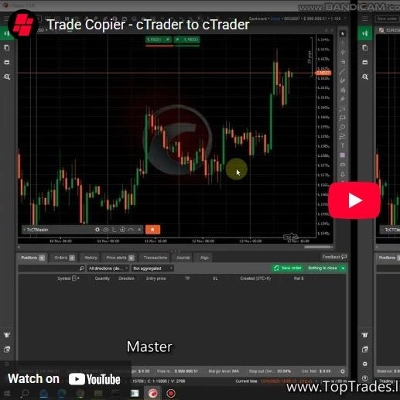
cTraderTradeCopier | 1.7 (3) | 1.48K | — | Gratis | Windows, Mac, Mobile, Web |
Axivor Trade Copier | — | — | — | $119 | Windows, Mac, Web |
FXCompute Trade Copier | 5.0 (1) | 1.26K | — | Gratis | Windows, Mac, Mobile, Web |
Domande frequenti
A cross-account trade copier repeats positions from one cTrader account on other accounts without manual re-entry. Typical uses are running one strategy side by side on demo and live, or keeping several of your accounts in step under sizing and filter rules you set.
Commonly a cBot on the source account publishes its trades and an instance on each target reads them, for example through a shared file. Setups built on shared files or web requests may need local instances, which halt once the desktop app closes.
Yes, a wrong multiplier or a balance-based ratio between accounts of different size can open positions far larger than intended, on every target at once. Rehearse the whole setup on demo accounts first; whatever it opens on your accounts stays your responsibility.
Look for per-account volume rules, symbol filters, a cap on position size or exposure, and handling of partial closes and stop edits. A clear log of skipped or failed copies matters too, since a missed close on one account leaves it exposed while the others are flat.
Typically order details such as symbol, direction, volume, stop and target pass from source to target, sometimes via files stored on your computer. Rules on trade copying and signals vary by country, so confirm the local position before you use one.