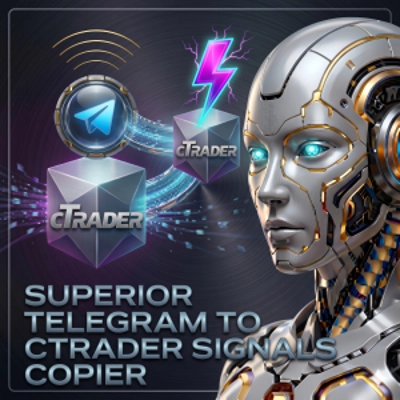
Superior Telegram To cTrader Copier
cBot
3 구매
버전 1.4, Sep 2026
Windows, Mac, Web
4.0
리뷰: 1
설명
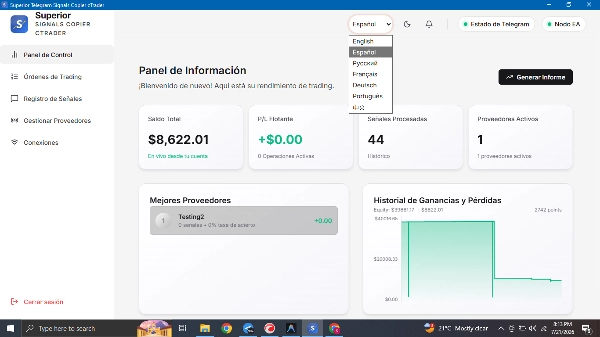
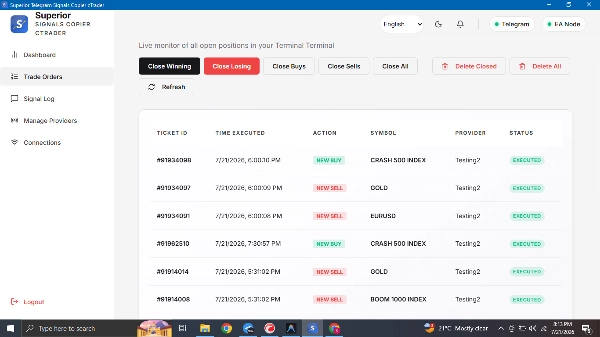
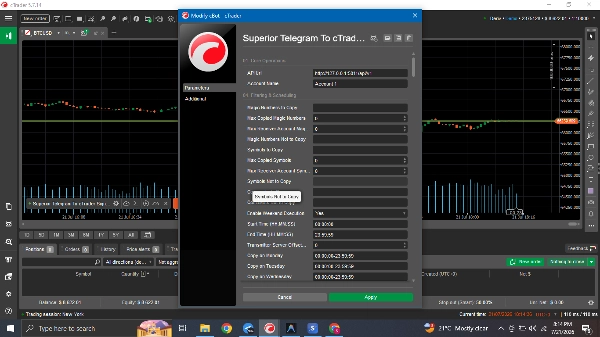
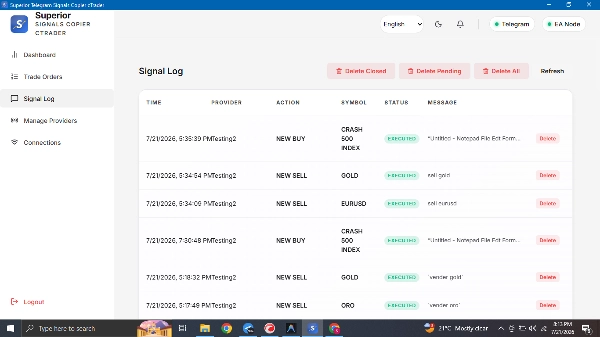
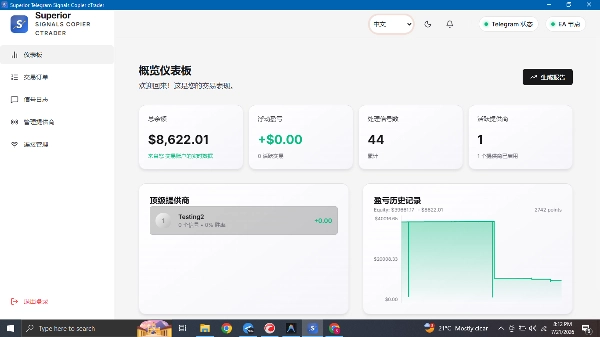
우수한 텔레그램 시그널 복사기 cTrader는 텔레그램 채널 또는 그룹에서 거래 신호를 자동으로 읽어 귀하의 cTrader 계정으로 직접 복사합니다.
시그널 텍스트를 읽고, 이미지/스크린샷을 이해하며, 심볼, 방향, 진입, 손절 및 이익실현 수준을 파악하고, 귀하의 위험 규칙에 따라 포지션 크기를 조정한 후 메시지가 도착한 직후 cTrader로 거래를 전송합니다 — 빠른 시장 상황에서 수동으로 읽거나 입력하거나 추측할 필요가 없습니다.
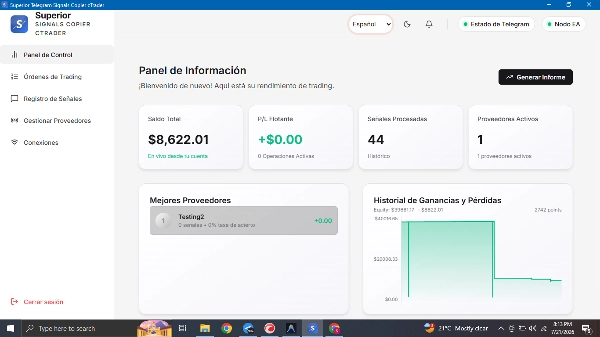
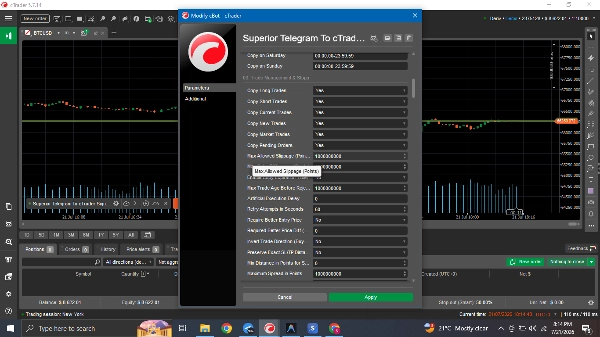
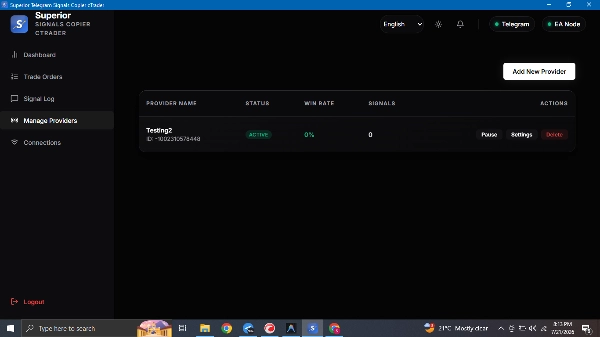
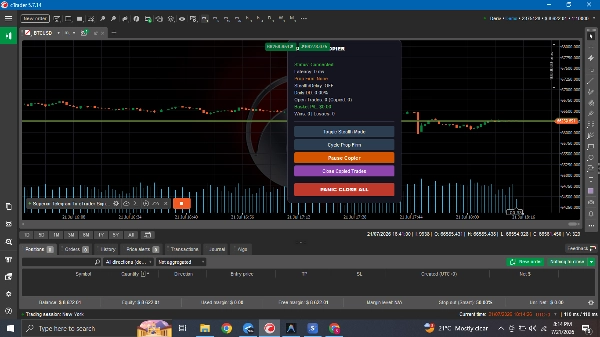
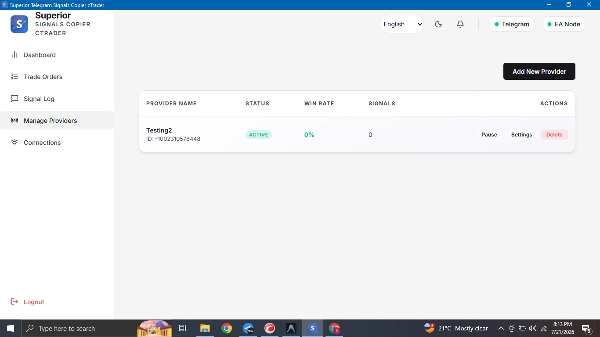
이 소프트웨어는 두 부분으로 구성되어 있습니다: 텔레그램에 연결하여 채널을 읽는 무료 데스크톱 앱(토론 탭에서 이용 가능)과 결과 거래를 실행 및 관리하는 cTrader cBot. 모든 것은 독립 실행형 실행 파일로 귀하의 PC 또는 VPS에서 실행됩니다.
전체 설정 및 사용자 매뉴얼은 토론 탭에서 읽어보세요.
주요 기능
- 다중 계정 복사: 하나의 송신자 인스턴스가 독립적으로 cBot을 실행하는 여러 수신자 계정에 방송할 수 있습니다.
- 유연한 로트 크기 조정: 고정 로트, 고정 금액, 잔액/자본/여유 증거금의 %, 시그널 제공자의 크기 비례 조정 또는 엄격한 배수 설정이 가능합니다.
- 누락된 데이터 대체: 시그널에 로트 크기나 진입 가격이 누락된 경우, cBot이 브로커의 최소 로트와 현재 시장 가격으로 대체하여 위험 계산이 계속 진행되도록 합니다.
- 분할 이익실현 주문: 시그널을 여러 이익실현 수준(TP1/TP2/TP3)으로 자동 분할합니다.
- 추적 손절 및 손익분기점.
- 스텔스 모드 (가상 SL/TP): 선택적으로 브로커에 SL/TP를 숨기고 대신 로컬에서 종료를 관리합니다. 참고: 이 모드에서는 연결이 끊기면 소프트웨어가 재연결될 때까지 브로커 측 보호 손절 없이 포지션이 유지됩니다.
- 일일 자본 보호: 일일 손실 및 이익(%) 또는 금액을 추적하며 임계값에 도달하면 신규 거래를 중지합니다.
- 최고점 대비 낙폭 보호.
- 실행 무작위화: 무작위 실행 지연 및 로트 크기 변동(둘 다 구성 가능, 기본값은 비활성화).
- 심볼 매핑: 송신자 심볼명을 브로커의 정확한 명칭(접미사, 합성 등)으로 변환하며, 심볼 또는 매직 넘버별 포함/제외 필터를 제공합니다.
- 시간 필터: 요일별 거래 제한 및 수동으로 정의한 뉴스 차단 시간 목록을 설정할 수 있습니다.
- 매직 넘버 필터링: 송신자의 거래 중 정확히 어떤 거래가 복사될지 제어합니다.
시스템 구성 요소
- 데스크톱 앱: 텔레그램 로그인 및 시그널 읽기를 처리합니다.
- cBot: cTrader 터미널 내에서 거래 실행, 로트 크기 계산 및 계정 보호를 담당합니다.
프로프 펌 호환성 참고: 이 복사기는 제3자 텔레그램 시그널을 기반으로 완전 자동 실행을 수행합니다. 대부분의 주요 프로프 펌 및 기타 업체들은 cBot을 트레이더 소유 전략이나 위험 관리 용도로만 제한하며, 외부 시그널/커뮤니티 그룹 기반 거래를 금지합니다 — 이는 "스텔스 모드" 사용 시에도 적용됩니다. 프로프 펌 평가 또는 자금 지원 계정에서 사용하기 전에 해당 펌의 현재 cBot 및 복사 거래 규칙을 직접 확인하세요. 개인/실계좌에서는 제한 없이 작동합니다.
요약
AI 요약
The Superior Telegram To cTrader Copier is a software solution designed to automatically copy and execute trading signals from Telegram channels into the cTrader platform. It operates via a local desktop application that monitors Telegram messages and communicates with a cTrader cBot to place trades instantly without manual intervention.
Key features include advanced risk and lot sizing options with 15 different algorithms, such as risk percentage based on account metrics, fixed lot sizing, proportional sizing, and multipliers. The system also manages trades with multiple take profit levels, trailing stops, break-even logic, and a stealth mode that hides stop loss and take profit levels from brokers by managing them locally.
Account protection mechanisms include daily drawdown limits, daily profit targets, and maximum drawdown from the account's peak balance, automatically halting trading or closing positions when thresholds are met. The copier supports symbol mapping to translate standard symbols to broker-specific formats and offers filtering by symbols, magic numbers, keywords, and trading times, including blocking trades during high-impact news events.
The system consists of a desktop app for signal scraping and login, and a cBot within cTrader for trade execution, lot size calculations, and risk management. It is compatible with prop firm requirements and supports sophisticated trade and risk management features to automate signal copying efficiently.
Key features include advanced risk and lot sizing options with 15 different algorithms, such as risk percentage based on account metrics, fixed lot sizing, proportional sizing, and multipliers. The system also manages trades with multiple take profit levels, trailing stops, break-even logic, and a stealth mode that hides stop loss and take profit levels from brokers by managing them locally.
Account protection mechanisms include daily drawdown limits, daily profit targets, and maximum drawdown from the account's peak balance, automatically halting trading or closing positions when thresholds are met. The copier supports symbol mapping to translate standard symbols to broker-specific formats and offers filtering by symbols, magic numbers, keywords, and trading times, including blocking trades during high-impact news events.
The system consists of a desktop app for signal scraping and login, and a cBot within cTrader for trade execution, lot size calculations, and risk management. It is compatible with prop firm requirements and supports sophisticated trade and risk management features to automate signal copying efficiently.
트레이딩 프로필
상담
고객 리뷰
4.0
리뷰: 1
5 | 0 % | |
4 | 100 % | |
3 | 0 % | |
2 | 0 % | |
1 | 0 % |
고객 리뷰
September 14, 2026
I purchased this cBot and experienced some problems. The developer responded very quickly and resolved everything in no time. This bot is definitely very suitable for beginners. Thank you for your great cBot and for your excellent support. This developer is trustworthy.
자주 묻는 질문(FAQ)
Fixed Lot
Stop Loss (SL) Manager
Prop Firm Fit
Daily Loss Limit
Trailing Stop
Trailing Stop Manager
Take Profit (TP) Manager
트레이딩 봇, 지표, 플러그인 등 cTrader Store에서 제공되는 상품은 제3자 개발자에 의해 제공되며, 이는 단순히 정보 및 기술적 접근을 목적으로 제공된 것입니다. cTrader Store는 중개인이 아니며, 투자 조언, 개인별 추천 또는 향후 성과에 대한 어떠한 보장도 제공하지 않습니다.