Descrição
Este não é apenas mais um robô RSI com configurações aleatórias e backtests superajustados.
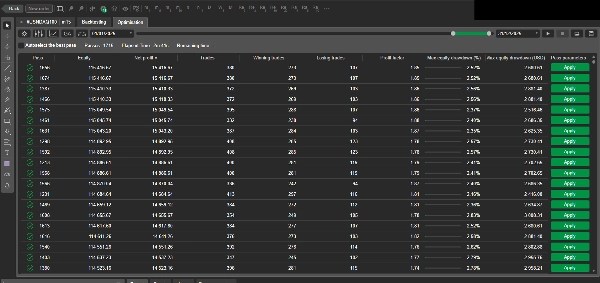
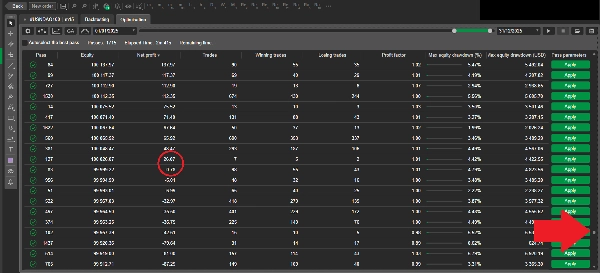
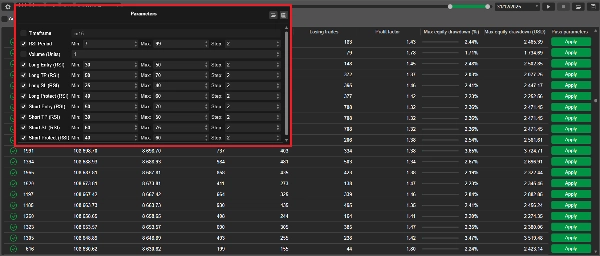
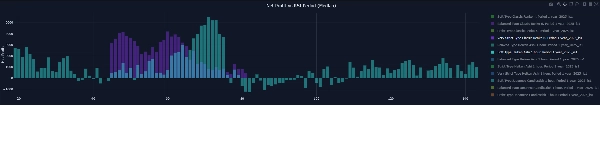
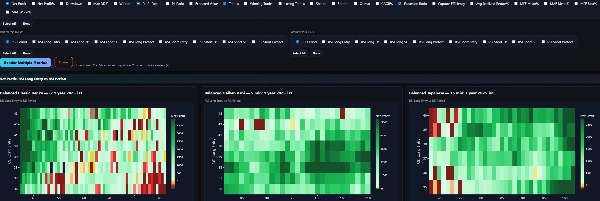
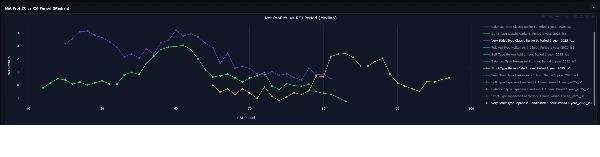
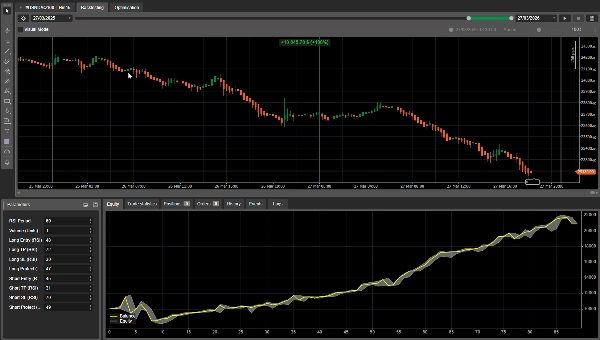
Quando você compra este cBot, também recebe um pacote completo de análises, construído a partir de testes quantitativos em grande escala. Mais de 1 milhão de combinações de parâmetros testadas em Gráficos Japanese/Heiken Ashi/Renko
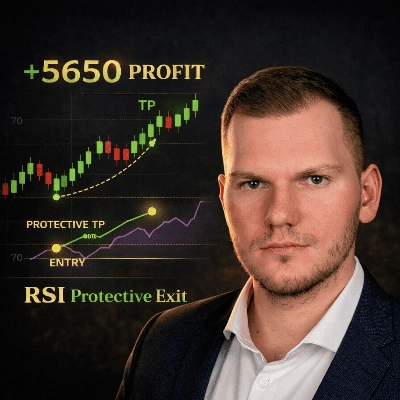
Como a estratégia funciona
Entrada Long
- Um sinal de compra é acionado quando o RSI cruza para cima um nível definido:
(Exemplo: O nível do RSI era 29. Agora está 31. Ele cruza o nível 30 para cima. Aqui o cBot abre posição Long)
Saída Long
- Take Profit (TP) — saída por cruzamento reverso
Saída quando o RSI cruza para baixo abaixo do nível de TP. Exemplo: O nível do RSI era 71. Agora está 69. Ele cruza o nível 70 para baixo. Aqui o cBot fecha a posição Long.
- Saída de proteção — saída por cruzamento reverso (somente se a negociação estiver em lucro)
Saída quando o RSI cruza para baixo abaixo do nível de proteção, mas somente se a posição estiver atualmente lucrativa.
- Stop Loss (SL) — parada no nível do RSI (não é necessário cruzamento)
Saída imediata se o nível do RSI tocar o SL. Exemplo: Entrada em posição Long no nível do RSI 30, SL é 25. Quando o RSI toca 25, a posição Long será fechada.
O oposto para a posição Short
Gestão de posição
- O robô mantém apenas uma posição por vez por símbolo.
Temporização do sinal
- Os sinais são avaliados somente após o fechamento de uma barra.
- Se um sinal aparecer, a entrada é executada na ABERTURA da próxima barra (sem suposições intrabar e podemos avaliar a estratégia corretamente).
Como eu valido as configurações
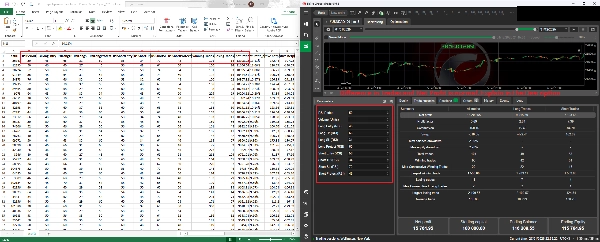
Eu não “escolho parâmetros a olho” ou valores aleatórios. Testo grandes espaços de parâmetros usando um algoritmo genético (GA):
- Milhares de combinações de parâmetros são avaliadas automaticamente
- A seleção mantém diversidade, não apenas os melhores desempenhos (para reduzir o risco de superotimização)
- Os testes são realizados em múltiplos períodos, intervalos de tempo e tipos de gráfico (Japanese / Heiken Ashi / Renko)
Isso produz um grande conjunto de dados de resultados e ajuda a identificar regiões estáveis de parâmetros, não apenas uma configuração sortuda. Após a primeira passagem do GA, executo uma segunda etapa de otimização focada nas regiões de parâmetros mais estáveis e lucrativas.
Métricas (lista breve)
Nas análises, acompanho, entre outras:
- Lucro Líquido, Máxima Perda
- Fator de Lucro, Taxa de Acerto, Valor Esperado
- Sharpe, Sortino, Calmar
- MAE / MFE (excursões)
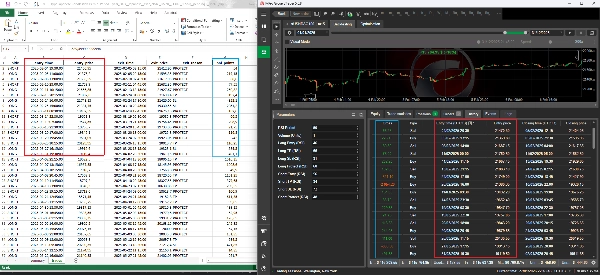
Meus resultados GA e backtests cTrader podem diferir ligeiramente (e isso é normal)
Quando você compara meus resultados de otimização genética (GA) com um backtest cTrader, pode notar pequenas diferenças em lucro, preço de entrada/saída ou algumas métricas derivadas.
Essas diferenças são esperadas e vêm de dois fatores controlados:
1) Fechamento forçado da posição no final do teste (sem “negociações abertas”)
Meu motor GA sempre fecha qualquer posição aberta na barra final da janela de teste. Isso evita posições “presas” ou flutuantes e torna os resultados totalmente realizados e comparáveis entre execuções.
No cTrader, dependendo das configurações, um backtest pode:
- deixar uma posição aberta no final, ou
- fechá-la de forma diferente (tempo/preço), ou
- lidar com a execução da barra final com mecânicas ligeiramente diferentes.
Isso por si só pode criar uma pequena diferença no patrimônio/lucro final.
2) Efeitos de spread/deslizamento durante picos de volatilidade
Mercados reais (e simulações realistas) podem mostrar picos ocasionais de volatilidade, onde:
- os spreads se alargam,
- o deslizamento aumenta,
- os preços de execução diferem ligeiramente.
Meu modelo GA inclui spread + deslizamento opcional + comissão, e em segmentos raros de alta volatilidade isso pode deslocar os preenchimentos por uma pequena quantidade. Mesmo uma pequena variação de preço pode alterar ligeiramente métricas como lucro líquido, drawdown, fator de lucro e outras
Apesar dessas pequenas diferenças no nível de execução, o comportamento e os resultados da estratégia são diretamente comparáveis:
- entradas/saídas seguem a mesma lógica,
- as negociações ocorrem nas mesmas áreas,
- e as principais métricas de desempenho permanecem alinhadas.
Se você quiser:
- pacote completo de análises (T + painel interativo),
- configurações recomendadas para seu ativo/intervalo de tempo,
- ou pesquisa personalizada / desenvolvimento de estratégia,
Entre em contato comigo através do link no meu perfil para receber Análises
Aviso de risco: Este robô é para fins educacionais e de pesquisa. Negociar envolve riscos, e desempenho passado não garante resultados futuros.
Resumo
The robot manages one position per symbol at a time and evaluates signals only after bar close, executing trades at the next bar's open to avoid intrabar uncertainty. Parameter settings are optimized through extensive genetic algorithm testing, evaluating over one million parameter combinations across multiple periods, timeframes, and chart types to identify stable and profitable configurations. The package includes a full analytics suite tracking metrics such as net profit, max drawdown, profit factor, Sharpe ratio, and more.
Backtests use 100:1 leverage and market orders, with risk management via fixed lot sizing, take profit, and stop loss tools. Recommended minimum balance is $10,000 with 1% risk per trade and a maximum drawdown of 26.5%. The strategy targets low-frequency trades on instruments including BTCUSD, XAUUSD, NAS100, and indices.
Avaliações de clientes
5 | 0 % | |
4 | 100 % | |
3 | 0 % | |
2 | 0 % | |
1 | 0 % |