Description
📄 Trading_stop Plus DEMO
🧪 DEMO VERSION – LIMITED TO 48 HOURS
This is the demo version of Trading_stop Plus.
It works fully for 48 hours from activation, after which trailing stop is disabled and a notification appears.
To unlock unlimited use, get the full version here:
🔗 View full collection: https://ctrader.com/algos/users/kobud.222/
📩 Questions? Suggestions? Discounts?
Contact available in my profile: robikobud
🧾 General Description
Trading_stop Plus is the complete, enhanced version of the original Trading_stop trailing stop management bot.
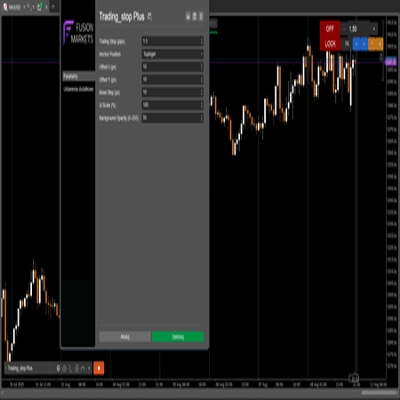
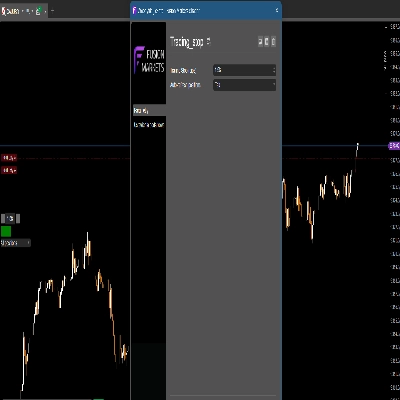
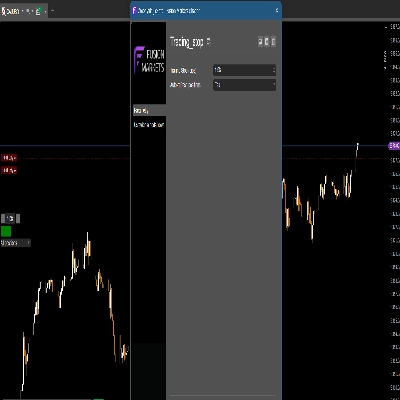
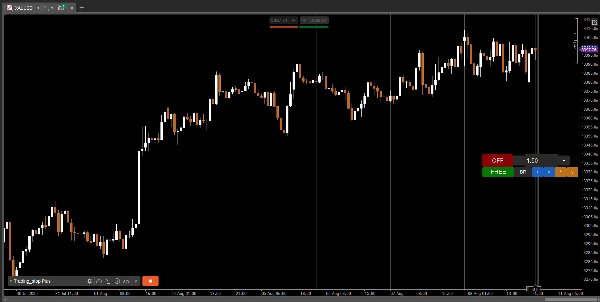
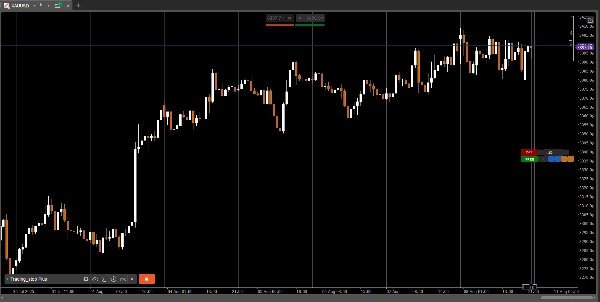
It is a modular, visual trailing stop controller for the cTrader platform – designed for scalpers, intraday traders, or any active trader who wants to dynamically manage their stop loss directly from the chart.
Unlike Trading_stop (v1), where the panel was fixed in place, this version lets you fully move, lock, scale and customize your panel live during trading.
🔄 What’s New in This Version?
✔ Full panel mobility — move it freely on any screen
✔ Lock/Unlock feature
✔ Improved responsiveness
✔ Flexible visual scaling (UI%)
✔ Position control panel upgraded from static to fully dynamic
🔑 Key Features
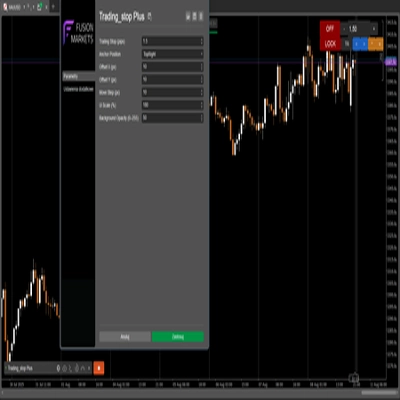
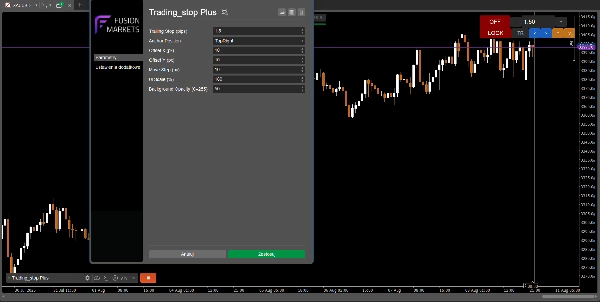
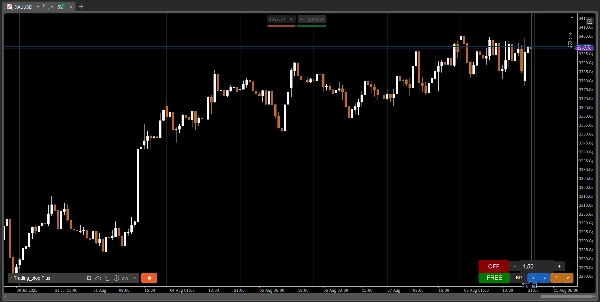
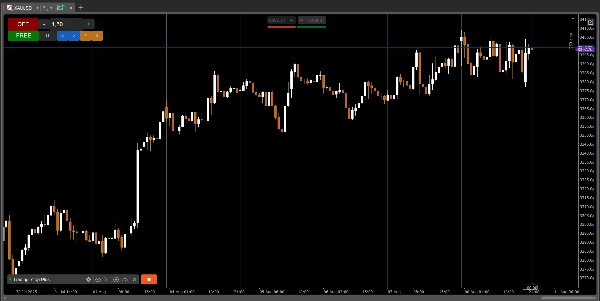
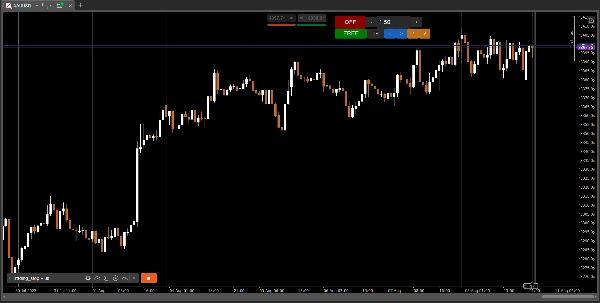
- 📋 On/Off toggle with visual feedback
- 📉 Customizable trailing stop (down to 0.01 pips)
- ➖➕ Adjust trailing step with +/– buttons or manually enter a value
- 🪟 Fully movable panel – anchors can be configured (TopLeft, TopRight, BottomRight)
- 🔒 Lock button to freeze the panel position
- 🎨 Transparent adjustable background (0–255)
- 🖥️ UI scalable to any resolution (panel resizes live)
⚙️ How it Works
- Apply bot on any instrument where you hold positions
- Set your trailing stop value (in pips)
- Click ON (green) to activate — now it watches all your open positions
- Bot automatically updates your SL as price moves forward
- SL is adjusted in-profit only (never pulled back)
Bot modifies only positions for the active symbol
🧩 Parameters
Parameter
Description
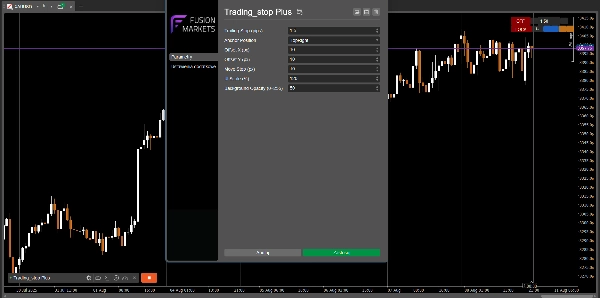
Trailing Stop (pips)
Value of trailing stop (precision: 0.01)
Anchor Position
Panel anchor: TopLeft / TopRight / BottomRight
Move Step (px)
Move distance using panel arrows
Offset X / Y (px)
Exact mode offset from anchor
UI Scale (%)
Scale the entire panel up/down (40% to 250%)
Background Opacity (0–255)
Semi-transparent GUI background
👨💻 Who Is It For?
- Traders who want a clean and safe stop management tool
- Scalpers, intraday or swing traders who like precision
- Traders actively working with multiple monitors
- Anyone who wants visual control over trailing stop
- Those who used
Trading_stop v1and want more freedom and control
🚀 Development Note
✅ Trading_stop Plus is the second generation of this tool.
In the original version, the panel was static. This version gives you full visual movement and flexibility.
The core logic remains safe and efficient — only the interface evolves.
📢 View other bots and indicators by robikobud:
🔗 View full collection: https://ctrader.com/algos/users/kobud.222/
www.youtube.com/@Robi22-22
📩 Questions? Suggestions? Discounts?
Contact available in my profile: robikobud
https://youtu.be/tfz60_L237w
Summary
Key features include a fully movable and customizable control panel with adjustable anchor positions (TopLeft, TopRight, BottomRight), lock/unlock functionality, and scalable UI with transparent background settings. Users can set trailing stops with precision down to 0.01 pips, adjust trailing steps via buttons or manual input, and toggle the bot on/off with visual feedback.
The bot monitors open positions for the active symbol, automatically updating stop loss levels as the price moves favorably, ensuring stop losses only move in profit direction and never retract. The interface improvements over the original static panel allow live repositioning and scaling for multi-monitor setups.
Parameters include trailing stop value, panel position and offset, move step in pixels, UI scale percentage, and background opacity. This tool is intended for traders seeking precise, visual, and flexible trailing stop management integrated into their trading charts.