คำอธิบาย
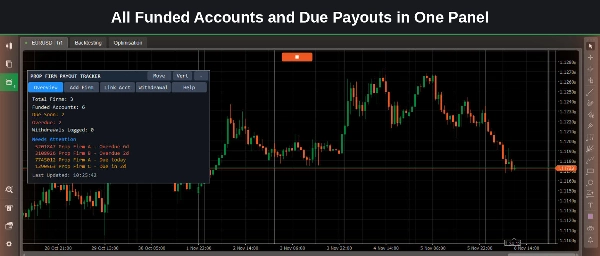
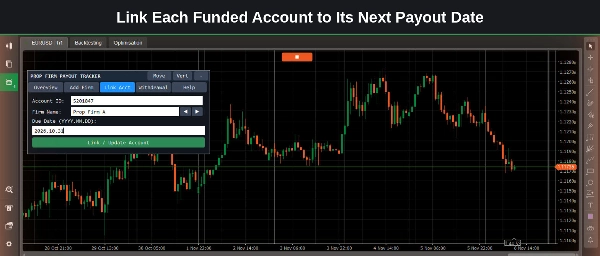
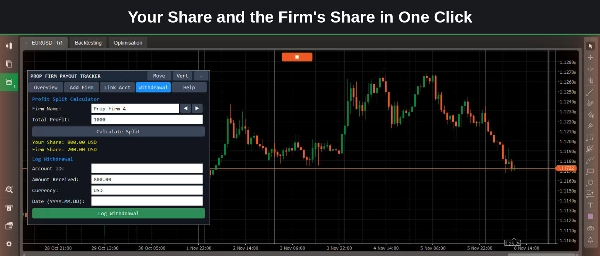
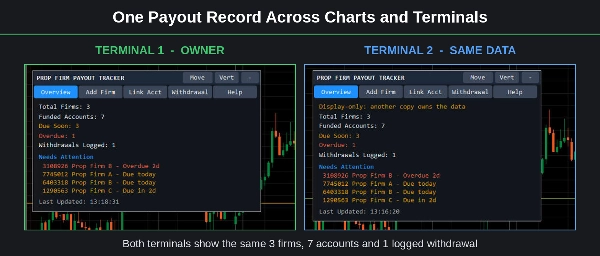
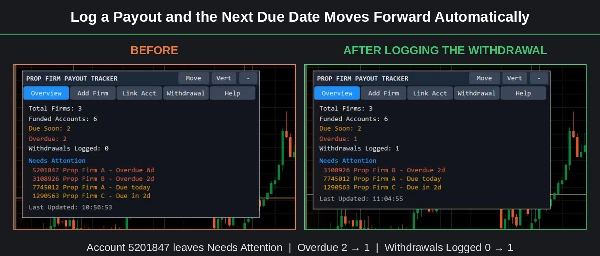
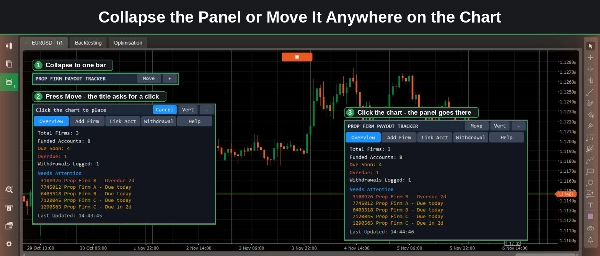
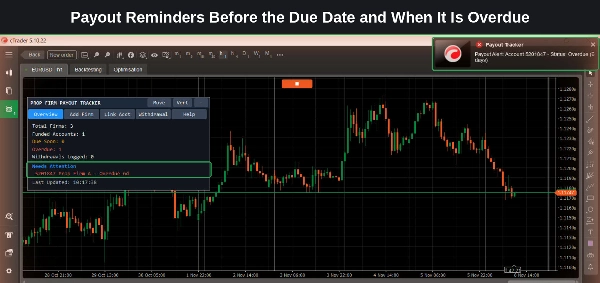
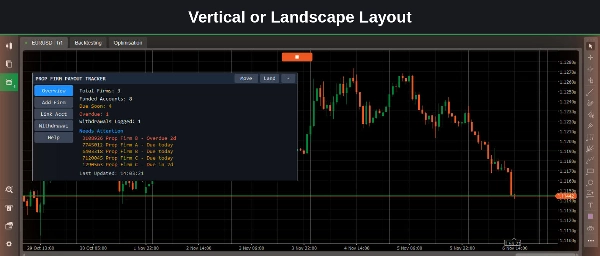
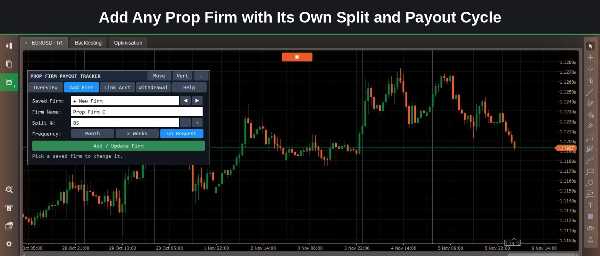
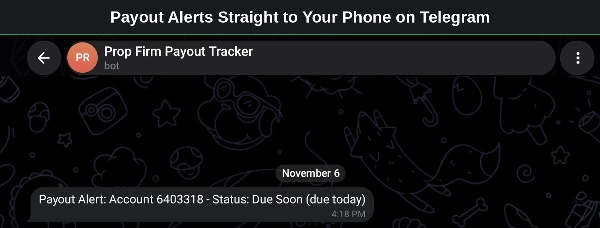
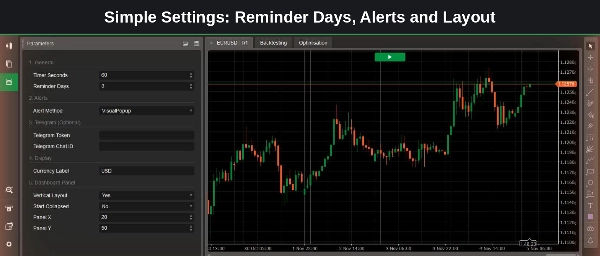
Overview Prop Firm Payout Tracker keeps every funded account and every payout date in one panel on your chart. Add your prop firms, link each funded account to its next payout, and see what is coming up, what is due and what is overdue at a glance. It is made for traders who run funded accounts with one or more prop firms. The tool does not open, change or close any trade, and it gives no trading signals. Key Features - Payout Overview: all firms, funded accounts, due-soon and overdue payouts in one panel. - Custom Prop Firms: add any firm with its own profit split and payout cycle (Month, 2 Weeks or On Request). - Funded Account Link: connect each funded account to its firm and its next payout date. - Profit Split Calculator: enter the profit and see your share and the firm's share in one click. The split can be set from 1 to 100. - Payout Log: log a withdrawal with its amount, currency and date, and the next due date moves forward automatically. - Payout History: keeps a record of every withdrawal you log. - Reminders: get an alert a set number of days before a payout is due and again when it is overdue. Each alert is sent once per account and status. - Alert Methods: choose a popup, a sound or a Telegram message to your phone. - Saved Data: your records and alert history stay in place after you restart cTrader, and the same alert is not sent again. - One Record Everywhere: the same payout data shows on every chart and terminal on your computer. - Flexible Panel: switch between vertical and landscape layout, collapse the panel, or move it anywhere on the chart. - Currency Label: set the payout currency shown in the panel (up to 8 characters). How to Use 1. Attach the cBot to any chart and press Start. It works on any symbol and timeframe. 2. Open Add Prop Firm and enter the firm name, profit split and payout cycle. 3. Link each funded account: pick the firm, enter the account ID and the next payout date (YYYY.MM.DD). 4. In the parameters, set Reminder Days and Alert Method. For Telegram, enter your bot token and chat ID. 5. After each withdrawal, use Log Payout. The next due date updates for you. Keep the cBot running to receive reminders. After restarting cTrader, press Start and it carries on with your saved data. Important Notice Trading involves risk. Past performance does not guarantee future results. This is an independent tool, not affiliated with or endorsed by any prop firm; enter payout dates and splits exactly as your prop firm states them. Test it on a demo account first.