
The Fastest Way to Draw Pixel-Perfect Zones in cTrader
About this video
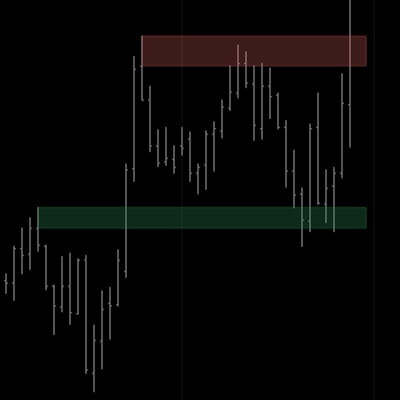
Tired of wasting precious time manually dragging, aligning, and resizing rectangles on your charts? Meet EGO’s HF Zones Drawing Tool — the ultimate hotkey-driven utility built for cTrader to completely automate your charting routine with surgical precision. Whether you're mapping out Supply & Demand, Order Blocks (OB), Fair Value Gaps (FVG), or key Support & Resistance levels, this tool eliminates manual errors and saves hours of routine work. ⚡ Key Features & Hotkeys: Instant Zone Creation: Double-click or Shift-click on empty space to draw a pixel-perfect zone snapped right to the candle. Lightning-Fast Customization: Double-click any zone to instantly swap its color (Bullish ↔ Bearish). One-Touch Extension: Alt-click to instantly extend zones into the future by your custom bar count. Perfect Alignment: Ctrl-click to re-snap zones precisely to their origin candle. Quick Deletion: Shift-click on any zone to remove it instantly. Edit Mode Support: Toggle Right Shift to unlock manual drag-and-resize features when needed. 🚀 Upgrade your trading workflow and trade with absolute precision!