


Mô tả
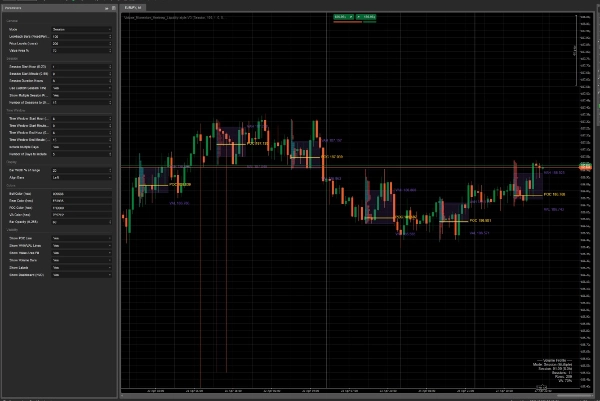
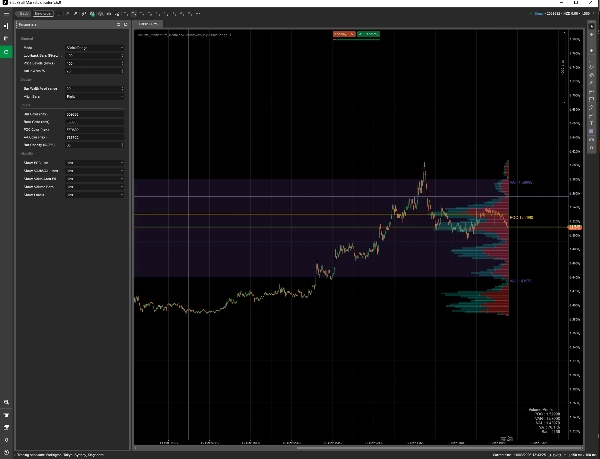
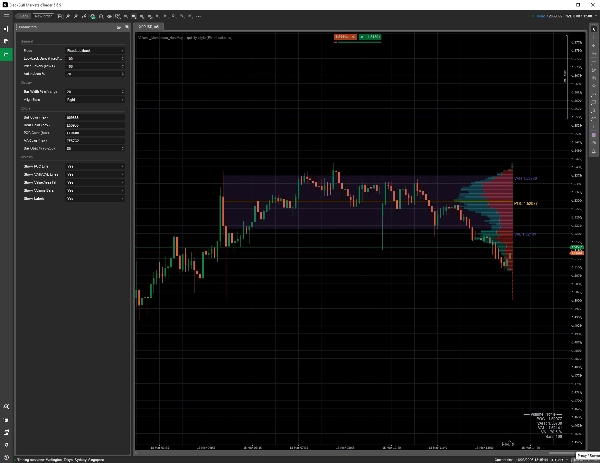
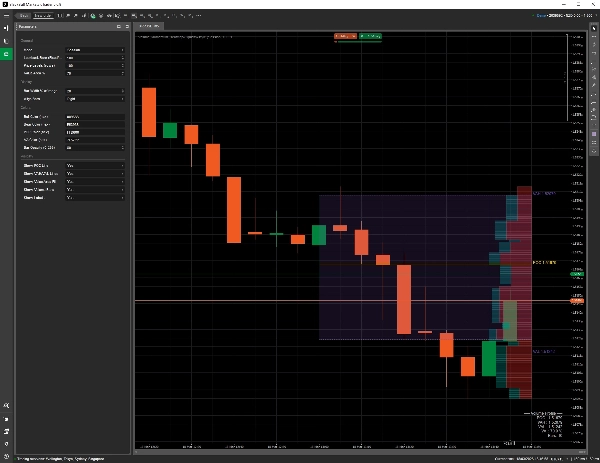
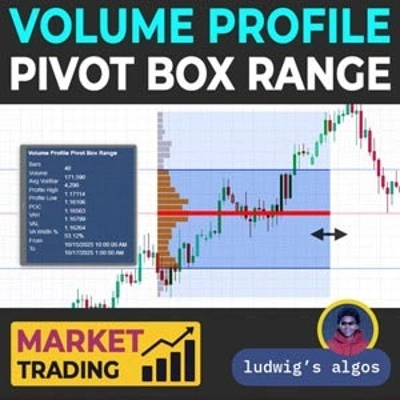
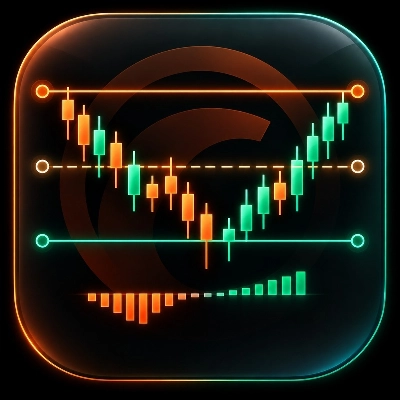
Volume Profile HeatMap là một chỉ báo biểu đồ cTrader để phân tích nơi hoạt động giao dịch tập trung trên các mức giá. Nó vẽ một bản đồ nhiệt kiểu hồ sơ khối lượng với POC, khu vực giá trị và các dấu hiệu kịch bản giao dịch tùy chọn.
Nó làm gì:
- Hiển thị bản đồ nhiệt kiểu hồ sơ khối lượng trực tiếp trên biểu đồ
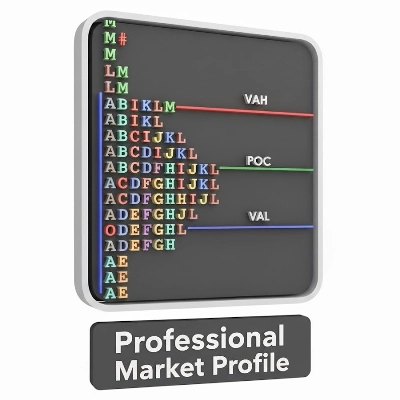
- Làm nổi bật POC, VAH, VAL, các nút khối lượng cao và các khu vực khối lượng thấp
- Hỗ trợ các chế độ phạm vi hiển thị, nhìn lại cố định, phiên và cửa sổ thời gian
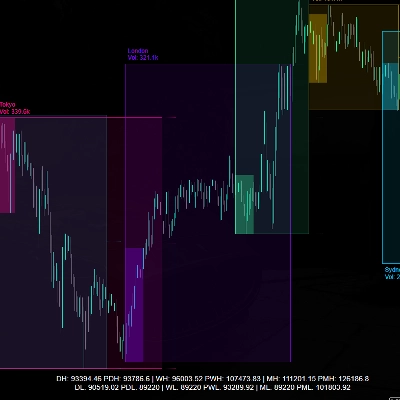
- Có thể hiển thị nhiều hồ sơ phiên
- Vẽ vùng giá trị tùy chọn, các vùng giá trị mở rộng, nhãn và thông tin bảng điều khiển
- Bao gồm nhãn mẫu và mũi tên tín hiệu tùy chọn cho kế hoạch giao dịch trực quan
- Vẽ các kịch bản vào lệnh, dừng lỗ và mục tiêu trực quan khi được bật
Phương pháp giao dịch:
Chỉ báo được thiết kế cho các nhà giao dịch sử dụng sự tập trung khối lượng, khu vực giá trị và bối cảnh phiên để lập kế hoạch giao dịch thủ công. Nó giúp xác định các vùng mà giá trước đây đã chấp nhận hoặc từ chối giá trị, nhưng không đảm bảo rằng các vùng đó sẽ giữ được trong điều kiện thị trường thực tế.
Các tham số chính:
- Chế độ hồ sơ
- Số thanh nhìn lại
- Thời gian bắt đầu phiên và thời lượng
- Số phiên hiển thị
- Nhận dạng mẫu và mũi tên tín hiệu
- Lựa chọn cửa sổ thời gian
- Số mức giá
- Phần trăm khu vực giá trị
- Chiều rộng thanh và căn chỉnh
- POC, VAH, VAL, vùng giá trị tô màu, nhãn và hiển thị bảng điều khiển
- Tỷ lệ rủi ro/lợi nhuận cho các kịch bản giao dịch trực quan
Dành cho ai:
- Các nhà giao dịch trong ngày sử dụng khu vực giá trị và các mức POC
- Các nhà giao dịch tìm kiếm bối cảnh hỗ trợ và kháng cự trực quan
- Các nhà giao dịch thủ công muốn có lớp phủ kiểu hồ sơ khối lượng trong cTrader
- Những người kiểm thử chiến lược muốn xem xét hành vi phiên và các vùng phản ứng tiềm năng
Hạn chế quan trọng:
Đây là một chỉ báo, không phải robot giao dịch. Nó không gửi lệnh trực tiếp. Các dấu hiệu giao dịch chỉ là các kịch bản trực quan. Chỉ báo sử dụng dữ liệu khối lượng biểu đồ/môi giới có sẵn trong cTrader, có thể khác với dữ liệu khối lượng sàn tập trung hoặc dữ liệu luồng lệnh hợp đồng tương lai.
Lưu ý về rủi ro:
Giao dịch có rủi ro. Các vùng POC, VAH, VAL, HVN và LVN là công cụ phân tích, không phải mức đảo chiều hoặc phá vỡ được đảm bảo. Hãy thử nghiệm cài đặt trên tài khoản demo và sử dụng quản lý rủi ro độc lập.
Tóm tắt
Key features include optional value area fills, extended value area zones, labels, and a dashboard for summary information. It also offers pattern recognition with signal arrows and visual trade scenario markers such as entry, stop, and target levels based on configurable risk/reward ratios. Users can adjust parameters like profile mode, lookback bars, session timing, number of price levels, and visibility of various elements to tailor the analysis.
This tool is intended for intraday and manual traders who utilize volume profile, value areas, and session context to identify support and resistance zones and plan trades visually. It relies on chart volume data available in cTrader and does not execute trades automatically. The indicator serves as an analytical overlay to assist in trade planning and session behavior review.
Đánh giá của khách hàng
5 | 50 % | |
4 | 50 % | |
3 | 0 % | |
2 | 0 % | |
1 | 0 % |
Thảo luận
Câu hỏi thường gặp









Giá