经纪商和自营
面向企业
00
Days
:
00
Hours
:
00
Minutes
:
00
Seconds
cBot
Signal
"Create Your Custom Candle Pattern with AlgoBuilderX" 标识
03/09/2025
271
Desktop, Mobile, Web
注册日期 06/08/2024
免费安装
29452
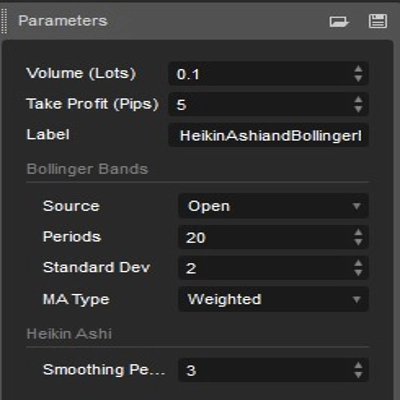
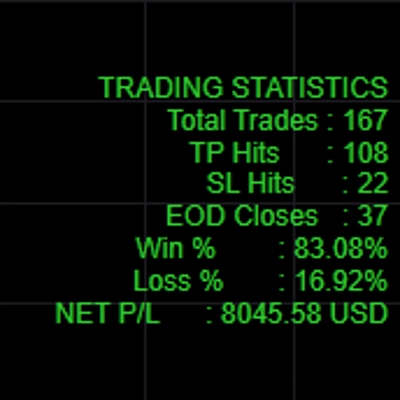
"Create Your Custom Candle Pattern with AlgoBuilderX" 已上传图片"Create Your Custom Candle Pattern with AlgoBuilderX" 已上传图片"Create Your Custom Candle Pattern with AlgoBuilderX" 已上传图片"Create Your Custom Candle Pattern with AlgoBuilderX" 已上传图片

// This cBot was created with AlgoBuilderX
//
// AlgoBuilderX is a powerful tool for creating automated trading strategies on the cTrader platform.
// With an intuitive drag-and-drop interface, you can easily build and customize your own trading
// algorithms without any coding knowledge. Whether you're a beginner or an experienced trader,
// AlgoBuilderX offers a seamless experience for developing, testing, and deploying your very own cBot
//
// Visit algobuilderx to start building your own cBots today!


This cBot is an example, made for demonstration purposes using AlgoBuilderX and works only on demo accounts.


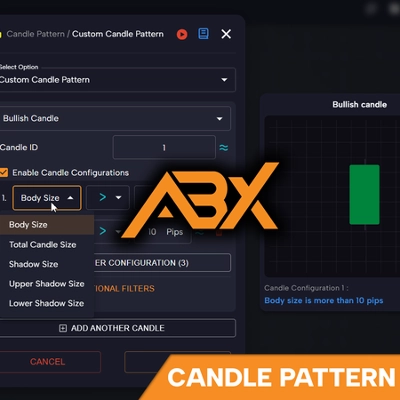
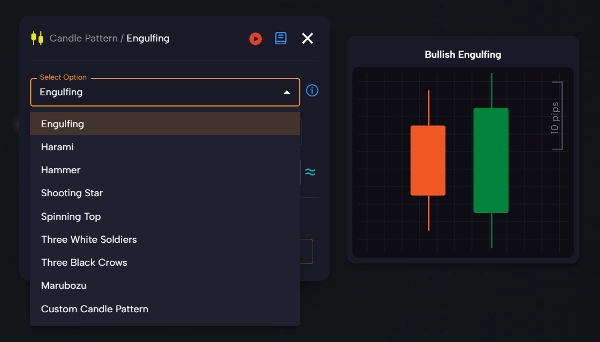
Strategy: This example illustrates the potential of AlgoBuilderX in creating custom candlestick patterns for trading automation. With the recent platform upgrade and the introduction of the new 'Candle pattern' block, users can now take advantage of a wide range of predefined candle patterns or create their own custom patterns.

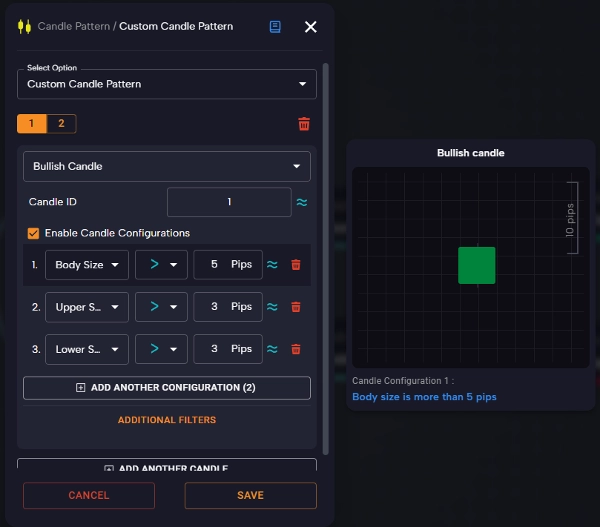
Users can use well-known patterns such as engulfing, harami, marubozu, 'three with soldier,' 'three black crow,' 'shooting star,' and others. They also have the ability to create fully customized patterns by changing parameters such as the size of the candle body, the length of the upper and lower shadows, the total number of candles involved in the pattern, and so on.

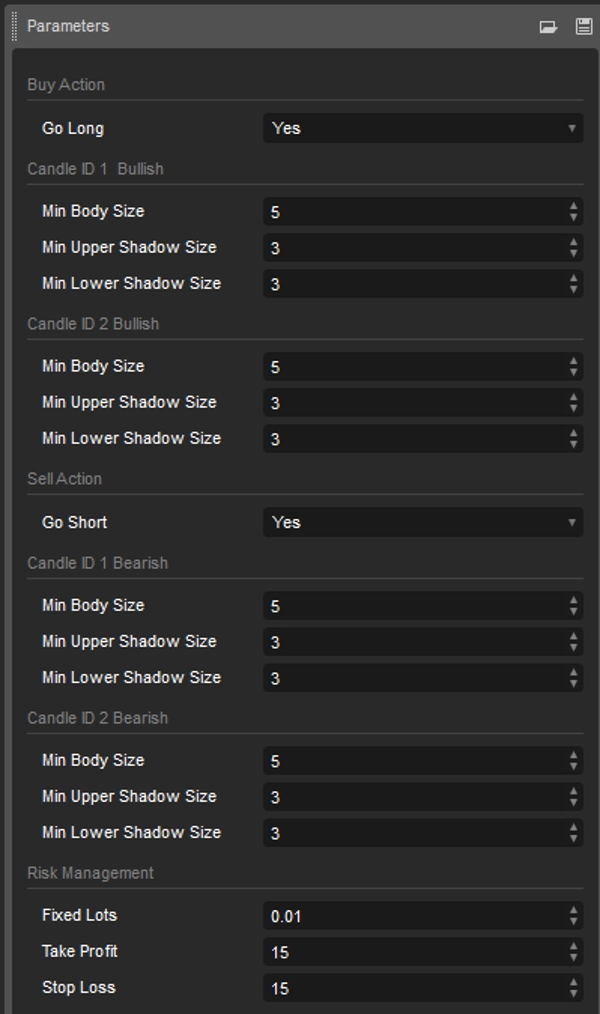
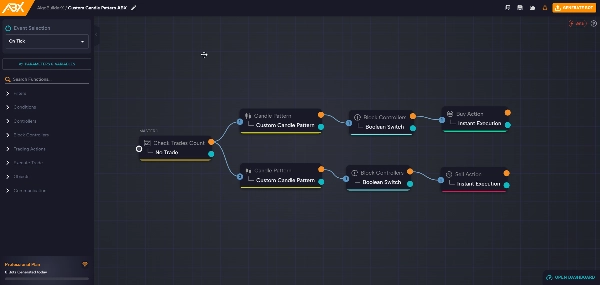
The proposed example is intuitive and understandable: to trigger a buy signal, the cBot requires the presence of two customizable bullish candles in the pattern. Conversely, to trigger a sell signal, two bearish candles customizable in the pattern are required.

Candle ID1 represents the candle just closed, preceding the candle being formed.

Candle ID 2 is the candle prior to candle ID 1, thus the second closed candle.


Create your cBot now in an easy and intuitive way!
Try AlgoBuilderX now, no registration required.

Important Note:
This cBot is a demonstration example created with AlgoBuilderX and is not optimized for live use. It is designed to illustrate the functionality of AlgoBuilderX and serve as a starting point for creating custom strategies. It is recommended that you carefully test and optimize any strategy before implementing it on a real trading account.

0.0
评价:0
客户评价
该产品尚无评价。已经试过了?抢先告诉其他人!
该作者的其他作品
cBot
RSI
cBot
Grid
XAUUSD
Prop
cBot
Grid
cBot
Grid
XAUUSD
Prop
cBot
Forex
Signal
cBot
Grid
RSI
Bollinger
猜您喜欢
RSI_withSourceCode
cBot
NZDUSD
Araware.RiskManagement
cBot
Martingale
Forex
EURUSD
+2
FibonacciScalperNet6Demo
cBot
XAUUSD
Breakout
Commodities
+3
cBot
NAS100
NZDUSD
Indices
+9
PositionManager
cBot
RSI
cBot
NAS100
NZDUSD
Martingale
+26
posilabel
cBot
Grid
NAS100
NZDUSD
+13
GragonGridCbotDemo
cBot
Indices
Breakout
Commodities
+2
FutureTrader_DEMO