present
注册即可在首次购物时获得 $50 优惠
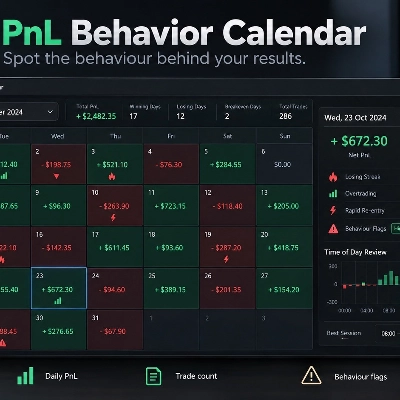
Trading product for PnL Behavior Calendar 桌面插件 Trade Journal Trade Statistics, image 1
PnL Behavior Calendar
桌面插件
版本 1.0, Sep 2026
Windows 版、Mac 版
4.0
评价:2
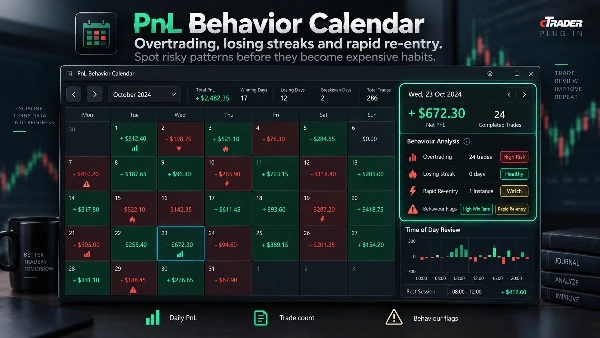
Trading product for PnL Behavior Calendar 桌面插件 Trade Journal Trade Statistics, image 2
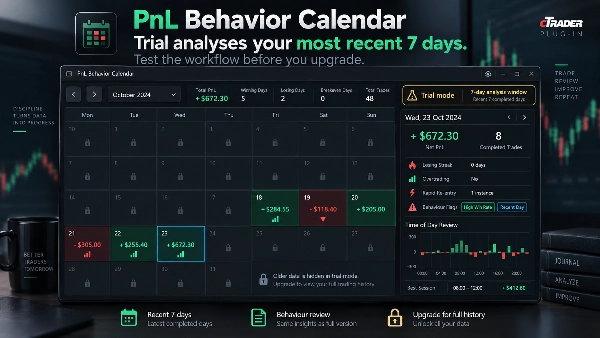
Trading product for PnL Behavior Calendar 桌面插件 Trade Journal Trade Statistics, image 3
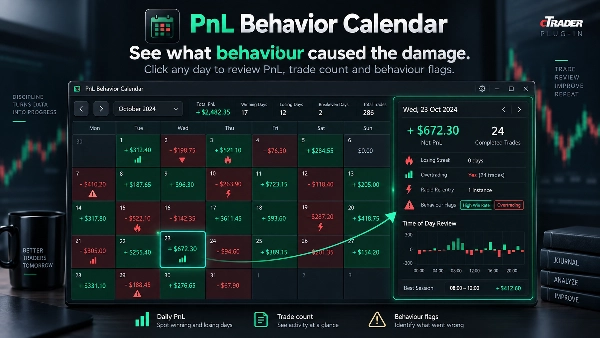
Trading product for PnL Behavior Calendar 桌面插件 Trade Journal Trade Statistics, image 4
Trading product for PnL Behavior Calendar 桌面插件 Trade Journal Trade Statistics, image 5
注册日期 16/09/2026

说明

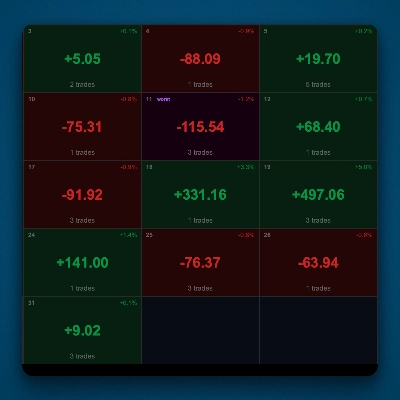
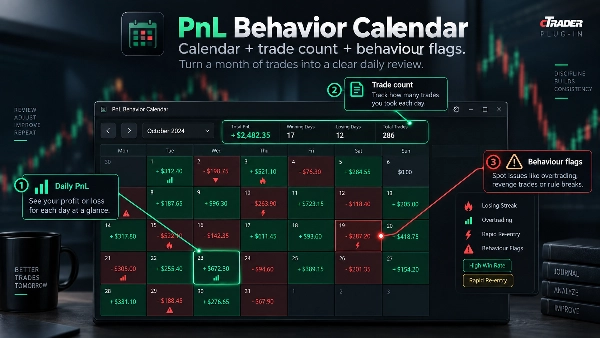
PnL行为日历是一个桌面插件,将cTrader的交易历史转化为以交易行为为重点的月度回顾,而不仅仅是盈亏。该日历显示每日净盈亏和交易次数,选定日期面板突出显示已完成的仓位、连败、过度交易以及亏损后的快速重新入场。时间段汇总有助于揭示何时做出错误决策最为集中。


使用场景:

• 在月度日历中回顾盈利和亏损的日子。

• 查看选定日期的已完成仓位,无需导出到电子表格。

• 发现连续亏损的连败和异常高的交易次数。

• 标记亏损仓位关闭后的快速重新入场。

• 使用cTrader用户时间偏移比较不同时间段的交易行为。


该插件为只读,绝不下单或修改交易。行为标记描述交易模式,不诊断交易者意图或心理。它是一个回顾工具,而非信号或交易建议系统。交易存在风险,过往表现不保证未来结果。

摘要

AI 摘要
PnL Behavior Calendar is a desktop plugin for cTrader that transforms trade history into a monthly calendar view focused on trading behavior analysis. It displays daily net profit and loss alongside trade counts, enabling users to review winning and losing days at a glance. Selecting a specific day reveals detailed completed positions and highlights behavioral patterns such as losing streaks, overtrading, and rapid re-entry following losses. The plugin also provides time-of-day summaries adjusted to the user's time zone to identify periods prone to poor trading decisions. Designed as a read-only review tool, it does not execute or modify trades and does not provide trading signals or advice. Its primary function is to help traders understand which behaviors impact their performance by visualizing trade activity and behavioral flags within an intuitive calendar interface.
插件配置

讨论

客户评价

4.0
评价:2
5
0 %
4
100 %
3
0 %
2
0 %
1
0 %
客户评价
October 25, 2026
clicking a calendar day through to its closed positions makes the behaviour view more useful than coloured P&L tiles alone. Counts, losing streaks and rapid reentry flags provide retrospective context rather than blocking the next trade.
October 16, 2026
PnL Behavior Calendar displays trading statistics, a monthly calendar, losing streaks, rapid re-entry counts and time-of-day results within cTrader TradeWatch. The dashboard provides a useful overview of trading activity, but its narrow layout and dense text reduce readability. Behavioral metrics also need clearer period labels to avoid confusion. Score: 4.1/5.

常见问答

Trade Journal
Trade Statistics
cTrader Store 提供的所有产品,包括交易机器人、指标和插件,均由第三方开发者提供,仅供信息参考和技术访问之用。cTrader Store 并非经纪商,不提供投资建议、个人推荐或任何未来业绩保证。


该作者的其他作品

指标
BOS
MSS
+4
See confirmed BOS, CHOCH and SWEEP structure events on your cTrader chart.
指标
BOS
Add standard-timeframe context candles to a native Renko chart.
指标
EMA
Volume
Map range high, mid, low, price location and a deterministic pressure proxy on your cTrader chart.
指标
Channel
Key Levels
+1
Monitor a selected chart trendline and confirm breaks on candle close.
桌面插件
Chart UI Tools
Keep lines, zones and channels synced across selected same-symbol charts from one desktop plugin.
cBot
Drawdown Guard
Daily Loss Limit
Monitor account-wide loss and stop-loss risk budgets, with optional order cancellation and post-fill closure.
桌面插件
Position Sizer
Risk Calculator
Size manual trades from your risk settings and review Market, Limit or Stop orders before execution.
指标
Volume
Key Levels
View tick activity across a selected chart range with Point of Control, Value Area High and Value Area Low.

猜您喜欢

桌面插件
Risk Alerts
Trade Alerts
+3
Daily loss limits, profit giveback protection and scheduled trading breaks to help you stay disciplined.
桌面插件
ATR
RSI
+24
One-click toggle for Positions / Pending Orders on cTrader charts with fixed on-chart warnings and an ASP control panel
桌面插件
Prop Firm Fit
Trade Journal
+2
Paper trade your broker’s live prices in cTrader: demo accounts, prop challenges, a stats dashboard and trading journal
桌面插件
Forex
Crypto
+4
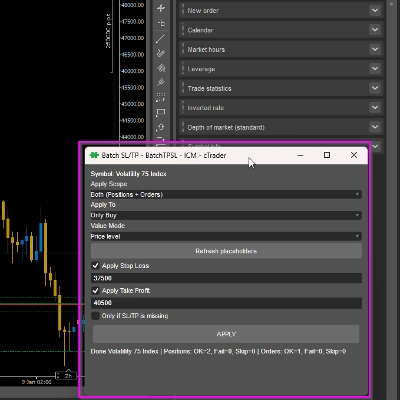
Apply Stop Loss and Take Profit to all positions and pending orders in one click.
桌面插件
Signal
Breakout
The Risk-Reward plugin is a tool to visualize a trading idea based on other analysis tools,
桌面插件
ECN-friendly
Chart UI Tools
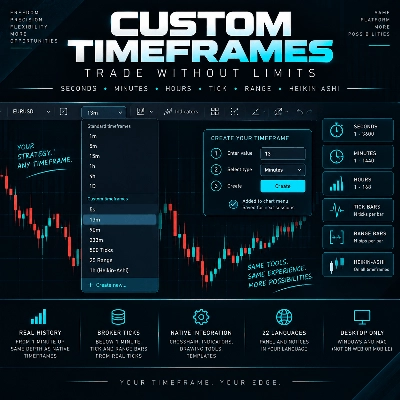
Any timeframe cTrader lacks: seconds, minutes, hours, tick & range bars, Heikin-Ashi in the timeframe menu.
桌面插件
Prop
Forex
+4
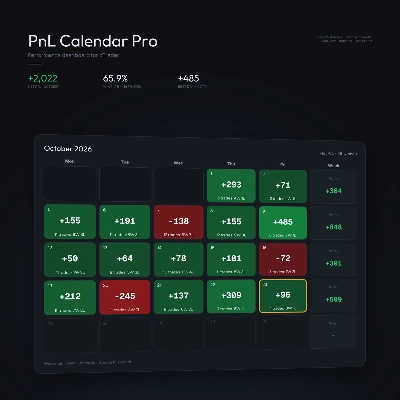
Visual monthly trading journal that displays your performance day-by-day in a calendar view.
桌面插件
AI
Forex
+5
AI Trading Agent, predict market moves, detect trends, and execute profitable trades.
桌面插件
Fixed Risk %
Risk/Reward
+5
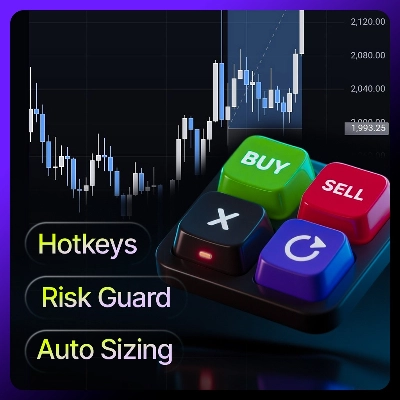
⚡Place orders, set SL/TP, and manage positions with Hotkeys or directly on the chart.
桌面插件
Risk Alerts
Prop Firm Fit
+5
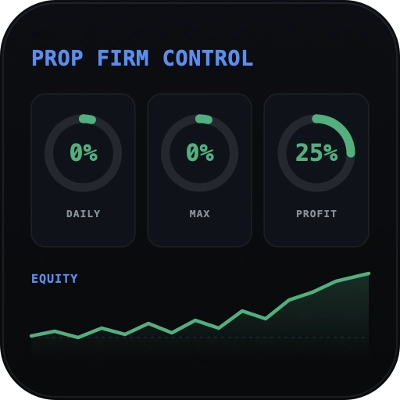
Read-only risk cockpit for prop-firm traders: live drawdown gauges, FTMO-style permitted loss, alerts and reports.
桌面插件
Market Scanner
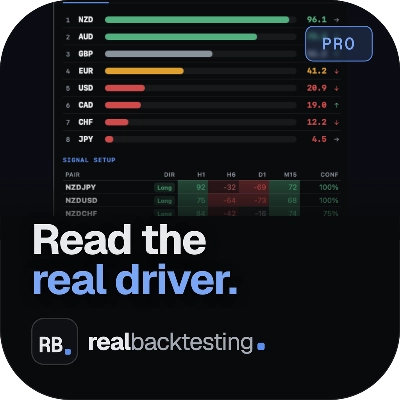
An 8-currency strength ranking, multi-TF heatmap and impulse tracker. Read the real driver at a glance. Read-only.
桌面插件
File Access
Trade Journal
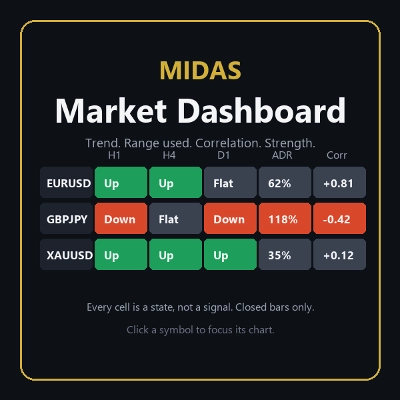
Your watchlist in one grid: trend on five timeframes, ADR used, correlation to the chart's symbol, currency strength.
桌面插件
External Data
HTTP Requests
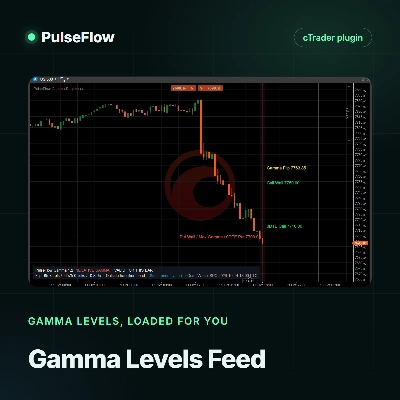
Load live gamma levels from your own QuantWheel API key into PulseFlow Gamma Regime, with no more typing by hand.
桌面插件
Chart UI Tools
Replay your broker’s charts candle by candle. Rewind any time, switch timeframes and practise trades with full stats.
桌面插件
SL Manager
Risk/Reward
+5
Drag SL & TP on the chart, see risk, reward, R:R and lot size live, then place Buy or Sell orders in one click
桌面插件
Forex
Commodities
Close all non crypto trades at 19:55 utc Friday
桌面插件
Prop
Forex
+5
Place professional OCO & OSO orders in cTrader — visually, instantly, and without execution mistakes.
桌面插件
Trade Journal
AI Integration
+1
Turn your closed-trade history into an at-a-glance monthly calendar and a deep performance dashboard.

价格

注册日期 16/09/2026