


คำอธิบาย
Risk Panel is a manual risk-planning and order-entry cBot for cTrader Desktop. It does not follow an automated trading strategy or submit orders on startup, on price ticks, or while you adjust the chart. An order is submitted only when you explicitly click Place Order.
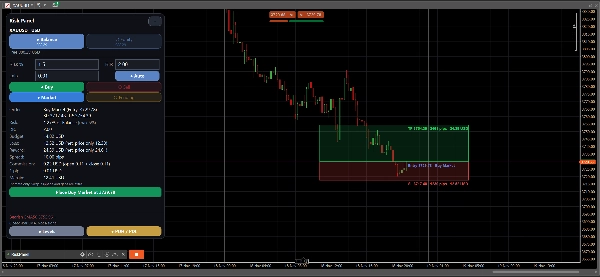
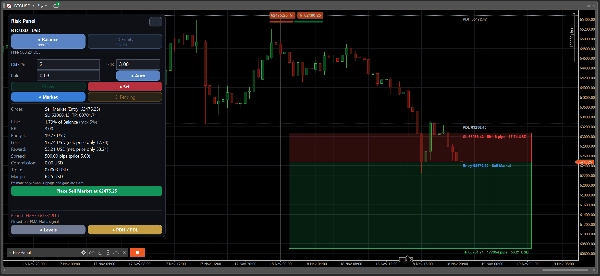
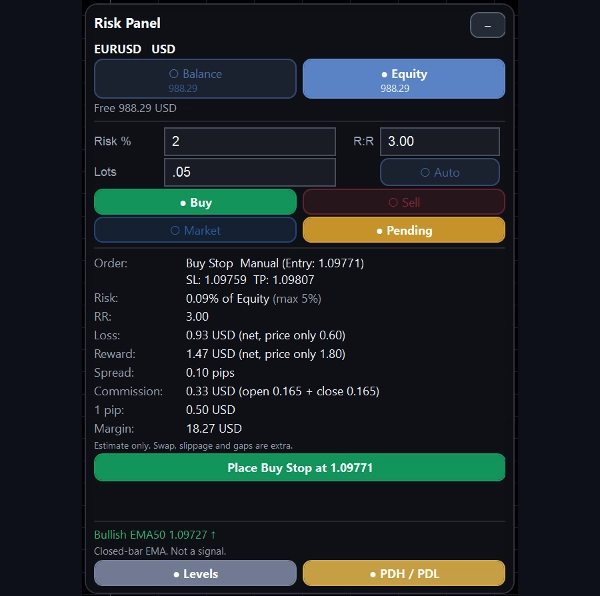
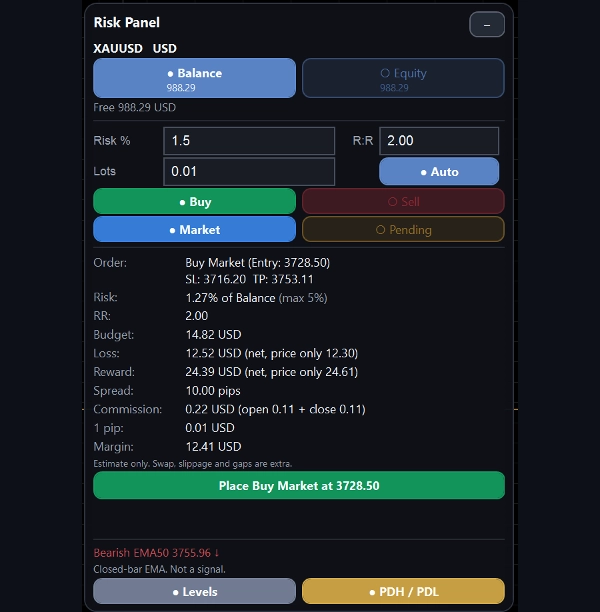
Use the chart’s risk box to set your entry, stop loss, and take profit. Calculate order volume from a percentage of your account balance or equity, or enter the lot size yourself. Before placing an order, review the estimated loss, reward, spread, commission, and margin. Risk Panel supports market, limit, and stop orders with stop loss and take profit attached.
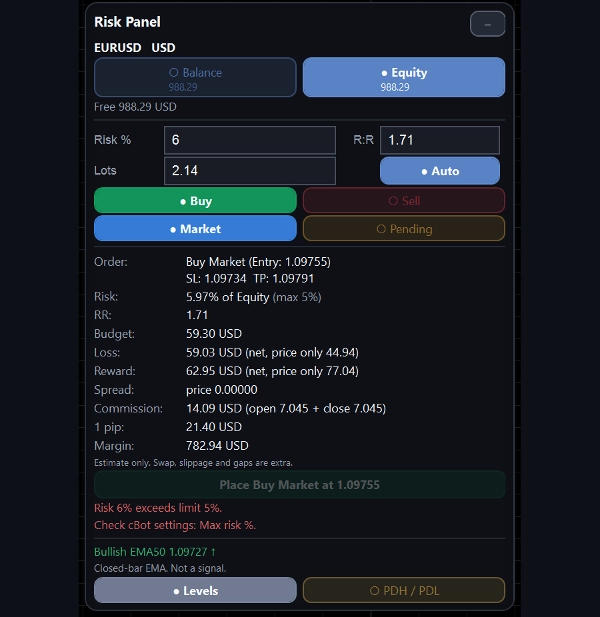
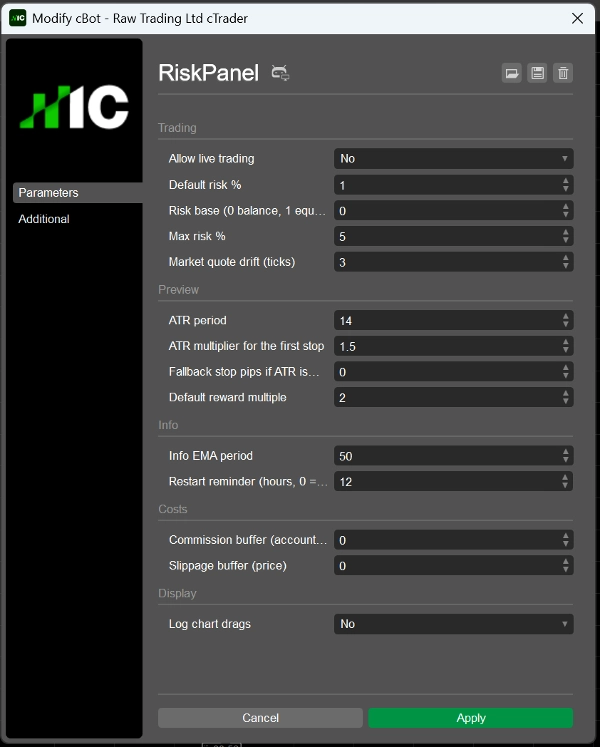
The Max risk % setting blocks a planned order when its estimated risk exceeds your chosen limit. Order entry on live accounts is disabled by default until you enable Allow live trading. If an order request has an uncertain outcome, the panel blocks further sending and asks you to check your account. It does not automatically retry the request.
Risk Panel must run locally in cTrader Desktop; its chart panel is not displayed when the cBot runs in cTrader Cloud. Its safeguard against multiple panels works only on the same computer and cannot fully prevent simultaneous use. Run only one instance per account and symbol at a time.
All displayed costs and risk figures are estimates. Slippage, price gaps, swap, and broker conditions can change the actual fill and loss. Test the tool on a demo account before using it on a live account.
Risk Panel is a user-directed order-entry tool, not investment advice or an automated trading strategy. It makes no claims about historical returns or strategy performance. Trading involves risk. Past performance does not guarantee future results.
สรุป
Before order placement, RiskPanel displays estimated loss, reward, spread, commission, and margin. It includes a Max Risk % setting that blocks orders exceeding the specified risk limit. Live trading is disabled by default and must be enabled by the user. If an order request outcome is uncertain, the panel blocks further attempts and prompts account verification.
RiskPanel runs locally on cTrader Desktop and is not compatible with cTrader Cloud. It prevents multiple panels only on the same computer and advises running one instance per account and symbol. All cost and risk figures are estimates and may vary due to slippage, price gaps, swaps, and broker conditions. This tool is for user-directed order entry and does not provide investment advice or automated strategies.
การสนทนา
รีวิวจากลูกค้า
คำถามที่พบบ่อย
เพิ่มเติมจากผู้เขียนคนนี้











ราคา