

Description
AWTrades PnL Studio is a powerful performance-tracking plugin that turns your cTrader history into a clean, colour-coded PnL calendar – with strategy analytics, risk stats and equity insights, all inside the TradeWatch panel.
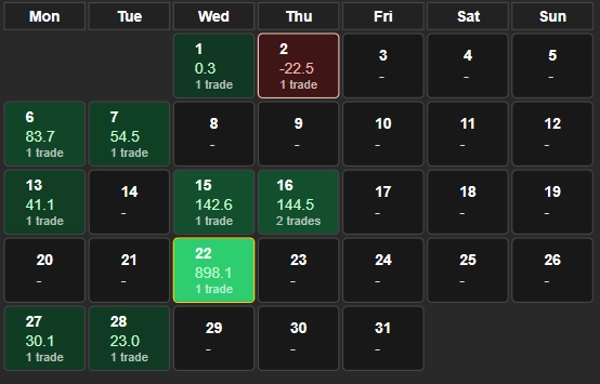
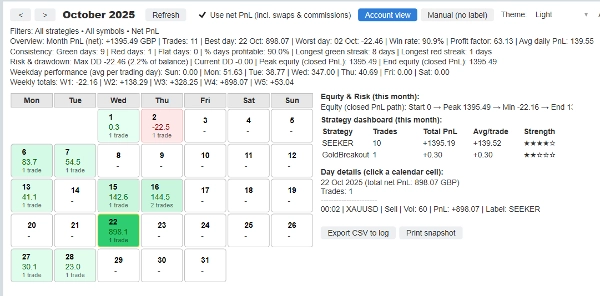
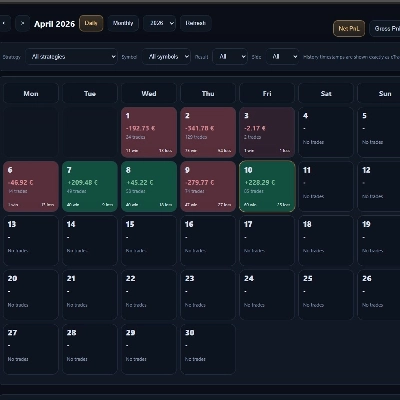
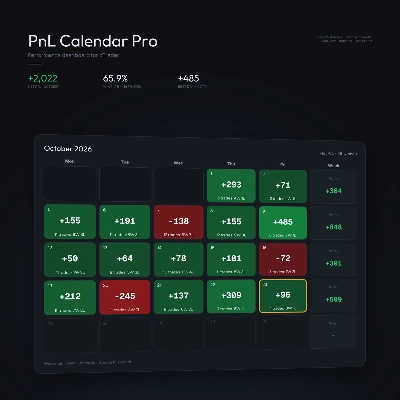
Instead of digging through raw history, you get an instant visual of how your month is going: green and red calendar tiles for each day, strategy breakdowns, weekly totals, and max drawdown / equity path – all filterable by symbol, label (strategy) and net vs gross PnL.
Use it to monitor a single bot, a cluster of strategies, or your entire account at a glance.
Key Features
✅ PnL Calendar in TradeWatch
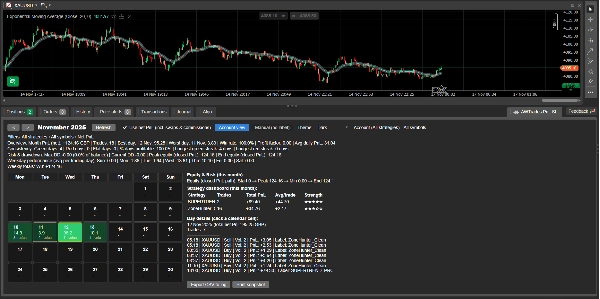
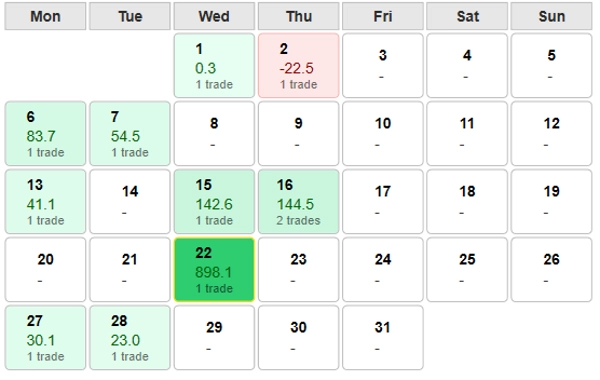
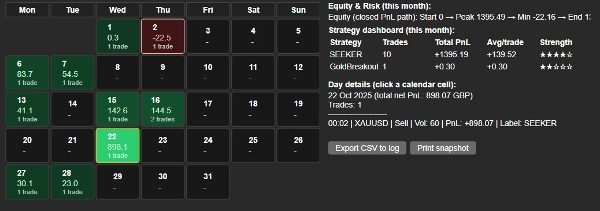
See your monthly performance as a calendar grid – each day shows PnL and trade count, with best and worst days highlighted for quick review.
✅ Strategy Dashboard (per month)
Automatic breakdown by label (strategy): total PnL, number of trades, average PnL per trade and a 1–5 ★ “strength” rating so you can instantly see which bots are carrying the account.
✅ Built-in Equity & Drawdown Stats
Closed-PnL equity path summary (start → peak → min → end) plus max drawdown, current drawdown and DD as % of balance – perfect for risk monitoring and investor reporting.
✅ Weekday & Weekly Insights
Average PnL by weekday and weekly totals, so you can see which days and weeks are driving or dragging performance.
✅ Fast Filters & Presets
Filter by:
- Account (all strategies)
- Manual only (no label)
- Any specific label / strategy
- Any symbol or all symbols
Switch between gross and net (incl. swaps & commissions) with one checkbox.
✅ Light & Dark-Mode Friendly
Optimised for both dark and light cTrader themes: colours, borders and text contrast are tuned so the calendar stays readable in any scheme.
✅ Trade-Level Drilldown
Click any calendar day to see every trade for that day: time, symbol, direction, volume, PnL and label – ideal for quick review or journaling.
✅ Export & Snapshot Tools
Export the current view to CSV in the log, or print a concise performance snapshot line you can paste into reports, chat, or your trading journal.
How to Use
- Add AWTrades PnL Studio as a plugin in cTrader.
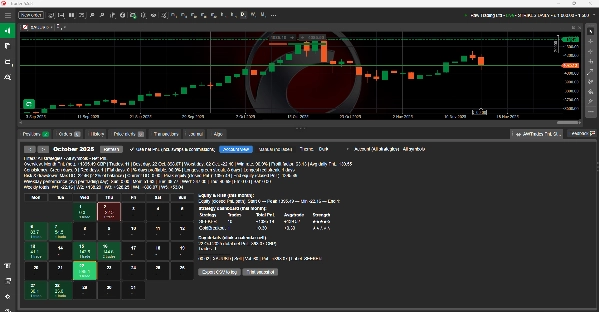
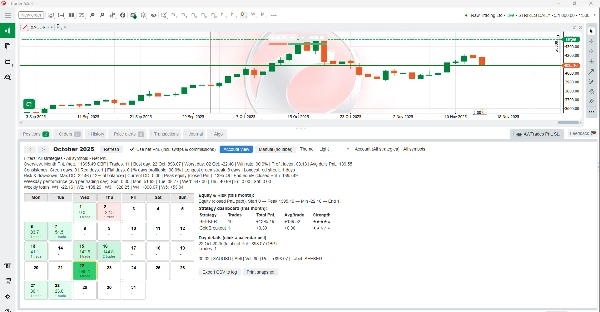
- Open the TradeWatch panel and select the “AWTrades PnL Studio” tab.
- Use the month arrows and Account view / Manual (no label) presets to switch perspectives.
- Filter by symbol or strategy label to analyse individual bots or portfolios.
- Click calendar days for trade lists; use Export CSV or Print snapshot for journaling or investor updates.
AWTrades PnL Studio is built by AWTrades, a systematic trader focused on clear, practical tools that help you understand what your strategies are really doing – day by day, week by week, month by month.
Summary
Discussion
Customer reviews
FAQ







Price