
Beschreibung
Auto Trader is a zone-based trading robot with a built-in direction filter (bias).
Why use this?
1. No need to fix your psychology. Entry and Exit is managed by robot. Your work is to just plot the zone.
2. Avoids instant spike loss when using limit type orders, or even your own mind confused when to take the trade being in doubt. It has 7 different entry systems.
3. Just mark, label your rectangles and past the text you get in the algo tab into robot cloud, and it will trade for you. No risk of limit orders (spikes) and has proper bias system in place. SL will be at zone boundary extreme + buffer.
4. Auto Risk management, Partial and Breakeven Auto. You work is to mark the zones and copy the details from algo tab and paste it into the cloud text empty box.
5. Built In Bias System if you want to use it.
How it works
- You provide zones
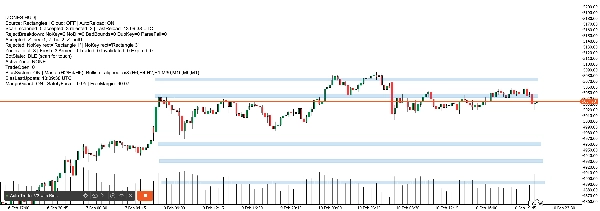
- Live mode (automatic): draw rectangles on chart.
- Rectangle name or comment must start with
Z_ - Bull zones rectangle name = Z_bull1 (Z_bull2 and ect.. for more than 1 bull zones)
- Bear zones rectangle name= Z_bear1 (Z_bear2 and ect.. for more than 1 bear zones)
- Rectangle name or comment must start with
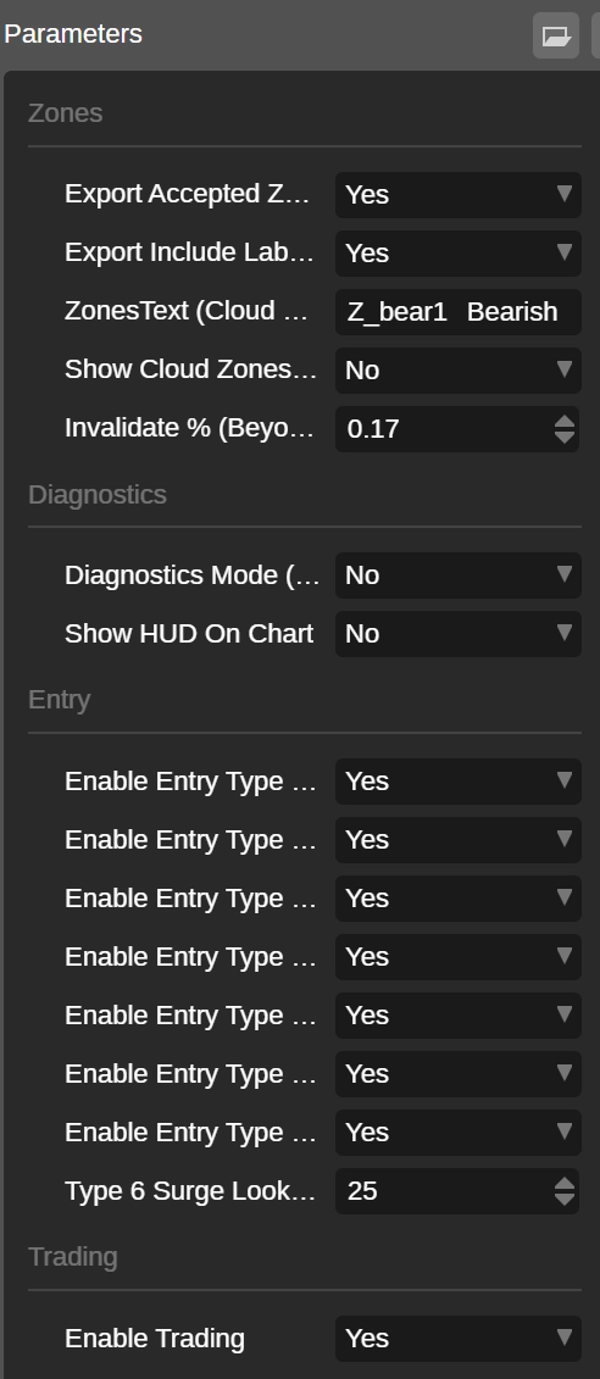
- Cloud mode (paste): paste your zones into ZonesText and the bot will draw them.
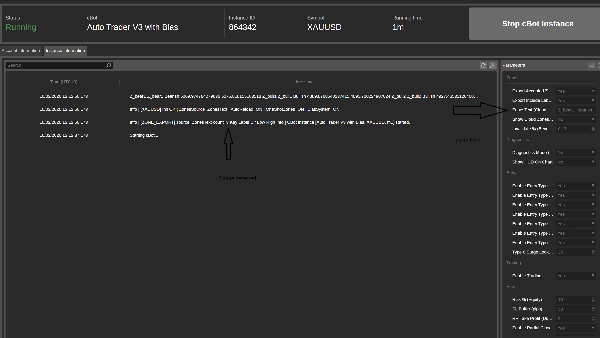
- For ZonesText , Go algo tab and copy these lines example , it will auto generate the prices, you just have to plot the rectangle and name them accordingly and in the algo tab it will provide these data to be pasted into cloud robot:
Z_bear1 Bearish 5069.97478 5075.81816
Z_bull2 Bullish 4927.46535 4933.30872
Z_bull1 Bullish 4889.87685 4895.72022
- It waits for a real touch
- The bot will arm only one zone when price enters from the correct side.
- It will not arm zones randomly.
- It checks market direction (Bias)
- Bias is calculated from 8 timeframes (H6, H4, H2, H1, M30, M15, M5, M1).
- Master bias = majority of H2/H4/H6.
- If bias does not match the zone direction, the bot does nothing.
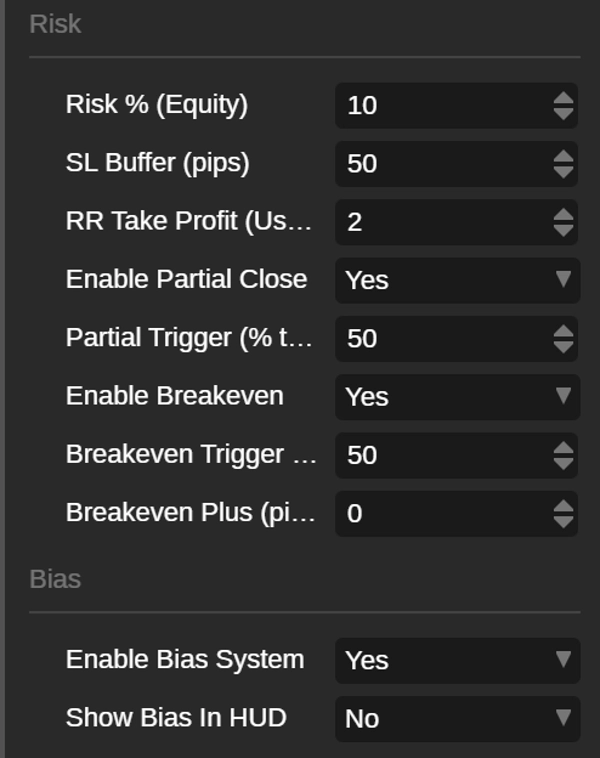
If you set Enable Bias System = false, the bot will trade without any bias guard.
What changes when Bias is OFF:
- No master direction filter (no H2/H4/H6 majority requirement).
- All zones can trade purely based on the entry patterns (Types 1–7), as long as:
- the zone is armed, and
- trading is enabled (Enable Trading = true).
- It enters using price + volume patterns
Auto Trader can trigger up to 7 entry types (you can turn each ON/OFF):
Type 1 – Surge Reversal
Opposing candle touches zone, then next candle reverses with stronger volume.
Type 2 – First-Touch Surge
Touch candle only: closes in zone direction with volume higher than previous candle.
Type 3 – Absorption / Stall
After opposing candle, next candle stalls inside its range with strong volume.
Type 4 – DDS (Double Drive Surge)
Two candles in zone direction with volume rising twice and a clean continuation break.
Type 5 – OSB-50 Mid Entry
Opposing surge breaks its extreme, then entry triggers on the 50% midpoint retouch.
Type 6 – Opposing Surge Confirm
Opposing candle hits zone with a volume spike; next candle must confirm back with bias.
Type 7 – Double-Peak Inside
Two opposing candles: second is inside first; both rank as top volumes in the window.
- One-shot zones
Each zone is used once only:
- Fresh → Armed → Traded / Invalidated / Expired
No repeated entries from the same zone.
Risk & trade management
- Risk is based on % of equity
- Optional partial close and breakeven
- Built-in margin guard
- Bias strength rule:
- 3/8 aligned: trade allowed, RR forced to 1.0
- 4/8+ aligned: trade allowed, uses your RR
Best use
- Works best on liquid symbols (major FX / high-volume CFDs)
- Run on M1 for clean pattern detection
Risk warning: Trading involves risk. Use demo first and tune risk settings for your account.