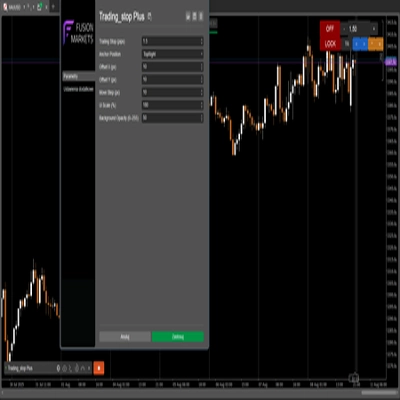
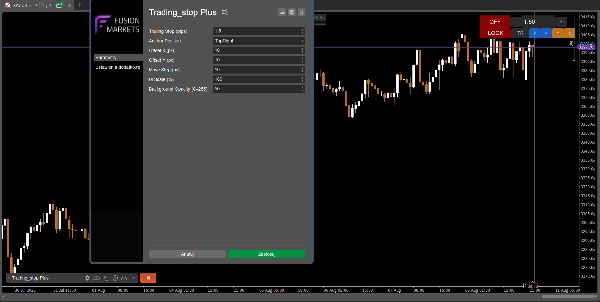
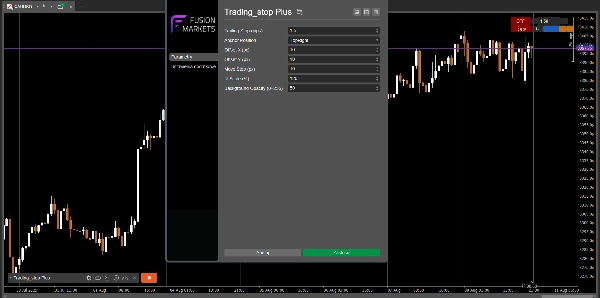
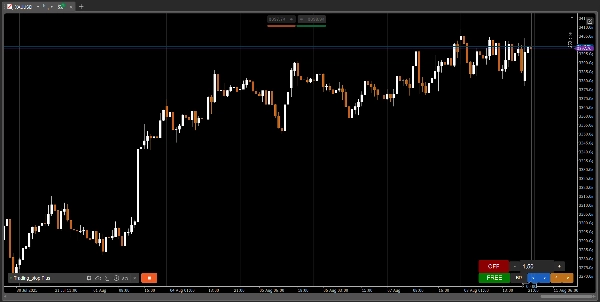
Deskripsi
📄 Trading_stop Plus DEMO
🧪 VERSI DEMO – TERBATAS 48 JAM
Ini adalah versi demo dari Trading_stop Plus.
Ini berfungsi sepenuhnya selama 48 jam sejak aktivasi, setelah itu trailing stop dinonaktifkan dan notifikasi muncul.
Untuk membuka penggunaan tanpa batas, dapatkan versi lengkap di sini:
🔗 Lihat koleksi lengkap: https://ctrader.com/algos/users/kobud.222/
📩 Pertanyaan? Saran? Diskon?
Kontak tersedia di profil saya: robikobud
🧾 Deskripsi Umum
Trading_stop Plus adalah versi lengkap dan ditingkatkan dari Trading_stop bot pengelola trailing stop asli.
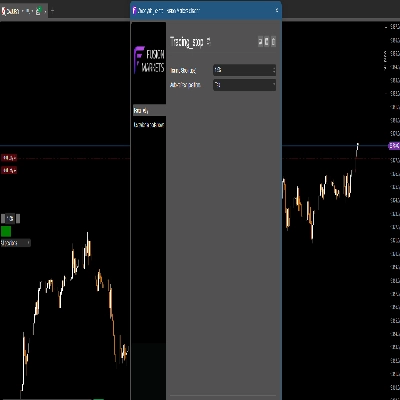
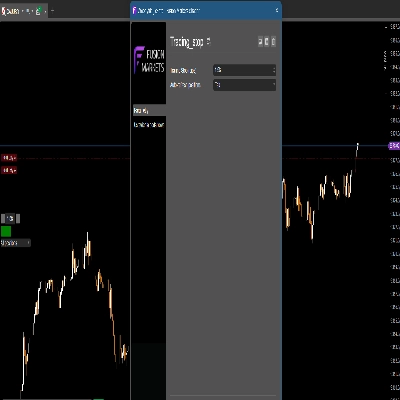
Ini adalah pengontrol trailing stop modular dan visual untuk platform cTrader – dirancang untuk scalper, trader intraday, atau trader aktif yang ingin mengelola stop loss mereka secara dinamis langsung dari grafik.
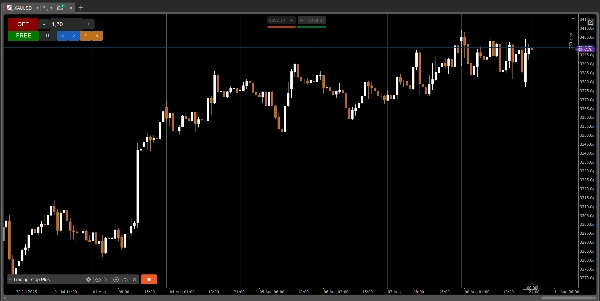
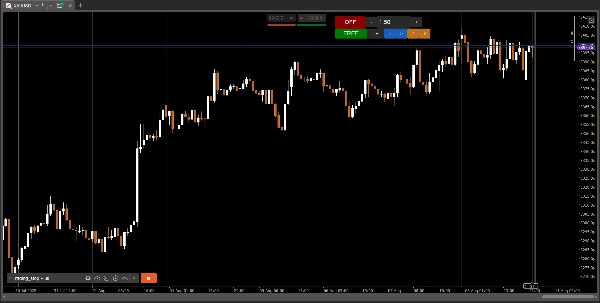
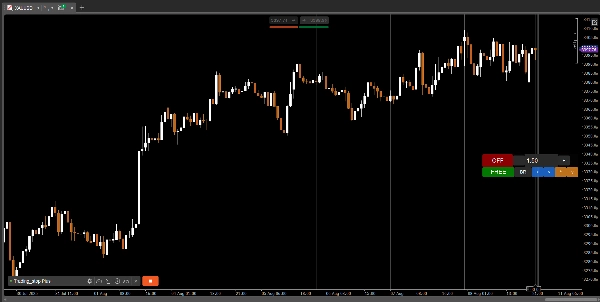
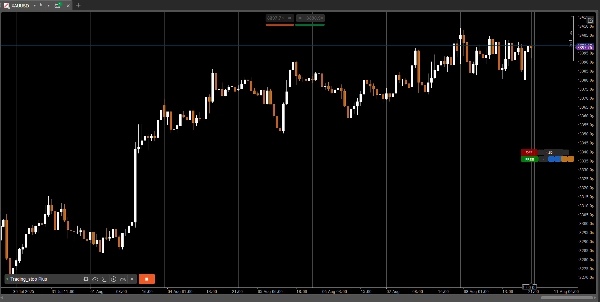
Berbeda dengan Trading_stop (v1), di mana panel tetap di tempat, versi ini memungkinkan Anda untuk sepenuhnya memindahkan, mengunci, mengubah skala, dan menyesuaikan panel Anda secara langsung selama trading.
🔄 Apa yang Baru di Versi Ini?
✔ Mobilitas panel penuh — pindahkan dengan bebas di layar mana pun
✔ Fitur Kunci/Buka Kunci
✔ Responsivitas yang ditingkatkan
✔ Skala visual yang fleksibel (UI%)
✔ Panel kontrol posisi ditingkatkan dari statis menjadi sepenuhnya dinamis
🔑 Fitur Utama
- 📋 Tombol On/Off dengan umpan balik visual
- 📉 Trailing stop yang dapat disesuaikan (hingga 0,01 pips)
- ➖➕ Sesuaikan langkah trailing dengan tombol +/– atau masukkan nilai secara manual
- 🪟 Panel sepenuhnya dapat dipindahkan – jangkar dapat dikonfigurasi (TopLeft, TopRight, BottomRight)
- 🔒 Tombol kunci untuk membekukan posisi panel
- 🎨 Latar belakang transparan yang dapat disesuaikan (0–255)
- 🖥️ UI dapat diskalakan ke resolusi apa pun (panel mengubah ukuran secara langsung)
⚙️ Cara Kerjanya
- Terapkan bot pada instrumen apa pun di mana Anda memegang posisi
- Atur nilai trailing stop Anda (dalam pips)
- Klik ON (hijau) untuk mengaktifkan — sekarang bot memantau semua posisi terbuka Anda
- Bot secara otomatis memperbarui SL Anda saat harga bergerak maju
- SL hanya disesuaikan saat dalam profit (tidak pernah ditarik mundur)
Bot hanya memodifikasi posisi untuk simbol aktif
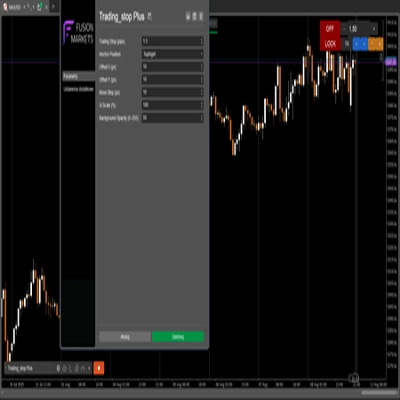
🧩 Parameter
Parameter
Deskripsi
Trailing Stop (pips)
Nilai trailing stop (presisi: 0,01)
Posisi Jangkar
Jangkar panel: TopLeft / TopRight / BottomRight
Langkah Pindah (px)
Jarak pindah menggunakan panah panel
Offset X / Y (px)
Offset mode tepat dari jangkar
Skala UI (%)
Skala seluruh panel naik/turun (40% hingga 250%)
Opasitas Latar Belakang (0–255)
Latar belakang GUI semi-transparan
👨💻 Untuk Siapa Ini?
- Trader yang menginginkan alat pengelolaan stop yang bersih dan aman
- Scalper, trader intraday atau swing yang menyukai presisi
- Trader yang aktif bekerja dengan beberapa monitor
- Siapa pun yang menginginkan kontrol visual atas trailing stop
- Mereka yang pernah menggunakan
Trading_stop v1dan menginginkan lebih banyak kebebasan dan kontrol
🚀 Catatan Pengembangan
✅ Trading_stop Plus adalah generasi kedua dari alat ini.
Di versi asli, panel bersifat statis. Versi ini memberi Anda pergerakan visual penuh dan fleksibilitas.
Logika inti tetap aman dan efisien — hanya antarmuka yang berkembang.
📢 Lihat bot dan indikator lain oleh robikobud:
🔗 Lihat koleksi lengkap: https://ctrader.com/algos/users/kobud.222/
www.youtube.com/@Robi22-22
📩 Pertanyaan? Saran? Diskon?
Kontak tersedia di profil saya: robikobud
https://youtu.be/tfz60_L237w
Ringkasan
Key features include a fully movable and customizable control panel with adjustable anchor positions (TopLeft, TopRight, BottomRight), lock/unlock functionality, and scalable UI with transparent background settings. Users can set trailing stops with precision down to 0.01 pips, adjust trailing steps via buttons or manual input, and toggle the bot on/off with visual feedback.
The bot monitors open positions for the active symbol, automatically updating stop loss levels as the price moves favorably, ensuring stop losses only move in profit direction and never retract. The interface improvements over the original static panel allow live repositioning and scaling for multi-monitor setups.
Parameters include trailing stop value, panel position and offset, move step in pixels, UI scale percentage, and background opacity. This tool is intended for traders seeking precise, visual, and flexible trailing stop management integrated into their trading charts.