
Trading Journal Tools for cTrader
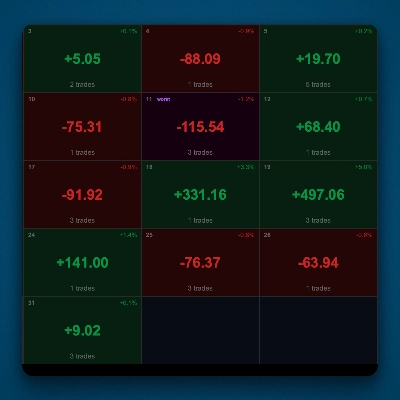
Trading journal tools help you log, review, and improve decisions with less guesswork. Track entries, exits, screenshots, notes, and tags, then spot patterns by session, symbol, or setup. Perfect for comparing manual trades vs a bot, validating a trading strategy over time, and building a repeatable execution process.
Ferramentas
Comparação de ferramentas
Perguntas frequentes
Free and paid technical indicators for analysing forex, indices, metals and other supported markets.
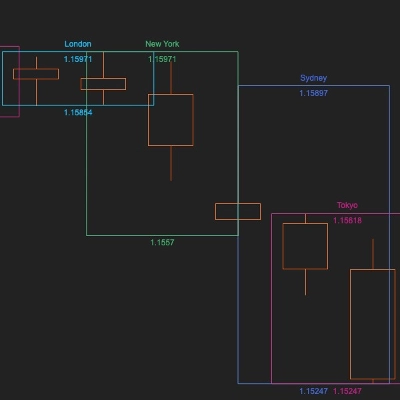
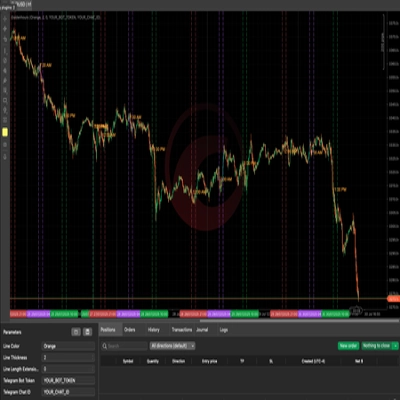
Trading plugins built for cTrader Windows and Mac. Add panels, shortcuts and extra features to your desktop workspace.
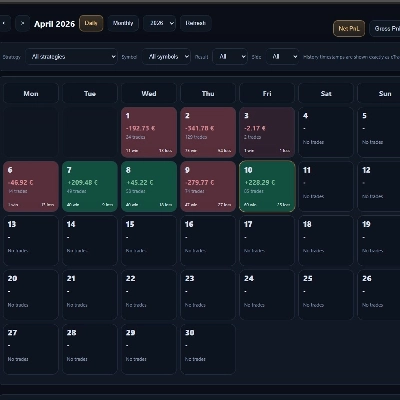



Comparação de ferramentas
Produto | Avaliações | Transferências | Vendas | Preço | Plataformas compatíveis |
|---|---|---|---|---|---|
FX Market Sessions | 5.0 (6) | 2.11K | — | Grátis | Windows, Mac |
PP. PnL Journal Analytics Dashboard | 4.7 (3) | — | 15 | $39 | Windows, Mac |
Go To Date 1.0 | 3.7 (3) | 468 | — | Grátis | Windows, Mac |
Performance Calendar | 4.0 (1) | — | 11 | a partir de 19 $ | Windows, Mac |
Symbols notes | 4.0 (3) | 362 | — | Grátis | Windows, Mac |
Goldenhours | 4.7 (3) | — | — | $29 | Windows, Mac |
Ichimoku Cloud Indicator | — | 228 | — | Grátis | Windows, Mac |
Trade Day Ledger | — | — | — | $19 | Windows, Mac |
Perguntas frequentes
A trading journal records each trade with its entry, exit, size and result, plus context you add such as notes, tags and screenshots. Journal tools for cTrader can fill in the trade data from account history, so your time goes into reviewing reasons and patterns instead of typing numbers.
Tagging each trade by its source lets the journal set manual and automated results side by side, broken down by symbol, session or setup. Gaps between the two raise concrete questions, such as whether a bot trades hours you would avoid, though a small sample can mislead and past results never settle what comes next.
That depends on the product, which may keep data in local files or in an online service, and the description should say which. Ask how entries can be exported or backed up before you rely on one, especially for screenshots, which take up space over time.
Partial closes, swaps, commissions and the time zone used to date each trade are common causes, since a tool may group or label them differently. Compare a week of entries with the History tab on a demo account first, and check whether manual edits are kept apart from imported data.
Look for one that can combine accounts while still filtering by each, and that exports data you can keep elsewhere. Web-based plugins open in every cTrader app, whereas indicators and native plugins need the Windows or Mac version; several tools here are free and a couple offer trials.