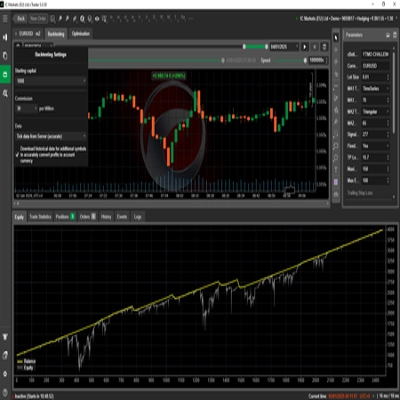
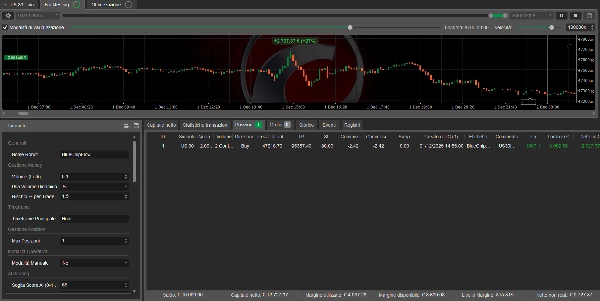
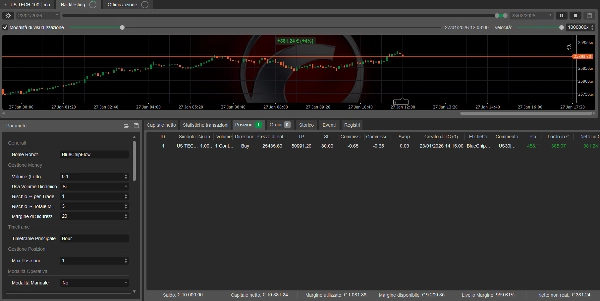
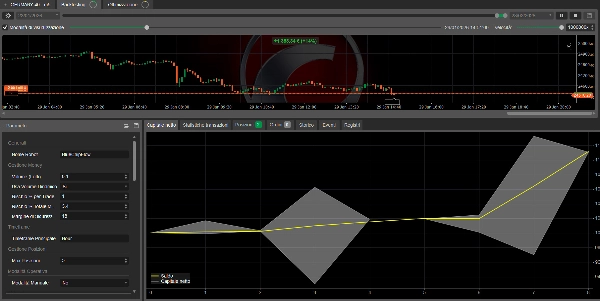
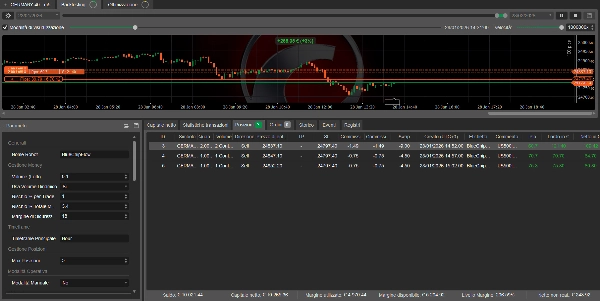
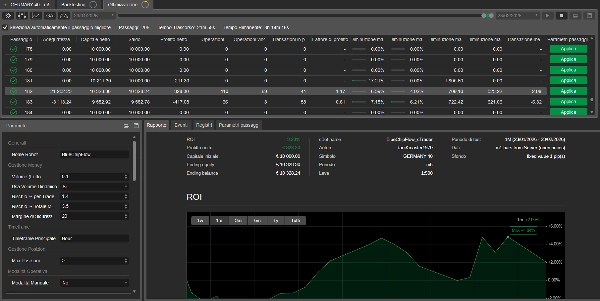
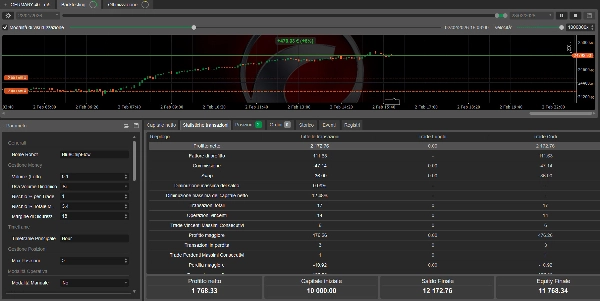
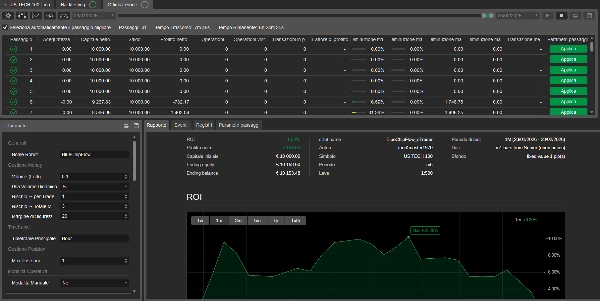
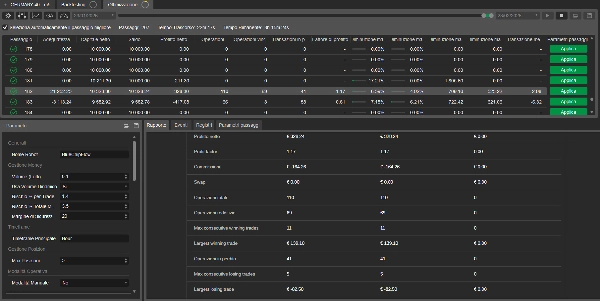
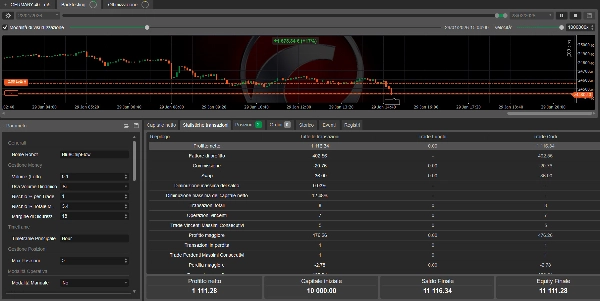
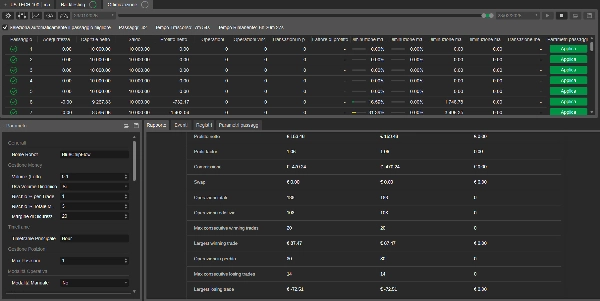

คำอธิบาย
BlueChipFlow - หุ่นยนต์ซื้อขายสำหรับดัชนีหุ้น
ทดลองใช้งานฟรี 14 วัน! "DEMO"
หมายเหตุ: หุ่นยนต์ทำงานตามสภาพตลาดและตรรกะภายในของมัน; เวลาการดำเนินการซื้อขายอาจแตกต่างกันไป
โปรโมชั่นระยะสั้น: ผู้ซื้อ 10 คนแรกจะได้รับส่วนลดเพิ่มอีก 5%
📊 ภาพรวม
Blue Chip Flow คืออัลกอริทึมการซื้อขายอัตโนมัติที่ออกแบบมาสำหรับดัชนีหุ้นหลักทั่วโลก ใช้ระบบการให้คะแนนหลายตัวชี้วัดที่ผสมผสานการวิเคราะห์ทางเทคนิคกับการประเมินแรงขับเคลื่อนตลาดเฉพาะ
🎯 ดัชนีที่รองรับ
อัลกอริทึมถูกตั้งค่าให้ทำงานบนดัชนีดังต่อไปนี้:
- US30 (Wall Street / Dow Jones)
- USTECH100 (Nasdaq 100)
- US500 (S&P 500)
- GERMANY40 (DAX)
🔍 ตรรกะการทำงาน
Blue Chip Flow ทำงานโดยการประเมินสภาพตลาดในหลายช่วงเวลา วิเคราะห์:
- แรงขับเคลื่อนแนวโน้ม (MACD, ADX)
- สภาพตลาด (RSI, Bollinger Bands)
- การวิเคราะห์ปริมาณ
- ความผันผวนของตลาด (ATR)
ระบบสร้างคะแนนจาก 0 ถึง 100 ตามปัจจัยเหล่านี้ และสามารถตั้งค่าให้ทำงานเมื่อถึงเกณฑ์ที่ผู้ใช้กำหนด
⚙️ พารามิเตอร์ที่ปรับแต่งได้
📈 การจัดการความเสี่ยง
- ปริมาณคงที่หรือไดนามิก (ขึ้นอยู่กับเปอร์เซ็นต์ความเสี่ยง)
- ตั้งค่า Stop Loss และ Take Profit ได้ตามต้องการ (เป็นพิปส์)
- ตั้งค่า Break Even ได้
- ตั้งค่าจำนวนตำแหน่งพร้อมกันสูงสุดได้ (ค่าเริ่มต้น: 2)
- ตั้งค่าจำนวนการซื้อขายรายวันสูงสุดได้ (ค่าเริ่มต้น: 3)
📊 ตัวกรองการซื้อขาย
- ตัวกรองสเปรดสูงสุด (ค่าเริ่มต้น: 2 พิปส์)
- ตัวกรองเวลาพร้อมชั่วโมงซื้อขายที่ตั้งค่าได้สำหรับแต่ละดัชนี
- ช่วงเวลาที่ตลาดเปิดที่ไม่รวม
- การเลือกโปรไฟล์ความเสี่ยง (ต่ำ/กลาง/สูง)
📐 ตัวชี้วัดทางเทคนิค (ทั้งหมดเป็นตัวเลือก)
- RSI: ช่วงเวลา 14, เกินขาย 25, เกินซื้อ 75
- MACD: เร็ว 12, ช้า 26, สัญญาณ 9
- Bollinger Bands: ช่วงเวลา 20, ส่วนเบี่ยงเบน 2
- ADX: ช่วงเวลา 14, เกณฑ์ 20
- ปริมาณ: เกณฑ์ขั้นต่ำที่ตั้งค่าได้
⏰ ชั่วโมงการซื้อขายที่ตั้งค่าได้
หุ่นยนต์อนุญาตให้ตั้งค่าชั่วโมงการซื้อขายเฉพาะสำหรับแต่ละดัชนี:
- ดัชนีสหรัฐฯ (US30, USTECH100, US500): คำแนะนำเริ่มต้น 14:00 - 21:00 UTC
- GERMANY40: คำแนะนำเริ่มต้น 08:00 - 16:00 UTC
ชั่วโมงเหล่านี้สามารถแก้ไขโดยผู้ใช้ได้
💼 การจัดการทุน
- ปริมาณไดนามิก: เมื่อเปิดใช้งาน จะคำนวณปริมาณตามทุนในบัญชี, เปอร์เซ็นต์ความเสี่ยง และระยะทาง Stop Loss
- การตรวจสอบมาร์จิ้น: อัลกอริทึมตรวจสอบความพร้อมของมาร์จิ้นก่อนเปิดตำแหน่งใหม่
📊 การรายงานและการติดตาม
- บันทึกประวัติการซื้อขายทั้งหมดโดยอัตโนมัติ
- แสดงสถิติแบบเรียลไทม์ระหว่างการดำเนินการ
- บันทึกรายละเอียดของทุกการดำเนินงาน
🎮 โหมดการทำงาน
- อัตโนมัติ: หุ่นยนต์ทำงานโดยอิสระอย่างสมบูรณ์ตามพารามิเตอร์ที่ตั้งไว้
- ด้วยตนเอง (กึ่งอัตโนมัติ): ในโหมดนี้ หุ่นยนต์จะส่งสัญญาณโอกาสโดยไม่ดำเนินการซื้อขายโดยอัตโนมัติ ให้ผู้ซื้อขายประเมินและตัดสินใจ
✅ ข้อดี
- หลายดัชนี: อัลกอริทึมเดียวสำหรับดัชนีหลักทั่วโลก
- ปรับแต่งได้: ทุกพารามิเตอร์สามารถปรับแต่งได้
- โปร่งใส: บันทึกการดำเนินงานทั้งหมดอย่างครบถ้วน
⚠️ ข้อกำหนดขั้นต่ำ
- บัญชี: cTrader (จริงหรือเดโม)
- ทุนแนะนำ: ≥ 1000 (สกุลเงินบัญชี) สำหรับ US30, ≥ 500 สำหรับดัชนีอื่นๆ
- สเปรดสูงสุดที่แนะนำ: 2-3 พิปส์
🔧 การติดตั้งและการใช้งาน
- เพิ่มหุ่นยนต์ไปยังกราฟของดัชนีที่ต้องการ
- เลือกดัชนีจากเมนูแบบเลื่อนลง "Index"
- ตั้งค่าพารามิเตอร์ความเสี่ยงที่ต้องการ
- เปิดหรือปิดตัวชี้วัดตามต้องการ
- เริ่มหุ่นยนต์ในโหมดเดโมสำหรับการทดสอบเบื้องต้น
หมายเหตุสำคัญ: การซื้อขายอัตโนมัติมีความเสี่ยง ทดสอบอัลกอริทึมอย่างละเอียดในสภาพแวดล้อมเดโมก่อนใช้งานจริง ผลงานในอดีตไม่รับประกันผลลัพธ์ในอนาคต
สรุป
Key configurable features include risk management settings (fixed or dynamic volume, customizable stop loss/take profit, break even, limits on simultaneous positions and daily trades), trading filters (maximum spread, trading hours per index, market open exclusion, risk profile selection), and optional technical indicators with adjustable parameters. The robot supports both fully automatic trading and a manual mode where it signals trade opportunities without executing them.
Capital management includes dynamic volume calculation based on account equity and risk percentage, with margin availability checks before opening positions. It provides real-time statistics, detailed logs, and complete trade history for monitoring. The robot operates on the cTrader platform and recommends minimum equity of $1000 for US30 and $500 for other indices, with a maximum spread of 2-3 pips. Installation involves adding the robot to the chart, selecting the index, configuring parameters, and optionally starting in demo mode.
การสนทนา
รีวิวจากลูกค้า
5 | 33 % | |
4 | 67 % | |
3 | 0 % | |
2 | 0 % | |
1 | 0 % |