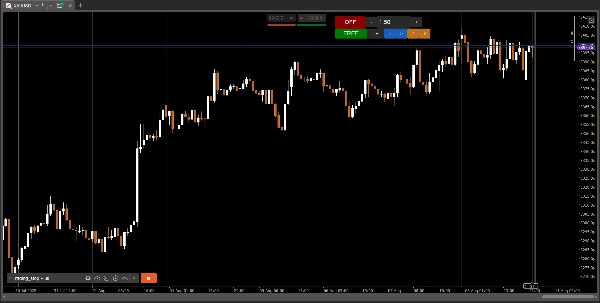
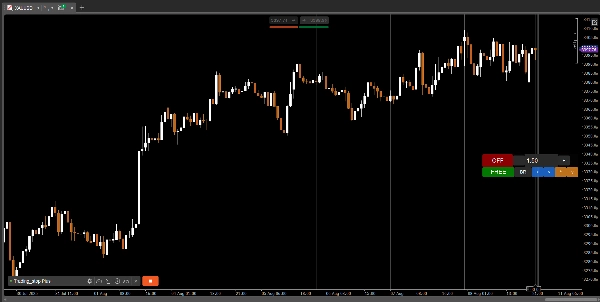
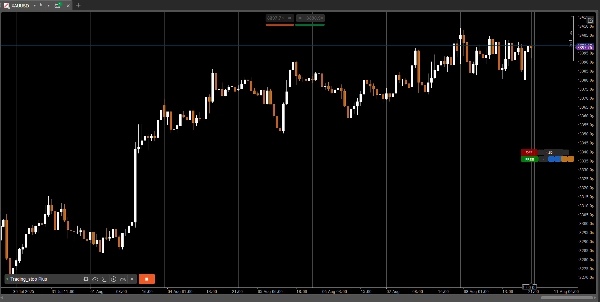
说明
📄 Trading_stop Plus 演示版
🧪 演示版本 – 限制使用48小时
这是 演示版本 的 Trading_stop Plus。
它从激活起 48小时内完全可用,之后移动止损功能将被禁用并出现通知。
要解锁无限制使用,请获取完整版:
🔗 查看完整合集: https://ctrader.com/algos/users/kobud.222/
📩 有问题?建议?折扣?
联系方式见我的个人资料: robikobud
🧾 一般描述
Trading_stop Plus 是原始 Trading_stop 移动止损管理机器人的完整增强版本。
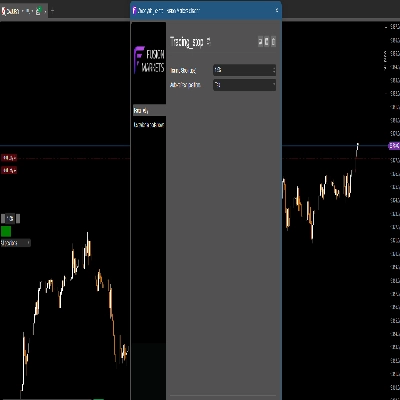
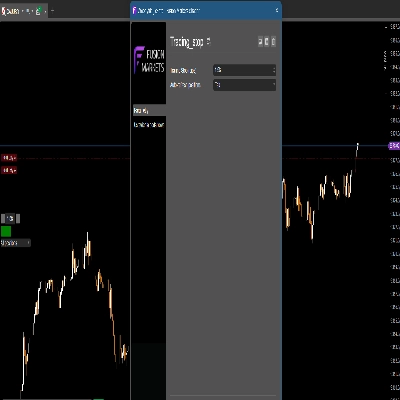
它是一个 模块化、可视化的移动止损控制器,适用于cTrader平台——专为剥头皮交易者、日内交易者或任何希望直接从图表上动态管理止损的活跃交易者设计。
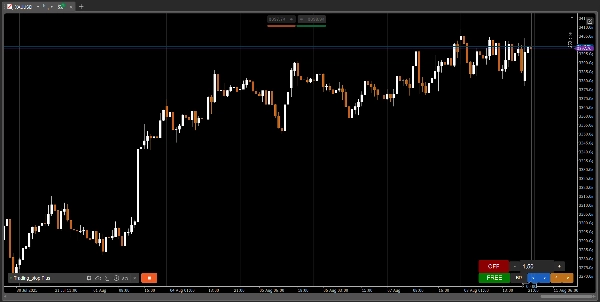
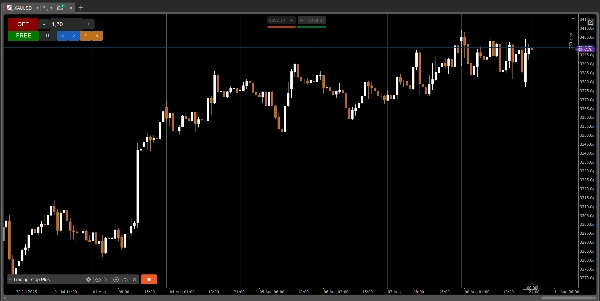
与 Trading_stop (v1)中面板被 固定不同,此版本允许您在交易过程中完全 移动、锁定、缩放和自定义您的面板。
🔄 本版本新增功能?
✔ 完全面板移动性 — 可自由移动至任何屏幕位置
✔ 锁定/解锁功能
✔ 响应性改进
✔ 灵活的视觉缩放(UI%)
✔ 位置控制面板从静态升级为 完全动态
🔑 主要功能
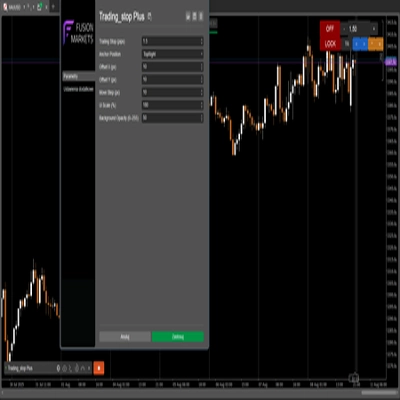
- 📋 开/关切换,带视觉反馈
- 📉 可定制的移动止损(精度可达 0.01点)
- ➖➕ 使用+/-按钮调整移动步长或手动输入数值
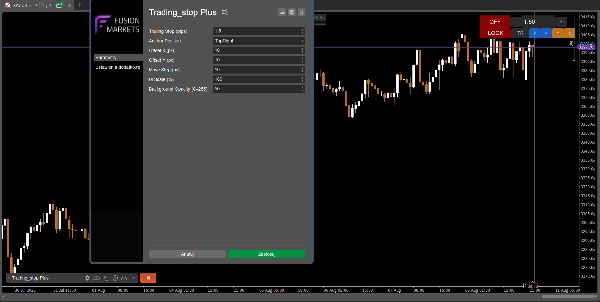
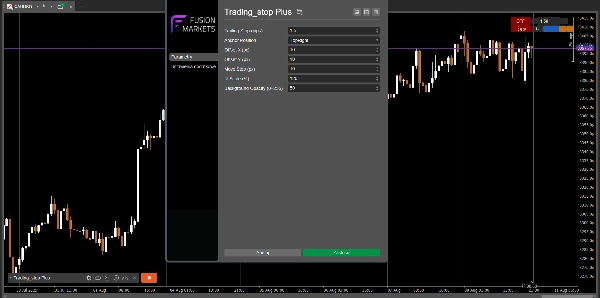
- 🪟 完全 可移动面板 – 锚点可配置(左上、右上、右下)
- 🔒 锁定按钮以冻结面板位置
- 🎨 透明可调背景(0–255)
- 🖥️ UI可缩放至任意分辨率(面板实时调整大小)
⚙️ 工作原理
- 将机器人应用于您持有仓位的任何工具
- 设置您的 移动止损值(点数)
- 点击 开启(绿色)以激活 — 现在它会监控您所有的未平仓仓位
- 机器人会随着价格向前移动自动更新您的止损价
- 止损仅在盈利时调整(绝不回撤)
机器人只修改 当前活动标的的仓位
🧩 参数
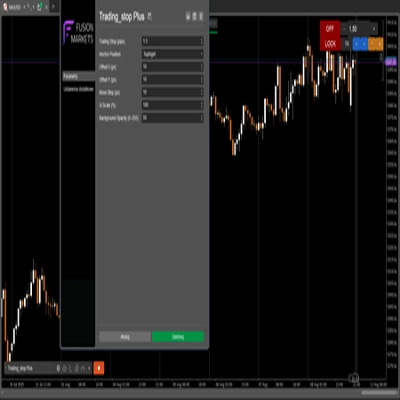
参数
描述
移动止损(点数)
移动止损的数值(精度:0.01)
锚点位置
面板锚点:左上 / 右上 / 右下
移动步长(像素)
使用面板箭头移动的距离
X / Y 偏移(像素)
相对于锚点的精确偏移
UI缩放比例(%)
整体面板缩放(40% 到 250%)
背景不透明度(0–255)
半透明GUI背景
👨💻 适用人群?
- 希望拥有 简洁且安全的止损管理工具
- 喜欢精准的剥头皮、日内或波段交易者
- 积极使用多显示器的交易者
- 任何想要对移动止损进行 可视化控制的人
- 曾使用过
Trading_stop v1,并希望获得更多自由和控制权的人
🚀 开发说明
✅ Trading_stop Plus 是该工具的 第二代版本。
在 原始版本中,面板是静态的。本版本为您提供了完全的视觉移动和灵活性。
核心逻辑保持安全高效——仅界面进行了升级。
📢 查看 robikobud的其他机器人和指标:
🔗 查看完整合集: https://ctrader.com/algos/users/kobud.222/
www.youtube.com/@Robi22-22
📩 有问题?建议?折扣?
联系方式见我的个人资料: robikobud
https://youtu.be/tfz60_L237w
摘要
Key features include a fully movable and customizable control panel with adjustable anchor positions (TopLeft, TopRight, BottomRight), lock/unlock functionality, and scalable UI with transparent background settings. Users can set trailing stops with precision down to 0.01 pips, adjust trailing steps via buttons or manual input, and toggle the bot on/off with visual feedback.
The bot monitors open positions for the active symbol, automatically updating stop loss levels as the price moves favorably, ensuring stop losses only move in profit direction and never retract. The interface improvements over the original static panel allow live repositioning and scaling for multi-monitor setups.
Parameters include trailing stop value, panel position and offset, move step in pixels, UI scale percentage, and background opacity. This tool is intended for traders seeking precise, visual, and flexible trailing stop management integrated into their trading charts.