
Descrizione
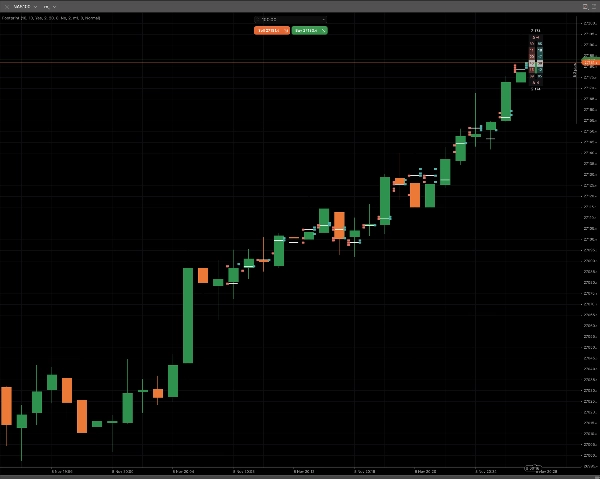
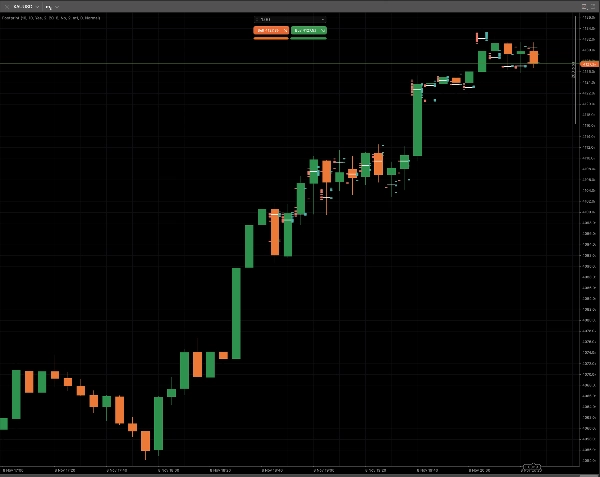
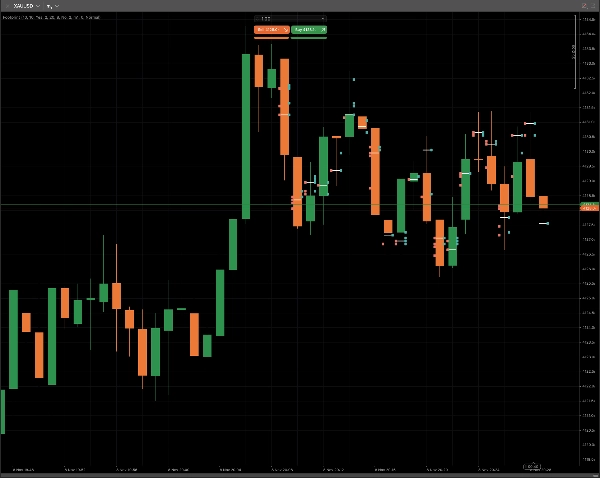
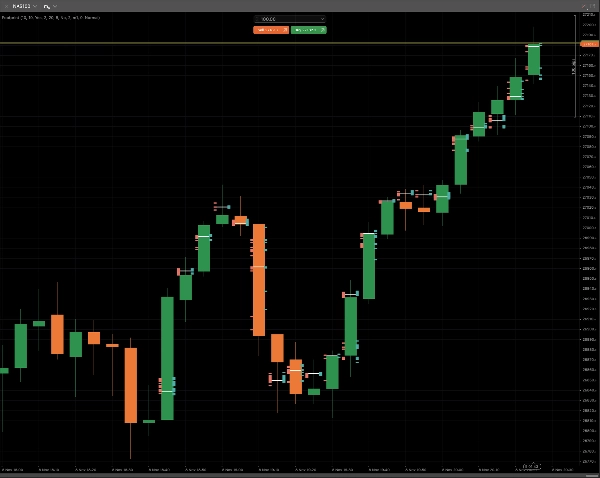
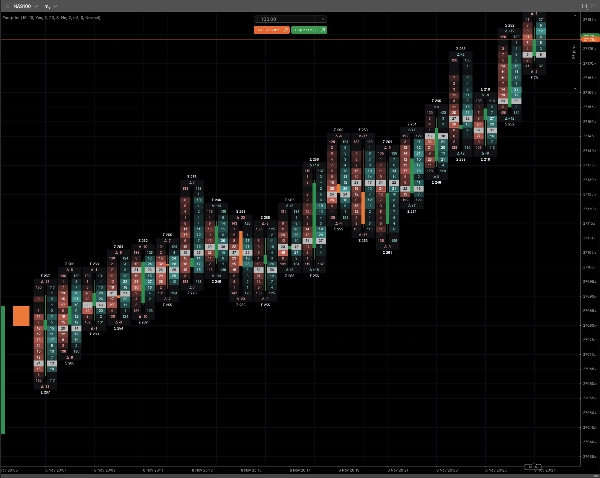
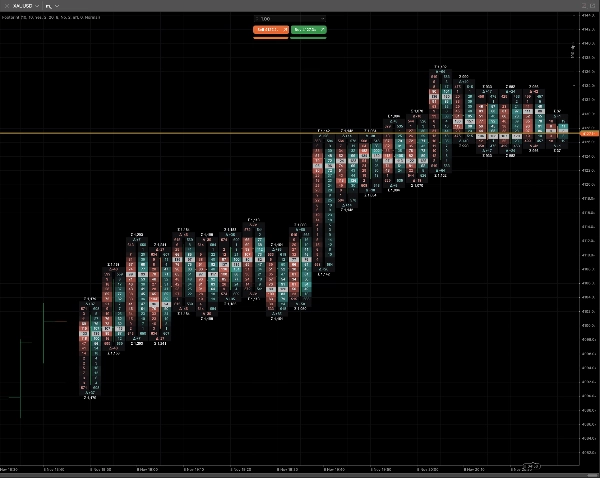
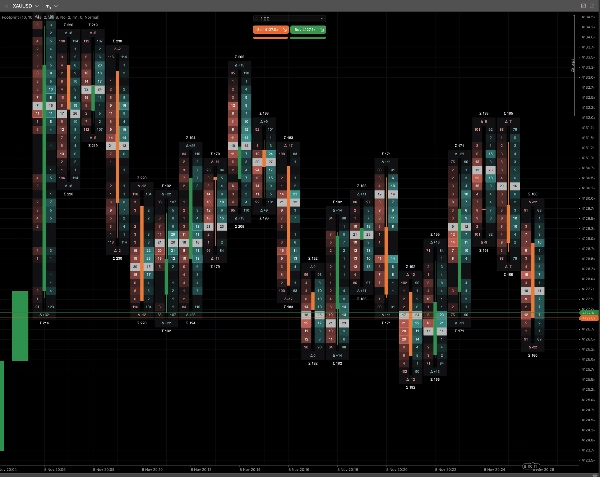
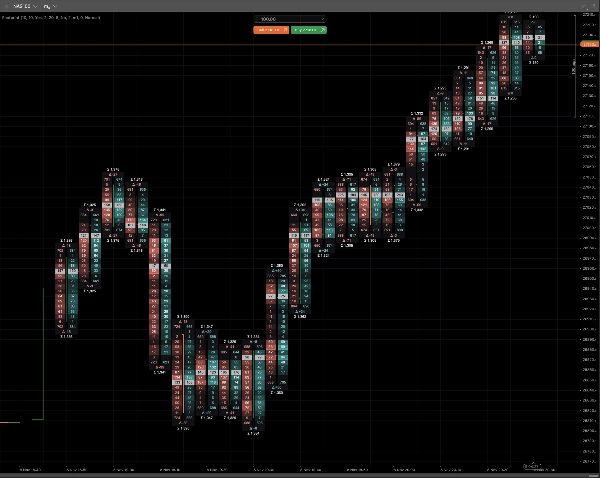
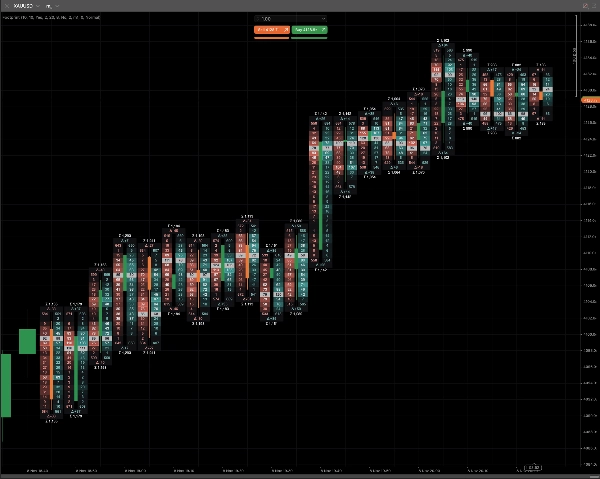
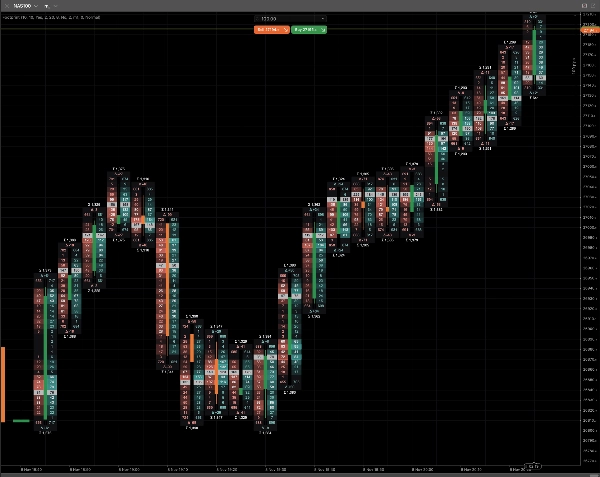
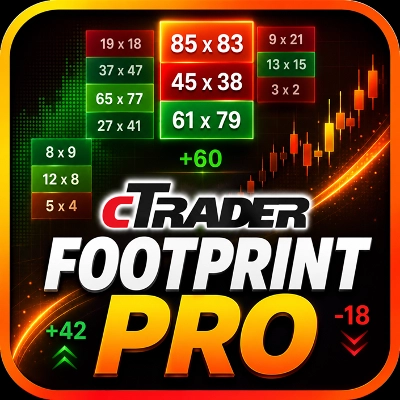
Footprint shows, inside every bar, how much was sold and bought at each price. Selling volume sits on the left of the bar body and buying volume on the right, with the bar's POC, delta and totals next to the price. It does not trade, needs no access rights and runs next to any cBot.
What it analyzes
- Broker ticks, counted at the mid price between bid and ask. Each tick is one unit of volume.
- The side of each tick, with the tick rule: a tick up is a buy, a tick down is a sell, and a tick at the same price keeps the last side.
- Closed bars are rebuilt from the broker's tick history when the indicator loads. The current bar updates live, tick by tick.
How to read it
- Left cells: selling volume of each price row. Right cells: buying volume. The stronger the color, the more volume the cell holds.
- White row: the POC, the price with the most volume in the bar.
- Bordered cell: high volume, at least 2 times the average cell of its bar (you can change it).
- Under and above each bar: the sell and buy totals, the delta (buy minus sell) in the color of its sign, and the total volume.
- When a bar is too narrow for its table, it keeps a short POC line and small marks beside the body on its high-volume rows. Zoom in to see the full table.
Main settings
- Ticks Per Row: height of each price row.
- Font Size: size of the numbers. A smaller font fits the tables with less zoom.
- Footprint Bars: how many closed bars keep their table, up to 100.
- Max Bar Width: keeps the bar body narrow, so the space goes to the cells.
- High Volume (x avg): threshold for the highlighted cells.
- Colors for buying, selling, neutral cells and the POC.
Use cases
- Breakouts: check that the bars leaving a level carry delta and volume in the direction of the move, and not an empty push.
- Rejections: a large sear (or a large buy cell at the low) shows one side absorbing the move.
- Reference levels: the POC of a large bar can work as a level to watch on later retests.
- Scalping on m1 and m5, with the current bar updating tick by tick.
Who it is for
- Intraday traders and sprice levels (support andresistance, volume profile, value area) and want to see the volume behind each bar.
- Intermediate level: you should know what delta and POC mean. If you are new to order flow, starta row only.
- Recommended: any symbol with tick data, tuned on XAUUSD. From m1 to m15; m1 and m5 are the main working charts.
Notes and limits
- Volume is tick volume. Forex and CFD brokers have no central exchange volume, so the numbers s, not real contracts, andthey differ between brokers.
- Closed bars get a tabls tick history.
- Max Bar Width needs a recent cTrader version. On older versions the bar body is left as it is anm to fit.
- On m1 with many footprint bars and a small font, the chart can get slower. Lower Footprint Bars if that happens.
- This indicator does not give trading signals. Trading involves risk.
Riepilogo
Profilo indicatore
Categoria indicatore
Flusso ordini/profondità mercato
Tipo di output
Visualizzazione
Requisiti per i dati
Dati sui tick
Discussioni
Recensioni dei clienti
0.0
Recensioni: 0
Recensioni dei clienti
Questo prodotto non ha ancora ricevuto recensioni. L'hai già provato? Fallo sapere agli altri per primo!
Domande frequenti
Key Levels
Volume
Supply & Demand
Support & Resistance
I prodotti disponibili tramite cTrader Store, inclusi bot di trading, indicatori e plugin, sono forniti da sviluppatori terzi e resi disponibili esclusivamente a scopo informativo e di accesso tecnico. cTrader Store non è un broker e non fornisce consulenze in materia di investimento, raccomandazioni individualizzate o garanzie di risultati futuri.
Altro da questo autore
Potrebbe interessarti anche








Prezzo
Da 17/01/2025