


설명
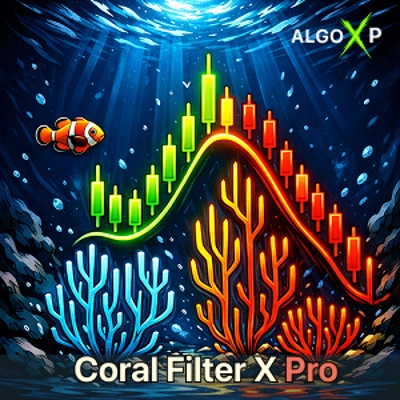
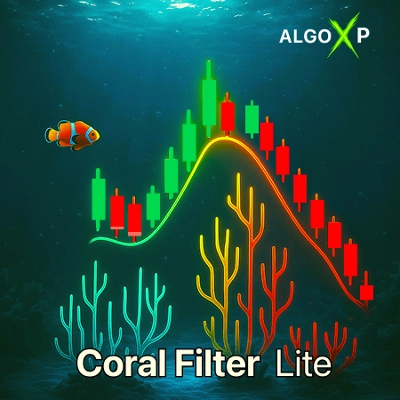
🐠 Coral Filter X Pro is a professional trend filter for cTrader based on the classic Coral (linear IIR) algorithm. Built from cascaded EMAs (order 3-6) with a normalized-slope engine, it delivers a clean Up / Down / Neutral view and precise crossover entries.
🌊 Ride the trend. Skip the noise.
A pro-grade trend filter built on the classic Coral (linear IIR) with cascaded EMAs (order 3-6) and a normalized-slope engine. It paints a crystal-clear Up / Down / Neutral bias and fires real-time crossover arrows with matching on-chart pop-ups (N seconds) and optional sound-strictly one alert per bar.
🎯 Why traders choose it
- Instant bias: color-coded Coral dots - green / red / yellow.
- Trade with discipline: above Coral → long-only, below → short-only.
- Actionable entries: intrabar Buy/Sell arrows on price×Coral cross.
Signal Mode: By Trend (cleaner) or All Crosses (more setups). - Stay sharp: on-chart alert + sound (optional), anti-spam 1/bar.
- Readability on point: optional Color Bars tint candles by trend.
- Preset power: Scalp / Swing / Long tuned out of the box.
- Heads-up HUD: compact Dashboard - Trend, NormSlope, Period, Order, Above/Below.
- Algo-ready: public series TrendState (−1/0/+1) and NormSlope for cBots/scanners.
- Lightweight & robust: smooth Coral baseline, optimized for any symbol/timeframe.
⚡ How it works (in practice)
- Coral = 3-6 EMA cascades → silky smoothing with minimal lag.
- Trend engine = slope normalized by ATR or pips; Neutral Threshold controls the flat zone width.
- Arrows & alerts trigger as the bar crosses the Coral (per Signal Mode).
- Pop-up shows for ScreenAlertSec seconds; sound follows the AlertSound toggle.
🎯 Presets & Recommended Timeframes
Coral Filter X Pro includes three ready-to-use presets, each designed for a different trading horizon.
⚡ Scalp | M5-M15
Fast and responsive trend detection for scalping and intraday trading. Recommended starting timeframe: M15.
🌊 Swing | M30-H1
Balanced smoothing for identifying medium-term trends while filtering short-term market noise. Recommended starting timeframe: H1. H4 may also be used for broader trend analysis.
🏔️ Long | H4-D1
Stronger smoothing for identifying longer-term market direction and reducing sensitivity to minor price fluctuations. Recommended starting timeframe: H4.
How to choose your preset
- The indicator uses the timeframe of your current chart.
- Each preset automatically applies its own Period, EMA Order and Neutral Threshold settings.
- For manual adjustments, select the Custom preset.
- Green = Uptrend, Red = Downtrend, Yellow = Neutral.
- Neutral indicates that the normalized trend slope does not exceed the selected threshold.
- A visible trend does not necessarily generate a Buy/Sell arrow. Arrows require separate signal conditions.
These timeframe recommendations are suggested starting points. Signal frequency and responsiveness vary depending on the instrument, volatility and market conditions.
👥 Who it’s for
Scalpers, intraday, swing, and algo traders who want a clean, disciplined bias, fast entries, and automation-friendly outputs.
🐠 Coral Filter X Pro turns trend detection into a simple, repeatable workflow - a reliable baseline, clear bias, and disciplined entries in one indicator.
요약
Key features include preset configurations for scalp, swing, and long trading styles, a compact heads-up display showing trend state and parameters, and public series outputs (TrendState and NormSlope) for integration with automated trading systems and scanners. The indicator supports disciplined trading by signaling long-only trades above the Coral baseline and short-only trades below it. It also offers optional color bar tinting to enhance chart readability.
Coral Filter X Pro is suitable for scalpers, intraday, swing, and algorithmic traders seeking a reliable, automation-friendly tool for trend identification and disciplined trade entries across various markets including Forex, indices, commodities, stocks, and cryptocurrencies.
상담
고객 리뷰
5 | 75 % | |
4 | 0 % | |
3 | 0 % | |
2 | 25 % | |
1 | 0 % |
자주 묻는 질문(FAQ)






가격