
AI Trading Agent
Plugin desktop
13 pembelian
Versi 2.2, Sep 2026
Windows, Mac
3.5
Ulasan: 4
51
Jualan
16
Pemasangan percuma
Penerangan
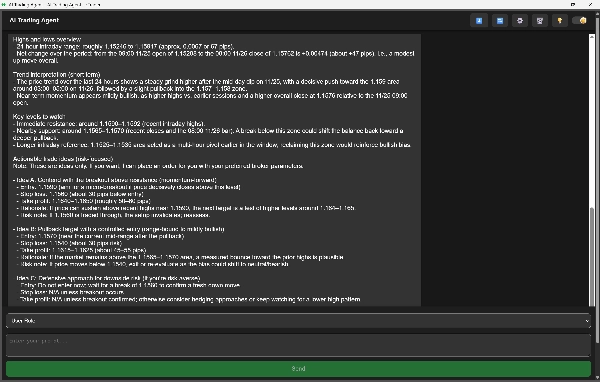
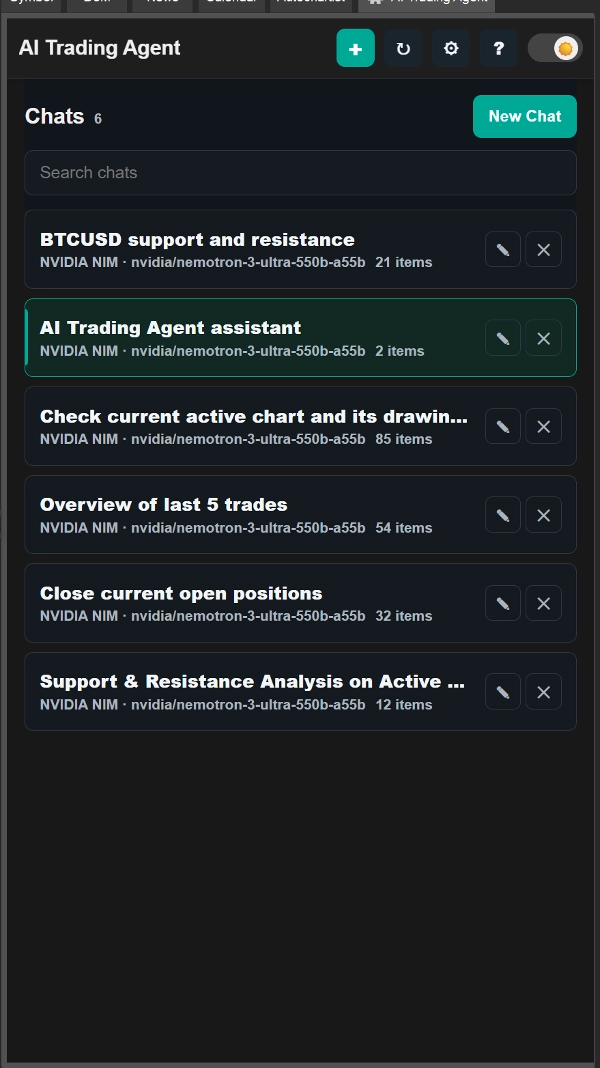
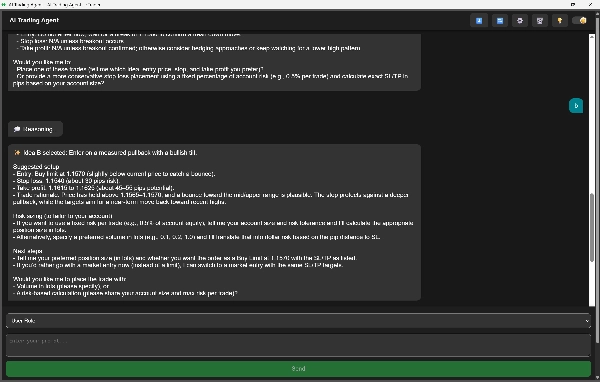
Ejen Perdagangan AI yang dikuasakan oleh ChatGPT, adalah pembantu yang kuat dalam cTrader yang membantu anda menganalisis pasaran, memahami tren, dan menguruskan perdagangan anda dengan mudah. Ia menggunakan AI canggih untuk membaca carta, memeriksa berita, dan menerangkan idea perdagangan dalam bahasa yang jelas.
Apa yang dilakukannya
- Menganalisis data harga, penunjuk, tren, dan korelasi
- Memberi cadangan perdagangan yang jelas dengan alasan
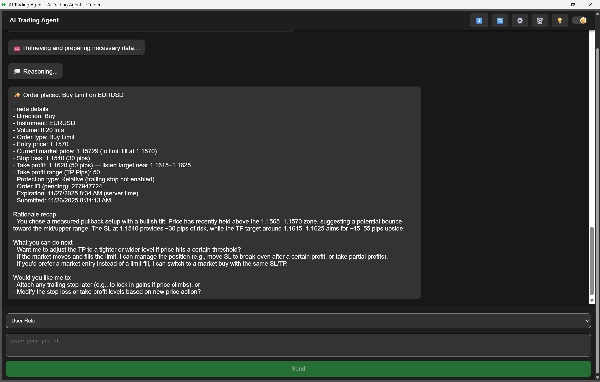
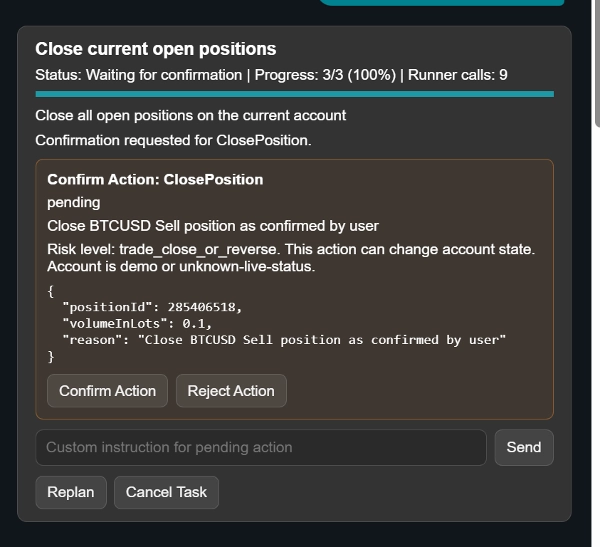
- Membuka dan menguruskan perdagangan: pasaran, had, hentian, dan pesanan tertunda
- Melaraskan SL/TP, penutupan separa, hentian jejak
- Mengurus dan membatalkan pesanan tertunda
- Menunjukkan pandangan senarai pantauan dan gambaran cepat untuk mana-mana aset
- Memaparkan statistik akaun seperti margin, baki, pendedahan, dan P/L
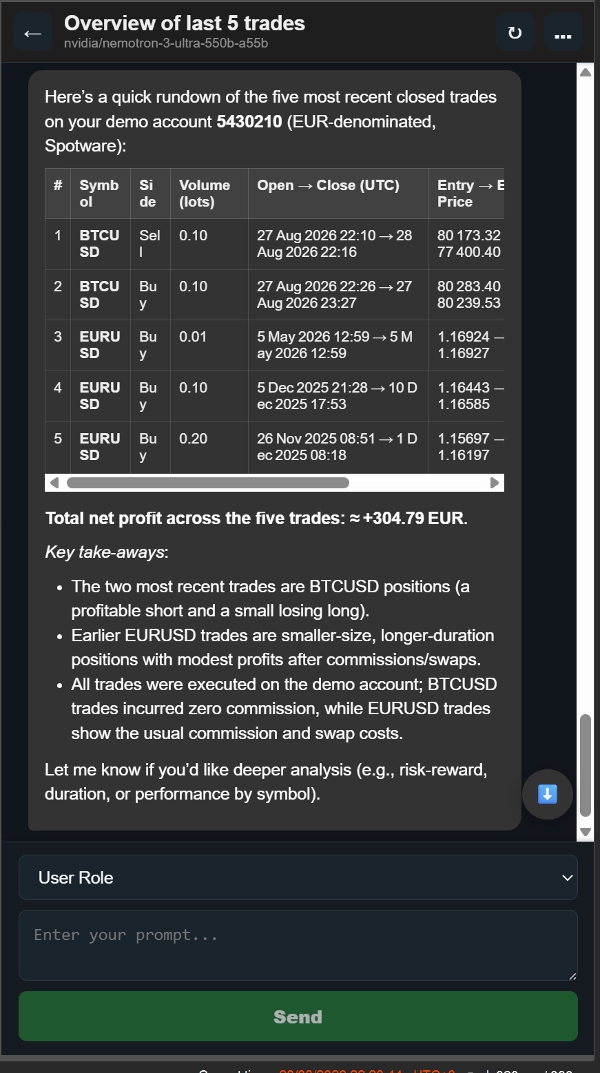
- Mengkaji perdagangan lalu anda untuk menunjukkan kekuatan dan kesilapan
- Boleh memeriksa berita untuk mengesahkan pecahan, tren, atau pergerakan pasaran
Mengapa ia berguna
- Membantu anda membuat keputusan dengan lebih cepat dan bijak
- Menerangkan setiap idea perdagangan supaya anda faham “mengapa”
- Mengendalikan analisis, pelaksanaan, dan pengurusan bersama-sama di satu tempat
Apa Yang Baru:
Kini anda boleh menetapkan lokasi sembang. Ia mempunyai dua pilihan: Trade Watch atau Panel Simbol Aktif.
Ciri-ciri baru:
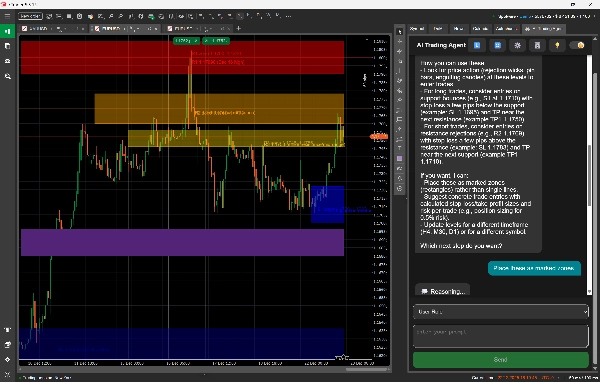
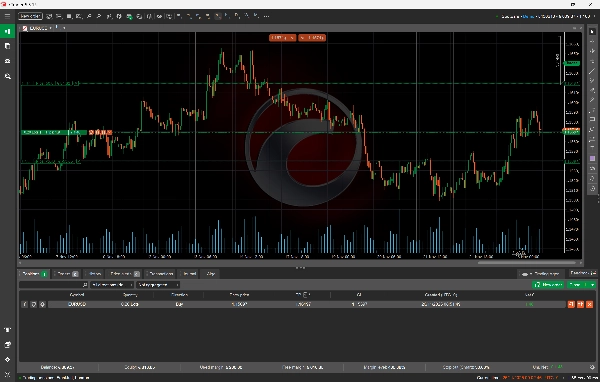
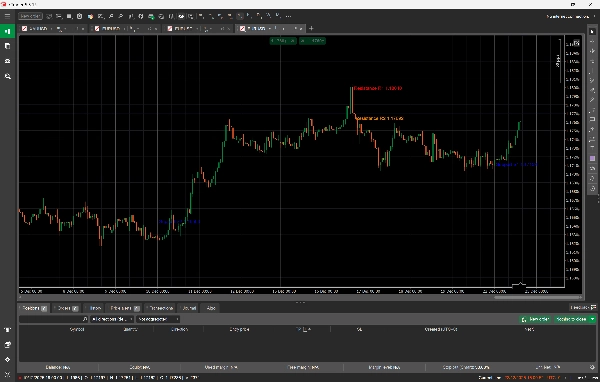
- Menambah sokongan untuk objek lukisan pada carta: segi empat tepat, elips, segitiga, garis tren, garis mendatar, garis menegak, ikon, anak panah, saluran sama jarak, dan teks.
- Anda boleh meminta Ejen Perdagangan AI untuk memilih aset dan jangka masa tertentu, menganalisis data pasaran seperti OHLC, dan kemudian memaparkan tahap sokongan dan rintangan, titik pecahan, pergerakan harga, dan ramalan harga terus pada carta dan bukannya sebagai teks mentah dalam sembang.
- Anda boleh menggunakan AI untuk tujuan pendidikan dan memintanya mengenal pasti dan melukis corak tindakan harga, seperti kepala dan bahu, terus pada carta.
- Anda juga boleh meminta AI untuk menganalisis carta aktif anda sekarang dan objek lukisan yang sedia ada untuk memberikan pandangan berdasarkan anotasi anda sendiri (contohnya: “Analisis carta semasa dan kenal pasti serta lukis tahap sokongan dan rintangan utama pada carta”). AI melihat tepat apa yang anda lihat, jadi tiada keperluan untuk menentukan aset atau jangka masa; ia secara automatik membaca carta aktif dan mengambil semua data pasaran dan objek yang kelihatan dalam pandangan semasa.
Bawa Kunci Anda Sendiri
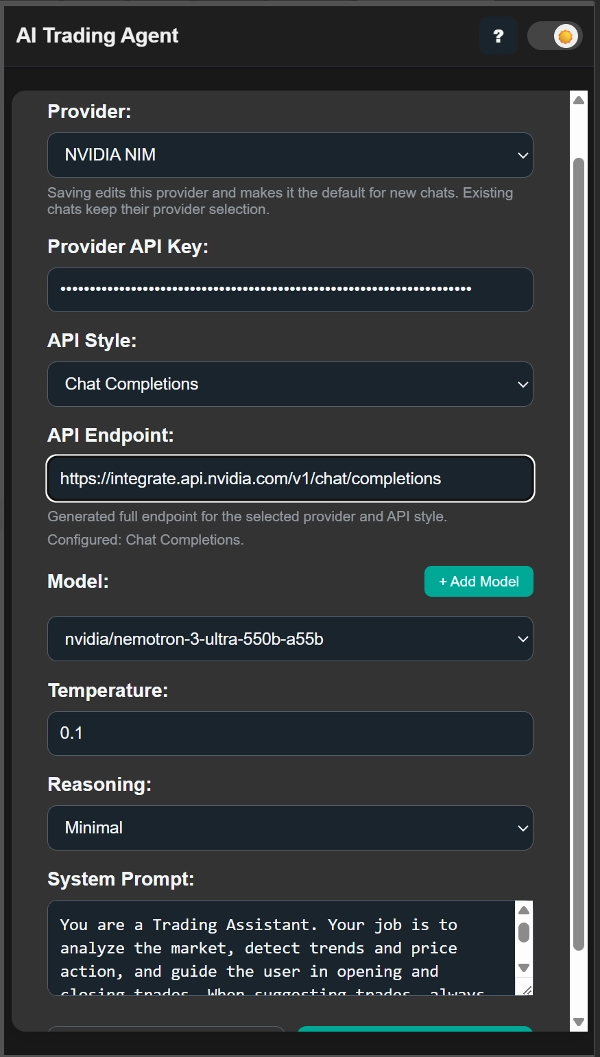
Anda mesti menggunakan kunci API anda sendiri untuk mengakses model AI.
Versi percubaan juga tersedia, memberikan anda akses terhad supaya anda boleh menguji ciri-ciri sebelum menaik taraf.
Ringkasan
AI summary
AI Trading Agent is a ChatGPT-powered plugin for cTrader that assists traders by analyzing market data, detecting trends, and managing trades. It evaluates price data, indicators, correlations, and news to provide clear trade suggestions with explanations. The agent supports opening and managing market, limit, stop, and pending orders, including adjusting stop loss, take profit, partial closes, and trailing stops. It offers watchlist insights, account statistics (margin, balance, exposure, P/L), and reviews past trades to highlight strengths and mistakes.
New features include the ability to set chat location in Trade Watch or Active Symbol panels, support for drawing various objects on charts (e.g., trendlines, channels, text), and AI-driven analysis of specific assets and timeframes with visual display of support/resistance levels and price predictions. The AI can identify and draw price action patterns and analyze user annotations on active charts for enhanced insights.
Users must provide their own API key to access AI models. A trial version with limited access is available for testing. The plugin supports multiple markets including Forex, commodities, and cryptocurrencies, and incorporates strategies such as Fibonacci, Supertrend, and Martingale.
New features include the ability to set chat location in Trade Watch or Active Symbol panels, support for drawing various objects on charts (e.g., trendlines, channels, text), and AI-driven analysis of specific assets and timeframes with visual display of support/resistance levels and price predictions. The AI can identify and draw price action patterns and analyze user annotations on active charts for enhanced insights.
Users must provide their own API key to access AI models. A trial version with limited access is available for testing. The plugin supports multiple markets including Forex, commodities, and cryptocurrencies, and incorporates strategies such as Fibonacci, Supertrend, and Martingale.
Profil plugin
Kategori plugin
Analitik
Akses data
Data pasaran
Posisi
Pesanan
Akaun
Sejarah
Carta
Jenis pesanan yang disokong
Pasaran
Had
Model risiko
Dinamik
Berasaskan ketaktentuan
Jenis kawalan risiko yang disokong
Henti rugi
Ambilan untung
Henti rugi trailing
Ulasan pelanggan
3.5
Ulasan: 4
5 | 50 % | |
4 | 0 % | |
3 | 25 % | |
2 | 0 % | |
1 | 25 % |
Ulasan pelanggan
September 11, 2026
Does not work. I tested in with latest version of ctrader on Mac. It just shows Loading
November 29, 2025
Usable market helper if the trader wants it adds another decision layer before a trade. It works best as support, not a final decision maker. I would review 30 AI calls, keep risk at 1 percent and compare the calls with manual confirmation. AI output still needs a human filter.
November 28, 2025
November 28, 2025
Quiet tool with value for traders who like extra context before entering. It gives value around AI assisted trading, but AI output still needs a human filter. A good test is 20 setups, 2 timeframes and no more than 3 percent DD in the first month. The AI part feels useful only when it improves the filter, not when it replaces the trader.
Perbincangan
Soalan Lazim
Fibonacci
Forex
Supertrend
Commodities
Crypto
AI
Martingale
Produk yang tersedia melalui cTrader Store, termasuk bot dagangan, indikator dan plugin, disediakan oleh pembangun pihak ketiga dan diberikan akses untuk tujuan maklumat dan teknikal sahaja. cTrader Store bukan broker dan tidak memberikan nasihat pelaburan, syor peribadi atau sebarang jaminan prestasi masa hadapan.
Lebih banyak produk daripada penulis ini





![Logo "Custom Timeframes [Iridio Capital]"](https://cdn.ctrader.com/image/webp/4d75a920-23c7-4fea-a7b5-594a9d067f2e_63286)




Harga
51
Jualan
16
Pemasangan percuma