Açıklama
Kümeleme Göstergesi
Genel Bakış
Kümeleme Göstergesi, tüccarların piyasa verilerindeki desenleri, trendleri ve anormallikleri tanımlamasına yardımcı olmak için tasarlanmış güçlü bir araçtır. Benzer veri noktalarını kümeler halinde gruplandırarak, bu gösterge bilinçli ticaret kararları almak için kullanılabilecek değerli içgörüler sağlar.
Özellikler
- Kümeleme Algoritmaları: K-Means ve Gaussian Mixture Model (GMM) gibi gelişmiş kümeleme algoritmalarını kullanarak piyasa verilerini etkili bir şekilde segmentlere ayırır.
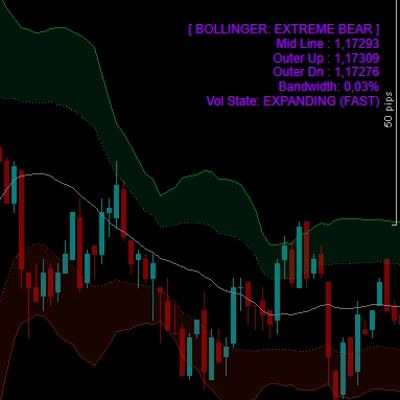
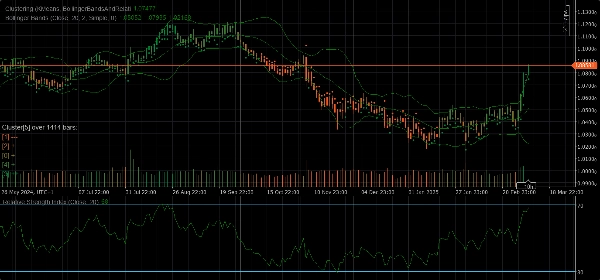
- Özellik Setleri: Ham Fiyat, Bollinger Bantları, Göreceli Güç Endeksi (RSI), Stokastik Osilatör, Bollinger Bantları ve RSI ile bu göstergelerin kombinasyonları dahil olmak üzere çeşitli özellik setleri sunar ve piyasa davranışının farklı yönlerini yakalar.
- Dinamik Kümeleme: Kümeleme işleminin mümkün olduğunca doğru olmasını sağlamak için optimal küme sayısını otomatik olarak belirler.
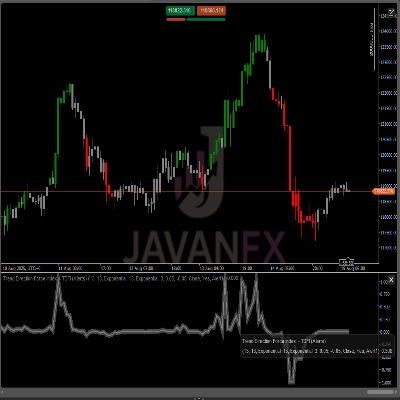
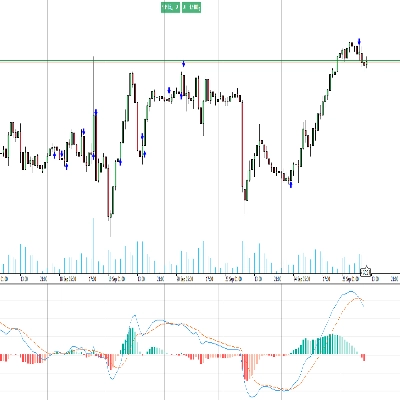
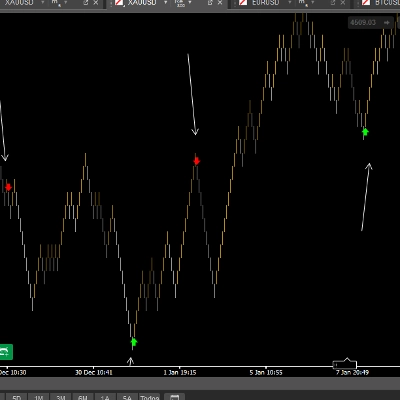
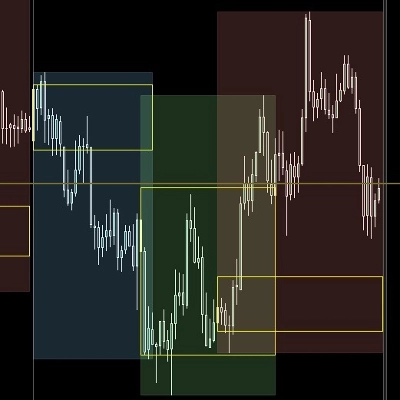
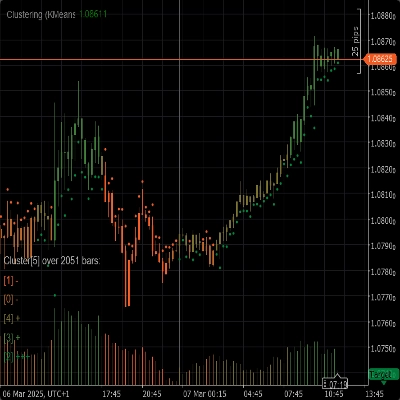
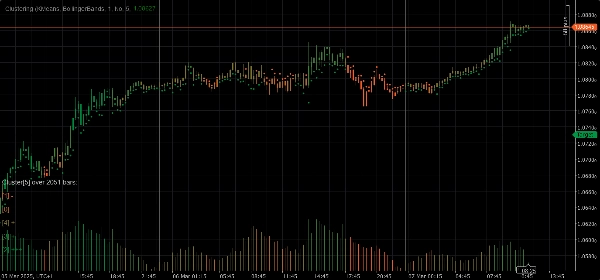
- Görselleştirme: Küme hareketleri ve volatilite hakkında net görsel içgörüler sağlar ve bunları doğrudan grafiğinizde gösterir.
Parametreler
- Kümeleme Algoritması: Ticaret stratejinize en uygun olanı seçmek için K-Means veya Gaussian Mixture Model (GMM) arasında seçim yapın.
- Özellik Seti: Ham Fiyat, Bollinger Bantları, RSI, Stokastik Osilatör, Bollinger Bantları ve RSI veya çeşitli göstergeleri içeren tam piyasa veri setinden seçim yapın.
- Pencere: Her veri noktası için dikkate alınacak bar sayısını tanımlayın.
- Otomatik K: Verilerinize dayanarak küme sayısını otomatik olarak belirleyin.
- Başlangıç K: Otomatik K devre dışı bırakıldığında başlangıç küme sayısını ayarlayın.
- Maksimum Tarihsel Barlar: Kümeleme için kullanılan maksimum tarihsel bar sayısını sınırlandırır. 0 olarak ayarlanırsa, mevcut tüm barlar kullanılır.
- Kümelere Göre Renk: Gerçek küme atamalarına göre grafik renk değiştirmeyi etkinleştir veya devre dışı bırak.
- İçgörüleri Göster: Her küme hakkında ayrıntılı içgörüleri doğrudan grafikte göster.
- Göstergeleri Göster: Özellik setlerinde kullanılan göstergeleri göster.
Otomatik Uyarlama Parametreleri
- Otomatik Uyarlama: Göstergeyi belirtilen koşullara göre kümeleri yeniden başlatmaya izin veren otomatik uyarlama modunu etkinleştir veya devre dışı bırak.
- Otomatik Uyarlama Saati: Otomatik uyarlamanın gerçekleşebileceği günün saati (0-23).
- Otomatik Uyarlama Periyodu: Son uyarlamadan sonra başka bir uyarlamanın gerçekleşebilmesi için geçmesi gereken minimum saat sayısı.
Özellik Seti Parametreleri
Bollinger Bantları Parametreleri
- Periyot: Bollinger Bantlarının hesaplanacağı periyot.
- Sapma: Bollinger Bantları için standart sapma çarpanı.
- Hareketli Ortalama Türü: Bollinger Bantları hesaplamasında kullanılan hareketli ortalama türü (Basit, Üssel, vb.).
Göreceli Güç Endeksi (RSI) Parametreleri
- Periyot: RSI'nın hesaplanacağı periyot.
Stokastik Osilatör Parametreleri
- Periyot: Stokastik Osilatör için K periyodu.
- K Yavaşlatma: Stokastik Osilatör için K yavaşlatma faktörü.
- D Periyodu: Stokastik Osilatör için D periyodu.
- Hareketli Ortalama Türü: Stokastik Osilatör hesaplamasında kullanılan hareketli ortalama türü (Basit, Üssel, vb.).
- Hesaplama Türü: Stokastik Osilatör için hesaplama türü (LowHigh, CloseClose, vb.).
Kullanım
1. Kümeleme Göstergesini grafiğinize ekleyin.
2. Parametreleri ticaret stratejinize göre yapılandırın.
3. Grafik üzerindeki kümeleri ve hareketlerini analiz edin.
4. Gösterge tarafından sağlanan içgörüleri kullanarak bilinçli ticaret kararları alın.
Özet
Key functionalities include dynamic clustering, which automatically determines the optimal number of clusters for accuracy, and visualization features that display cluster movements and volatility directly on the chart. The indicator offers configurable parameters such as clustering algorithm choice, feature set selection, window size for data points, cluster count settings (auto or manual), and options to color the chart by clusters or show detailed cluster insights.
Additional parameters allow for auto-adaptation, enabling the indicator to reinitialize clusters based on specified time conditions. Feature-specific settings for Bollinger Bands, RSI, and Stochastic Oscillator are also available to fine-tune calculations.
To use, add the indicator to a chart, configure parameters according to your strategy, analyze cluster patterns visually, and apply the insights to inform trading decisions. The indicator supports analysis of indices and momentum indicators like RSI and Bollinger Bands.
Müşteri değerlendirmeleri
5 | 67 % | |
4 | 33 % | |
3 | 0 % | |
2 | 0 % | |
1 | 0 % |