
Descripción
CVD ai
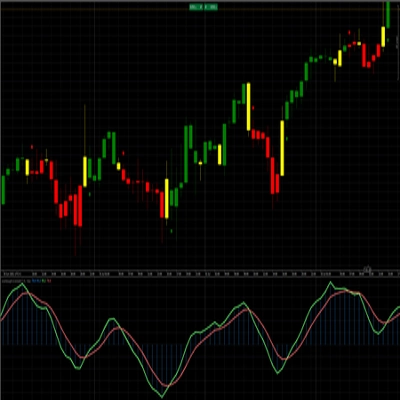
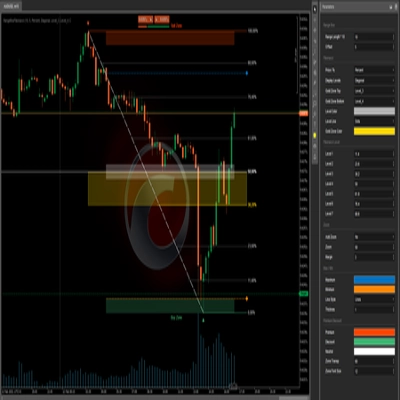
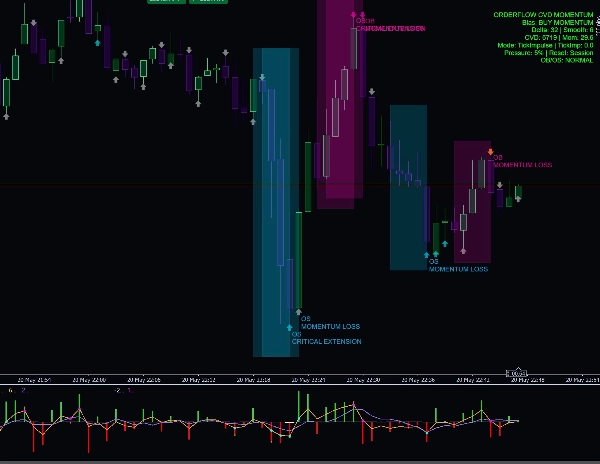
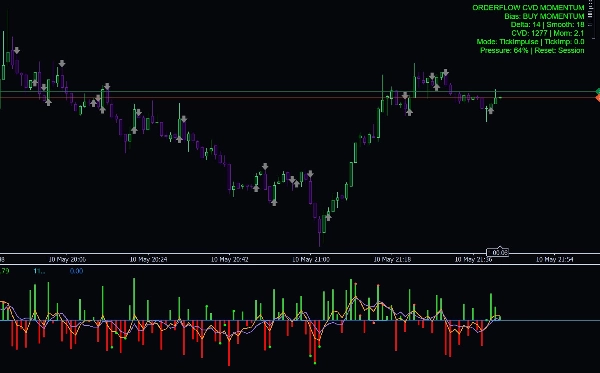
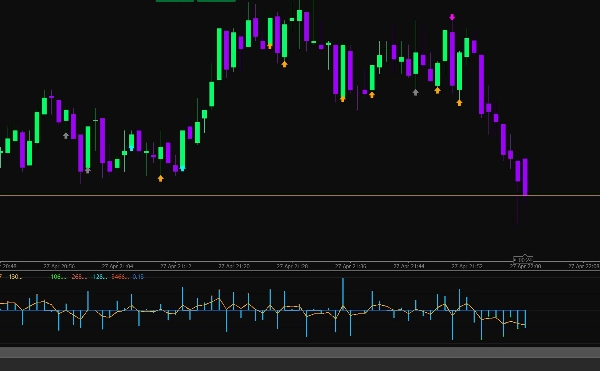
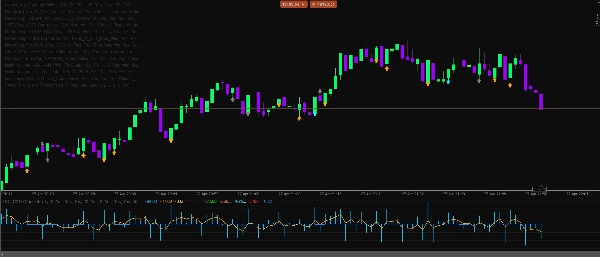
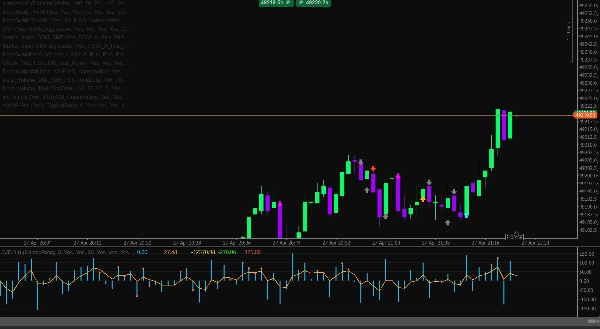
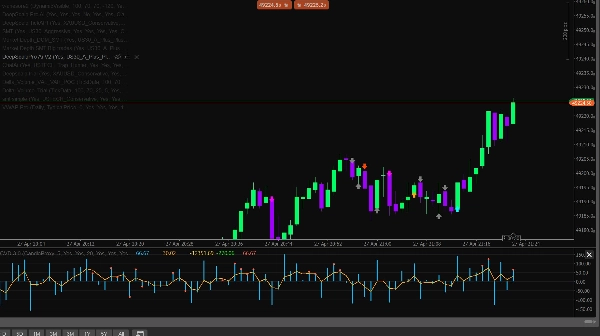
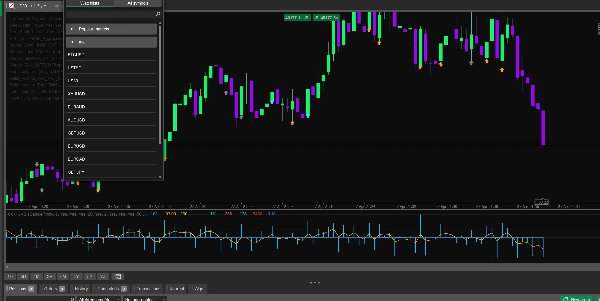
Delta CVD Advanced es un indicador profesional de análisis de momentum y órdenes diseñado para traders que desean una visión más clara de la presión de compra y venta directamente desde el comportamiento del mercado. Combina Delta, CVD, momentum de ticks en vivo, absorción, divergencia, filtros de sesión, guardias de volatilidad y un motor inteligente de confluencia en una herramienta analítica limpia.
Este indicador está diseñado para scalping, trading intradía y confirmación de momentum a corto plazo en los mercados de Forex, Oro, Índices, Cripto y Petróleo.
Características clave
- Cálculo Delta en vivo usando lógica de uptick/downtick
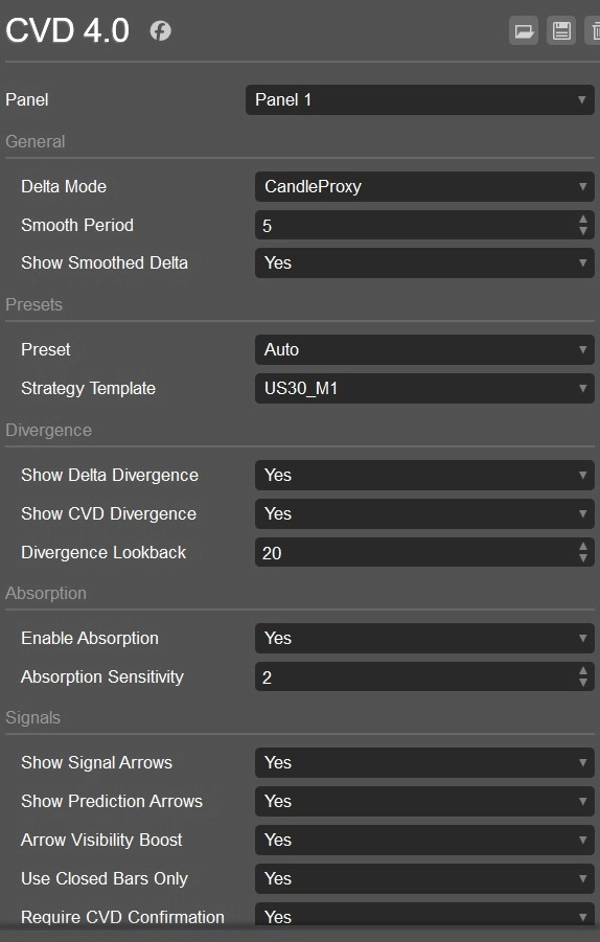
- Modo delta proxy de vela para análisis histórico
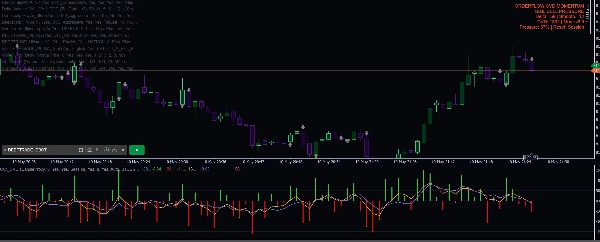
- Línea de Delta de Volumen Acumulado para rastrear la presión a lo largo del tiempo
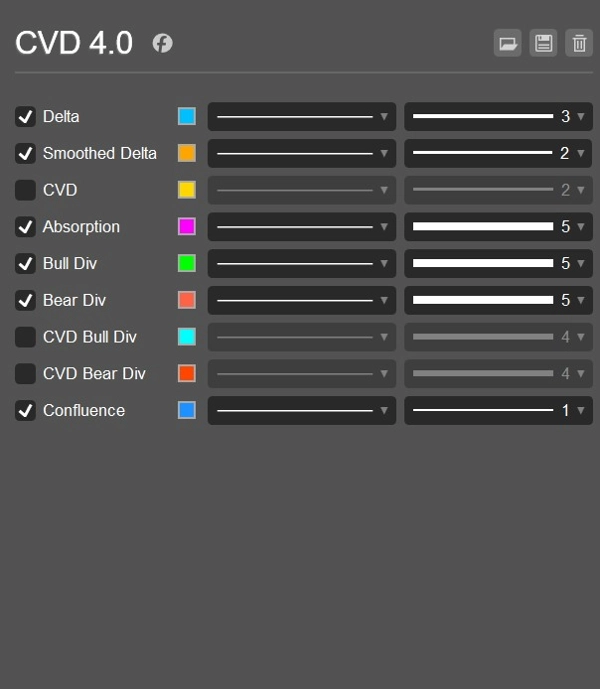
- Línea Delta suavizada para una lectura de momentum más limpia
- Histograma Delta coloreado de compra/venta
- Cálculo de momentum basado en ticks para impulso de mercado en vivo
- Modo de momentum híbrido que combina pendiente de CVD e impulso de ticks
- Opciones de reinicio de CVD: Nunca, Diario o por Sesión
- Detección de divergencia Delta alcista y bajista
- Detección de divergencia CVD alcista y bajista
- Detección de absorción para identificar presión que no logra mover el precio
- Flechas de señal para oportunidades de COMPRA y VENTA
- Flechas de predicción para advertencias tempranas de cambio de momentum
- Confirmación opcional de CVD para señales
- Motor inteligente de confluencia con puntuación direccional
- Filtro de presión proxy DOM
- Filtro de detección de barridos para capturas de liquidez
- Filtros de sesión para Asia, Londres y Nueva York
- Detección automática de sesión usando hora UTC
- Guardia de volatilidad usando límites ATR
- Guardia de spread para evitar condiciones de mercado pobres
- Filtro de ratio de volumen para evitar señales débiles de bajo volumen
- Preajustes de símbolos para Forex, Oro, Índices, Cripto y Petróleo
- Plantillas de estrategia para US30 M1, USTECH M1, XAUUSD M1, BTCUSD M1 y Oil M1
- Panel de información que muestra sesgo, Delta, Delta suavizada, CVD, Momentum, porcentaje de presión y modo de reinicio
- Alertas de registro opcionales con control de enfriamiento
Por qué los traders lo usan
Delta CVD Advanced ayuda a los traders a entender quién está actualmente en control: compradores o vendedores. En lugar de depender solo de las velas de precio, el indicador analiza la presión detrás del movimiento. Esto lo hace útil para confirmar entradas, evitar señales débiles, identificar reversiones, detectar absorción y detectar cambios de momentum antes de que sean evidentes en el precio.
El modo de momentum por ticks es especialmente útil para scalping en vivo porque reacciona a impulsos de precio en tiempo real, mientras que las herramientas de CVD y delta suavizada ayudan a confirmar si el movimiento tiene fuerza real detrás.
Mejor uso para
- Scalping
- Trading intradía
- Confirmación de momentum
- Confirmación de reversión
- Análisis de barridos de liquidez
- Trading con divergencias de Delta y CVD
- Oro, Índices, Cripto, Petróleo y pares de Forex
- M1, M5 y otros marcos temporales bajos
Aviso importante
Este indicador es una herramienta analítica de apoyo a la toma de decisiones. No garantiza ganancias y debe usarse junto con una gestión adecuada del riesgo, estructura del mercado y un plan de trading probado.
Resumen
Additional functionalities include detection of bullish and bearish Delta and CVD divergences, absorption detection to identify pressure that fails to move price, and signal arrows for buy/sell opportunities alongside prediction arrows for early momentum shifts. It incorporates session filters for Asia, London, and New York trading sessions, volatility and spread guards, volume ratio filters, and a smart confluence engine with directional scoring.
CVD Ai supports markets such as Forex, Gold, Indices, Crypto, and Oil, and is optimized for scalping, intraday trading, and short-term momentum confirmation on lower timeframes like M1 and M5. It offers strategy templates for specific symbols including US30, USTECH, XAUUSD, BTCUSD, and Oil. The indicator includes an info dashboard displaying bias, Delta, smoothed Delta, CVD, momentum, pressure percentage, and reset mode options.
Valoraciones de clientes
5 | 0 % | |
4 | 100 % | |
3 | 0 % | |
2 | 0 % | |
1 | 0 % |