


Description
🌐 Uno Market Sessions ⚡Optimize your trading window. See the market move in real-time with Uno Market Sessions.
Master the Market Clock – Visualize Global Liquidity & Session Ranges (VERY EASY TO USE)
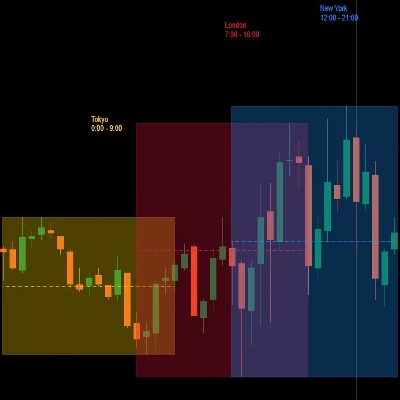
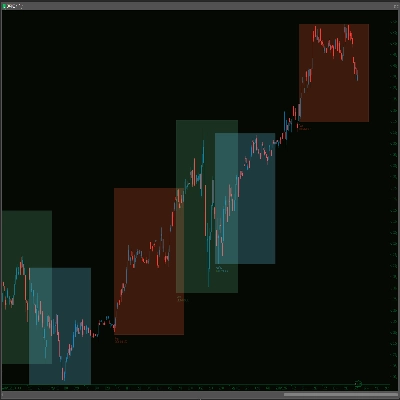
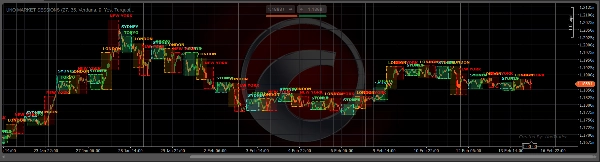
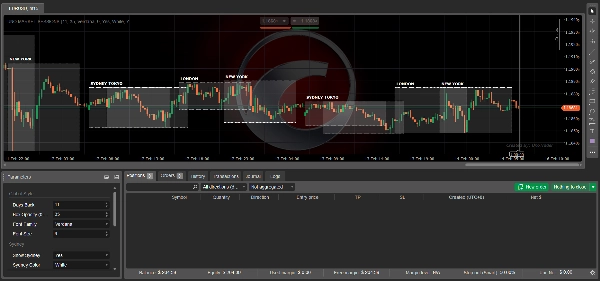
Stop guessing when the "Big Money" enters the market. The Uno Market Sessions indicator is a high-performance visual overlay for cTrader, designed to help you instantly identify the four major global trading sessions: Sydney, Tokyo, London, and New York. 🚀
✨ Key Features
- 🌍 Complete Session Coverage: Individual toggles for Sydney 🇦🇺, Tokyo 🇯🇵, London 🇬🇧, and New York 🇺🇸.
- 📊 Dynamic Range Highlighting: Automatically draws shaded boxes covering the exact High-Low range of each session.
- 🎨 Professional Customization:
- Opacity Control: Adjust box transparency (0–255) to keep your charts clean or make sessions "pop."
- Color Coding: 11 distinct color presets (Turquoise, Orange, Royal Blue, etc.) to match your dark or light theme.
- Typography: Choose from 8 professional font families (Segoe UI, Consolas, Georgia, etc.).
- ⏳ Historical Analysis: Set the "Days Back" parameter to study how price reacted to previous session highs and lows.
- 💎 Clean UI: Refined "Dots" style borders ensure your charts stay professional and clutter-free.
💡 Why Trade With Sessions?
The most explosive market moves typically occur during the London/New York overlap or the Asian session breakout. This indicator helps you:
- ⚡ Spot Breakouts: Identify when price slams through the overnight Asian range.
- 🕒 Perfect Timing: Know exactly when liquidity floods the market to avoid "choppy" sideways price action.
- 🎯 Institutional Levels: Use previous session highs and lows as high-probability Support & Resistance levels.
⚙️ Indicator Parameters
Group Parameter
🛠️ Global Style
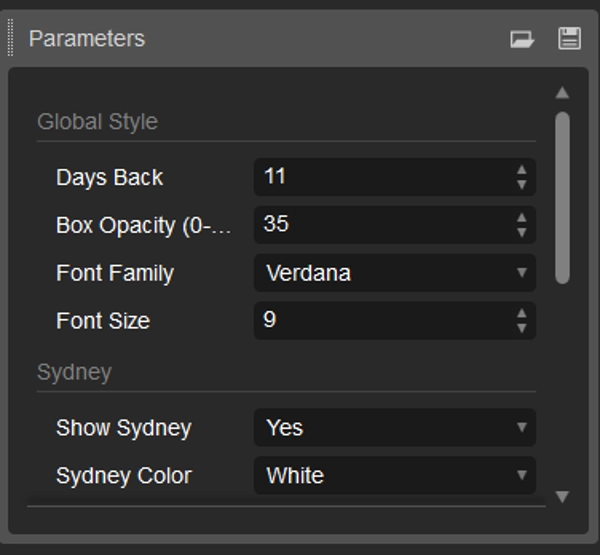
Days Back
Set how many days of session history to display.
🌈 Global Style
Box Opacity
Fine-tune the fill transparency of the session boxes.
🔡 Global Style
Font Settings
Change the Label Font Family and Size for better readability.
📍 Sessions
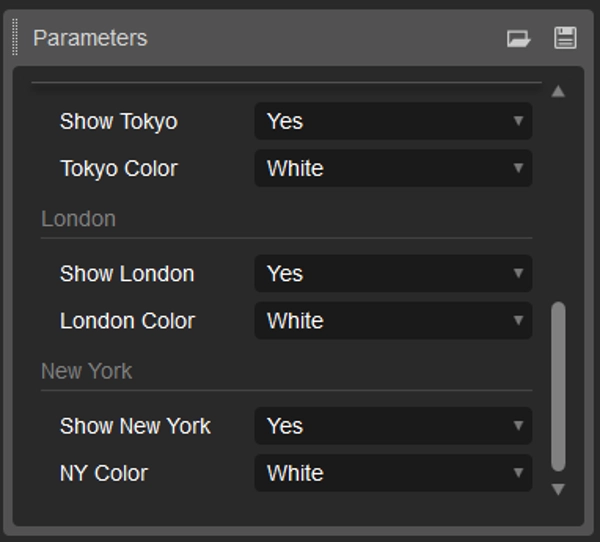
Toggle/Color
Enable/Disable specific sessions and assign custom colors.
Summary
Discussion
Customer reviews
5 | 33 % | |
4 | 67 % | |
3 | 0 % | |
2 | 0 % | |
1 | 0 % |