
EGOs HF Sticky Note
Indicatore
Versione 1.0, Aug 2026
Windows, Mac

14
Installazioni gratuite
Descrizione
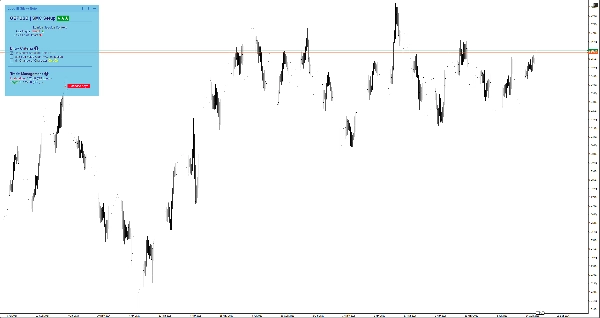
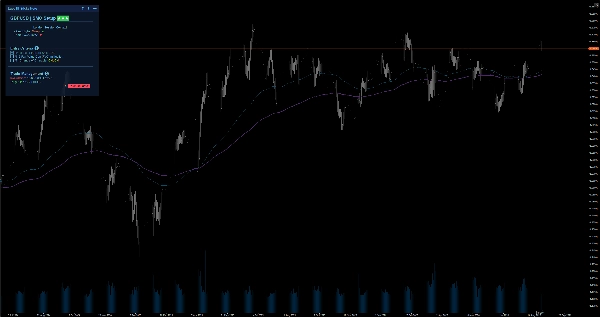
Mantieni la concentrazione con note intelligenti direttamente sul grafico. Include Markdown, 6 temi e salvataggio automatico per simbolo per il trading manuale.
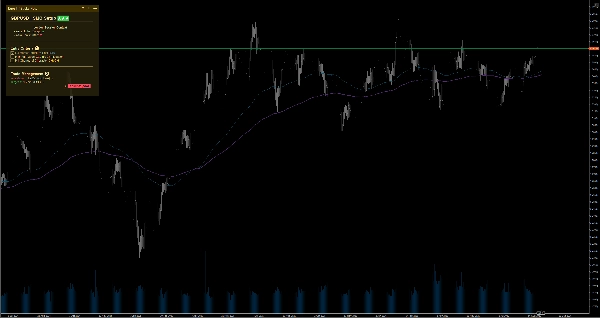
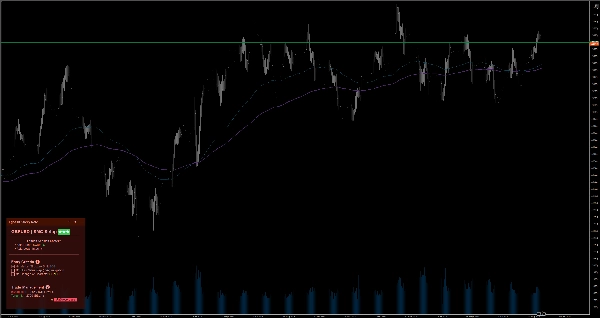
Quando si riduce la scala da un grafico Mensile a uno da 1 minuto, è facile perdere la visione d'insieme e fare operazioni emotive. EgosHf Sticky Note risolve questo problema mantenendo le tue regole, checklist e bias HTF fissati direttamente sullo schermo di lavoro.
🎯 A chi è rivolto?
Perfetto per trader manuali, praticanti di Price Action/SMC e swing trader che si affidano a disciplina rigorosa, analisi top-down ed esecuzione passo dopo passo.
💡 Casi d'uso tipici
- Analisi Top-Down: Annota il tuo bias Giornaliero/Settimanale prima di zoomare sui timeframe di esecuzione per evitare trappole controtrend.
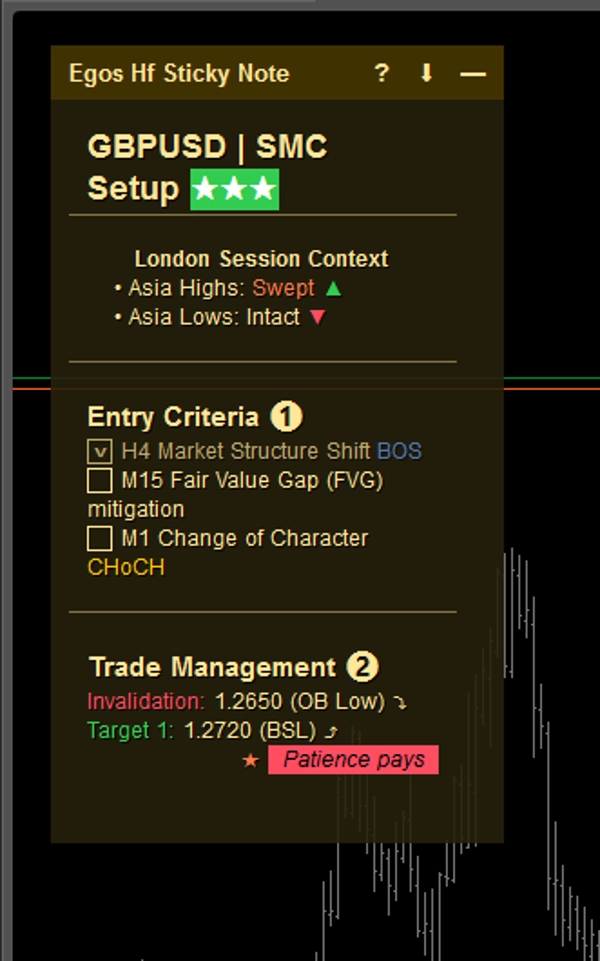
- Checklist di ingresso: Spunta criteri specifici (es. allineamento EMA, retest di livello chiave) prima di aprire una posizione.
- Gestione del rischio: Fissa i tuoi limiti massimi di perdita giornaliera o avvisi di notizie ad alto impatto proprio dove puoi sempre vederli.
⚡ Caratteristiche principali e interpretazione visiva
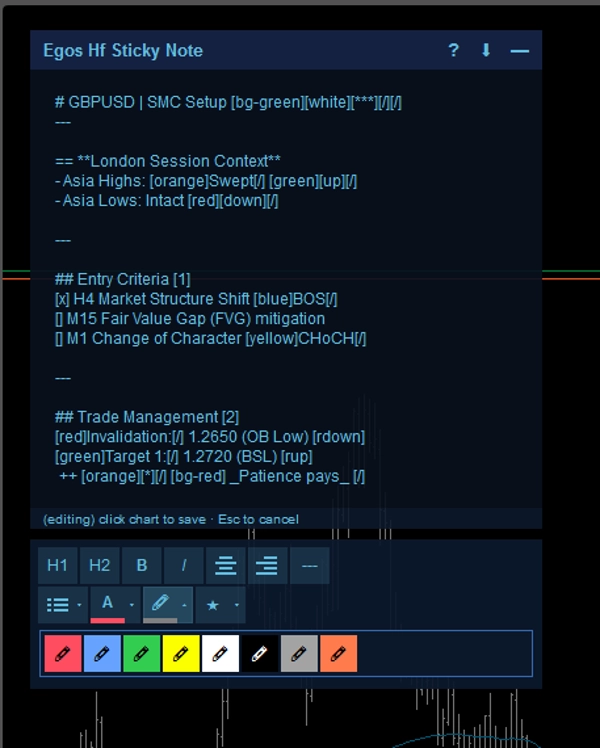
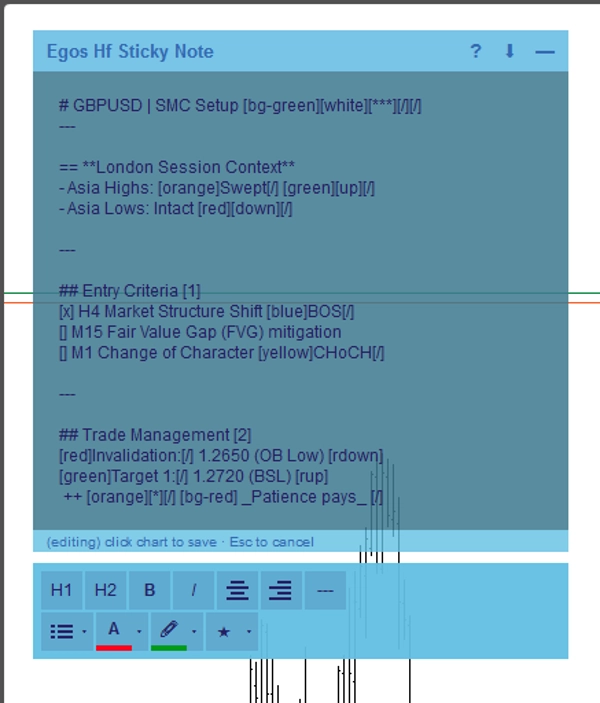
- Formattazione Markdown: Crea note strutturate usando semplici tag di testo. Usa
#per intestazioni,[red]o[bg-yellow]per evidenziazioni colorate, e[x]o[]per caselle di controllo interattive. - Salvataggio automatico specifico per simbolo: Le note vengono salvate automaticamente nella memoria locale del dispositivo per ogni asset. Passa da EURUSD a XAUUSD e le tue note specifiche per quel simbolo verranno caricate immediatamente.
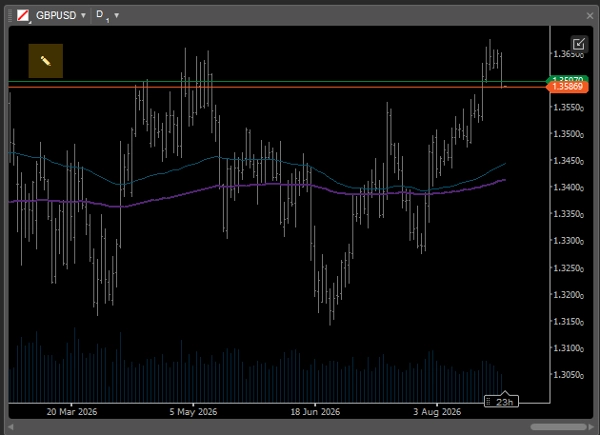
- Interfaccia utente intelligente e adattiva: Quando si utilizzano layout multi-grafico con spazio schermo limitato, la nota si riduce automaticamente in un'icona minimalista
✎così da non bloccare mai l'azione del prezzo. Puoi facilmente espanderla in qualsiasi momento per rivedere i tuoi appunti. - Editor WYSIWYG: Fai doppio clic sulla nota per aprire la barra degli strumenti integrata per una rapida formattazione del testo.
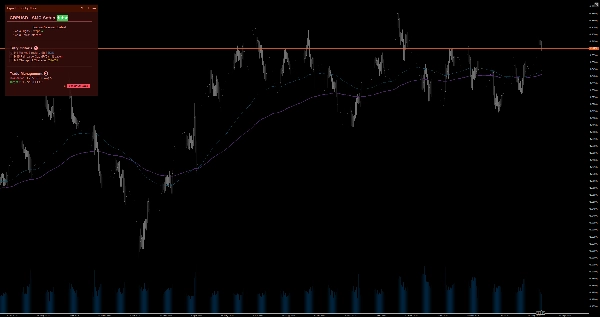
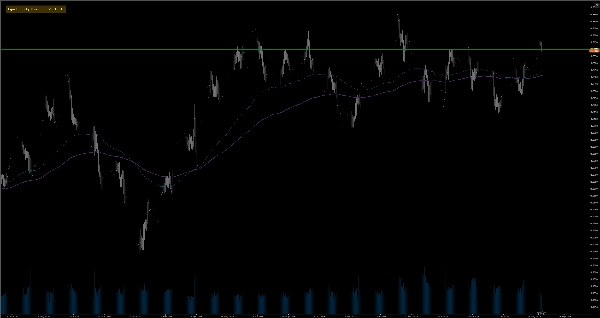
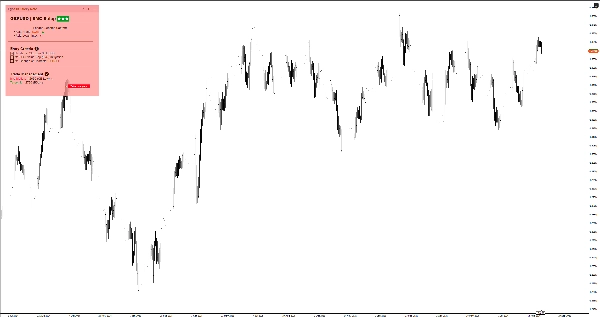
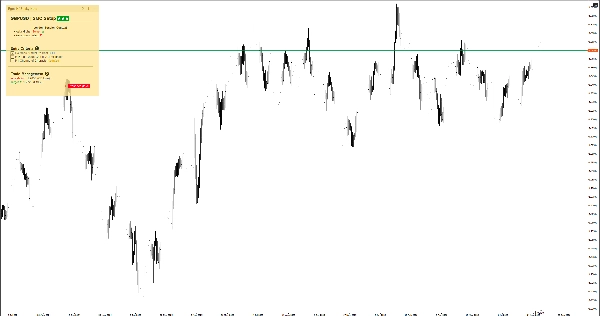
- 6 temi colore: Scegli tra temi Chiaro e Scuro (Giallo, Rosso, Blu) per abbinare perfettamente il tuo template grafico senza affaticare gli occhi. Basta fare doppio clic sull'intestazione della nota per passare istantaneamente tra i temi senza dover entrare nelle impostazioni.
⚙️ Impostazioni chiave e parametri
- Posizionamento: Fissa la nota in uno dei 4 angoli del grafico (Alto-Sinistra, Alto-Destra, Basso-Sinistra, Basso-Destra).
- Larghezza auto-collasso (px): Definisci la soglia di larghezza del grafico alla quale la nota si minimizza automaticamente.
- Dimensione e margine predefiniti: Imposta la larghezza, altezza e margini preferiti di default.
⚠️ Limitazioni e note importanti
- Questo è uno strumento di utilità visiva; non analizza dati di mercato, non genera segnali di trading né esegue operazioni.
- Tutti i dati sono memorizzati localmente sul tuo dispositivo.
Riepilogo
AI summary
EGOs HF Sticky Note is a visual utility indicator designed for manual traders, Price Action/SMC practitioners, and swing traders who use disciplined, top-down analysis. It provides smart on-chart notes that help maintain focus by keeping trading rules, checklists, and higher timeframe bias visible directly on the chart. The tool supports Markdown formatting with headers, color highlights, and interactive checkboxes, enabling structured note-taking. Notes are saved automatically per trading symbol in local storage, allowing seamless switching between assets with symbol-specific notes loading instantly.
The interface adapts to multi-chart layouts by collapsing into a minimal icon to avoid obstructing price action, expandable on demand. A built-in WYSIWYG editor facilitates quick text formatting. Users can choose from six color themes (light and dark variants) to match chart templates. The note can be positioned in any of the four chart corners, with customizable default size, margins, and auto-collapse width threshold.
Typical use cases include documenting daily/weekly bias for top-down analysis, ticking off entry criteria checklists, and pinning risk management limits or news warnings. This tool does not analyze market data, generate signals, or execute trades; it functions solely as a customizable, on-chart note-taking utility.
The interface adapts to multi-chart layouts by collapsing into a minimal icon to avoid obstructing price action, expandable on demand. A built-in WYSIWYG editor facilitates quick text formatting. Users can choose from six color themes (light and dark variants) to match chart templates. The note can be positioned in any of the four chart corners, with customizable default size, margins, and auto-collapse width threshold.
Typical use cases include documenting daily/weekly bias for top-down analysis, ticking off entry criteria checklists, and pinning risk management limits or news warnings. This tool does not analyze market data, generate signals, or execute trades; it functions solely as a customizable, on-chart note-taking utility.
Profilo indicatore
Categoria indicatore
Statistiche
Tipo di output
Visualizzazione
Requisiti per i dati
Dati esterni
Recensioni dei clienti
0.0
Recensioni: 0
Recensioni dei clienti
Questo prodotto non ha ancora ricevuto recensioni. L'hai già provato? Fallo sapere agli altri per primo!
Discussioni
Domande frequenti
EMA
Key Levels
RSI
Order Block
Volume
Market Structure
Support & Resistance
I prodotti disponibili tramite cTrader Store, inclusi bot di trading, indicatori e plugin, sono forniti da sviluppatori terzi e resi disponibili esclusivamente a scopo informativo e di accesso tecnico. cTrader Store non è un broker e non fornisce consulenze in materia di investimento, raccomandazioni individualizzate o garanzie di risultati futuri.
Altro da questo autore




Prezzo
14
Installazioni gratuite