
Trade Manager Panels for cTrader
Browse trade manager panels for cTrader built to speed up order execution and reduce manual errors. Manage entries, stop-loss, take-profit, partial closes, and break-even logic from a single panel. Many tools also include presets and risk-based sizing, making them practical for active trading and prop firm workflows.
Alat
Perbandingan alat
Soalan Lazim




















Perbandingan alat
Produk | Ulasan | Muat turun | Jualan | Harga | Platform yang serasi |
|---|---|---|---|---|---|
🎯 Cwebhook Trade Manager | 4.3 (3) | 954 | — | Percuma | Windows, Mac, Web |
WT - Hotkeys - Trade Panel | 5.0 (1) | — | 21 | $56 | Windows, Mac, Web |
TN Trade Manager - Free | — | 742 | — | Percuma | Windows, Mac, Mobile, Web |
Trading View To Ctrader | 4.3 (3) | — | 19 | $50 | Windows, Mac, Mobile, Web |
Quick Close Plugin | — | 293 | — | Percuma | Windows, Mac |
Risk Manager Pro | 4.0 (4) | — | 17 | $45 | Windows, Mac |
WeTrade Quick Trade Manager | — | 222 | — | Percuma | Windows, Mac, Web |
Stochastic Reversion Pro | 3.5 (2) | — | 16 | $115 | Windows, Mac, Mobile, Web |
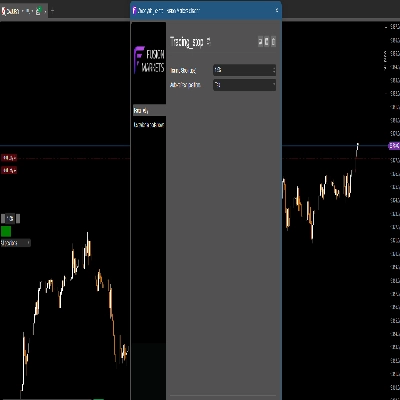
Trading_stop Demo | — | 169 | — | Percuma | Windows, Mac, Mobile, Web |
One Click SL TP Setter Smart Trade Management | 5.0 (3) | — | 7 | $39 | Windows, Mac, Web |
Quantaris Capital Signal | — | — | 94 | dari $9 | Windows, Mac |
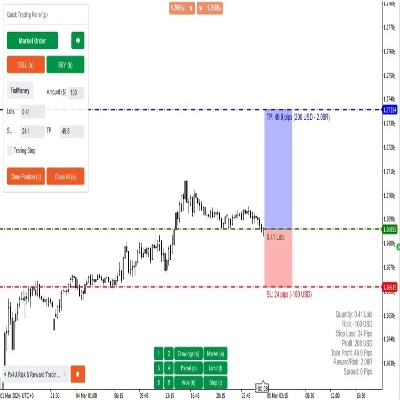
Fx4U.Risk & Reward Trading Tool.v2.16 | 4.0 (4) | — | 6 | $59 | Windows, Mac, Mobile, Web |
TrendPullback ATR Pro | 5.0 (2) | — | 5 | $39 | Windows, Mac, Mobile, Web |
trade management | 5.0 (2) | — | 3 | $39 | Windows, Mac, Web |
BatchTPSL | 4.5 (2) | — | 3 | $40 | Windows, Mac |
AI Level Trader Istitutional | 4.0 (1) | — | 2 | $399 | Windows, Mac, Mobile, Web |
cPanel 1.1 | 4.5 (2) | — | 2 | $39 | Windows, Mac, Mobile, Web |
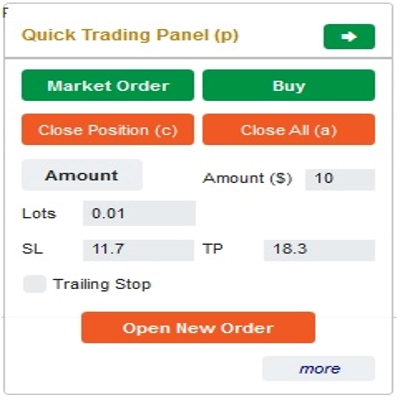
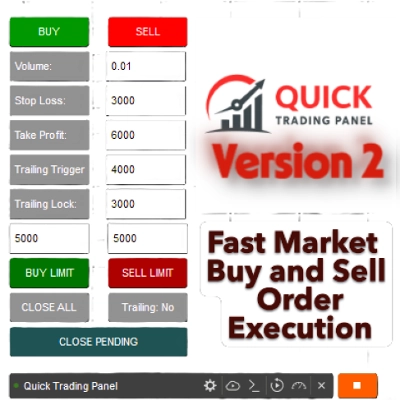
Quick Trading Panel | — | — | 2 | $50 | Windows, Mac, Mobile, Web |
QuantumScalp AI | 5.0 (2) | — | 2 | $49 | Windows, Mac, Mobile, Web |
Ultimate Trade Panel | 4.5 (2) | — | 1 | $199 | Windows, Mac, Mobile, Web |
Order Control Panel | 4.5 (2) | — | 1 | $100 | Windows, Mac, Mobile, Web |
London Session Breakout Pro | 4.5 (2) | — | 1 | $75 | Windows, Mac, Mobile, Web |
LookPosOrder | 5.0 (1) | — | 1 | $19 | Windows, Mac |
Risk & Reward Trading Tool Pro | 5.0 (2) | — | 1 | $590 | Windows, Mac, Mobile, Web |
PositionManagerV2 | 4.7 (3) | — | 1 | $75 | Windows, Mac, Web |
QuickSmart Entry | 4.5 (2) | — | 1 | $39 | Windows, Mac, Web |
DoIt Trade Manager | — | — | — | $49 | Windows, Mac, Mobile, Web |
Trading_stop | 4.5 (2) | — | — | $39 | Windows, Mac, Mobile, Web |
Bingo | 4.5 (2) | — | — | $39 | Windows, Mac, Mobile, Web |
kickstar bot | 4.5 (2) | — | — | $750 | Windows, Mac, Mobile, Web |
SmartPositionManagerPRO | 4.0 (3) | — | — | $297 | Windows, Mac |
MACRO_ZERO RISK REWARD V1 ENTRY | — | — | — | $40 | Windows, Mac, Web |
Risk Panel Pro | — | — | — | dari $39 | Windows, Mac, Mobile, Web |
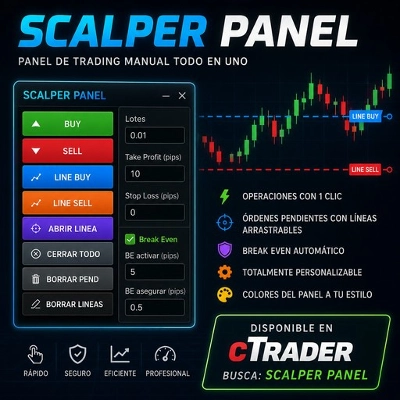
Scalper Panel | — | — | — | $80 | Windows, Mac, Mobile, Web |
HotKeyTraderAutoTPSL | — | — | — | $39 | Windows, Mac, Web |
Signal Forge Position Box PRO | — | — | — | $129 | Windows, Mac, Web |
Dashboard Pro | — | — | — | $49 | Windows, Mac, Mobile, Web |
AlgoCorner Trading Dashboard MP | 4.5 (2) | — | — | $39 | Windows, Mac, Mobile, Web |
Soalan Lazim
A trade manager panel looks after open positions, for example moving the stop to break-even, closing part at a target or trailing the stop. Many also open trades from presets with risk-based sizing, so entry and management sit in one window on the chart.
cTrader's own protections, including trailing stop, break-even and several take-profit levels, run on the server and stay active after your session ends. Extra logic in a panel, such as a custom partial-close rule, works only while its cBot instance or plugin is running, so check which parts of a tool depend on which.
Yes, once its rules are active a panel can move stops, close part of a position or exit fully, which is the reason to use one. A wrong distance or preset alters real trades just as quickly, so rehearse every rule on a demo account; you stay accountable for whatever it does on your account.
Some actions do, because a netting account holds one combined position per symbol, so a partial close or extra entry changes that position instead of adding another. Panels written with hedging in mind may expect several positions per symbol, so check the supported account types and your broker's names for gold and index symbols.
Start with the account types and cTrader apps it supports, and whether it is a cBot or a plugin. Then look at how it sizes gold and index trades, whether presets can be saved, and whether a no-cost edition or trial lets you test it first; on a prop account the firm's current rules still apply.