

Description
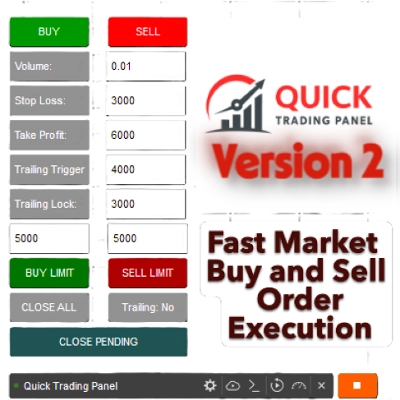
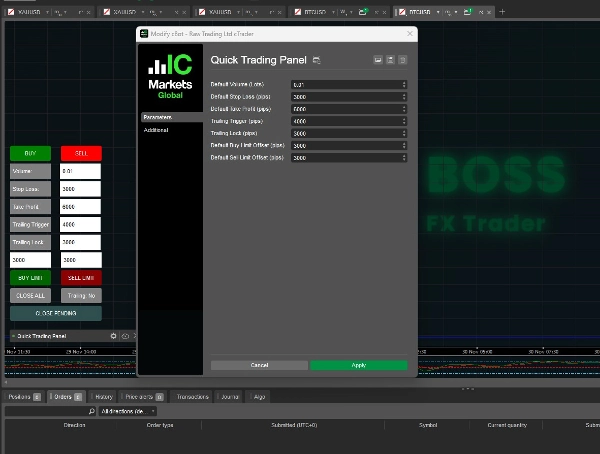
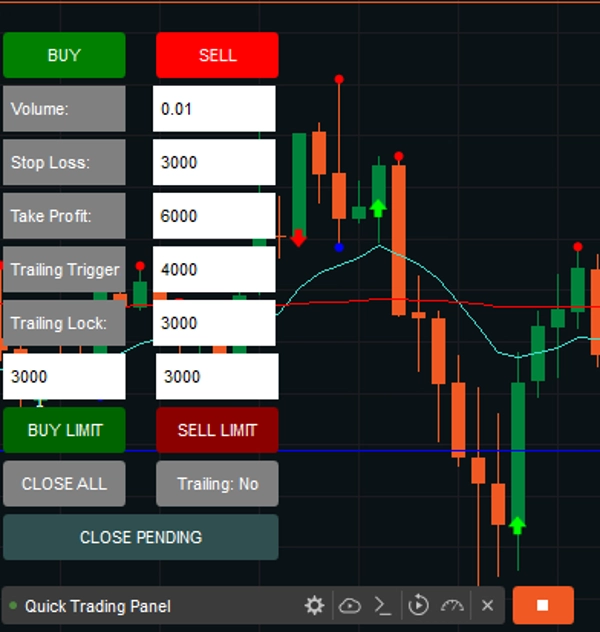
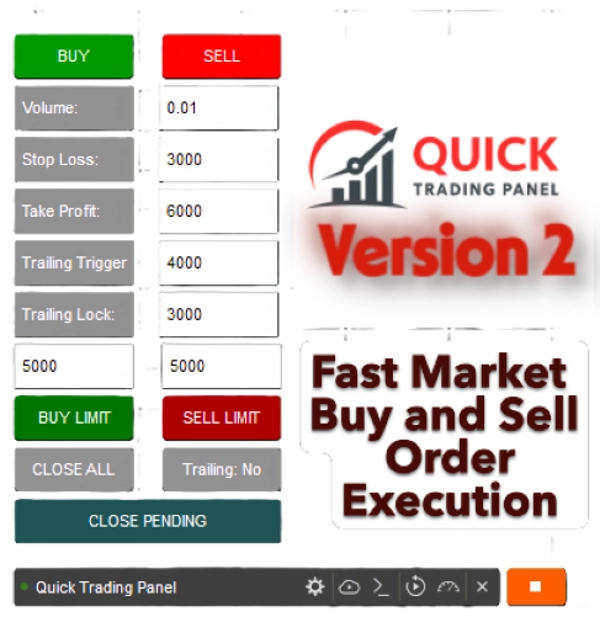
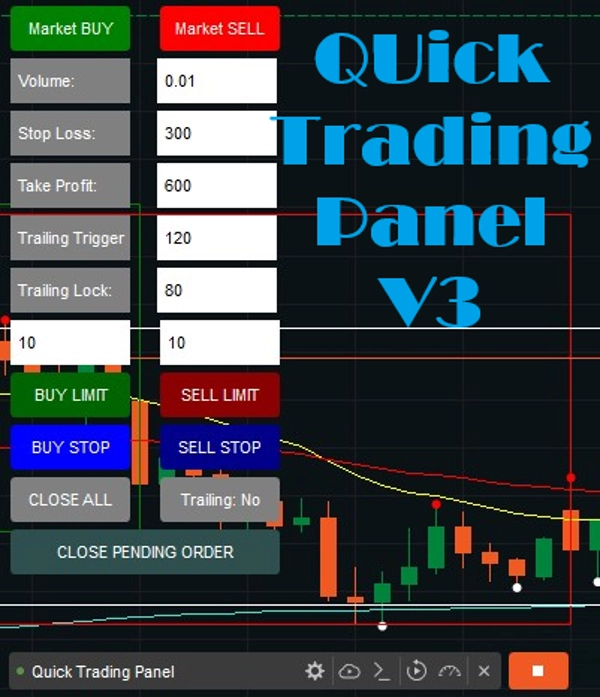
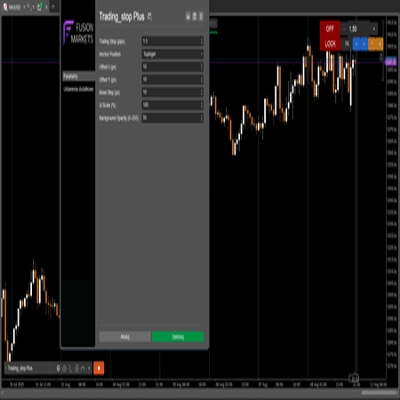
This is a cTrader cBot (Robot) that creates a small QUICK TRADING PANEL V2 directly on your chart. This includes Trailing Trigger and Locked to avoid losses once your trade is positive.
It allows you to quickly open and manage trades without typing commands or manually setting orders.
Sold the first 10 copies at $ 50; we will revert to its original price of $ 99.
1. Trade Execution (BUY / SELL)
- You have two big buttons:
- ✅ BUY (green) → opens a buy position on the current symbol.
- ❌ SELL (red) → opens a sell position.
- When you click one of these, the robot:
- Reads the values from the input boxes (Volume, SL, TP, etc.)
- Converts the volume into units (
Symbol.QuantityToVolumeInUnits()) - Places a market order with your chosen Stop Loss (SL) and Take Profit (TP).
2. Trade Management
- 🟦 CLOSE ALL button → closes all open positions created by this panel.
- 🟧 Trailing: Yes/No button → toggles the trailing stop system.
- "Yes" = trailing stop is active
- "No" = trailing stop is disabled
3. Input Boxes with Labels
You now have input fields with labels so you know exactly what each number means.
- Volume:
- The trade size (in lots).
- Example:
0.01= 1 micro lot (1,000 units).
- SL (Stop Loss):
- The maximum loss (in pips) you’re willing to risk.
- Example:
300= trade closes if price moves 300 pips against you.
- TP (Take Profit):
- The target profit (in pips).
- Example:
600 = trade closes once it makes 600 pips profit.
- Trailing Trigger:
- The profit threshold (in pips) where the trailing stop starts working.
- Example:
120 = trailing stop activates when the trade has at least 120 pips profit.
- Trailing Lock:
- How many pips of profit to lock in after trailing starts?
- Example: 8
0= once the trade hits TP + 80 pips, stop-loss moves up to secure +5 pips profit.
- BUY Limit
- Option to Buy limit orders on the market.
- You can set the settings or type the pips on the chart panel, with a default set to 300 Pips.
- SELL limit
- Option to Sell limit orders on the market.
- You can set the settings or type the pips on the chart panel, with a default set to 300 Pips.
ADDED new features:
Buy Stop and Sell Stop are conditional, automated orders that trigger a market order once a specific "stop price" is reached. A Buy Stop is placed above the current market price to enter a long position (breakout) or close a short, while a Sell Stop is set below it to enter a short position or protect a long one.
Buy Stop (Above Market): Used to buy an asset only after its price rises to a certain level, usually to enter a position during an uptrend or close out a short position.
Sell Stop (Below Market): Used to sell an asset only after its price falls to a specific level, often to cut losses or protect profits on a long position.
4. Trailing Stop Logic (Auto-Adjustment)
Every tick, the bot checks open trades:
- If trailing is enabled and profit ≥ Trailing Trigger →
- For BUY trades: Stop Loss moves up to
Bid - Trailing Lock. - For SELL trades: Stop Loss moves down to
Ask + Trailing Lock.
- For BUY trades: Stop Loss moves up to
This way, the bot locks in profit automatically while still letting the trade run further if the trend continues.
✅ In short:
- This bot gives you a fast manual trading interface.
- You can set risk (SL), reward (TP), position size (Volume), and trailing stop logic in real-time.
- The panel is always visible in your chart, bottom-left corner.
- Labels make sure you don’t confuse your numbers.
- Buy and Sell Limit orders are now available in Version 2.
Note: This will work on all Assets.
Version 2 has been newly released.
Happy Trading, and check out my other products!
Summary
Key functionalities include:
- Trade Execution: Open buy or sell positions instantly with preset volume, SL, and TP.
- Trade Management: Close all positions opened via the panel with a single button.
- Trailing Stop System: Toggleable trailing stop that activates after a specified profit threshold (Trailing Trigger) and locks in profit by adjusting stop loss (Trailing Lock).
- Limit Orders: Support for Buy Limit and Sell Limit orders, with configurable pip distances.
- Conditional Orders: Buy Stop and Sell Stop orders that trigger market entries once specified price levels are reached.
The panel remains visible on the chart’s bottom-left corner for quick access and supports all asset types. It automates stop loss adjustments on each tick when trailing is enabled, helping to secure profits while allowing trades to run further if favorable trends continue. This tool is designed to streamline manual trading workflows by reducing the need for manual order entry and management.
Discussion
Customer reviews
FAQ



















Price