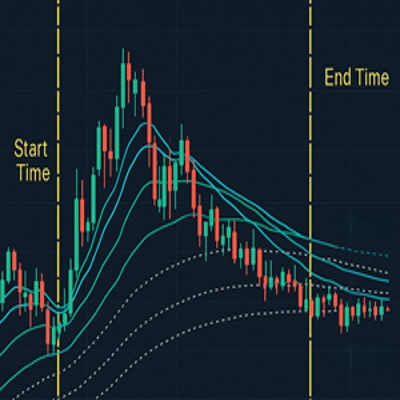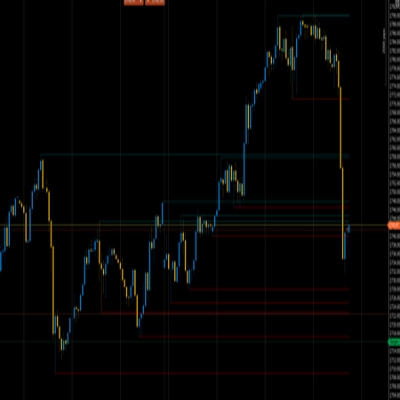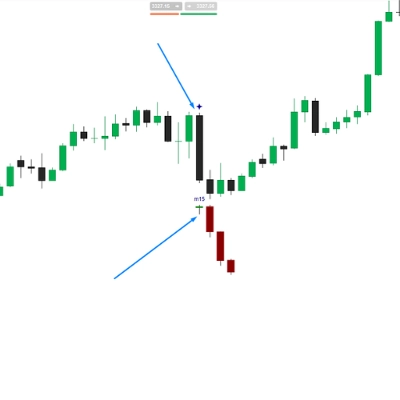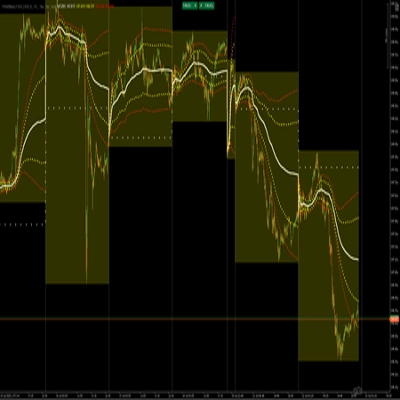
说明
同步线 – 多图表垂直线同步
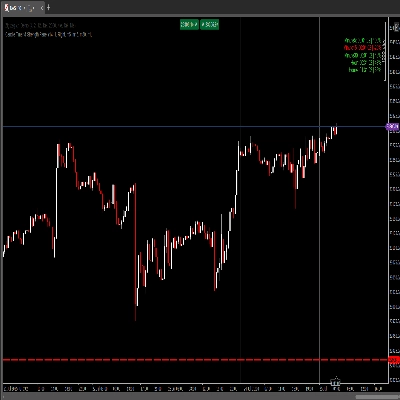
同步线 允许交易者即时同步同一标的的多个图表上的垂直线,无论图表类型或时间框架如何。在一个图表上放置垂直标记,它会立即出现在所有运行该指标的其他图表上。
非常适合多时间框架分析、策略工作流程、会话标记、新闻时机和水平对齐。
核心功能
✔ 自动同步图表间的垂直线
✔ 适用于任何图表类型(蜡烛图、Renko、区间、Tick、Heikin-Ashi 等)
✔ 快速点击创建线条 — 无需绘图工具
✔ 循环多种颜色以区分事件或水平
✔ 使用快捷键删除同步线
✔ 简单直观易用
使用方法
操作快捷键
创建新的同步线
Ctrl + 左键点击
更改线条颜色
再次 Ctrl + 左键点击 同一根柱子上
删除同步线
Ctrl + Shift + 左键点击
所有线条会立即同步到应用该指标的每个图表上。
键盘映射
Windows
创建线 Ctrl + 左键点击
颜色循环 Ctrl + 左键点击(同一根柱子)
删除线 Ctrl + Shift + 左键点击
连接到 Windows VPS 时的 Mac 键盘
(标准远程桌面映射)
PC 功能 Mac 键
Ctrl
⌘ Command
Shift
Shift
左键点击
左键点击
所以:
创建线 Command + 左键点击
颜色循环 Command + 左键点击
删除线 Command + Shift + 左键点击
注意事项
- 线条仅在相同标的的图表之间同步(可选配置)。
- 拖动仅限本地(cTrader 不提供拖动事件 API)。重新定位需删除并重新放置。
- 将指标应用于所有需要同步的图表。
适用人群
🔹 多时间框架交易者
🔹 回测者和教育者
🔹 会话/新闻事件策划者
🔹 任何厌倦在每个图表上重复绘线的人
即将推出的功能
- 清除所有线条按钮
- 会话间保存/重新加载标记
- 自动会话时间标记(伦敦/纽约开盘)
反馈
欢迎通过 cTrader 商店消息留下建议或改进请求。
摘要
Key features include fast, click-based line creation without the need for drawing tools, cycling through multiple colors for event or level classification, and deleting synced lines via hotkeys. The indicator uses simple keyboard shortcuts: Ctrl + Left-Click to create lines, Ctrl + Left-Click again on the same bar to change line color, and Ctrl + Shift + Left-Click to delete lines (with Mac equivalents using the Command key).
Lines sync only between charts of the same symbol, and repositioning requires deleting and re-placing lines due to platform limitations. The indicator is suitable for multi-timeframe traders, back-testers, educators, and session or news event planners. Users must apply the indicator to all charts they want synchronized. Upcoming features include a clear-all-lines button, saving/reloading markers between sessions, and auto-session timing markers for major market opens.