"DecisionGate" logo
DecisionGate
"DecisionGate" uploaded image

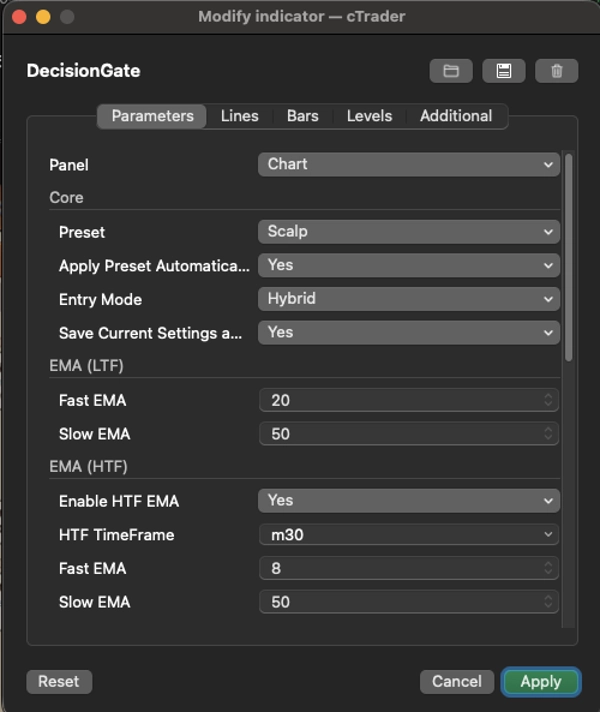
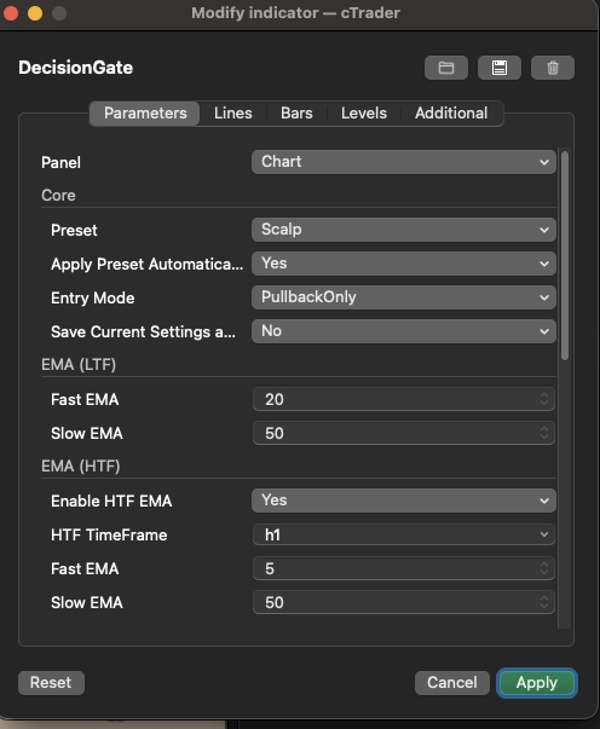
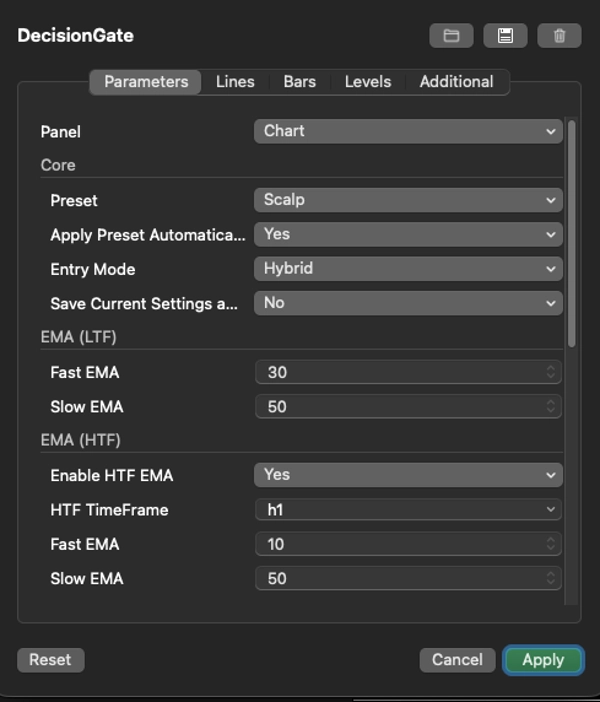
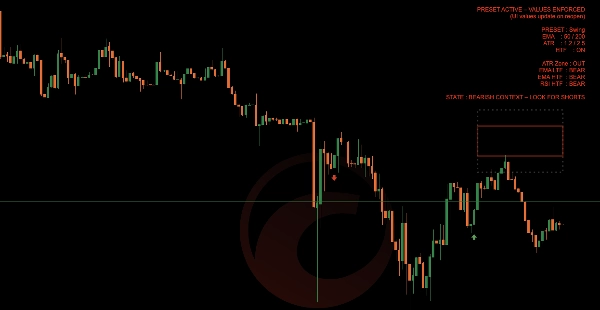
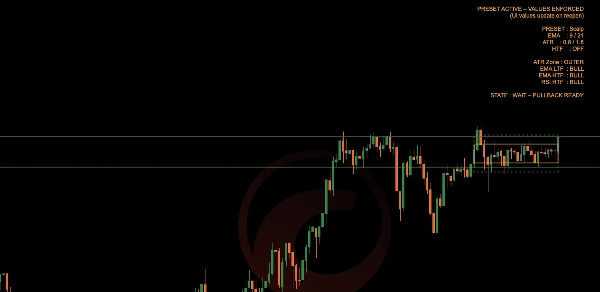
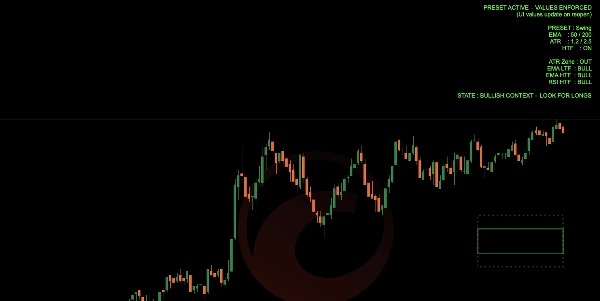
DecisionGate evaluates market context using:


  • Trend alignment (Fast & Slow EMA on LTF and HTF)
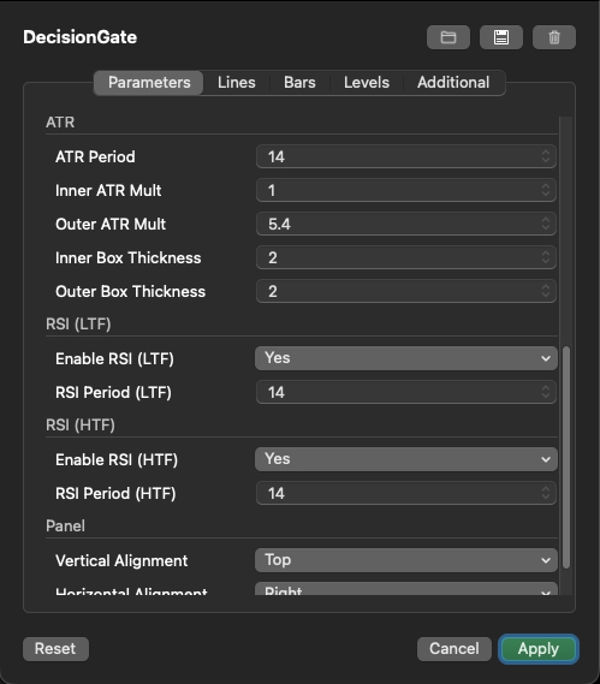
  • Volatility positioning using dynamic ATR value and extension zones
  • Momentum confirmation via RSI (optional HTF filter)
  • Trader intent through Scalp, Intraday, Swing, or Custom modes

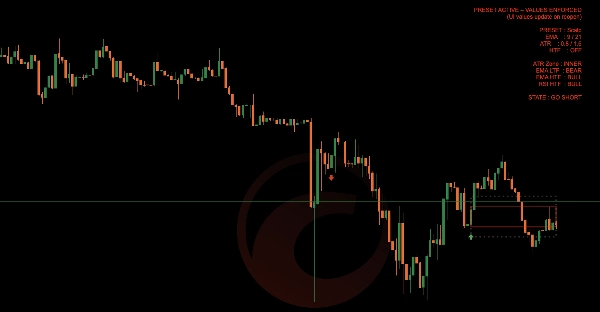
The result is a clear permission state shown directly on the chart, helping you decide whether to:

Look for trades

  • Wait for better conditions
  • Stay out completely

📦 Key Features

Scalp / Intraday / Swing presets with correct market interpretation

  • Full Custom mode for advanced users
  • Dynamic ATR value and extension boxes (inner & outer zones)
  • Entry mode support: Pullback, Breakout, or Hybrid
  • Higher-timeframe EMA and RSI confirmation
  • Clear, context-aware on-chart status panel
  • No repainting, no signals, no automation
  • Designed to reduce overtrading and poor entries

🎯 Who DecisionGate Is For

DecisionGate is ideal for traders who:

  • Use discretionary entries
  • Want confirmation before executing
  • Trade pullbacks or trend continuation
  • Care more about when not to trade than forcing trades

It works equally well for scalpers, intraday traders, and swing traders — as long as the correct preset is used.

🚫 What DecisionGate Is Not

  • Not an entry signal generator
  • Not a prediction tool
  • Not an automated strategy

DecisionGate does not replace your strategy — it protects it.

🧠 Trading Philosophy

Good trades come from good context.

DecisionGate exists to keep you patient, aligned, and selective.

If the gate is closed, you wait.

If the gate is open, you trade your own system with confidence.


Trading involves risk. Past performance does not guarantee future results.

Indicator profile
0.0
Reviews: 0
Customer reviews
No reviews for this product yet. Already tried it? Be the first to tell others!
BTCUSD
Forex
RSI
Indices
EURUSD
Commodities
GBPUSD
NZDUSD
ATR
Crypto
Stocks
XAUUSD
NAS100
USDJPY
Products available through cTrader Store, including trading bots, indicators and plugins, are provided by third-party developers and made available for informational and technical access purposes only. cTrader Store is not a broker and does not provide investment advice, personal recommendations or any guarantee of future performance.

More from this author

Automatically manages Stop Loss and Take Profit using Support & Resistance levels, with intelligent trailing stop protec
AutoGuard Pro is your silent trading partner protecting every position in real time with precision-engineered stop loss.
PhantomGrid draws clear grid levels to help spot entries, exits, and key price zones with ease.

You may also like

uses HTF 1hr,4hr, 1D to check for valid directions enjoy
🔹 Advanced RSI with smart alerts and visual signals for faster trend reversal detection.
corrigido todos os bugs e cores invertidas tabajara antigo deleetado
Transform your approach to trading with our innovative Pivot Point Indicator.
Price action to detect when the market changes trend (MSB) and defines, order blocks , ZigZag etc.📊
This indicator implements an Opening Range Breakout (ORB) trading strategy, designed to capture momentum during the most
Enhance your trading with customizable alerts and dynamic visual tools for trendlines, Fibonacci levels, and more.
ZigZag Pro DEMO – Multi-Swing Indicator for cTrader DEMO VERSION – 24 hours free trial! This is a DEMO version of the Z
Identify 34 candlestick patterns, track trends across timeframes, and get instant alerts with this powerful trading tool
Pressure Scanner is a volatility-and-momentum to show both pressure states (squeeze on/off) and directional
Ultra-clean precision MACD momentum logic
Daily TPO profile indicator that calculates POC, VAH and VAL for each session. Plots the Point of Control and the 70% Va
A Clear Fibonacci Map for Smarter Decisions.
HCCC MTF (Hurst Cycle Composite Channel), Designed for Semi-Automated Trading, Interactive MTF Dashboard
You can use the cTrader Pivot Points Pro indicator to find a good pullback entry in a trend
🧠Visually marks momentum zones when the RSI crosses the overbought/oversold thresholds (default 70/30). ✅
Key NY session opens for NASDAQ (US100) & SP500 to find Tick Precise Entrys for High R:R intraday setups.
High-Low and Pivot Point