
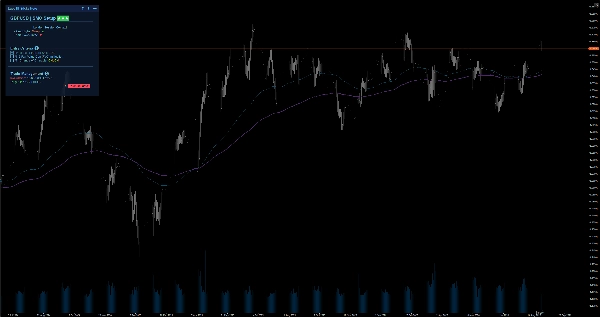
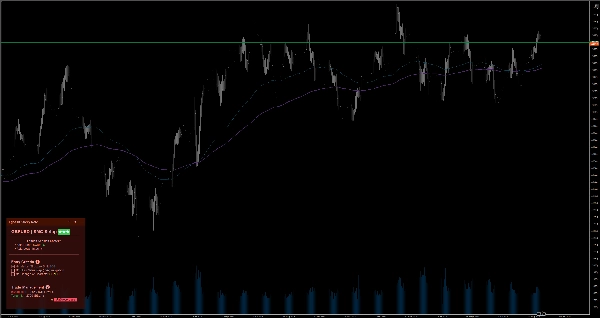

Описание
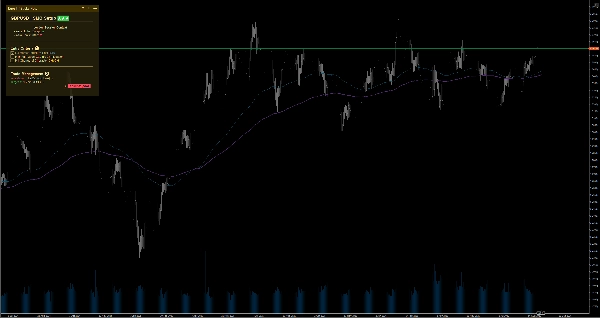
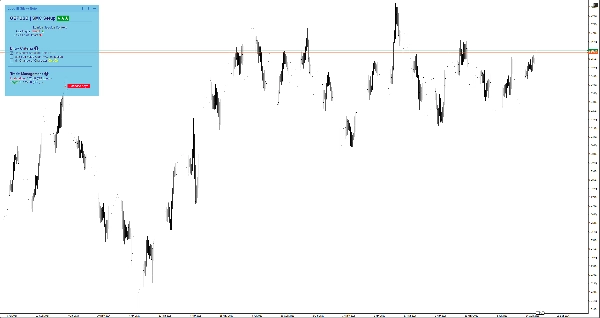
Сохраняйте концентрацию с помощью умных заметок прямо на графике. Поддержка Markdown, 6 тем и автосохранение для каждого символа при ручной торговле.
При масштабировании с месячного графика до минутного легко потерять общую картину и совершать эмоциональные сделки. EgosHf Sticky Note решает эту проблему, закрепляя ваши правила, чек-листы и bias на старших таймфреймах прямо на рабочем экране.
🎯 Для кого это?
Идеально подходит для ручных трейдеров, практиков Price Action/SMC и свинг-трейдеров, которые полагаются на строгую дисциплину, анализ сверху вниз и пошаговое выполнение.
💡 Типичные случаи использования
- Анализ сверху вниз: Записывайте свой дневной/недельный bias перед переходом к таймфреймам исполнения, чтобы избежать ловушек против тренда.
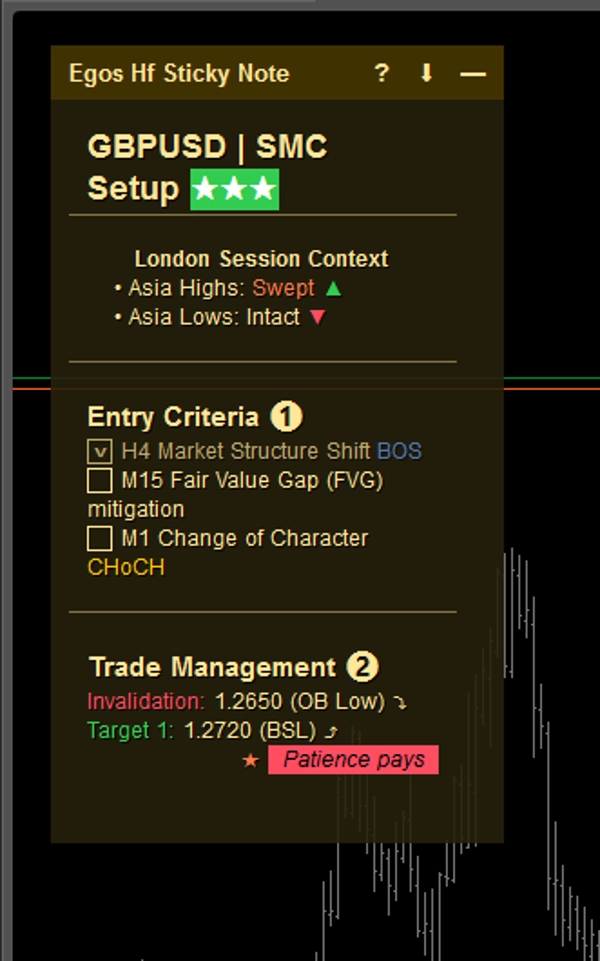
- Чек-листы для входа: Отмечайте выполнение конкретных критериев (например, выравнивание EMA, ретест ключевого уровня) перед открытием позиции.
- Управление рисками: Закрепляйте свои максимальные дневные лимиты убытков или предупреждения о важных новостях прямо там, где вы всегда их видите.
⚡ Основные функции и визуальная интерпретация
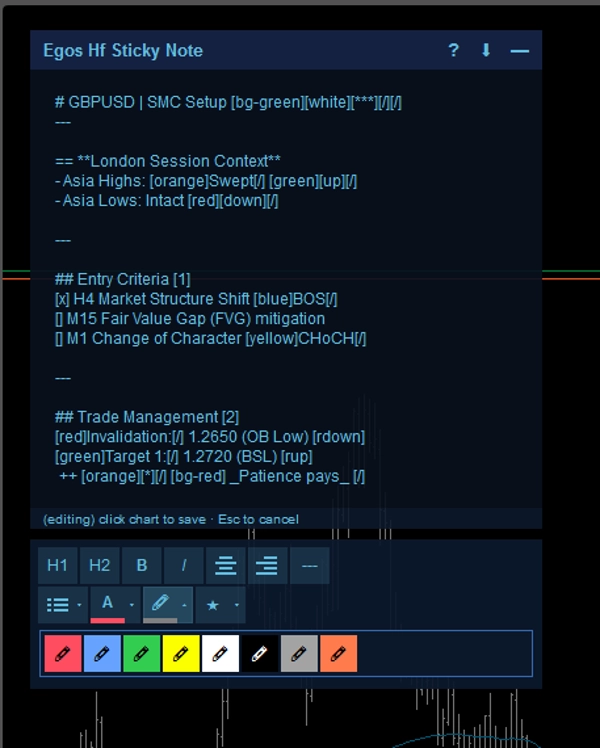
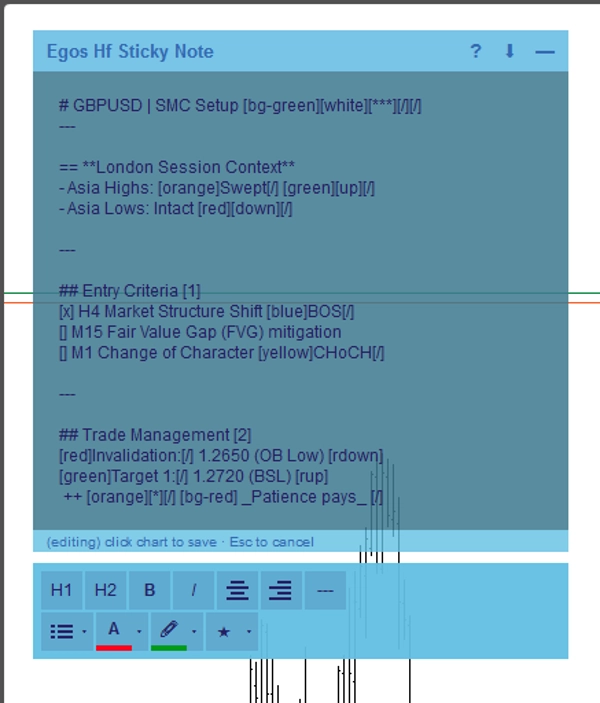
- Форматирование Markdown: Создавайте структурированные заметки с помощью простых текстовых тегов. Используйте
#для заголовков,[red]или[bg-yellow]для цветовых выделений, а также[x]или[]для интерактивных чекбоксов. - Автосохранение по символу: Заметки автоматически сохраняются в локальном хранилище устройства для каждого актива. Переключитесь с EURUSD на XAUUSD, и ваши заметки для этого символа загрузятся мгновенно.
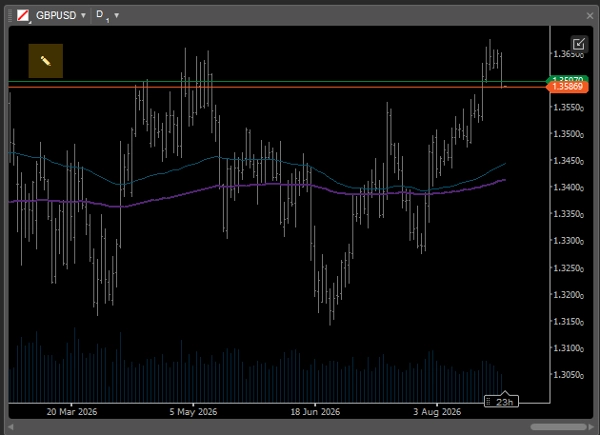
- Умный адаптивный интерфейс: При использовании мультиграфиков с ограниченным экранным пространством заметка автоматически сворачивается в минималистичный
✎значок, чтобы не мешать просмотру ценового действия. Вы можете легко развернуть её в любое время для просмотра записей. - WYSIWYG редактор: Дважды кликните по заметке, чтобы открыть встроенную панель инструментов для быстрого форматирования текста.
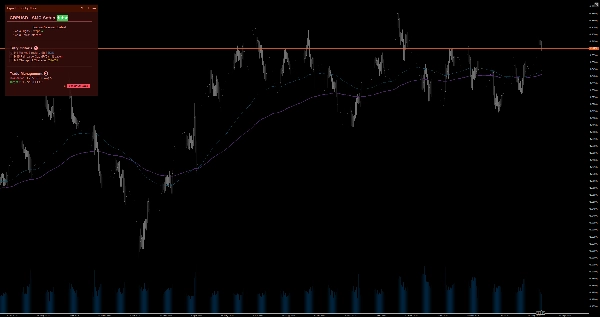
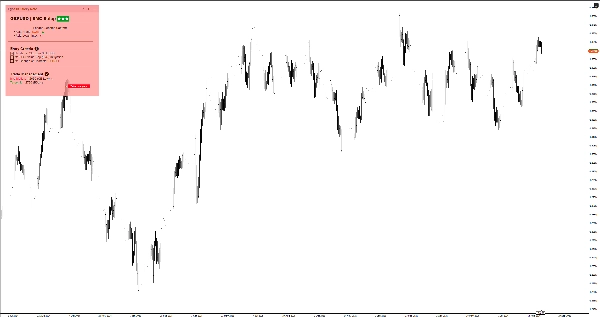
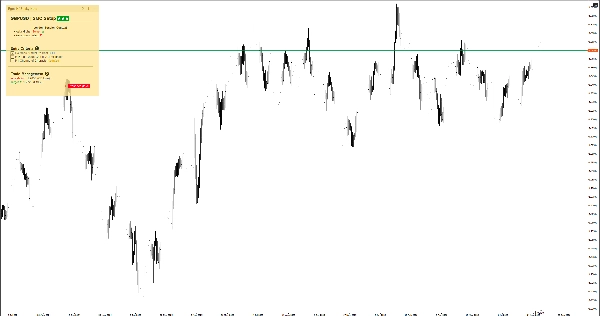
- 6 цветовых тем: Выбирайте между светлыми и тёмными темами (жёлтая, красная, синяя), чтобы идеально подстроить под шаблон графика и не напрягать глаза. Просто дважды кликните по заголовку заметки, чтобы мгновенно переключаться между темами без захода в настройки.
⚙️ Ключевые настройки и параметры
- Расположение: Закрепите заметку в любом из 4 углов графика (верхний левый, верхний правый, нижний левый, нижний правый).
- Ширина автосворачивания (px): Определите порог ширины графика, при котором заметка автоматически минимизируется.
- Размер и отступы по умолчанию: Установите предпочитаемые ширину, высоту и отступы по краям по умолчанию.
⚠️ Важные ограничения и заметки
- Это визуальный утилитарный инструмент; он не анализирует рыночные данные, не генерирует торговые сигналы и не исполняет сделки.
- Все данные хранятся локально на вашем устройстве.
Сводка
AI summary
EGOs HF Sticky Note is a visual utility indicator designed for manual traders, Price Action/SMC practitioners, and swing traders who use disciplined, top-down analysis. It provides smart on-chart notes that help maintain focus by keeping trading rules, checklists, and higher timeframe bias visible directly on the chart. The tool supports Markdown formatting with headers, color highlights, and interactive checkboxes, enabling structured note-taking. Notes are saved automatically per trading symbol in local storage, allowing seamless switching between assets with symbol-specific notes loading instantly.
The interface adapts to multi-chart layouts by collapsing into a minimal icon to avoid obstructing price action, expandable on demand. A built-in WYSIWYG editor facilitates quick text formatting. Users can choose from six color themes (light and dark variants) to match chart templates. The note can be positioned in any of the four chart corners, with customizable default size, margins, and auto-collapse width threshold.
Typical use cases include documenting daily/weekly bias for top-down analysis, ticking off entry criteria checklists, and pinning risk management limits or news warnings. This tool does not analyze market data, generate signals, or execute trades; it functions solely as a customizable, on-chart note-taking utility.
The interface adapts to multi-chart layouts by collapsing into a minimal icon to avoid obstructing price action, expandable on demand. A built-in WYSIWYG editor facilitates quick text formatting. Users can choose from six color themes (light and dark variants) to match chart templates. The note can be positioned in any of the four chart corners, with customizable default size, margins, and auto-collapse width threshold.
Typical use cases include documenting daily/weekly bias for top-down analysis, ticking off entry criteria checklists, and pinning risk management limits or news warnings. This tool does not analyze market data, generate signals, or execute trades; it functions solely as a customizable, on-chart note-taking utility.
Профиль индикатора
Категория индикатора
Статистика
Тип вывода
Визуализация
Требования к данным
Внешние данные
Отзывы покупателей
0.0
Отзывы: 0
Отзывы покупателей
У этого продукта еще нет отзывов. Уже попробовали его? Поделитесь впечатлениями!
Обсуждение
Частые вопросы
EMA
Key Levels
RSI
Order Block
Volume
Market Structure
Support & Resistance
Продукты, доступные в cTrader Store, включая торговых ботов, индикаторы и плагины, предоставляются сторонними разработчиками и доступны исключительно в информационных и технических целях. cTrader Store не является брокером и не предоставляет инвестиционные консультации, персональные рекомендации или какие-либо гарантии будущей доходности.
Больше от этого автора








Цена
14
Бесплатные установки