present
가입하고 첫 구매 시 $50 할인을 받으세요
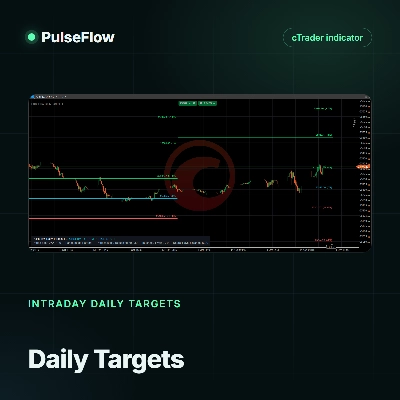
Trading product for PulseFlow Gamma Levels Feed 데스크톱 플러그인 External Data HTTP Requests, image 1
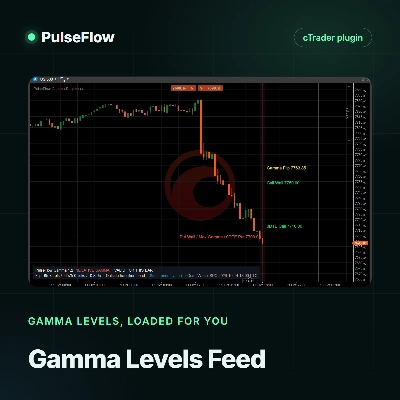
PulseFlow Gamma Levels Feed
데스크톱 플러그인
버전 1.0, Oct 2026
Windows, Mac
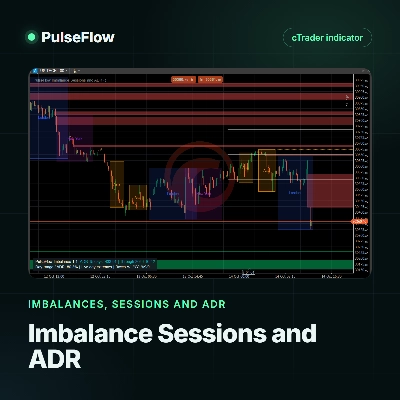
Trading product for PulseFlow Gamma Levels Feed 데스크톱 플러그인 External Data HTTP Requests, image 2
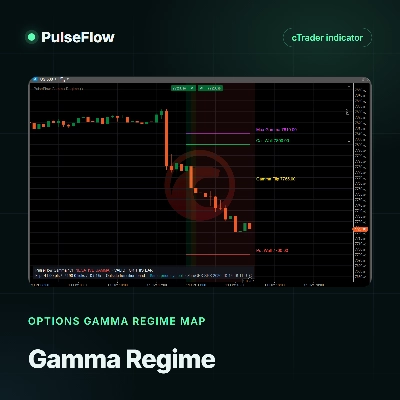
Trading product for PulseFlow Gamma Levels Feed 데스크톱 플러그인 External Data HTTP Requests, image 3
Trading product for PulseFlow Gamma Levels Feed 데스크톱 플러그인 External Data HTTP Requests, image 4
가입일 14/10/2026

설명

Launch price: $19 until November 14, 2026. After that date, the price returns to $33.


Stop copying gamma levels by hand


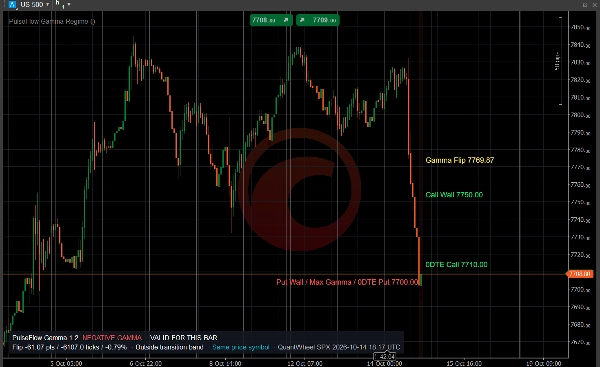
Gamma levels move during the session. Copying the Gamma Flip, the walls and the pin from a website into your chart takes time, and by the afternoon those numbers may already be old. PulseFlow Gamma Levels Feed loads them for you, so your chart keeps up with the options market while you focus on price. It helps you make better decisions with clear references.


What you get

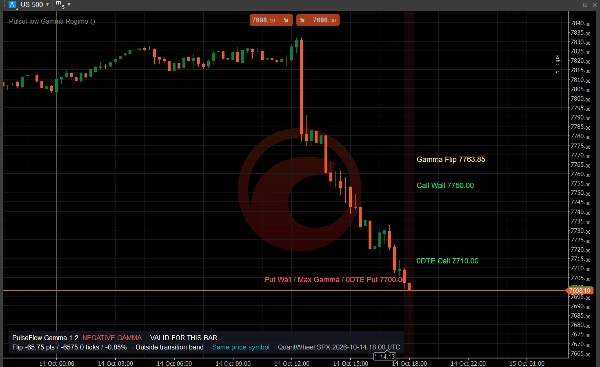
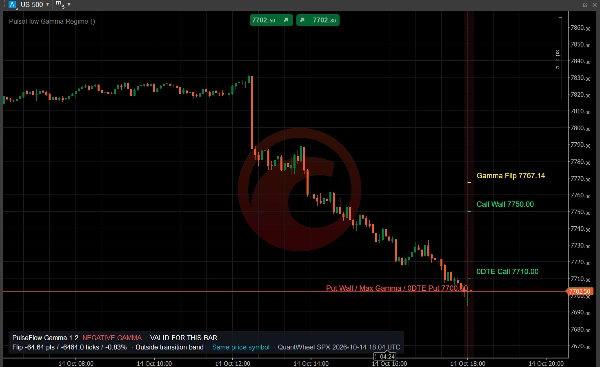
- Gamma Flip, Call Wall, Put Wall, Max Gamma, Net GEX and the walls of the nearest expiration (0DTE), downloaded from your own QuantWheel account.

- Levels that refresh on their own: the plugin checks for new data every minute by default, and your charts follow as soon as the provider publishes an update.

- One download for all your charts: every PulseFlow Gamma Regime chart on your computer reads the same data, so requests are not multiplied.

- A history of the session: each update is kept, so past bars show the levels that applied at that time.

- Clear status on the chart: if the key is wrong, your plan has no API access or the provider is busy, the Gamma Regime panel tells you.


How it works

1. Install this plugin and the free PulseFlow Gamma Regime indicator.

2. In the plugin settings, enter your QuantWheel API key and the tickers you follow, for example SPX or QQQ.

3. In the indicator, set Data source to PulseFlowFeed and choose the ticker.


Requirements

- A QuantWheel subscription with REST API access (currently the Quant plan), paid directly to QuantWheel. This plugin does not include market data.

- The free PulseFlow Gamma Regime indicator, which draws the levels.

- Tested on cTrader for Windows.


Data sent and received

The plugin connects only to the QuantWheel API. Each request sends your API key and the ticker; the response contains that ticker's gamma exposure profile. The levels are stored on your computer for the Gamma Regime indicator. No trading, account or personal data is sent, and nothing else leaves your device.


Type, instruments and timeframes

cTrader plugin that supplies data to an indicator. It does not trade or place orders. It covers the tickers available in QuantWheel, such as the S&P 500 index (SPX), SPY and QQQ. Levels quoted for an ETF can be mapped to an index chart with the indicator's price multiplier. The levels can be shown on any time-based chart the indicator supports; intraday charts read best.


Keep in mind

Gamma levels are modeled estimates and can differ between providers. Refresh speed depends on QuantWheel, which caches each ticker for about a minute and updates its main tickers every few minutes. CFD prices can differ slightly from the cash index the levels refer to. This is market context, not an entry or exit signal.


Trading involves risk. Past performance does not guarantee future results.
요약

플러그인 프로필
플러그인 카테고리
뉴스/데이터
데이터 액세스
외부 HTTP

상담

고객 리뷰

0.0
리뷰: 0
고객 리뷰
이 상품에 대한 리뷰가 아직 없습니다. 이미 사용해 보셨나요? 다른 사람들에게 가장 먼저 소개해 주세요!

자주 묻는 질문(FAQ)

External Data
HTTP Requests
트레이딩 봇, 지표, 플러그인 등 cTrader Store에서 제공되는 상품은 제3자 개발자에 의해 제공되며, 이는 단순히 정보 및 기술적 접근을 목적으로 제공된 것입니다. cTrader Store는 중개인이 아니며, 투자 조언, 개인별 추천 또는 향후 성과에 대한 어떠한 보장도 제공하지 않습니다.

이 작성자의 상품 더 보기

지표
RSI
Fibonacci
+1
Spot RSI divergences on your chart and get an entry, stop and six targets when your filters line up.
지표
Key Levels
Market Structure
+1
See the day's percentage targets from the open, so you know where the session stands at a glance.
지표
Imbalance
Key Levels
+1
Keep open imbalance zones, untouched session highs and lows and the day's ADR range in view, without scrolling back.
지표
Key Levels
Support & Resistance
Add your provider's gamma levels by hand or automatically with our feed plugin, and see the gamma regime at a glance.

좋아하실 만한 다른 항목

데스크톱 플러그인
Prop
Forex
+5
Place professional OCO & OSO orders in cTrader — visually, instantly, and without execution mistakes.
데스크톱 플러그인
ATR
Prop
+5
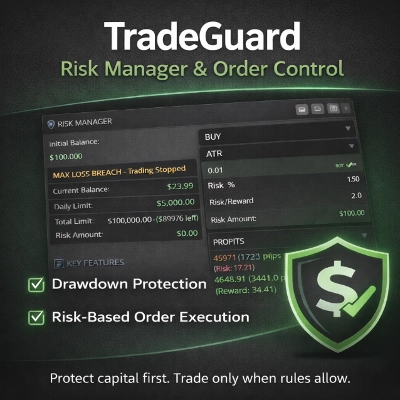
cTrader risk management plugin with daily & total drawdown limits, CBot control, and risk-based order execution.
데스크톱 플러그인
Risk/Reward
Chart UI Tools
+3
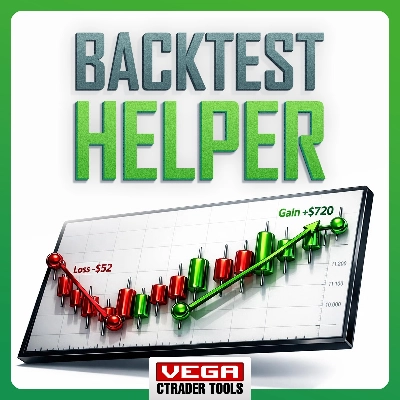
Visual cTrader backtesting tool with trade drawing, risk sizing, stats, and automatic trade simulation.
데스크톱 플러그인
SL Manager
Risk/Reward
+5
Drag SL & TP on the chart, see risk, reward, R:R and lot size live, then place Buy or Sell orders in one click
데스크톱 플러그인
External Data
Trade Journal
+2
Real Quant Audit, Live equity, open-position risk and 24 quant tests on your full account. IS THE EDGE REAL?
데스크톱 플러그인
Forex
Commodities
Close all non crypto trades at 19:55 utc Friday
데스크톱 플러그인
Market Scanner
Forecast daily ranges, compare 14 markets, and view chart projections in a compact panel to improve your trade planning.
데스크톱 플러그인
Market Scanner
Scan markets, compare timeframe bias, and track key SMC zones in a customizable desktop dashboard.
데스크톱 플러그인
Risk Alerts
Prop Firm Fit
+5
Read-only risk cockpit for prop-firm traders: live drawdown gauges, FTMO-style permitted loss, alerts and reports.
데스크톱 플러그인
Signal
Breakout
The Risk-Reward plugin is a tool to visualize a trading idea based on other analysis tools,
데스크톱 플러그인
ATR
RSI
+24
One-click toggle for Positions / Pending Orders on cTrader charts with fixed on-chart warnings and an ASP control panel

가격

가입일 14/10/2026