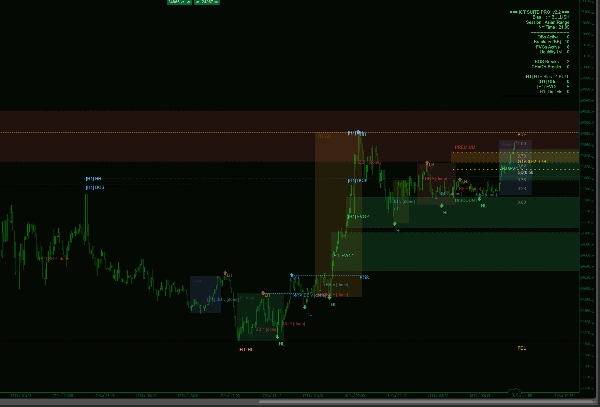
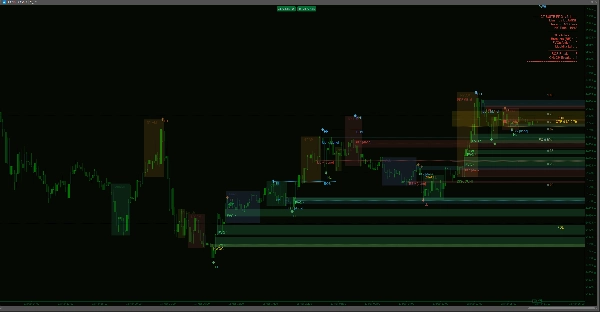
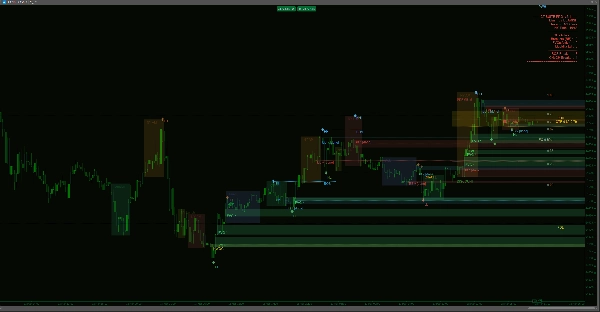
Descrizione
Smart Money Suite Pro — Toolkit completo per l'azione dei prezzi istituzionali per cTrader
Se fai trading utilizzando concetti di smart money o qualsiasi metodologia di price action basata sul flusso di ordini istituzionali, conosci il problema: una dozzina di indicatori sparsi sul grafico, ognuno che fa parzialmente il lavoro, nessuno che comunica con gli altri. Smart Money Suite Pro è stato creato per risolvere completamente questo problema.
Questo è un indicatore unico e autonomo che copre ogni concetto principale all'interno dell'azione dei prezzi istituzionali e della metodologia smart money — progettato da zero per cTrader, ottimizzato per funzionare senza problemi sui grafici live senza sfarfallio, e ricco di funzionalità che migliorano la qualità della vita rendendolo realmente utilizzabile nelle sessioni di trading reali.
Struttura di Mercato — Automatica e Precisa
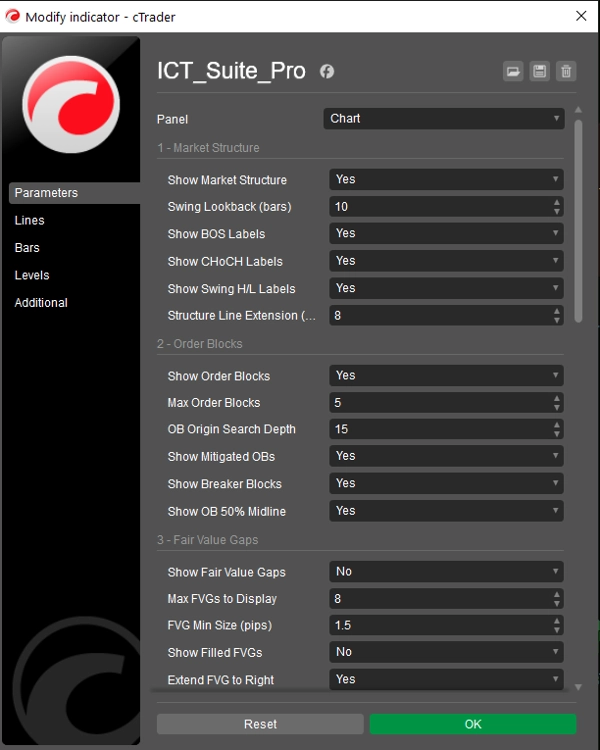
L'indicatore scansiona continuamente il tuo grafico per massimi e minimi confermati, classificandoli come Higher High, Lower High, Higher Low o Lower Low. Ogni Break of Structure (BOS) e Change of Character (CHoCH) viene rilevato e etichettato con una linea tratteggiata di livello così puoi vedere esattamente dove il prezzo ha rotto la struttura precedente. La distinzione tra BOS (continuazione del trend) e CHoCH (inversione del trend) è codificata a colori per una lettura immediata a colpo d'occhio. La profondità del lookback degli swing è completamente regolabile.
Blocchi di Ordine — Con Tracciamento Completo del Ciclo di Vita
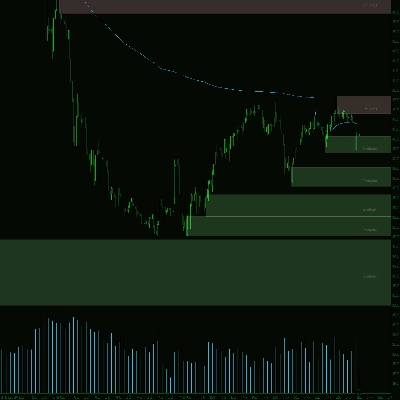
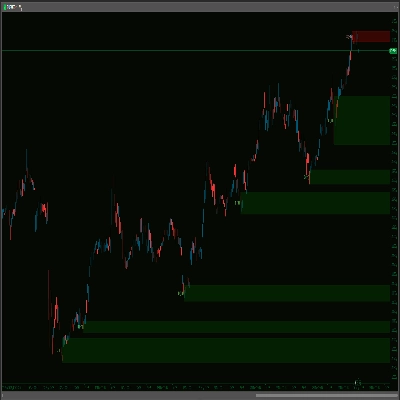
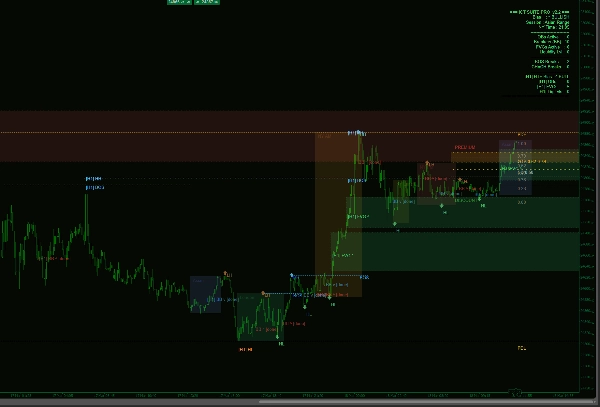
I blocchi di ordine sono identificati localizzando l'ultima candela opposta prima di ogni movimento impulsivo che ha portato a uno swing confermato. Ogni blocco è disegnato come una casella colorata che si estende verso destra del grafico così puoi vedere a colpo d'occhio se il prezzo è tornato nella zona. Quando un blocco di ordine viene mitigato, il rettangolo viene rimosso e sostituito da un tenue marcatore testuale — mantenendo il grafico pulito pur conservando una registrazione del livello. Quando il prezzo successivamente viola l'altro lato di un blocco di ordine mitigato, viene riclassificato come Breaker Block e ricolorato, segnalando una potenziale zona di inversione. Una linea mediana al 50% è disegnata all'interno di ogni blocco attivo per evidenziare la divisione tra premio/sconto all'interno della zona stessa.
Gap di Valore Equo — Tracciati fino alla Chiusura
Squilibri di prezzo su tre candele sono rilevati in entrambe le direzioni su tutta la finestra di lookback. Ogni gap è filtrato da una dimensione minima di pip configurabile per eliminare il rumore. I gap non chiusi si estendono verso destra del grafico fino a quando il prezzo non ritorna a chiuderli, momento in cui vengono rimossi o contrassegnati come chiusi a seconda delle tue impostazioni. Sia gli squilibri rialzisti che ribassisti sono gestiti simultaneamente.
Livelli di Liquidità — Massimi e Minimi Uguali
L'indicatore scansiona per cluster di massimi o minimi che si trovano entro una tolleranza di pip configurabile l'uno dall'altro — identificando i pool di liquidità lato acquisto e lato vendita che il flusso di ordini istituzionali tende a mirare. Ogni livello è disegnato con segni di spunta a entrambi i punti di swing e una linea tratteggiata che si proietta verso destra. Una volta che il prezzo attraversa un livello di liquidità, questo viene nascosto o contrassegnato come attraversato a seconda della tua preferenza.
Livelli Chiave — Giorno, Settimana e Mese Precedenti
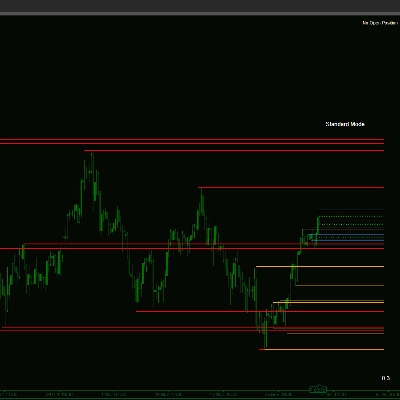
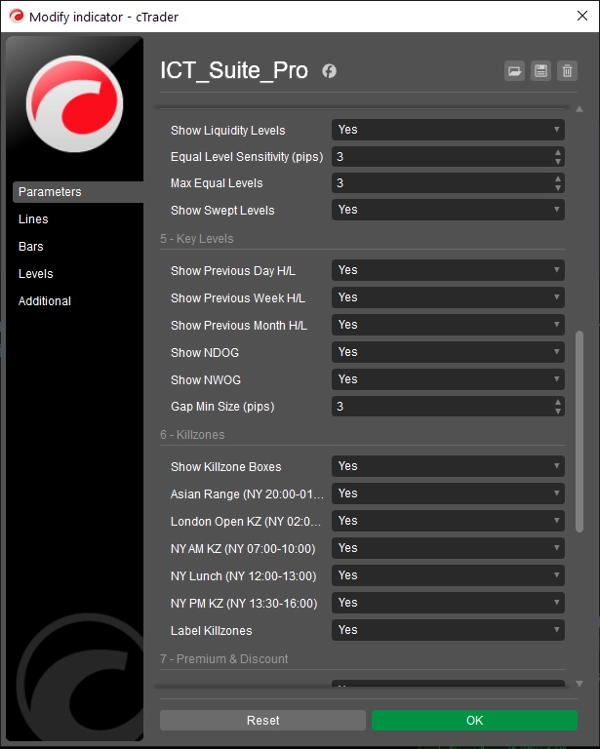
Massimo/Minimo del Giorno Precedente, Massimo/Minimo della Settimana Precedente e Massimo/Minimo del Mese Precedente sono calcolati automaticamente dai dati di prezzo del tuo grafico. Tutti i confini temporali sono derivati dai timestamp delle barre del broker — non dall'orologio del sistema locale — quindi rimangono accurati indipendentemente dal tuo fuso orario o rollover dello strumento. Ogni coppia di livelli usa un colore e uno stile di linea distinti così si sovrappongono pulitamente sul grafico.
Gap di Apertura — Giornalieri e Settimanali
L'indicatore scansiona ogni apertura giornaliera e settimanale per un gap di prezzo tra la chiusura della sessione precedente e l'apertura della sessione corrente. Qualsiasi gap che supera la dimensione minima di pip definita viene disegnato come un rettangolo colorato. I Gap di Apertura del Nuovo Giorno e i Gap di Apertura della Nuova Settimana sono distinti da colori diversi, fornendoti una lettura immediata su quali gap rimangono non chiusi.
Killzone di Sessione — Con Riquadri di Gamma Reale
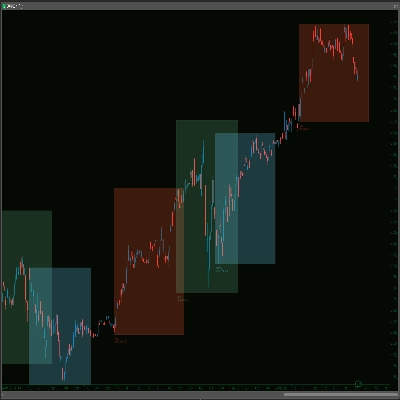
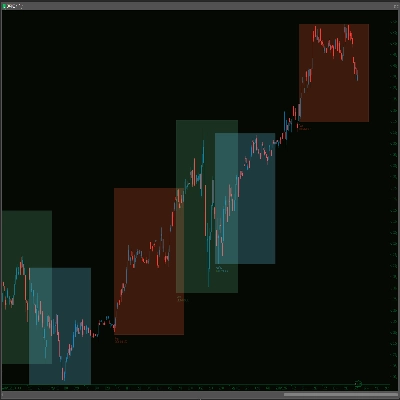
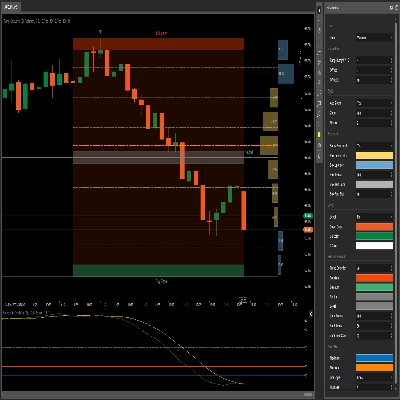
Le finestre di sessione Asian, London Open, New York AM, New York Lunch e New York PM sono disegnate come riquadri pieni che coprono l'effettiva gamma da massimo a minimo formata durante ogni periodo. Gli orari sono basati sull'ora di New York e si adattano automaticamente all'ora legale EDT/EST. Ogni riquadro può essere attivato e etichettato individualmente. Poiché i riquadri riflettono la gamma di prezzo reale piuttosto che linee verticali fisse, puoi vedere immediatamente quanto è stata attiva ogni sessione e dove il prezzo ha trovato i suoi estremi.
Zone di Premio e Sconto — Con Gamma di Entrata Ottimale
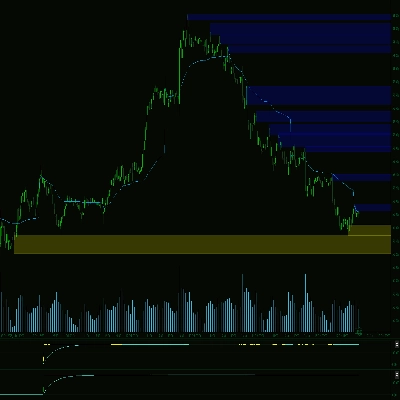
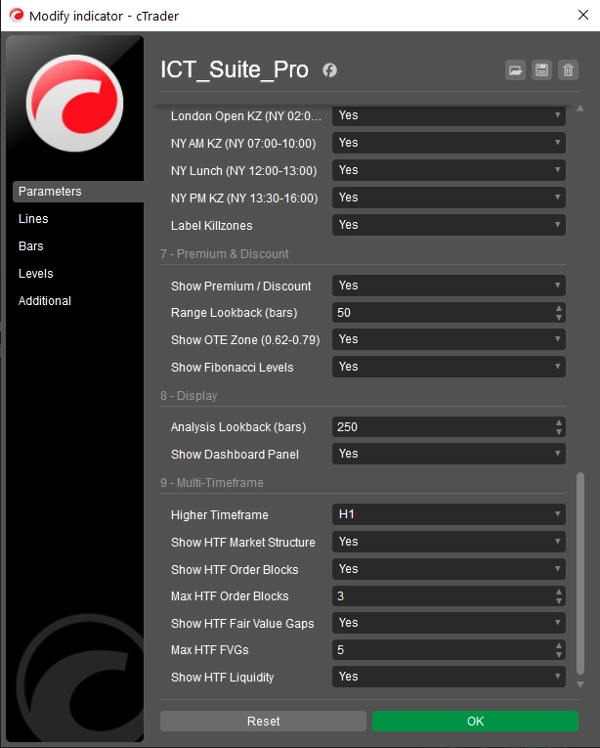
Un'analisi della gamma mobile calcola il massimo più alto e il minimo più basso su un lookback configurabile. Da questa gamma, l'indicatore disegna l'Equilibrio (0,50), una zona di entrata ottimale (0,62–0,79 Fibonacci) e l'intero set di livelli chiave di ritracciamento Fibonacci. Le etichette Premio e Sconto sono posizionate all'interno della gamma così sai sempre in quale metà della gamma di negoziazione attuale il prezzo sta operando. Il lookback è automaticamente limitato per corrispondere alla finestra delle barre visibili così nessun livello fa riferimento a barre che non puoi vedere.
Sovrapposizione Multi-Timeframe — La Caratteristica Distintiva
Il sistema MTF ricostruisce le candele di timeframe superiore aggregando le barre del grafico corrente in slot temporali allineati — non è richiesta una sottoscrizione dati separata. Seleziona il tuo timeframe superiore dal menu a tendina (M5, M15, M30, H1, H4, D1) e Smart Money Suite Pro calcolerà e disegnerà blocchi di ordine, gap di valore equo, struttura di mercato e livelli di liquidità di timeframe superiore direttamente sul tuo grafico attuale. Gli elementi di timeframe superiore sono visivamente distinti: bordi più spessi, contorni tratteggiati ed etichette con prefisso del tag del timeframe (es. [H4] OB ^) così sai sempre a quale timeframe appartiene un livello.
Se selezioni un timeframe superiore che è uguale o inferiore al timeframe del grafico corrente — una configurazione impossibile — l'indicatore mostra un chiaro avviso sullo schermo e non disegna nulla, prevenendo l'apparizione di dati fuorvianti.
Il pannello della dashboard si aggiorna con una sezione dedicata al timeframe superiore quando la sovrapposizione è attiva, mostrando bias HTF, conteggio dei blocchi di ordine attivi, conteggio dei gap di valore equo e conteggio dei livelli di liquidità insieme al riepilogo del timeframe corrente.
Dashboard Live
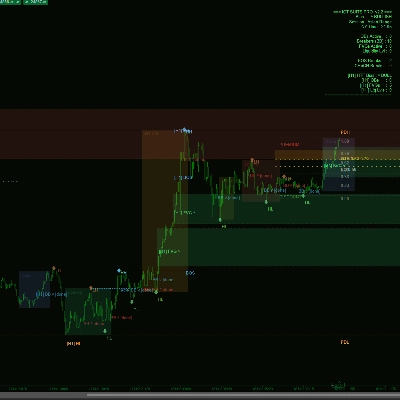
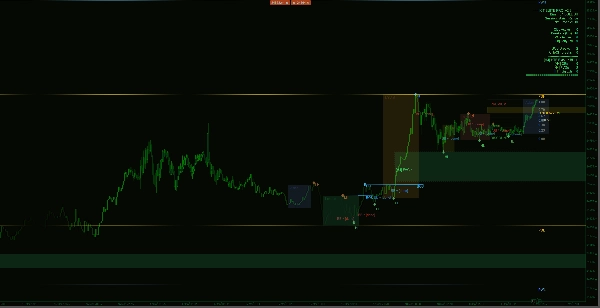
Un pannello pulito ancorato a destra mostra: bias di mercato attuale, sessione di trading attiva, ora di New York, conteggi di tutti i blocchi di ordine attivi, breaker block, gap di valore equo e livelli di liquidità, più il numero totale di rotture BOS e CHoCH rilevate nella finestra di lookback. Quando la sovrapposizione multi-timeframe è abilitata, il riepilogo del timeframe superiore viene aggiunto automaticamente in basso.
Progettato per il Trading Live
L'indicatore ridisegna solo quando si forma una nuova barra — non ad ogni tick in arrivo — eliminando lo sfarfallio del grafico che colpisce molti indicatori tutto-in-uno. Tutte le analisi vengono eseguite all'interno di una finestra di lookback configurabile così le prestazioni rimangono costanti anche su timeframe inferiori con un grande numero di barre.
Riepilogo
Liquidity levels are highlighted by scanning for clusters of equal highs and lows, marking buy and sell-side liquidity pools. Key historical levels including previous day, week, and month highs/lows are calculated based on broker timestamps. Daily and weekly opening gaps are detected and displayed as colored zones. Session killzones for Asian, London, and New York trading periods are drawn as range boxes reflecting actual price movement.
The indicator calculates premium and discount zones using Fibonacci retracements within a rolling price range. A multi-timeframe overlay reconstructs higher timeframe candles and displays corresponding order blocks, fair value gaps, market structure, and liquidity levels on the current chart with distinct visual styles. A live dashboard panel summarizes market bias, session, and counts of active levels. The indicator updates only on new bars to maintain chart clarity and performance during live trading.