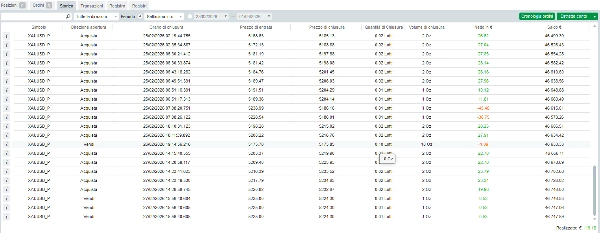
Description
What is MysignalTG?
MysignalTG is a fully automated cTrader cBot that connects your Telegram signal rooms to your broker account. When a new signal arrives, the bot parses it instantly and opens the trades — no copy-pasting, no delays, no missed entries.
It works with virtually any signal provider that posts in English, Italian or German, and is compatible with all major forex pairs, gold, silver, crypto and indices.
How it works
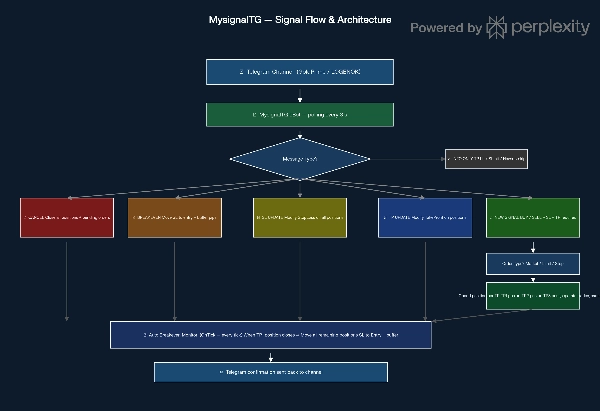
- A signal arrives in your Telegram channel
- MysignalTG reads it automatically every 3 seconds
- The bot identifies direction, entry, SL and up to 5 TPs
- One separate position is opened for each Take Profit level
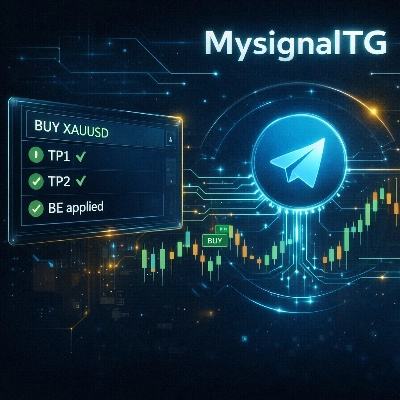
- When TP1 is hit, all remaining positions are automatically moved to breakeven
- A confirmation message is sent back to your Telegram
Key Features
- 📡 Real-time Telegram polling (every 3 seconds)
- 🎯 Opens one position per TP level (TP1 to TP5)
- 🔁 Automatic Breakeven when TP1 is hit — no manual action needed
- 📊 Supports Market, Limit and Stop orders
- 🛡 Risk Management: fixed lot size OR % of account balance per signal
- 🌍 Multilingual: recognizes signals in English, Italian and German
- ✏️ Handles SL updates, TP updates, manual breakeven and full cancellation from Telegram
- 🔔 Sends Telegram confirmation after every executed action
- ☁️ Runs on cTrader Desktop (Windows / Mac) and cTrader Cloud
- 🔗 Supports two simultaneous signal rooms (Sala 1 + Sala 2)
- 💱 Compatible with: Forex, XAUUSD, XAGUSD, BTCUSD, ETHUSD, US30, NAS100, GER40, UK100 and more
Supported signal commands
The bot automatically recognizes and executes the following message types from your channel:
CommandExamples recognized
New signal
BUY XAUUSD, SELL EURUSD, LONG, KAUF, COMPRA
Limit order
BUY LIMIT, SELL LIMIT, KAUF-LIMIT, VENDI LIMITE
Stop order
BUY STOP, SELL STOP
Cancel / Close
CANCEL, CLOSE ALL, CHIUDI, ABORT, SIGNAL CLOSED
Breakeven
BREAKEVEN, MOVE TO BE, BE SETZEN, PAREGGIO
SL update
SL UPDATE, NEW SL, MOVE SL, AGGIORNA SL
TP update
TP UPDATE, NEW TP, AGGIORNA TP
Info (ignored)
TP1 HIT, SL HIT, ANALYSIS, MARKET UPDATE
Requirements
- cTrader Desktop 5.0 or higher, or cTrader Cloud
- A Telegram Bot Token (free — create one via @BotFather in 2 minutes)
- Your signal provider's Telegram channel or group
- Your broker's symbol suffix (e.g.
_P,.s— ask your broker if unsure)
Setup in 5 steps
- Import the
.algofile into cTrader → Automate → cBots - Open @BotFather on Telegram →
/newbot→ copy the Bot Token - Add your bot as member/admin to the signal channel
- Get your Chat ID from
api.telegram.org/bot<TOKEN>/getUpdates - Enter Token, Chat ID, lot size and symbol suffix in the bot parameters → Start
⚡ No VPS required when running on cTrader Cloud.
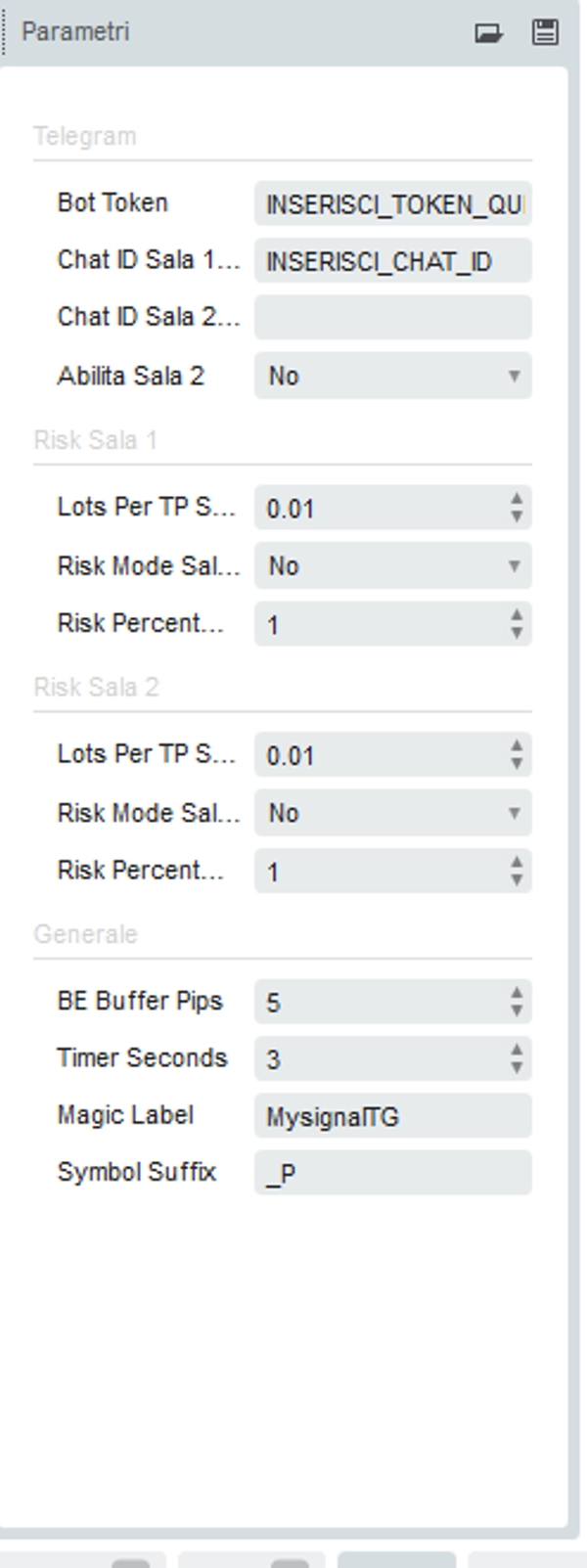
Parameters overview
ParameterDescription
Bot Token
Your Telegram bot token from @BotFather
Chat ID Sala 1
Telegram chat ID of your primary signal room
Chat ID Sala 2
Optional second signal room
Enable Sala 2
Toggle second room on/off
Lots Per TP
Fixed lot size per position (one per TP)
Risk Mode
If enabled, calculates lot size by % of balance
Risk Percent
% of account balance to risk per signal
BE Buffer Pips
Pips above/below entry for breakeven SL
Timer Seconds
Polling interval (default 3s)
Magic Label
Unique identifier for bot's positions
Symbol Suffix
Broker suffix appended to symbols (e.g. _P)
In most cases no additional software is required. A Python forwarder script is available on request for private channels or personal Telegram accounts."
Compatible with cTrader 5.0+ · .NET 6 · Desktop & Cloud
Summary
Key functionalities include opening separate positions for up to five take profit (TP) levels, automatic breakeven adjustment when TP1 is hit, and real-time updates for stop loss (SL) and TP changes. The bot supports fixed lot sizes or risk-based lot sizing as a percentage of account balance. It can manage two simultaneous Telegram signal rooms and sends confirmation messages back to Telegram after each executed action.
MY Signal TG operates on cTrader Desktop (Windows/Mac) and cTrader Cloud, requiring a Telegram Bot Token and chat ID setup. It supports multilingual commands and handles signal updates, cancellations, and breakeven commands directly from Telegram. No additional software is generally needed, though a Python forwarder script is available for private channels or personal Telegram accounts.