Description
PriceMeasure is an advanced measurement plugin for cTrader designed to help traders quickly and accurately measure price movements directly on the chart.
The tool works similarly to the “Ruler” feature from TradingView, but includes additional features.
After selecting two points on the chart, the tool automatically calculates:
- price distance,
- pip distance,
- percentage price change,
- number of candles between measurement points.
The plugin allows users to define a custom Lot size, enabling automatic calculation of:
- potential profit,
- potential loss,
- movement value in USD.
This significantly speeds up:
- Risk/Reward analysis,
- position sizing,
- risk management.
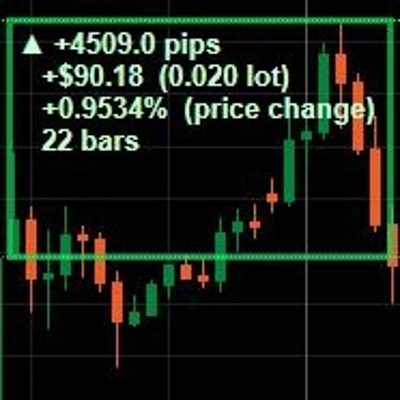
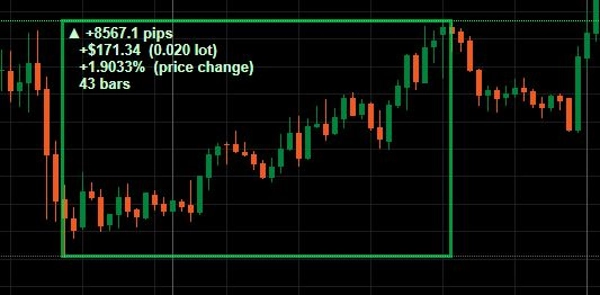
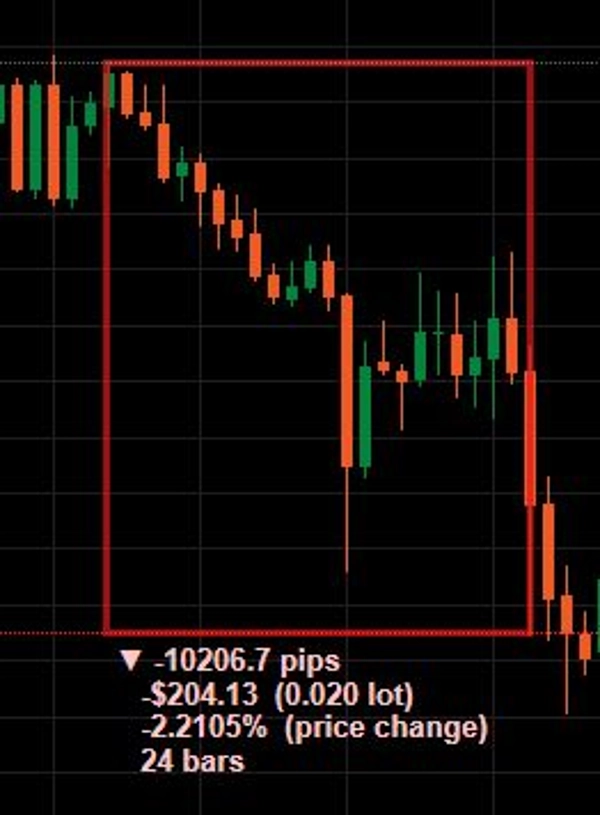
The plugin automatically distinguishes bullish movement (green rectangle) and bearish movement (red rectangle).
How To Use The Plugin
1. Enable The Tool
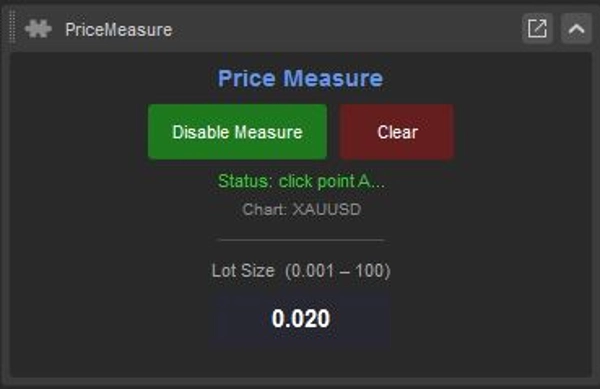
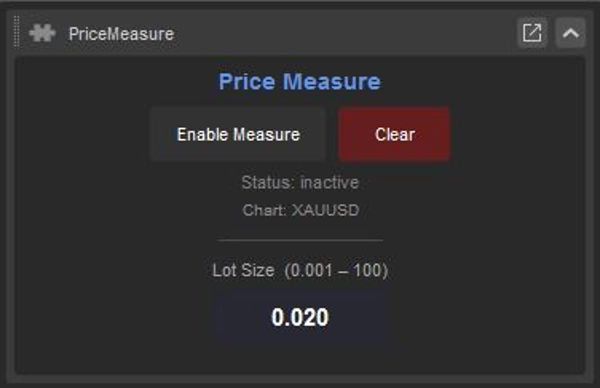
Click: Enable Measure
2. Select Point A
Click the first price level on the chart. This becomes the starting point of the measurement.
3. Select Point B
Click the second price level. The plugin will automatically draw the measurement area, display all statistics and calculate values.
4. Read The Data
The chart will display:
- pip count,
- USD value,
- percentage change,
- candle count.
5. Create Multiple Measurements
Each measurement remains on the chart until manually removed.
6. Clear Measurements
Click: Clear
to remove all measurements from the chart.
Lot Size
Defines the position size used for profit/loss calculations.
Summary
Users can define a custom Lot size to enable automatic calculations of potential profit, potential loss, and movement value in USD. The plugin visually distinguishes bullish movements with green rectangles and bearish movements with red rectangles, aiding in quick interpretation.
Key features include support for multiple simultaneous measurements on the chart, which remain until manually cleared, and a streamlined workflow for risk/reward analysis, position sizing, and risk management. The plugin displays pip count, USD value, percentage change, and candle count for each measurement, facilitating detailed trade planning and analysis directly within the cTrader chart interface.