
Description
LOCK30x XAU M5 v2.90 is a multi-engine cBot designed for Gold trading on the M5 chart in cTrader. Attach it to your broker’s Gold symbol, such as XAUUSD, XAUUSD.P or GOLD, after confirming the symbol’s contract specifications.
This upgrade brings four selectable engines together:
- Range — Gold range and breakout setups.
- Sessions — session-based trading setups.
- Portfolio — an additional Gold trading component with its own position and risk settings.
- Lock30x Core — the M5 strategy, including the configurable 48H/72H Trend Complement.
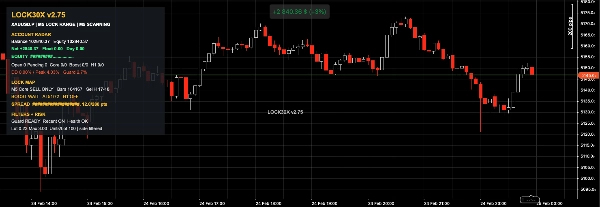
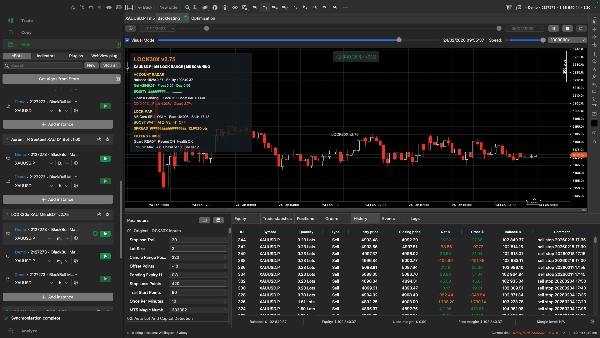
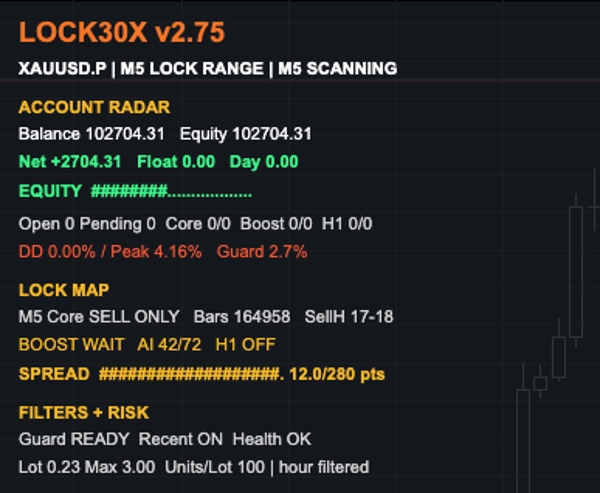
All four engines are enabled by default. They have separate trade identifiers and settings, while sharing the account’s equity, margin and overall portfolio exposure. The unified on-chart dashboard shows account figures, open bot P/L, engine activity and key risk and market conditions.
Trading and risk controls
Depending on the enabled engines and selected settings, LOCK30x includes multi-timeframe analysis, spread and session filters, stop-loss and trailing-stop management, daily loss controls, lot and margin limits, and a shared equity-drawdown breaker. The Core also includes optional H1 expansion and adaptive sizing controls.
These controls are intended to manage exposure; they are not guaranteed loss limits. Several engines can place trades at the same time, and actual losses can exceed a configured trigger during fast markets or adverse execution.
Recommended chart and broker setup
- Instrument: your broker’s Gold or XAU symbol
- Chart period: M5
- BlackBull Markets example: XAUUSD.P M5, if available on your account
Gold lot sizes, margin requirements, spreads and execution conditions vary by broker. Test the exact symbol, account balance, leverage and settings you intend to use. There is no universal minimum balance or leverage that makes every four-engine configuration suitable.
Position sizing
Each engine has its own sizing controls. Manual Lot Multiplier adjusts the Lock30x Core; it does not replace the other engines’ risk settings. Check the expected volume and combined margin use of all enabled engines in a backtest and on a demo account before considering live use.
Updating from an earlier LOCK30x version
Review and save your settings before upgrading. Do not run the older and upgraded LOCK30x bots together on the same account and Gold symbol. Manage any open positions and pending orders from the older version before switching.
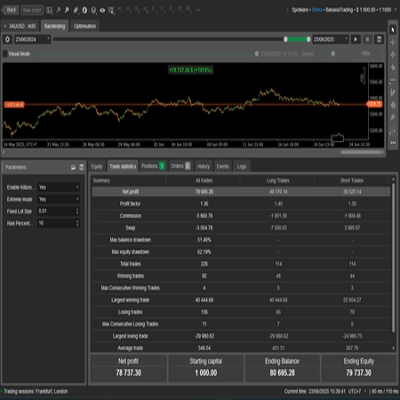
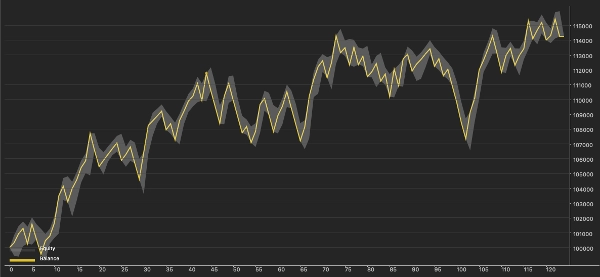
Trading involves risk. Past performance does not guarantee future results. Backtest results are simulated; live outcomes can differ because of spread, slippage, liquidity, execution speed and broker contract specifications.