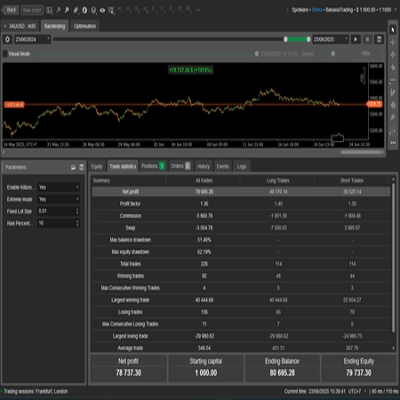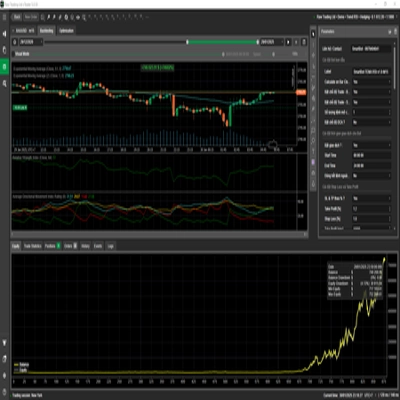


Description
Great mate — the symbol-only image has uploaded successfully. Below is copy you can use for the cTrader listing.
I based this on your regular local Warden R2 cTrader build 2.007 source. There are several older and “Video” builds on your Mac, so the selected Store build should match before you publish.
Short description — under 120 characters
Three-engine XAUUSD cBot combining breakout, session and portfolio strategies with configurable risk controls.
Detailed description — ready to paste
ECFX XAU Warden — Automated Gold Trading for cTrader
ECFX XAU Warden is a multi-strategy cBot designed for XAUUSD gold trading. It combines three independently controlled trading engines within one application, bringing together price-level breakouts, scheduled session trading and a portfolio of technical strategies.
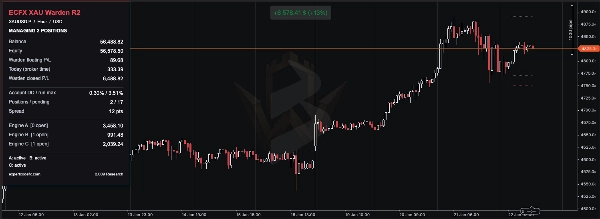
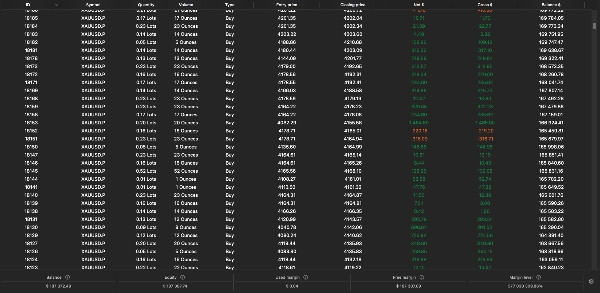
A shared dashboard displays account balance, equity, floating profit and loss, drawdown, open positions, pending orders and individual engine results.
Warden is designed to run on an H1 gold chart using a hedging account. Its strategies also analyse other timeframes internally. Each engine can be enabled or disabled, allowing users to test individual components or the combined system.
How Warden trades
Engine A — Price-level breakout strategies
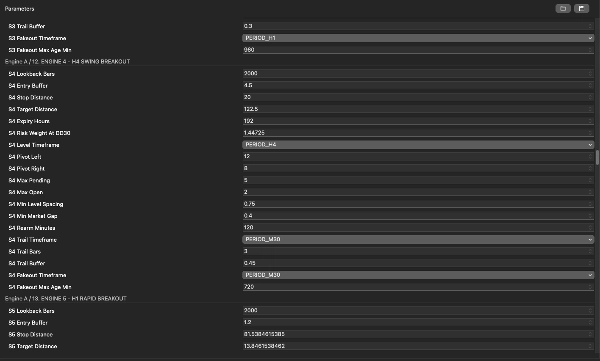
Engine A identifies confirmed swing highs and lows across multiple timeframes and uses these levels to prepare buy-stop and sell-stop orders.
Entries are placed beyond qualifying price levels, subject to the selected strategy’s entry buffer, minimum distance, order-spacing rules and exposure limits. Pending orders can expire or be refreshed as market structure changes.
The engine contains nine configurable strategy slots. The number used depends on the selected trade-frequency mode, automatic selection rules or manual strategy switches. Enabling the engine does not necessarily activate every slot.
Trade management includes:
- Strategy-specific stop-loss and take-profit distances.
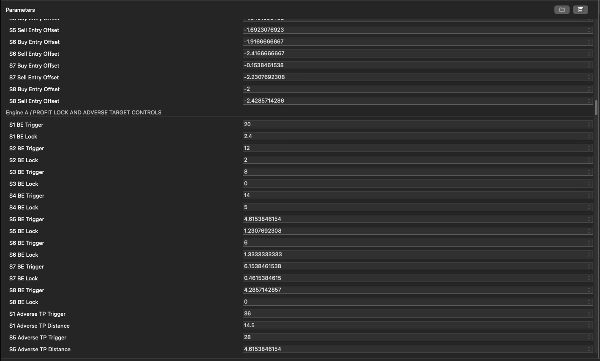
- Configurable profit-lock and swing-based trailing-stop behaviour.
- A false-breakout exit filter.
- Optional dynamic take-profit adjustment on selected strategies.
- Configurable spread, Friday and NFP-related entry controls.
Dynamic target adjustment can bring an exit closer after an adverse price movement. A trade closed at its adjusted take-profit level can therefore still realise a loss.
Engine B — Session-based trading
Engine B combines separate session rules using a configured broker-time clock.
Its available components include:
- Range breakout: builds a high–low range during a specified period and checks for a subsequent break above or below it. A previous-day candle-body filter also applies.
- Scheduled buy: looks for a buy entry within a defined time window on eligible weekdays, then manages the trade using its holding-time rule.
- Optional momentum breakout: checks a multi-day high or low together with a recent price-momentum threshold.
The range and scheduled-buy components are enabled in the inspected source defaults; the optional momentum component is disabled.
Positions use protective stops and time-based exits. The engine can also close its scheduled-buy position before acting on an opposing sell signal, depending on the settings.
Optional repeatable timing, level and sizing variation is available. Keep the random seed and related settings unchanged when reproducing a backtest.
The session labels A, B and C inside this engine are its own sub-strategies, separate from Warden’s three main engines.
Engine C — Technical-strategy portfolio
Engine C combines three internal groups:
- Technical portfolio: contains twelve signal families, including moving-average and RSI conditions, structure breaks, volatility squeezes, pullbacks, liquidity sweeps and reversal patterns.
- Trend complement: uses moving-average direction, ATR volatility and 48-bar/72-bar breakout levels to prepare conditional entries.
- Sovereign strategies: use separate pending-order setups with ATR-based entry, stop and target distances.
Strategy switches, permitted-direction filters, session rules, spread limits, cooldown periods and exposure caps determine which signals can become orders. The presence of twelve signal families does not mean all twelve will trade under every configuration.
Depending on the group, management includes stop losses, profit targets, break-even adjustments, ATR trailing stops, pending-order expiry and maximum holding periods.
How the engines work together
Each engine identifies and manages its own trades through dedicated identifiers and labels. More than one position can be open at the same time, and different strategies may hold opposing positions.
All engines share the same account equity and available margin. Their combined exposure matters: a risk percentage assigned to one strategy is not a maximum risk percentage for the entire cBot.
Avoid running duplicate Warden instances with the same ownership settings on the same account and symbol. Do not change trade identifiers or ownership-related settings while existing Warden trades remain open.
Risk settings and important distinctions
Warden provides several sizing methods and protective controls, but their behaviour differs between engines.
Engine A supports fixed starting lots and risk-based sizing. Its Drawdown sizing reference (%) affects position sizing; it is not automatically an enforced loss ceiling. In the inspected defaults, its daily drawdown limit is disabled and its separate total-drawdown enforcement switch is off.
Engine B supports automatic, percentage-risk and fixed-lot sizing. A zero in an inactive sizing field does not necessarily disable trading. Its equity-drawdown closing option is disabled in the inspected defaults.
Engine C provides daily-loss controls, drawdown locks, position limits and additional group-specific protections. Its Backtest Bypass Permanent Max Drawdown Lock setting is enabled in the inspected defaults. This can make historical-test behaviour differ from operation with that lock enforced. Review this setting explicitly before interpreting a test as representative of live operation.
Some controls monitor account-wide equity but act only on the positions owned by their engine. They should not be described as a single account-wide loss guarantee. Engine B also has a Close All Account Positions option that can affect unrelated trades if enabled.
Stop losses and software guards cannot guarantee an exact maximum loss during gaps, slippage, disconnections or rejected trade requests.
Initial setup
- Install Warden through cTrader Store and open cTrader Windows or Mac.
- Select a demo hedging account for the initial setup.
- Open cTrader Algo, locate Warden and create an instance.
- Select your broker’s gold symbol, such as XAUUSD or the appropriate suffixed equivalent.
- Set the instance chart timeframe to H1.
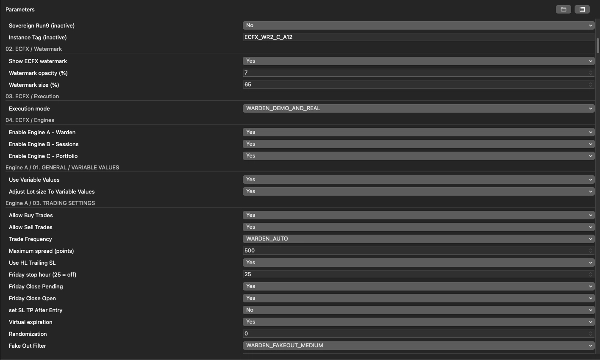
- Start with the defaults for your exact release or a preset supplied for that release.
- Review the three main engine switches and the risk settings within each engine.
- Review Execution mode. The inspected source supports backtesting only, demo plus backtesting, or demo/live plus backtesting. Its default permits demo and live execution.
- Check the strategy clock, spread units and broker symbol specifications before starting.
- Start on demo and inspect the log for successful initialisation, history-loading messages and any order errors.
There is no universal minimum deposit or leverage setting suitable for every configuration. Account size, minimum trade volume, stop distance, concurrent positions and broker margin requirements must be assessed together.
Broker time, points and pips
Session timing directly affects the strategy.
The MT5 broker UTC offset (minutes) setting defines the strategy’s reference clock inside the cTrader implementation. It is a fixed offset and does not automatically follow daylight-saving changes. Engine C also contains separate time-offset settings, so these must be checked consistently.
The MT5 point size setting controls the price value of a strategy point. A value of zero derives it from the symbol’s digits. This may differ from cTrader’s native pip size.
Engine C retains a strategy pip of 0.01 price units. Do not copy spread or distance values between differently quoted gold symbols without checking their units.
How to backtest Warden
- Open the Warden instance’s Backtesting section in cTrader Windows or Mac.
- Select the intended gold symbol and H1 timeframe.
- Choose the test dates and starting capital. Record the account currency, leverage and exact preset.
- Select Tick data from server for detailed evaluation of pending orders and intrabar management.
- Configure spread and commission assumptions to reflect the intended broker. Confirm the units shown by cTrader.
- Check the strategy time offsets, point-size mapping and risk-lock settings.
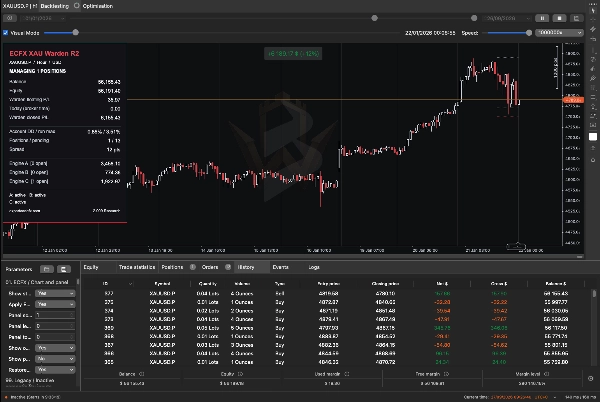
- Run a short visual test first to inspect the dashboard, entries, exits and order behaviour.
- Run the full evaluation without visual mode where practical.
- Allow the test to reach its selected end date before treating the figures as final.
- Save the report and parameter settings so the run can be reproduced.
Warden needs historical data for its internal timeframes and lookbacks. Missing prehistory can delay signals or prevent some strategies from trading. Inspect the log and allow adequate history before the period you intend to evaluate.
For the platform’s backtesting controls, consult the official cTrader backtesting guide.
What to review in the results
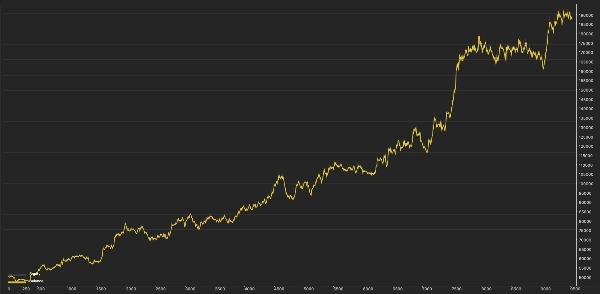
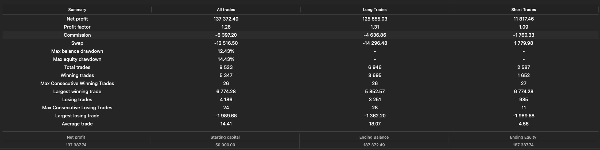
Evaluate more than the final profit figure:
- Maximum equity drawdown and balance drawdown.
- Realised profit versus floating profit or loss at the end.
- Trade count, losing streaks and holding periods.
- Peak concurrent positions and margin usage.
- Spread and commission sensitivity.
- Order rejections, missing-history warnings and risk-lock events.
- Results across different market periods.
Test each engine separately as well as the combined configuration. Results from isolated engines will not necessarily add up to the combined result because account equity, sizing, margin and account-based guards interact.
If optimising, retain a separate period that was not used to choose the settings. Avoid selecting a configuration solely because it produced the highest historical profit.
Dashboard and operational checks
The shared panel helps distinguish account conditions from Warden’s own trading results. On an account with other trading activity, account balance and equity will include that activity.
Before investigating a lack of trades, check:
- The account is hedging rather than netting.
- Execution mode permits the current environment.
- The intended engines and sub-strategies are enabled.
- Required historical data has loaded.
- The trading session is open.
- Spread, margin and minimum-volume requirements are satisfied.
- A daily or drawdown lock has not blocked further activity.
- Existing orders or positions have not reached an exposure limit.
Stopping the cBot does not necessarily close its positions or cancel every pending order across all engines. Inspect the account after stopping. Dynamic trailing, timed exits and other software-managed actions require the cBot to remain running.
Platform differences
Warden’s cTrader implementation uses cTrader’s execution, market-data and account systems. Identical MT5 and cTrader trades or performance have not been established.
The MQL5 economic calendar is unavailable within this implementation. Applicable NFP filtering relies on supplied timestamps or an approximate fallback; it should not be treated as a comprehensive live news filter.
Inputs marked inactive or legacy are retained for compatibility and do not provide active functionality in this build.
Risk disclosure
Trading involves risk. Past performance does not guarantee future results. Historical simulations can differ materially from live trading because of pricing, spread, commission, slippage, data quality, margin and execution conditions. Warden does not guarantee profit, a fixed drawdown limit or successful completion of a prop-firm challenge.
Summary
- Engine A employs price-level breakout strategies by identifying swing highs and lows across multiple timeframes to place buy-stop and sell-stop orders with configurable stop-loss, take-profit, trailing stops, and filters for false breakouts and news events.
- Engine B uses session-based trading rules based on broker time, including range breakouts, scheduled buys, and optional momentum breakouts, with time-based exits and protective stops.
- Engine C combines a portfolio of technical strategies, including moving averages, RSI, volatility squeezes, pullbacks, and reversal patterns, with trend complements and sovereign strategies, all managed with risk controls like stop losses, profit targets, and drawdown locks.
A shared dashboard displays account metrics, open positions, pending orders, and individual engine results. The cBot supports multiple sizing methods and risk controls that vary by engine. It allows enabling or disabling each engine independently for testing or combined operation. The system requires careful setup of broker symbol, time offsets, and risk parameters. Backtesting is supported with detailed configuration options. The cBot uses market and account data from cTrader and does not guarantee profits or fixed drawdown limits.