

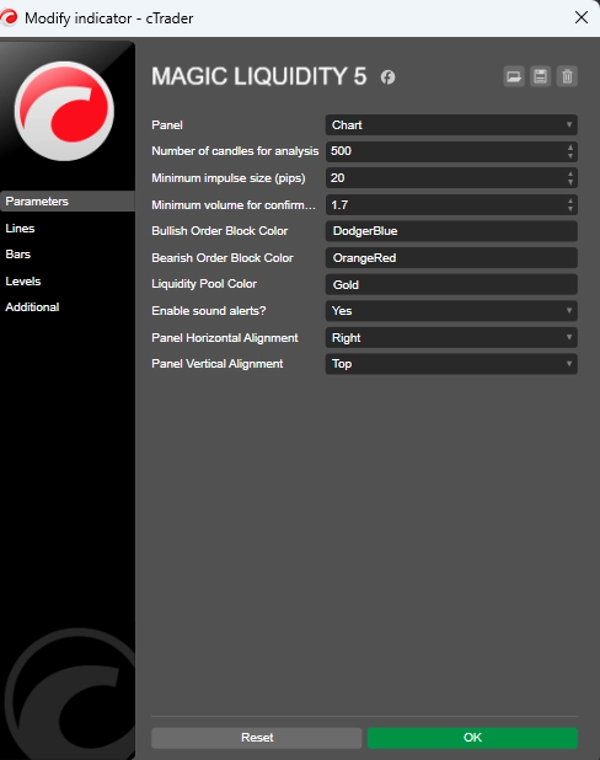
설명
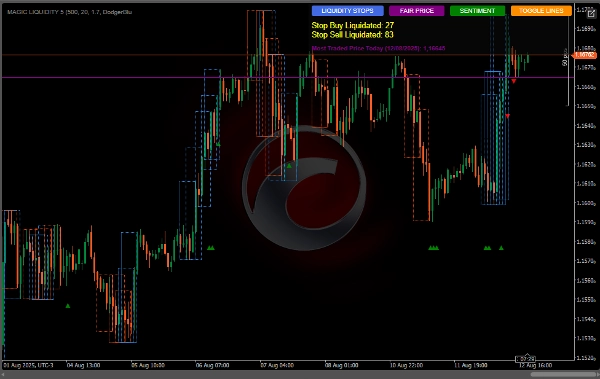
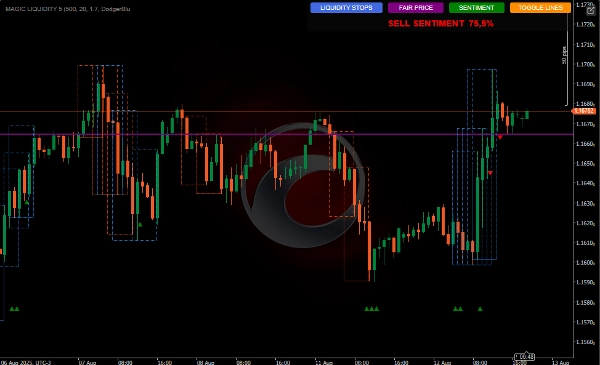
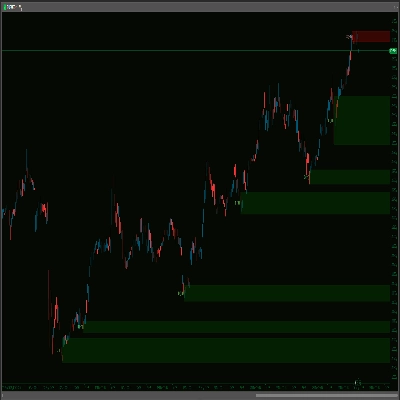
MagicLiquidity 지표는 시장에서 유동성 구역, 주문 블록 및 손절매 수준을 식별하는 고급 도구로, 트레이더가 주요 지지/저항 영역과 잠재적 반전 지점을 식별하는 데 도움을 줍니다.
주요 개념
주문 블록: 대형 시장 참여자가 상당한 주문을 넣었을 수 있는 영역
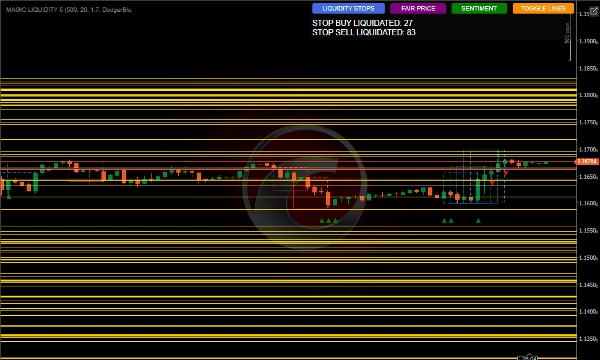
유동성 풀: 스톱 또는 미체결 주문이 집중된 수준
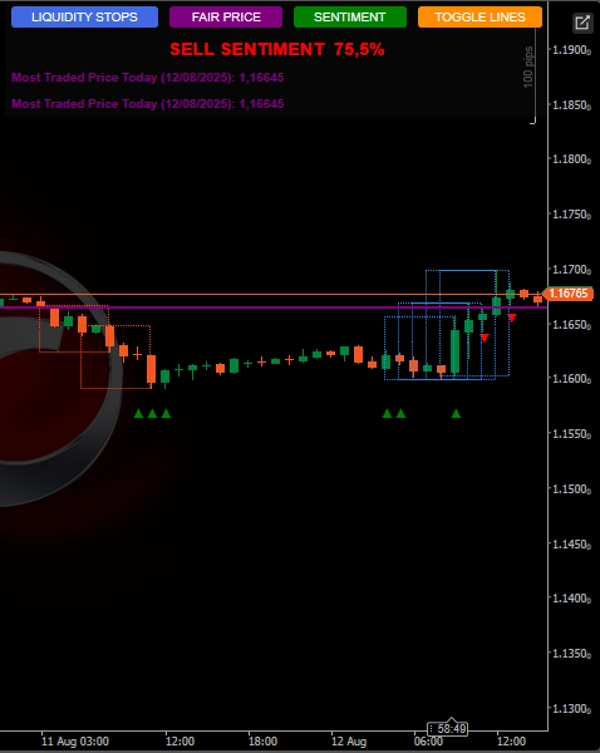
가장 많이 거래된 가격 공정 가격: 하루 중 가장 높은 거래량을 가진 가격 수준
지표 작동 방식
주문 블록 식별
설정 가능한 최소 크기의 핍으로 충격 움직임을 감지
이러한 움직임 이후의 통합 구간을 식별
충격 방향에 따라 강세 또는 약세 블록으로 분류
유동성 풀 감지
분석 기간 내 최고점과 최저점을 식별
현재 가격 위와 아래의 수준을 추적
몇 개의 유동성 풀이 청산되었는지 계산
정보 패널
청산된 매수/매도 스톱 수 표시
시장 심리 강세/약세 표시
가장 많이 거래된 가격 표시
선 표시를 켜거나 끌 수 있음
거래량 확인
반전 패턴
블록 위 손절매
거래 유동성
매수 스톱 청산: 가격이 위의 유동성 풀에 도달할 때:
매수 피로를 나타낼 수 있음 - 매도 준비
반전 확인 후 진입
매도 스톱 청산: 가격이 아래의 유동성 풀에 도달할 때:
매도 피로를 나타낼 수 있음 - 매수 준비
반전 확인 후 진입
심리 사용
위에서 더 많은 유동성 풀이 청산되면: 매도 편향
아래에서 더 많은 유동성 풀이 청산되면: 매수 편향
거래를 우세한 심리와 맞추기 위한 필터로 사용
가장 많이 거래된 가격 (공정 가격)
손익분기점 수준으로 활용 가능
위에서 거래 시: 강세 편향
아래에서 거래 시: 약세 편향
목표 또는 반전 지점으로 사용 가능
.
요약
Key features include detection of liquidity pools—areas with concentrated stop or pending orders—above and below the current price, and tracking how many of these pools have been liquidated. An integrated information panel displays the count of buy and sell stops liquidated, market sentiment bias (bullish or bearish), and the most traded price of the day, which serves as a fair price reference.
The tool supports volume confirmation and reversal pattern recognition, offering stop-loss placement guidance above order blocks. It interprets buy stop liquidation as potential buying exhaustion signaling a sell opportunity after reversal confirmation, and sell stop liquidation as potential selling exhaustion signaling a buy opportunity.
Market sentiment is derived from the relative liquidation of liquidity pools, providing a bias filter for trade alignment. The most traded price can act as a breakeven level, target, or reversal point, with trading above it indicating bullish bias and below it indicating bearish bias.
고객 리뷰
상담
자주 묻는 질문(FAQ)















!["[Hamster-Coder] Bollinger Bands" 로고](https://cdn.ctrader.com/image/webp/21d8e5d6-fb11-4bac-b9ee-cd05c2b76804_30327)








가격
