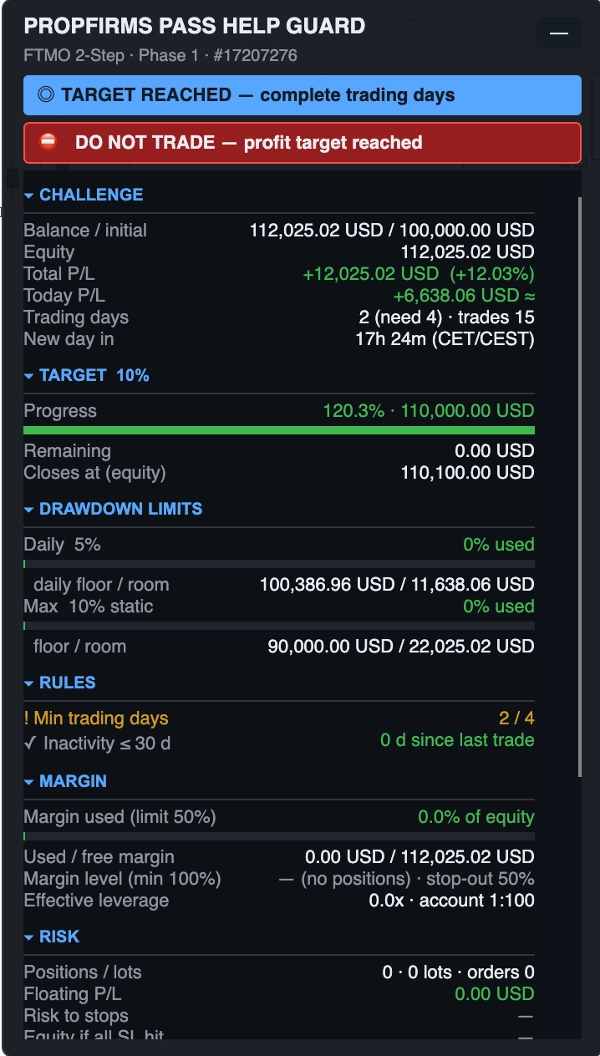
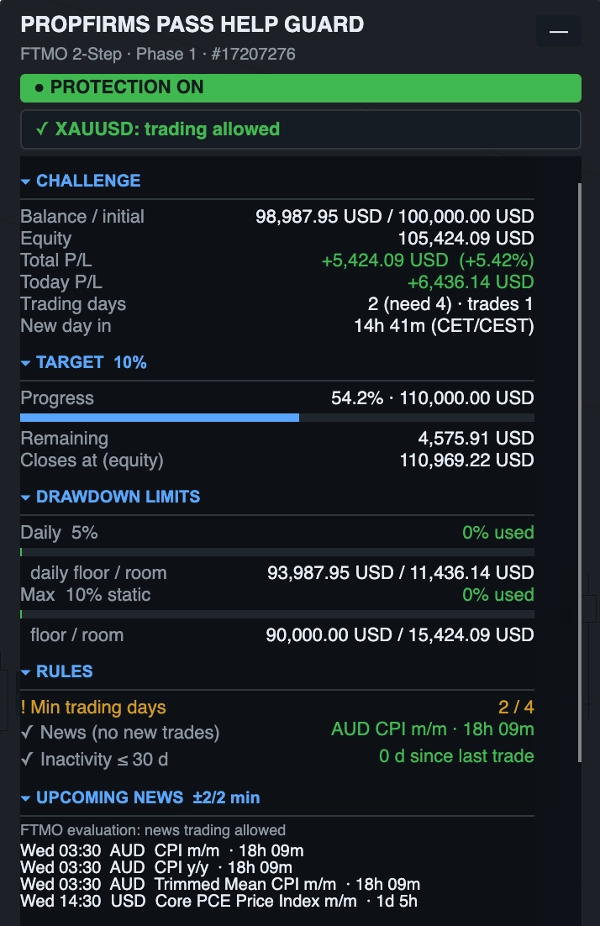
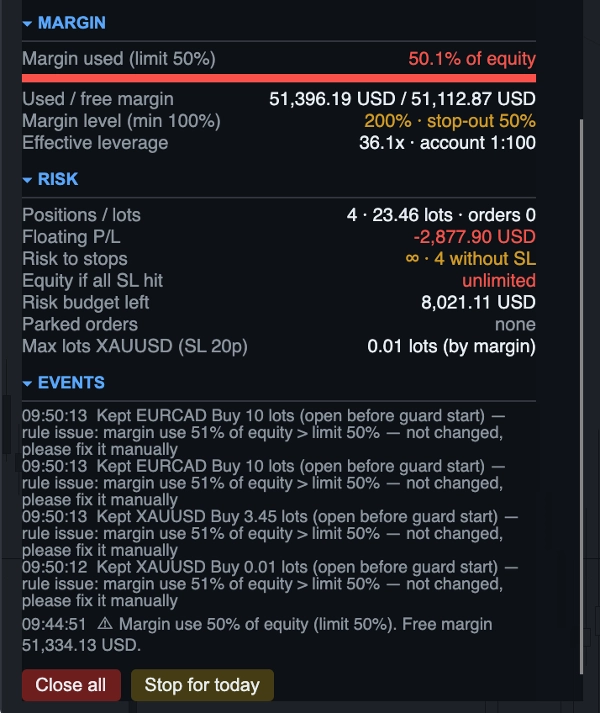
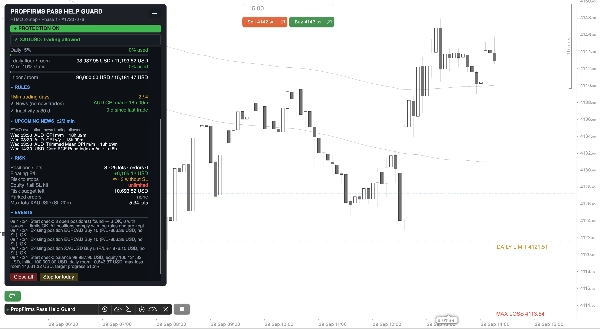

คำอธิบาย
CAREFULLY STUDY THE FUNCTIONALITY BEFORE USE!
Pass your prop challenge without breaking a single rule.
PropFirms Pass Help Guard watches every position on your cTrader account and closes, trims or parks trades before a daily loss, max loss, news or weekend rule is broken.
Features
- One-click firm presets — FTMO, FundedNext, The5ers, FundingPips: targets, limits, reset time zone, news and weekend rules for each phase.
- Daily and max loss protection — static, trailing, end-of-day trailing; closes everything with a safety buffer before the floor.
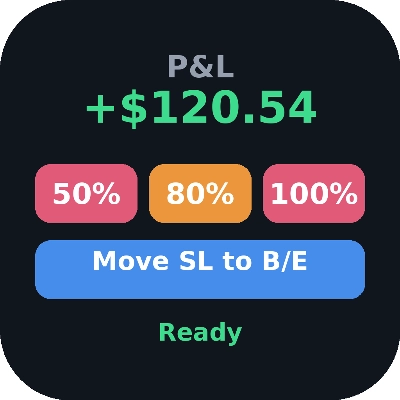
- Smart target close — accounts for spread, slippage and commission, verifies the realised balance and learns from any shortfall.
- News guard — live economic calendar, firm-specific windows, separate speech windows, flat before the window, hands off inside it.
- Pending order parking — orders are removed during restrictions and restored identically if price never reached them.
- Position and risk rules — lot caps, risk per trade and per idea, total open risk, mandatory stop-loss, hedging and symbol whitelist.
- Margin tracker — margin use, margin level with stop-out protection, effective leverage, lot calculator capped by risk and margin.
- Weekend and overnight — automatic flattening before Friday close or daily rollover.
- Respects your open trades — existing positions are audited, not blindly closed.
- Explains every action — on-chart panel, rule checklist, GUARD ACTION banner with the reason, status line in the log for cTrader Mobile.
How it works: 1. Add the cBot to any chart. 2. Choose your prop firm and phase. 3. Trade as usual — the guard handles the rules.
Disclaimer: Presets reflect public rules as of September 2026; always verify your own account terms. Risk tool only — no guarantee of passing.
Installation and First Launch
1. Install the bot from the cTrader Store or double-click the .algo file – it will appear in Algo → cBots.
2. Open any chart on the desired account and add an instance (Add instance). One instance protects the entire account.
3. In the parameters, select Prop firm preset and Phase. If the firm is not listed, select Custom and groups 1–7.
4. If add-ons have been purchased, set the Swing/Holding add-on and the desired Overrides.
5. On a funded account, after withdrawing profits or if there were multiple stages on the same account, enter the Initial Balance and Start Date manually.
6. Click ▶. The bot will check the account and open trades and display the result in the "Start check" block.
7. When first launching, allow network access: it is only needed for the news calendar. The bot runs with AccessRights. None permissions and does not touch files on your computer.
Important: Run only one instance per account. Two instances (for example, on a computer and in the cloud) will reduce positions twice and duplicate restored orders.
สรุป
Key features include daily and max loss protection with static and trailing stops, smart target closing that accounts for spread, slippage, and commissions, and a live economic calendar-based news guard that manages trades around news events. It also manages pending orders by parking them during restricted periods and restoring them if conditions allow. Position and risk rules such as lot caps, risk per trade, mandatory stop-loss, hedging, and symbol whitelisting are enforced. Margin tracking with stop-out protection and automatic flattening before weekends or daily rollovers are included.
The bot audits existing trades without closing them blindly and provides clear on-chart explanations for its actions. Users add the bot to any chart, select their prop firm and phase, and trade normally while the guard manages compliance. Network access is required only for the news calendar.