

الوصف
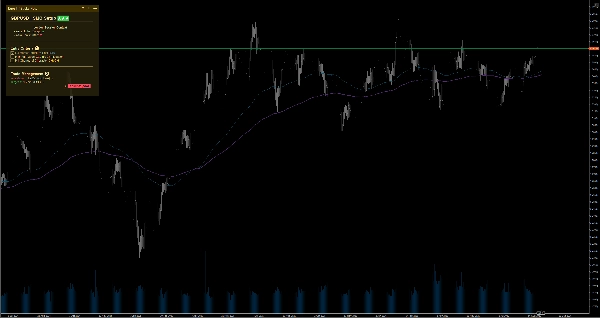
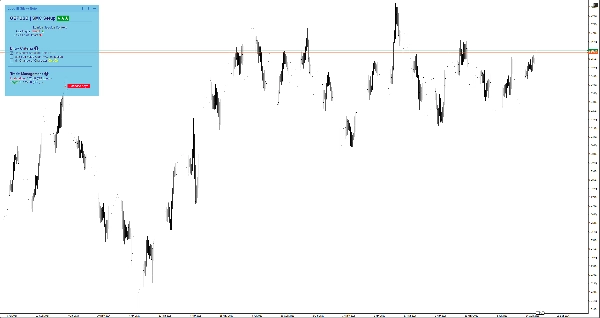
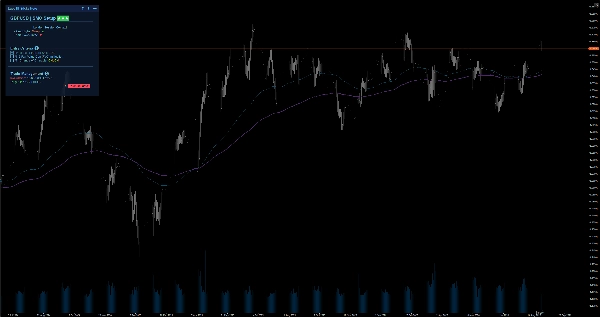
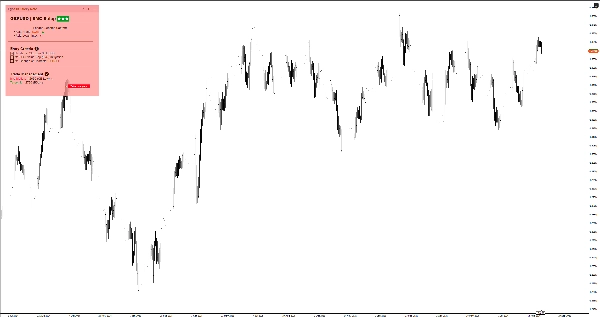
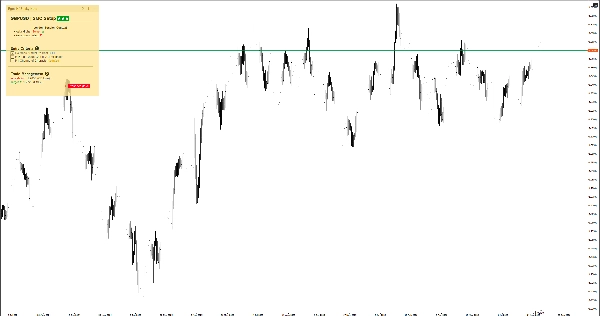
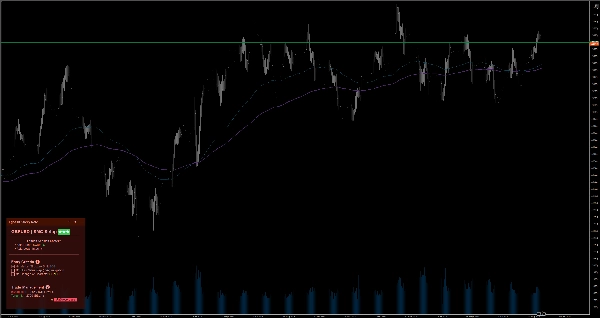
حافظ على تركيزك باستخدام الملاحظات الذكية على الرسم البياني. يتميز بدعم Markdown، 6 سمات، والحفظ التلقائي لكل رمز للتداول اليدوي.
عند التصغير من مخطط شهري إلى مخطط دقيقة واحدة، من السهل فقدان الصورة الأكبر وإجراء تداولات عاطفية. تحل ملاحظة EgosHf Sticky Note هذه المشكلة من خلال إبقاء قواعدك وقوائم التحقق وانحياز HTF مثبتة مباشرة على شاشة عملك.
🎯 لمن هذا موجه؟
مثالي للمتداولين اليدويين، وممارسي Price Action/SMC، والمتداولين المتأرجحين الذين يعتمدون على الانضباط الصارم، والتحليل من الأعلى إلى الأسفل، والتنفيذ خطوة بخطوة.
💡 حالات الاستخدام النموذجية
- التحليل من الأعلى إلى الأسفل: اكتب انحيازك اليومي/الأسبوعي قبل التكبير إلى أطر التنفيذ لتجنب فخاخ الاتجاه المعاكس.
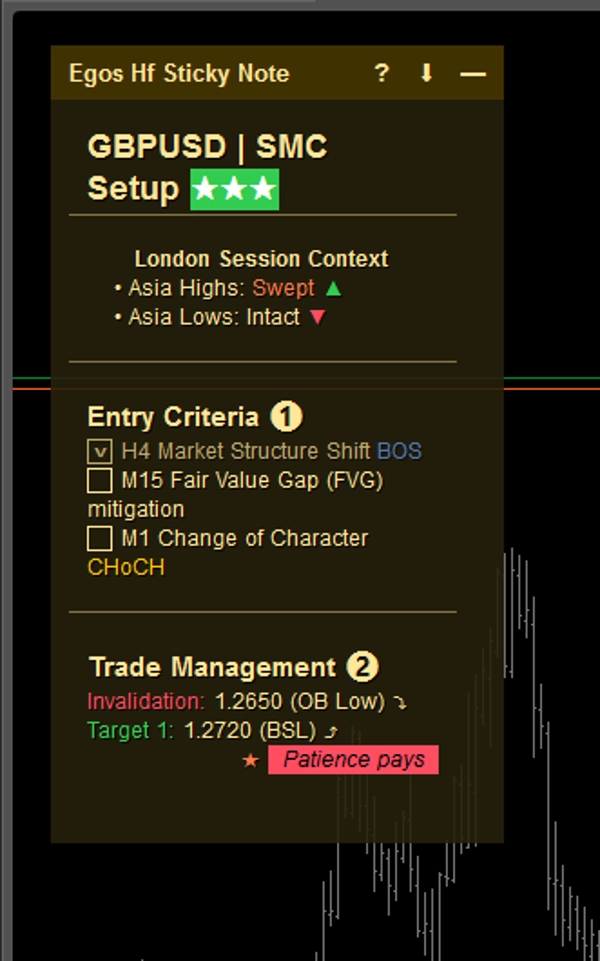
- قوائم التحقق من الدخول: ضع علامة على معايير محددة (مثل محاذاة EMA، إعادة اختبار المستوى الرئيسي) قبل فتح مركز.
- إدارة المخاطر: ثبت حدود خسارتك اليومية القصوى أو تحذيرات الأخبار ذات التأثير العالي القادمة حيث يمكنك رؤيتها دائمًا.
⚡ الميزات الأساسية والتفسير البصري
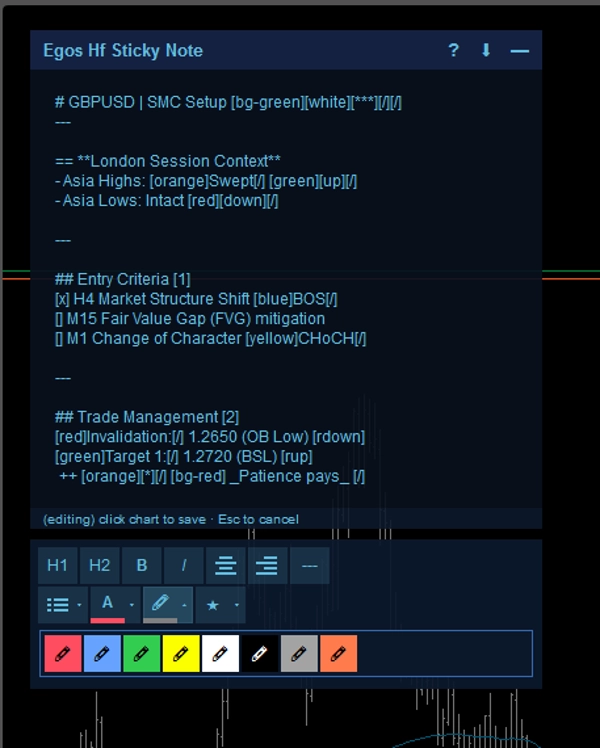
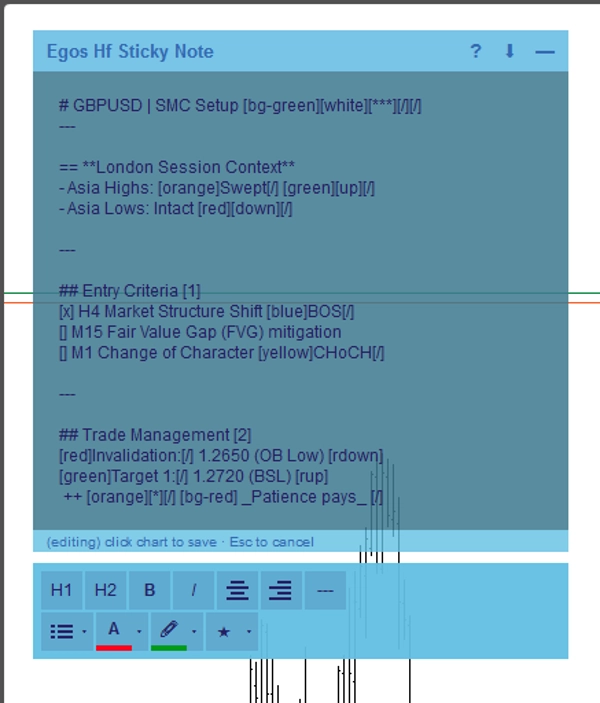
- تنسيق Markdown: أنشئ ملاحظات منظمة باستخدام علامات نصية بسيطة. استخدم
#للعناوين،[red]أو[bg-yellow]لتسليط الضوء بالألوان، و[x]أو[]لصناديق الاختيار التفاعلية. - الحفظ التلقائي الخاص بالرمز: يتم حفظ الملاحظات تلقائيًا في التخزين المحلي لجهازك لكل أصل. عند التبديل من EURUSD إلى XAUUSD، سيتم تحميل ملاحظاتك الخاصة بذلك الرمز على الفور.
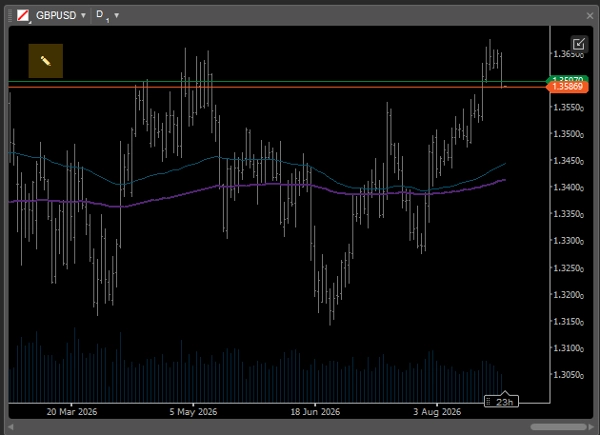
- واجهة مستخدم ذكية ومتكيّفة: عند استخدام تخطيطات متعددة للرسوم البيانية حيث يكون مساحة الشاشة محدودة، تنهار الملاحظة تلقائيًا إلى رمز
✎بسيط حتى لا تعيق حركة السعر. يمكنك توسيعها بسهولة في أي وقت لمراجعة سجلاتك. - محرر WYSIWYG: انقر نقراً مزدوجاً على الملاحظة لفتح شريط الأدوات المدمج لتنسيق النص بسرعة.
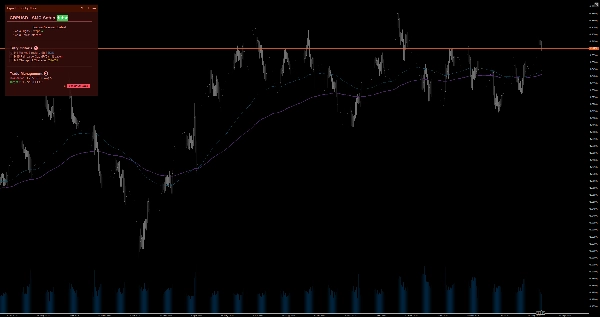
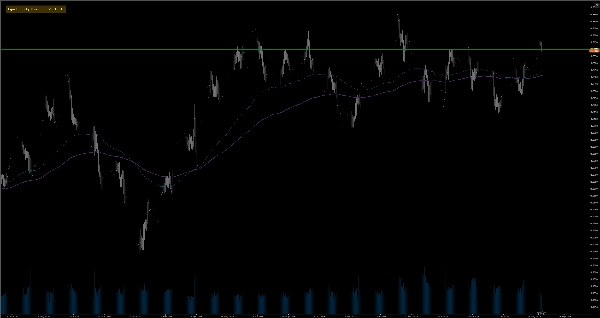
- 6 سمات لونية: اختر بين السمات الفاتحة والداكنة (أصفر، أحمر، أزرق) لتتناسب تمامًا مع قالب الرسم البياني الخاص بك دون إجهاد عينيك. فقط انقر نقراً مزدوجاً على رأس الملاحظة للتبديل الفوري بين السمات دون الحاجة إلى الدخول إلى الإعدادات.
⚙️ الإعدادات والمعلمات الرئيسية
- الموضع: ثبت الملاحظة في أي من زوايا الرسم البياني الأربعة (أعلى اليسار، أعلى اليمين، أسفل اليسار، أسفل اليمين).
- عرض الانهيار التلقائي (بكسل): حدد عتبة عرض الرسم البياني التي تقلل عندها الملاحظة تلقائيًا.
- الحجم والهوامش الافتراضية: اضبط العرض والارتفاع والهوامش الجانبية الافتراضية المفضلة لديك.
⚠️ القيود والملاحظات المهمة
- هذه أداة مساعدة بصرية؛ لا تقوم بتحليل بيانات السوق، أو توليد إشارات تداول، أو تنفيذ الصفقات.
- يتم تخزين جميع البيانات محليًا على جهازك.
الملخص
AI summary
EGOs HF Sticky Note is a visual utility indicator designed for manual traders, Price Action/SMC practitioners, and swing traders who use disciplined, top-down analysis. It provides smart on-chart notes that help maintain focus by keeping trading rules, checklists, and higher timeframe bias visible directly on the chart. The tool supports Markdown formatting with headers, color highlights, and interactive checkboxes, enabling structured note-taking. Notes are saved automatically per trading symbol in local storage, allowing seamless switching between assets with symbol-specific notes loading instantly.
The interface adapts to multi-chart layouts by collapsing into a minimal icon to avoid obstructing price action, expandable on demand. A built-in WYSIWYG editor facilitates quick text formatting. Users can choose from six color themes (light and dark variants) to match chart templates. The note can be positioned in any of the four chart corners, with customizable default size, margins, and auto-collapse width threshold.
Typical use cases include documenting daily/weekly bias for top-down analysis, ticking off entry criteria checklists, and pinning risk management limits or news warnings. This tool does not analyze market data, generate signals, or execute trades; it functions solely as a customizable, on-chart note-taking utility.
The interface adapts to multi-chart layouts by collapsing into a minimal icon to avoid obstructing price action, expandable on demand. A built-in WYSIWYG editor facilitates quick text formatting. Users can choose from six color themes (light and dark variants) to match chart templates. The note can be positioned in any of the four chart corners, with customizable default size, margins, and auto-collapse width threshold.
Typical use cases include documenting daily/weekly bias for top-down analysis, ticking off entry criteria checklists, and pinning risk management limits or news warnings. This tool does not analyze market data, generate signals, or execute trades; it functions solely as a customizable, on-chart note-taking utility.
ملف تعريف المؤشر
فئة المؤشر
الإحصاءات
نوع المخرجات
التصور
متطلبات البيانات
البيانات الخارجية
تقييمات العملاء
0.0
التقييمات: 0
تقييمات العملاء
لا توجد تقييمات لهذا المنتج حتى الآن. هل جرَّبته بالفعل؟ كن أول من يخبر الآخرين!
مناقشة
الأسئلة الشائعة
EMA
Key Levels
RSI
Order Block
Volume
Market Structure
Support & Resistance
يتم توفير المنتجات المتاحة من خلال cTrader Store، بما في ذلك روبوتات التداول والمؤشرات والإضافات، من قبل مطوري الطرف الثالث وإتاحتها لأغراض الوصول المعلوماتي والفني فقط. cTrader Store ليس وسيطًا ولا يقدم نصائح استثمارية أو توصيات شخصية أو أي ضمان للأداء المستقبلي.
المزيد من هذا المؤلف




السعر
14
التثبيتات المجانية