
Description
CVD ai
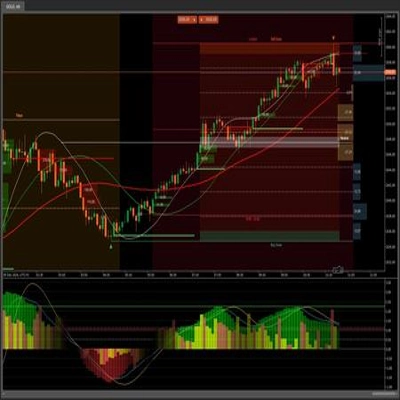
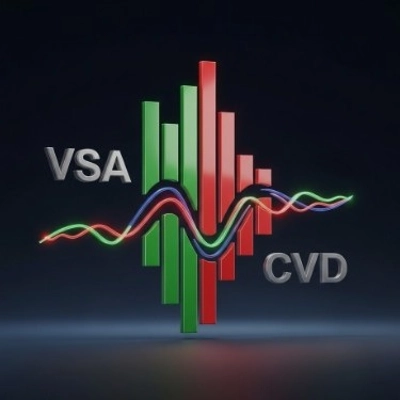
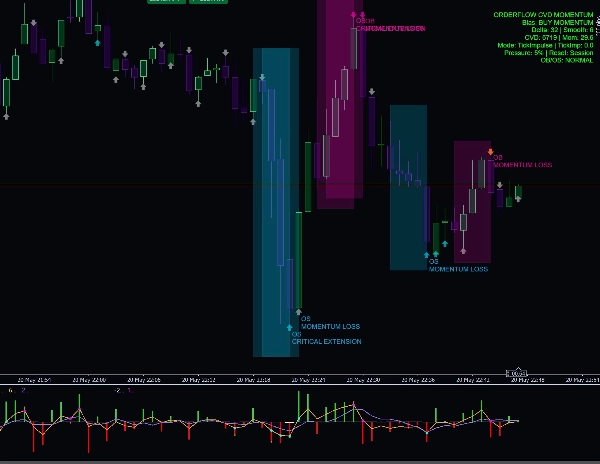
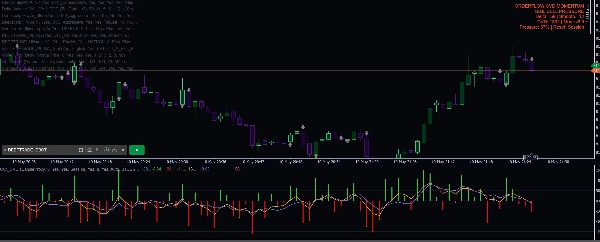
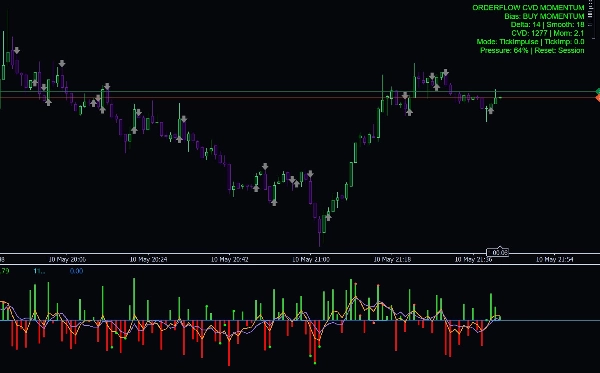
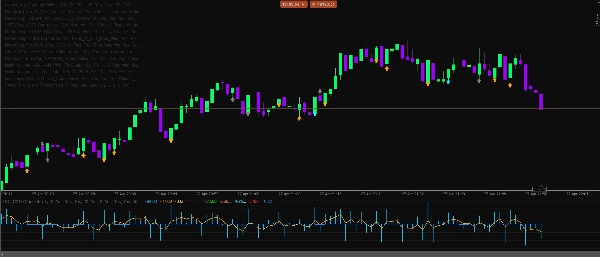
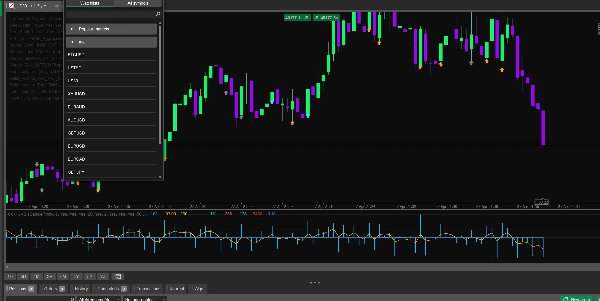
Delta CVD Advanced est un indicateur professionnel d'analyse du momentum et des ordres conçu pour les traders qui souhaitent une vision plus claire de la pression d'achat et de vente directement à partir du comportement du marché. Il combine Delta, CVD, le momentum des ticks en direct, l'absorption, la divergence, les filtres de session, les gardes de volatilité et un moteur de confluence intelligent en un seul outil analytique épuré.
Cet indicateur est conçu pour le scalping, le trading intrajournalier et la confirmation du momentum à court terme sur les marchés Forex, Or, Indices, Crypto et Pétrole.
Caractéristiques principales
- Calcul Delta en direct utilisant la logique uptick/downtick
- Mode delta proxy de chandelier pour l'analyse historique
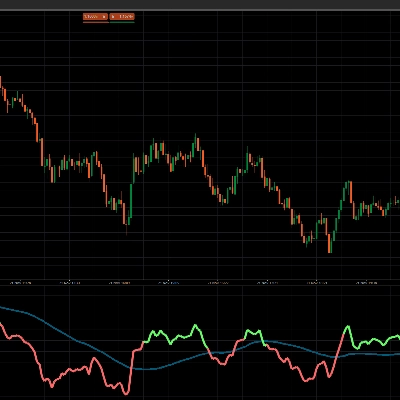
- Ligne Cumulative Volume Delta pour suivre la pression dans le temps
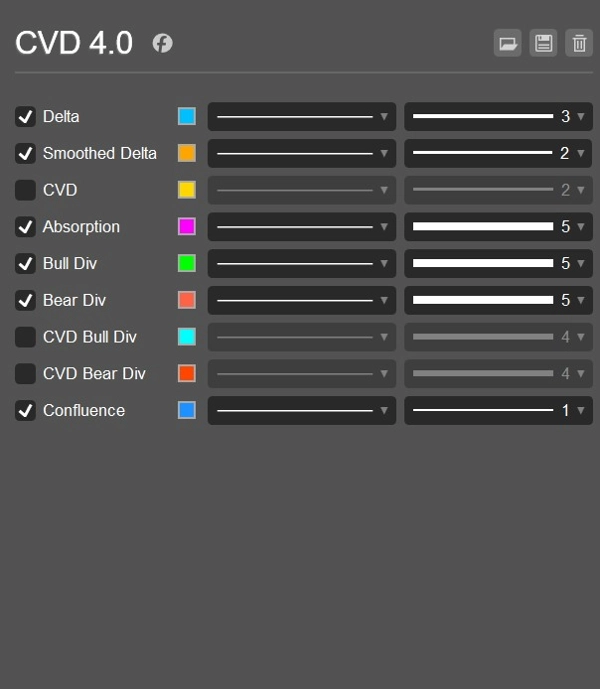
- Ligne Delta lissée pour une lecture du momentum plus claire
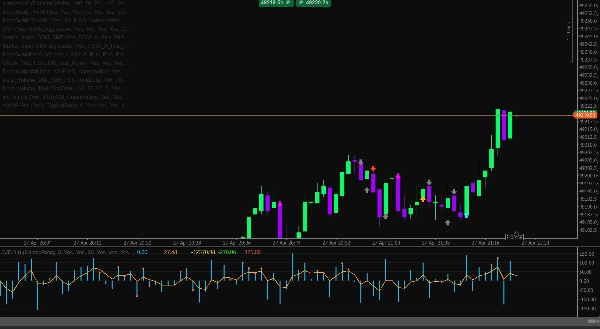
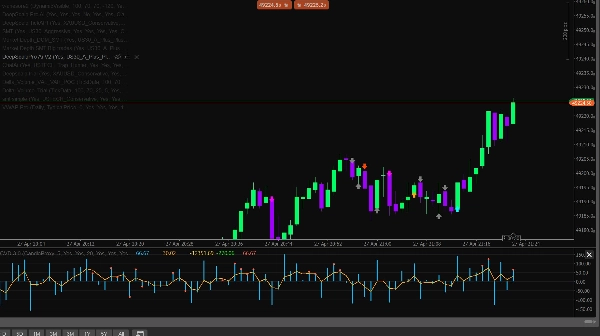
- Histogramme Delta coloré Achat/Vente
- Calcul du momentum basé sur les ticks pour l'impulsion du marché en direct
- Mode momentum hybride combinant la pente CVD et l'impulsion des ticks
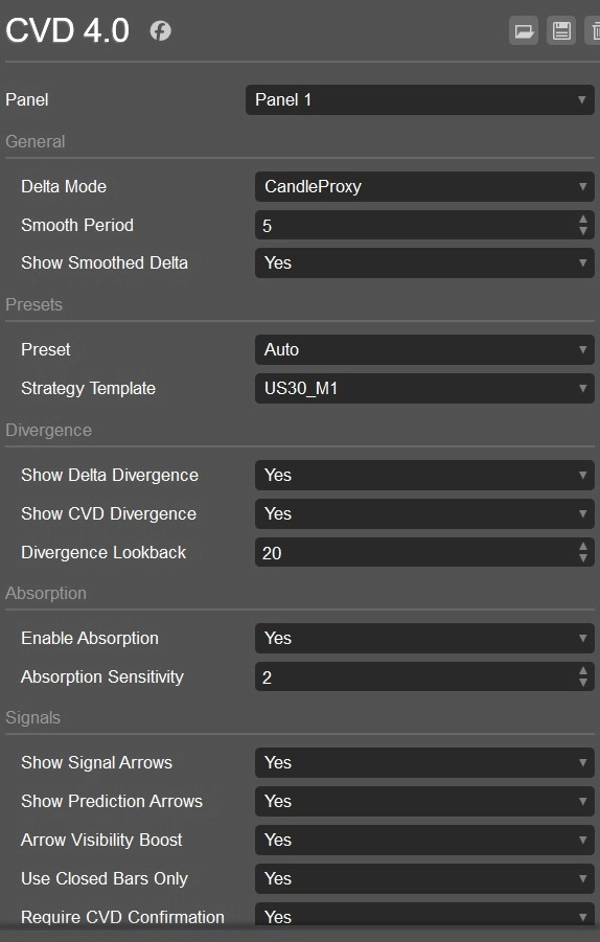
- Options de réinitialisation du CVD : Jamais, Quotidien ou par Session
- Détection de divergence Delta haussière et baissière
- Détection de divergence CVD haussière et baissière
- Détection d'absorption pour repérer la pression qui ne fait pas bouger le prix
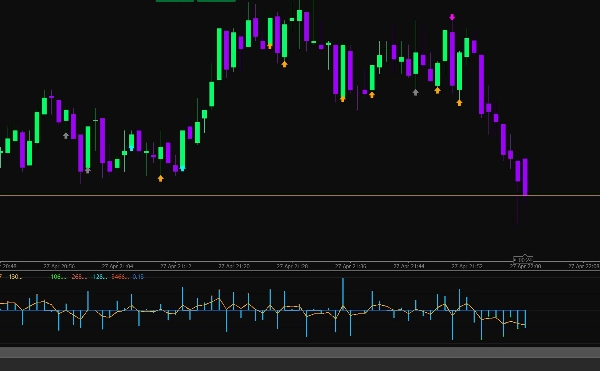
- Flèches de signal pour les opportunités d'ACHAT et de VENTE
- Flèches de prédiction pour les avertissements précoces de changement de momentum
- Confirmation CVD optionnelle pour les signaux
- Moteur de confluence intelligent avec notation directionnelle
- Filtre de pression proxy DOM
- Filtre de détection de balayage pour les saisies de liquidité
- Filtres de session pour l'Asie, Londres et New York
- Détection automatique de session utilisant l'heure UTC
- Garde de volatilité utilisant les limites ATR
- Garde de spread pour éviter les mauvaises conditions de marché
- Filtre de ratio de volume pour éviter les signaux faibles à faible volume
- Préréglages de symboles pour Forex, Or, Indices, Crypto et Pétrole
- Modèles de stratégie pour US30 M1, USTECH M1, XAUUSD M1, BTCUSD M1 et Oil M1
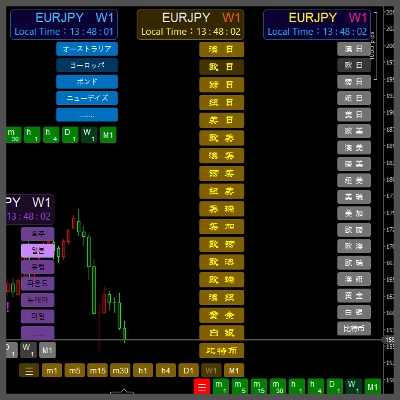
- Tableau de bord d'informations affichant le biais, Delta, Delta lissé, CVD, Momentum, pourcentage de pression et mode de réinitialisation
- Alertes log optionnelles avec contrôle de temps de refroidissement
Pourquoi les traders l'utilisent
Delta CVD Advanced aide les traders à comprendre qui est actuellement aux commandes : les acheteurs ou les vendeurs. Au lieu de se fier uniquement aux chandeliers de prix, l'indicateur analyse la pression derrière le mouvement. Cela le rend utile pour confirmer les entrées, éviter les signaux faibles, identifier les retournements, repérer l'absorption et détecter les changements de momentum avant qu'ils ne deviennent évidents sur le prix.
Le mode momentum des ticks est particulièrement utile pour le scalping en direct car il réagit aux impulsions de prix en temps réel, tandis que les outils CVD et delta lissé aident à confirmer si le mouvement a une vraie force derrière lui.
Meilleur usage
- Scalping
- Trading intrajournalier
- Confirmation du momentum
- Confirmation de retournement
- Analyse des balayages de liquidité
- Trading des divergences Delta et CVD
- Or, Indices, Crypto, Pétrole et paires Forex
- M1, M5 et autres unités de temps inférieures
Avis important
Cet indicateur est un outil analytique d'aide à la décision. Il ne garantit pas de profits et doit être utilisé conjointement avec une gestion des risques appropriée, une structure de marché et un plan de trading testé.
Résumé
Additional functionalities include detection of bullish and bearish Delta and CVD divergences, absorption detection to identify pressure that fails to move price, and signal arrows for buy/sell opportunities alongside prediction arrows for early momentum shifts. It incorporates session filters for Asia, London, and New York trading sessions, volatility and spread guards, volume ratio filters, and a smart confluence engine with directional scoring.
CVD Ai supports markets such as Forex, Gold, Indices, Crypto, and Oil, and is optimized for scalping, intraday trading, and short-term momentum confirmation on lower timeframes like M1 and M5. It offers strategy templates for specific symbols including US30, USTECH, XAUUSD, BTCUSD, and Oil. The indicator includes an info dashboard displaying bias, Delta, smoothed Delta, CVD, momentum, pressure percentage, and reset mode options.
Avis clients
5 | 0 % | |
4 | 100 % | |
3 | 0 % | |
2 | 0 % | |
1 | 0 % |