
Description
LOCK30x XAU M5 v2.90 est un cBot multi-moteur conçu pour le trading de l'or sur le graphique M5 dans cTrader. Attachez-le au symbole Or de votre courtier, tel que XAUUSD, XAUUSD.P ou GOLD, après avoir confirmé les spécifications du contrat du symbole.
Cette mise à jour réunit quatre moteurs sélectionnables :
- Range — configurations de range et de breakout pour l'or.
- Sessions — configurations de trading basées sur les sessions.
- Portfolio — un composant supplémentaire de trading de l'or avec ses propres paramètres de position et de risque.
- Lock30x Core — la stratégie M5, incluant le complément de tendance configurable 48H/72H.
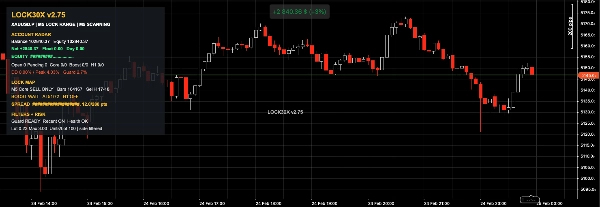
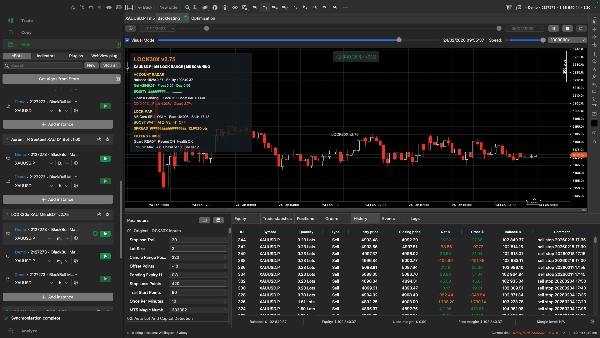
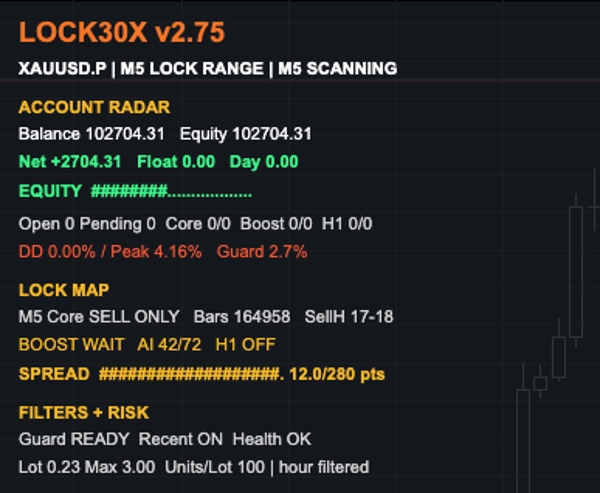
Les quatre moteurs sont activés par défaut. Ils ont des identifiants de trade et des paramètres séparés, tout en partageant l'équité du compte, la marge et l'exposition globale du portefeuille. Le tableau de bord unifié sur le graphique affiche les chiffres du compte, le P/L ouvert du bot, l'activité des moteurs et les conditions clés de risque et de marché.
Contrôles de trading et de risque
Selon les moteurs activés et les paramètres sélectionnés, LOCK30x inclut une analyse multi-échelle, des filtres de spread et de session, la gestion des stop-loss et trailing-stop, des contrôles de perte quotidienne, des limites de lot et de marge, ainsi qu'un disjoncteur de drawdown d'équité partagé. Le Core inclut également des contrôles optionnels d'expansion H1 et de dimensionnement adaptatif.
Ces contrôles sont destinés à gérer l'exposition; ils ne garantissent pas des limites de perte. Plusieurs moteurs peuvent placer des trades simultanément, et les pertes réelles peuvent dépasser un déclencheur configuré lors de marchés rapides ou d'exécutions défavorables.
Configuration recommandée du graphique et du courtier
- Instrument : le symbole Or ou XAU de votre courtier
- Période du graphique : M5
- Exemple BlackBull Markets : XAUUSD.P M5, si disponible sur votre compte
Les tailles de lots d'or, les exigences de marge, les spreads et les conditions d'exécution varient selon le courtier. Testez le symbole exact, le solde du compte, l'effet de levier et les paramètres que vous comptez utiliser. Il n'existe pas de solde minimum ou d'effet de levier universel qui rende chaque configuration à quatre moteurs adaptée.
Dimensionnement des positions
Chaque moteur dispose de ses propres contrôles de dimensionnement. Le multiplicateur de lot manuel ajuste le Lock30x Core ; il ne remplace pas les paramètres de risque des autres moteurs. Vérifiez le volume attendu et l'utilisation combinée de la marge de tous les moteurs activés lors d'un backtest et sur un compte démo avant d'envisager une utilisation en réel.
Mise à jour depuis une version antérieure de LOCK30x
Examinez et enregistrez vos paramètres avant la mise à jour. Ne faites pas fonctionner les bots LOCK30x anciens et mis à jour ensemble sur le même compte et symbole Or. Gérez toute position ouverte et ordre en attente de l'ancienne version avant de basculer.
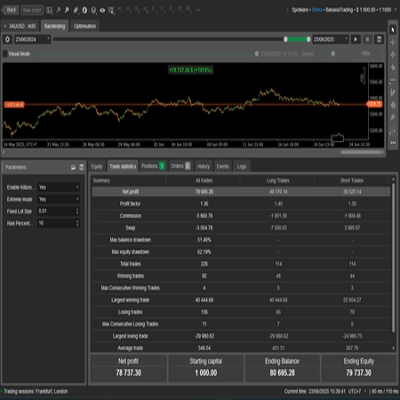
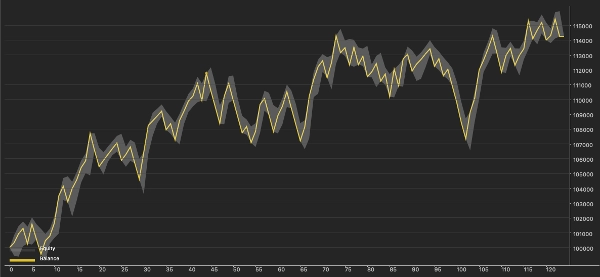
Le trading comporte des risques. Les performances passées ne garantissent pas les résultats futurs. Les résultats des backtests sont simulés ; les résultats en direct peuvent différer en raison du spread, du slippage, de la liquidité, de la vitesse d'exécution et des spécifications du contrat du courtier.