Description
Fixez vos limites avant que les émotions ne prennent le dessus.
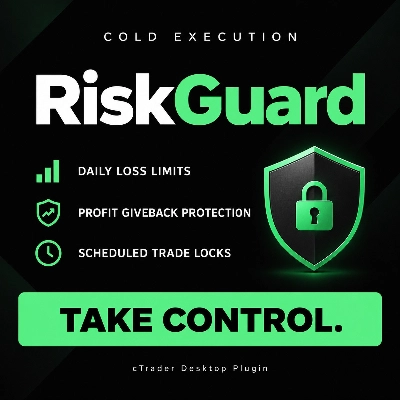
RiskGuard par Cold Execution vous aide à respecter vos règles de trading lorsque les pertes s'accumulent ou que vous commencez à restituer les bénéfices de la journée. Conçu pour cTrader Desktop, il ajoute des contrôles pratiques pour aider à freiner le trading de vengeance et à imposer des pauses planifiées.
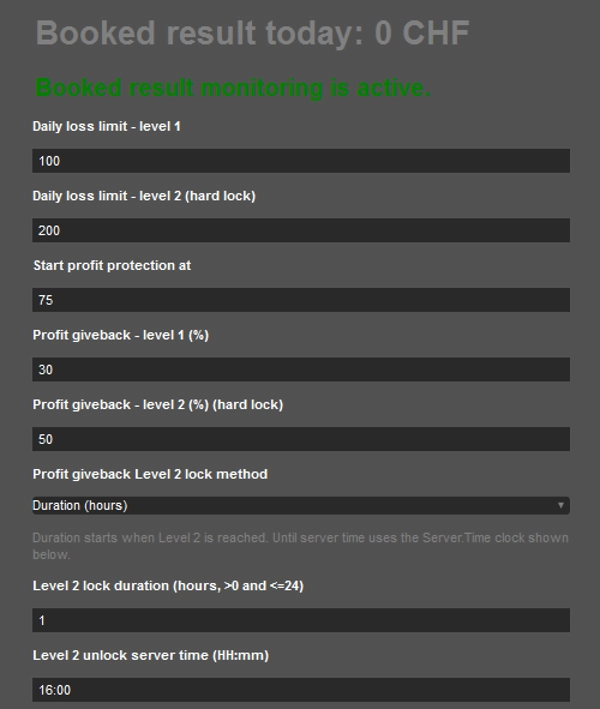
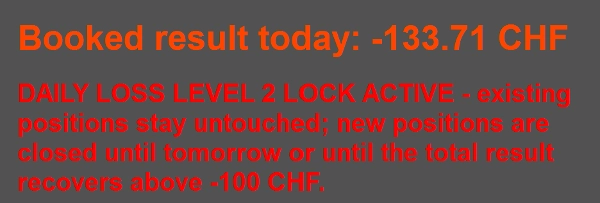
- Limites de perte quotidienne à deux niveaux : configurez une pause de premier niveau et un verrouillage quotidien de second niveau.
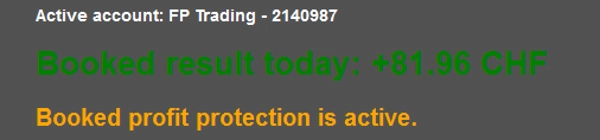
- Protection contre la restitution des bénéfices : déclenchez des alertes et des verrouillages après avoir restitué un pourcentage choisi de votre bénéfice quotidien réalisé maximal.
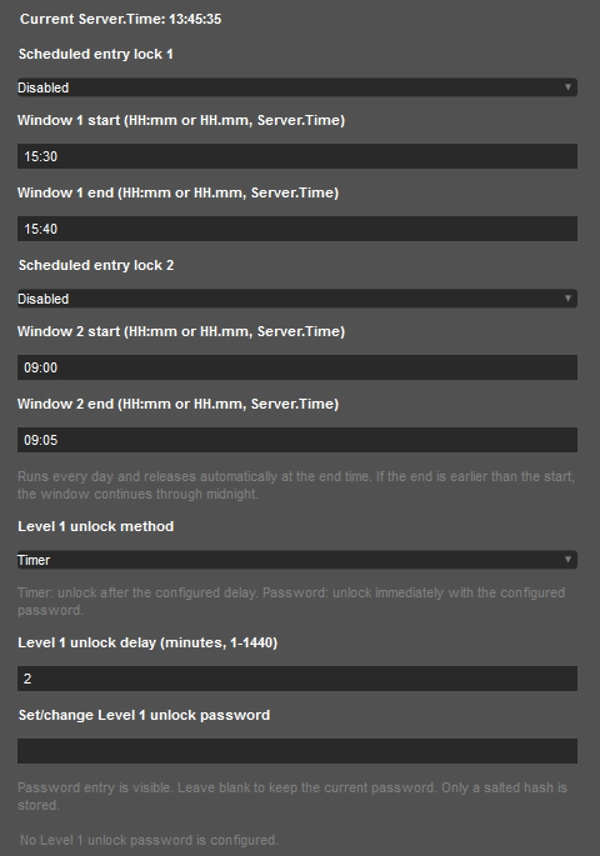
- Pauses de trading programmées : configurez jusqu'à deux fenêtres de verrouillage d'entrée quotidiennes.
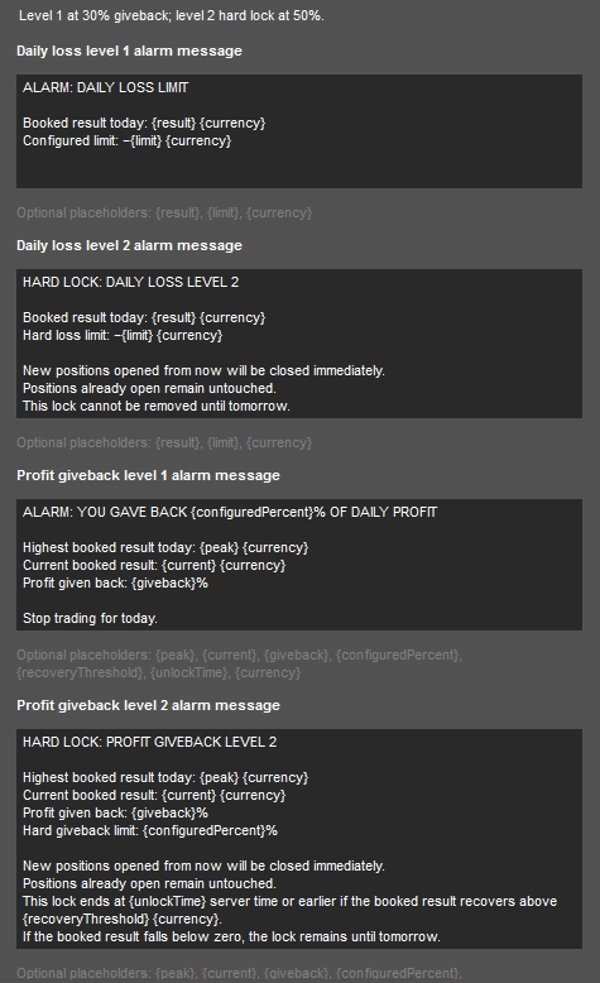
- Contrôles flexibles : personnalisez les messages d'alerte et déverrouillez le Niveau 1 à l'aide d'un minuteur ou d'un mot de passe.
Les verrouillages s'appliquent aux positions nouvellement ouvertes sur le compte actif, y compris les trades manuels, les trades mobiles, les entrées cBot et les ordres en attente déclenchés. Les positions ouvertes pendant un verrouillage sont automatiquement fermées après l'entrée. Les positions déjà ouvertes avant le verrouillage restent inchangées.
La surveillance utilise le P/L réalisé du jour en cours à partir des trades clôturés. Les profits et pertes flottants sont exclus.
Nécessite que cTrader Desktop reste en fonctionnement et connecté, avec RiskGuard actif et la permission de trading activée.
Démarrage rapide
- Installer et activer : Installez RiskGuard depuis le cTrader Store. Ouvrez cTrader Desktop en utilisant le même identifiant cTrader, sélectionnez le compte que vous souhaitez surveiller, puis ouvrez le panneau RiskGuard. Activez le plugin et accordez la permission de trading.
- Définir les limites de perte quotidienne : Saisissez vos limites de perte de Niveau 1 et Niveau 2 en montants positifs dans la devise de votre compte.
- Configurer la protection des bénéfices : Définissez le montant de profit réalisé à partir duquel la protection commence, puis choisissez le pourcentage du bénéfice quotidien maximal que vous vous autorisez à restituer à chaque niveau.
- Configurer le déverrouillage et les pauses : Choisissez un minuteur ou un mot de passe pour le déverrouillage du Niveau 1. Sélectionnez la méthode de verrouillage de restitution des bénéfices du Niveau 2 ainsi que sa durée ou l'heure de déverrouillage. Activez éventuellement jusqu'à deux fenêtres de verrouillage d'entrée programmées, en utilisant l'horloge Server.Time affichée dans le panneau.
- Vérifier avant utilisation : Confirmez que la surveillance est active et que le compte correct est affiché. Testez vos réglages sur un compte démo avant de les utiliser en réel.
Gardez cTrader Desktop en fonctionnement et connecté, avec RiskGuard actif et la permission de trading activée.