present
Sign up and get $50 off your first purchase
Trading product for Chart Drawing Sync Desktop plugin Chart UI Tools, image 1
Chart Drawing Sync
Desktop plugin
Version 1.0, Sep 2026
Windows, Mac
4.3
Reviews: 3
Trading product for Chart Drawing Sync Desktop plugin Chart UI Tools, image 2
Trading product for Chart Drawing Sync Desktop plugin Chart UI Tools, image 3
Trading product for Chart Drawing Sync Desktop plugin Chart UI Tools, image 4
Trading product for Chart Drawing Sync Desktop plugin Chart UI Tools, image 5
Since 16/09/2026

Description

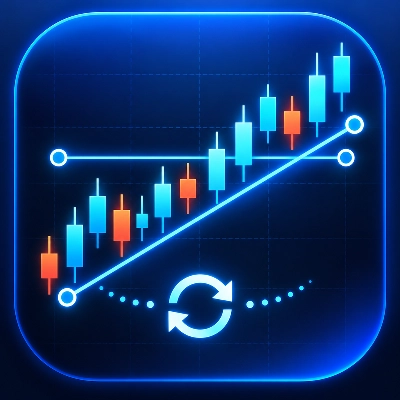
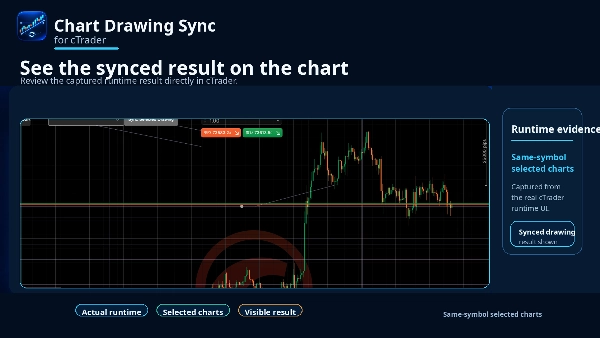
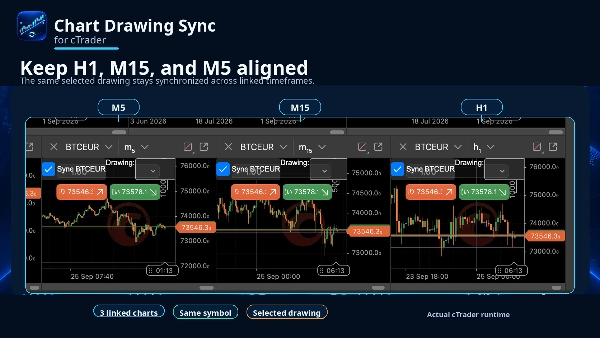
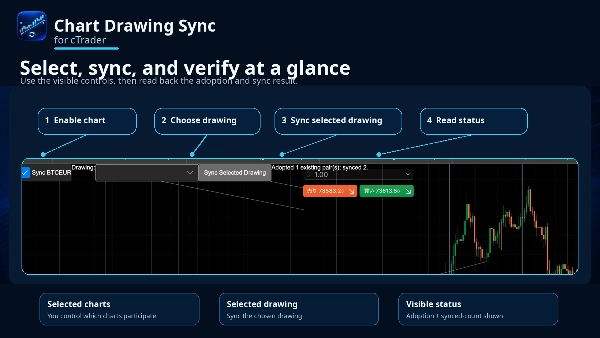
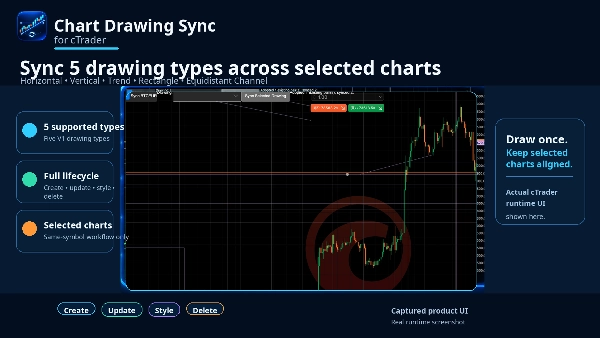
Keep your chart analysis aligned without redrawing the same objects on every timeframe. Chart Drawing Sync is a native cTrader Desktop plugin that synchronizes five commonly used drawing types across the same-symbol charts you choose. Create or edit a drawing on any participating chart and its time/price geometry, supported styling, and deletion are synchronized with the corresponding drawings on the other selected charts. Use Horizontal Lines, Vertical Lines, Trend Lines, Rectangles, and Equidistant Channels across views such as H1, M15, and M5. Synchronization is bidirectional, so you can continue working from whichever participating timeframe has the clearest context. The plugin is deliberately selective. It only works between user-selected charts for the same symbol. Existing drawings are not copied indiscriminately at startup; use Sync Selected Drawing when you explicitly want to adopt an existing drawing. If a target contains an unrelated object with the same name, the plugin fails closed, skips that target, and shows a conflict status instead of overwriting it. Rapid drawing changes are coalesced to avoid recursive update storms. Newly opened chart frames can participate, closed frames are unsubscribed, and stopping the plugin stops synchronization without deleting your drawings. The Full version does not impose the Trial version's two-chart product limit. The Trial version provides the same five drawing types and the same create, update, style, and delete workflow for up to two participating charts. Chart Drawing Sync is an analysis workflow tool. It does not place trades, create signals or alerts, synchronize different symbols, or provide Web, Mobile, or cross-device synchronization.

Summary

AI summary
Chart Drawing Sync is a cTrader Desktop plugin designed to synchronize five drawing types—Horizontal Lines, Vertical Lines, Trend Lines, Rectangles, and Equidistant Channels—across multiple charts of the same trading symbol. Users select which same-symbol charts to link, allowing any creation, modification, styling, or deletion of these drawings on one chart to be reflected bidirectionally on the others. This synchronization supports different timeframes (e.g., H1, M15, M5), enabling seamless multi-timeframe analysis without redrawing objects repeatedly.

The plugin operates selectively, syncing only user-chosen charts and drawings. It avoids overwriting unrelated objects by detecting name conflicts and provides status feedback when conflicts occur. Rapid changes are efficiently managed to prevent update loops. New chart windows can join synchronization dynamically, and stopping the plugin halts syncing without removing drawings.

Chart Drawing Sync focuses solely on chart analysis workflow; it does not execute trades, generate alerts, or sync across different symbols or devices. The trial version limits synchronization to two charts, while the full version supports more. This tool enhances charting efficiency by maintaining consistent visual analysis elements across multiple views of the same market symbol.
Plugin profile

Discussion

Customer reviews

4.3
Reviews: 3
5
33 %
4
67 %
3
0 %
2
0 %
1
0 %
Customer reviews
October 30, 2026
bidirectional drawing edits and conflict detection make synchronising lines, rectangles and channels genuinely practical across selected timeframes of the same symbol, instead of repeatedly nudging the same level on each desktop chart.
October 16, 2026
Chart Drawing Sync provides a compact on-chart control panel with chart selection and a dedicated Sync Selected Drawing action. The interface takes little space and keeps the chart uncluttered. However, the dropdown appears difficult to read, and the selected synchronization state could be communicated more clearly. Score: 4.1/5.
October 2, 2026
Synchronising lines, rectangles and channels across the same symbol's charts is a useful desktop shortcut. Different timeframes can share the drawings, with bidirectional edits and conflict detection. The scope is selected local charts rather than cross device storage.

FAQ

Chart UI Tools
Products available through cTrader Store, including trading bots, indicators and plugins, are provided by third-party developers and made available for informational and technical access purposes only. cTrader Store is not a broker and does not provide investment advice, personal recommendations or any guarantee of future performance.

More from this author

Indicator
BOS
MSS
+4
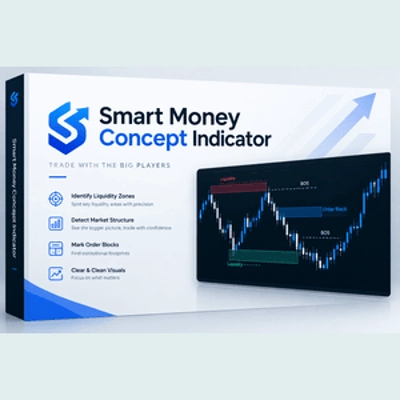
See confirmed BOS, CHOCH and SWEEP structure events on your cTrader chart.
Indicator
BOS
Add standard-timeframe context candles to a native Renko chart.
Indicator
EMA
Volume
Map range high, mid, low, price location and a deterministic pressure proxy on your cTrader chart.
Indicator
Channel
Key Levels
+1
Monitor a selected chart trendline and confirm breaks on candle close.
Desktop plugin
Trade Journal
Trade Statistics
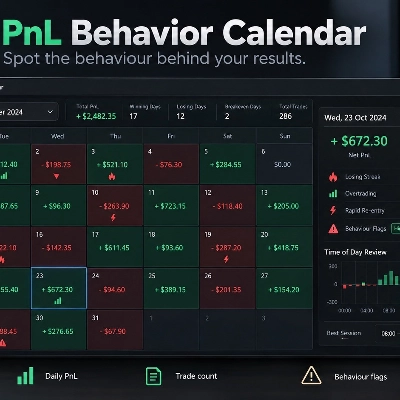
Review daily PnL, trade counts, losing streaks and rapid re-entry from your cTrader history.
cBot
Drawdown Guard
Daily Loss Limit
Monitor account-wide loss and stop-loss risk budgets, with optional order cancellation and post-fill closure.
Desktop plugin
Position Sizer
Risk Calculator
Size manual trades from your risk settings and review Market, Limit or Stop orders before execution.
Indicator
Volume
Key Levels
View tick activity across a selected chart range with Point of Control, Value Area High and Value Area Low.

You may also like

Desktop plugin
Market Scanner
Scan markets, compare timeframe bias, and track key SMC zones in a customizable desktop dashboard.
Desktop plugin
Risk/Reward
Chart UI Tools
+3
Visual cTrader backtesting tool with trade drawing, risk sizing, stats, and automatic trade simulation.
Desktop plugin
Risk Alerts
Prop Firm Fit
+5
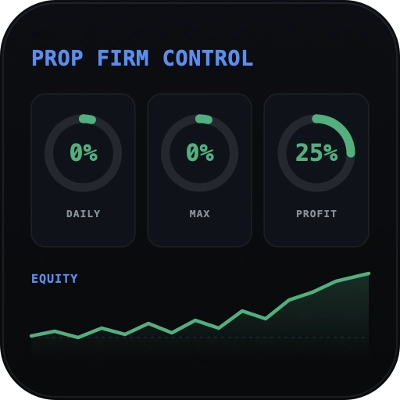
Read-only risk cockpit for prop-firm traders: live drawdown gauges, FTMO-style permitted loss, alerts and reports.
Desktop plugin
Trade Journal
AI Integration
+1
#1 Trade Journal, PnL analytics, bot monitoring and strategy statistics.
Desktop plugin
ATR
RSI
+24
One-click toggle for Positions / Pending Orders on cTrader charts with fixed on-chart warnings and an ASP control panel
Desktop plugin
Market Scanner
An 8-currency strength ranking, multi-TF heatmap and impulse tracker. Read the real driver at a glance. Read-only.
Desktop plugin
AI
Forex
+5
AI Trading Agent, predict market moves, detect trends, and execute profitable trades.
Desktop plugin
Fixed Risk %
Risk/Reward
+5
⚡Place orders, set SL/TP, and manage positions with Hotkeys or directly on the chart.
Desktop plugin
Forex
Crypto
+3
Seconds | Ticks | Range | RangeY | Delta | Heikin-Ashi Bar types. Any size or Symbol.
Desktop plugin
Forex
Commodities
Close all non crypto trades at 19:55 utc Friday
Desktop plugin
TP Manager
Trade Journal
+5
Trade manager with position sizing by risk, daily loss limits, market scan and trade journal for cTrader.
Desktop plugin
Risk/Reward
Trade Journal
+5
cTrader Journal - Automatic Trade Capture. Offline Reviews. No Subscription.
Desktop plugin
External Data
HTTP Requests
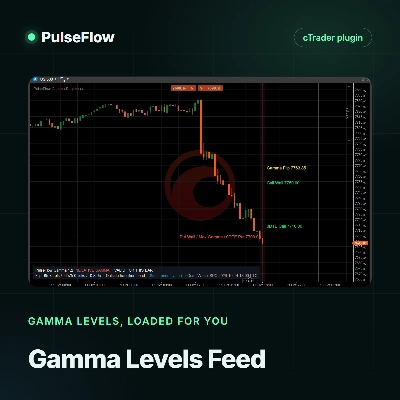
Load live gamma levels from your own QuantWheel API key into PulseFlow Gamma Regime, with no more typing by hand.
Desktop plugin
SL Manager
Risk/Reward
+5
Drag SL & TP on the chart, see risk, reward, R:R and lot size live, then place Buy or Sell orders in one click
Desktop plugin
Trade Journal
Session Filter
+1
Read-only cTrader journal with a P/L calendar, monthly performance review, session breakdown and daily bar chart.
Desktop plugin
ECN-friendly
Chart UI Tools
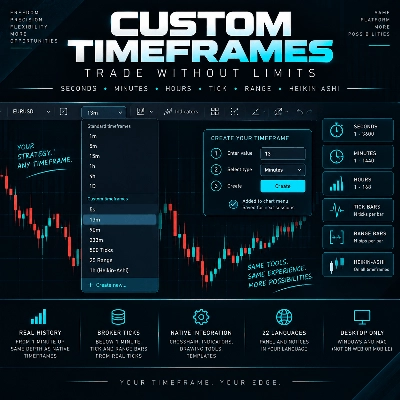
Any timeframe cTrader lacks: seconds, minutes, hours, tick & range bars, Heikin-Ashi in the timeframe menu.
Desktop plugin
Forex
Signal
+2
Adaptive Renko chart builder for precise, flexible trading - ideal for both scalping and trend analysis.
Desktop plugin
Forex
Crypto
+4
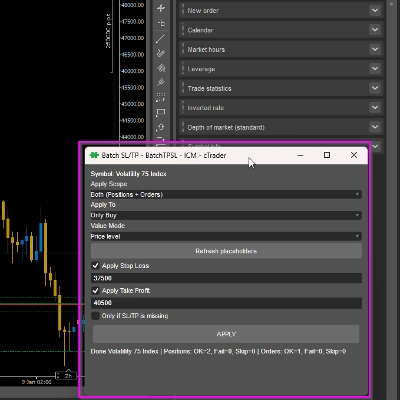
Apply Stop Loss and Take Profit to all positions and pending orders in one click.

Price

Since 16/09/2026