
OCO / OSO Order Tools for cTrader
Explore OCO / OSO order tools for cTrader to automate common execution scenarios. Set One-Cancels-Other and One-Sends-Other logic to handle breakouts, pullbacks, and bracket-style entries more cleanly. Useful when you need precise rule-based order handling without constantly watching the screen.
Strumenti
Confronto strumenti
Domande frequenti


![Logo di "[StellarStrategies] Scheduled Trade Executor"](https://cdn.ctrader.com/image/webp/daefc6af-7eca-453e-878d-1b981be2c401_25646)
























Confronto strumenti
Prodotto | Recensioni | Download | Vendite | Prezzo | Piattaforme compatibili |
|---|---|---|---|---|---|
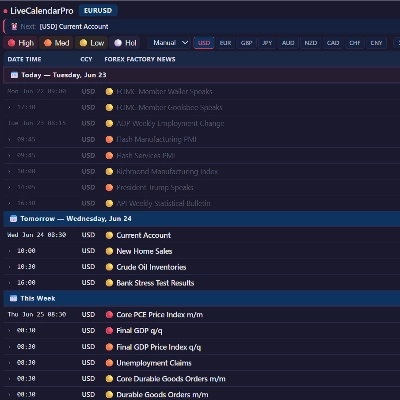
Live Economic Calendar Pro | 5.0 (1) | — | 2.58K | A partire da $19 | Windows, Mac, Mobile, Web |
TradeGuard | 4.7 (3) | — | 9 | $25 | Windows, Mac |
Stop Order | 5.0 (2) | 1.15K | — | Gratis | Windows, Mac, Mobile, Web |
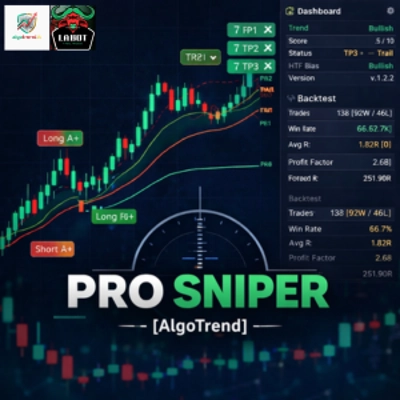
Pro Sniper_Algotrend | 4.0 (5) | — | 8 | $19 | Windows, Mac |
[StellarStrategies] Scheduled Trade Executor | 5.0 (1) | 483 | — | Gratis | Windows, Mac, Mobile, Web |
GridStormX | 3.5 (4) | — | 5 | $149 | Windows, Mac, Mobile, Web |
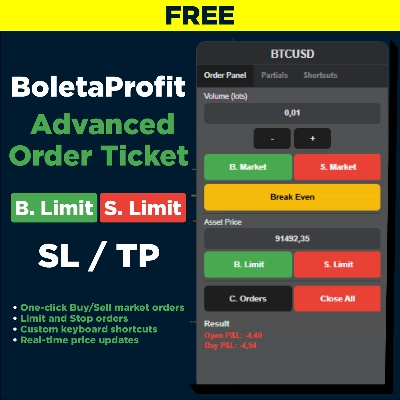
BoletaProfit2 | 5.0 (1) | 479 | — | Gratis | Windows, Mac, Mobile, Web |
AlgoCorner Flash OCO OSO | 5.0 (1) | — | 5 | $25 | Windows, Mac |
WHT Latency Profiler | — | 267 | — | Gratis | Windows, Mac, Mobile, Web |
VegaXLR - Fibonacci Trading cBot | 4.5 (2) | — | 4 | $39 | Windows, Mac, Mobile, Web |
realbacktesting Pegasus Nasdaq Free | 4.0 (1) | 137 | — | Gratis | Windows, Mac, Mobile, Web |
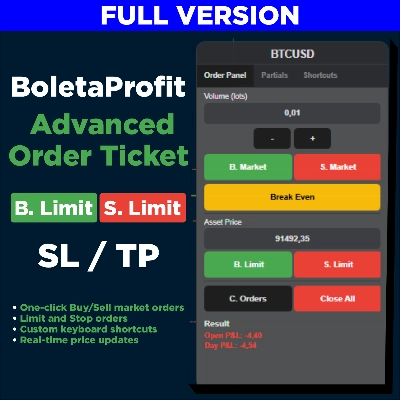
BoletaProfit | 4.0 (2) | — | 4 | $39 | Windows, Mac, Mobile, Web |
TP_SL | — | 137 | — | Gratis | Windows, Mac |
BatchTPSL | 4.5 (2) | — | 3 | $40 | Windows, Mac |
Petra Oil Breakout. TEST VERSION | — | 97 | — | Gratis | Windows, Mac, Mobile, Web |
Time and Sales viewer | 4.3 (3) | — | 2 | $70 | Windows, Mac, Mobile, Web |
GSE CancelSymbolPendingsOrdersAtTimeDemo_noSourceCode | — | 96 | — | Gratis | Windows, Mac, Mobile, Web |
Apex OB Pro | 3.0 (1) | — | 1 | $199 | Windows, Mac, Mobile, Web |
Reelone session equity hud | 5.0 (1) | 15 | — | Gratis | Windows, Mac |
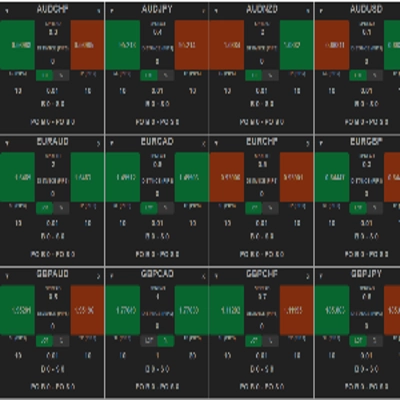
FULL-MARKET-VIEW-DASHBOARD | 5.0 (2) | — | 1 | A partire da $19 | Windows, Mac |
Sniper Confluence Pro V2.1 | 5.0 (2) | — | 1 | A partire da $15 | Windows, Mac |
HotkeyTradeAssistant | — | — | 1 | $99 | Windows, Mac, Web |
Order Control Panel | 4.5 (2) | — | 1 | $100 | Windows, Mac, Mobile, Web |
ToTheMoon 1.55 cTrader | 4.7 (3) | — | 1 | $150 | Windows, Mac, Mobile, Web |
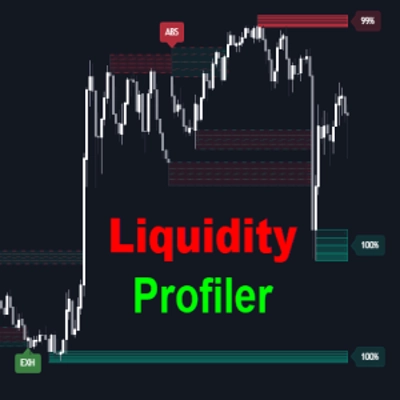
Liquidity Profiler Tools | — | — | 1 | $19 | Windows, Mac |
LookPosOrder | 5.0 (1) | — | 1 | $19 | Windows, Mac |
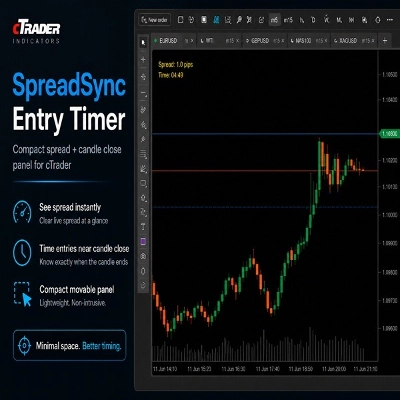
SpreadSyncEntryTimer | — | — | 1 | $20 | Windows, Mac |
Adaptive Trend Convexity Pro | — | — | 1 | $115 | Windows, Mac, Mobile, Web |
TRADING CLOCK PRO | — | — | — | $50 | Windows, Mac |
posilabel | 4.0 (2) | — | — | $39 | Windows, Mac, Mobile, Web |
The EURUSD XI Protocol | 4.0 (1) | — | — | $150 | Windows, Mac, Mobile, Web |
SOB OrderFlow Sentinel | 4.0 (1) | — | — | A partire da $48 | Windows, Mac, Mobile, Web |
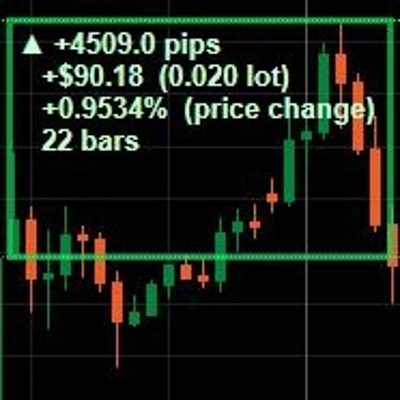
PriceMeasure | — | — | — | $19 | Windows, Mac |
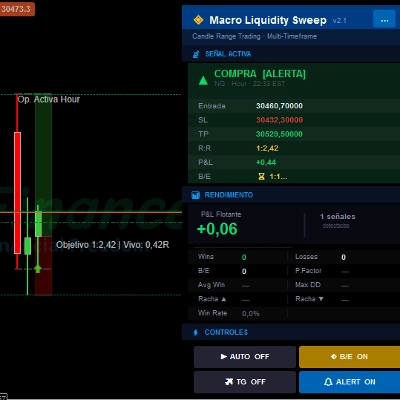
Macro Liquidity Sweep2.1 | 5.0 (1) | — | — | $150 | Windows, Mac |
wt.Trend-Reversal Charts | — | — | — | A partire da $15 | Windows, Mac |
Kumo | — | — | — | $75 | Windows, Mac, Mobile, Web |
HEDGE FUND FX DESK RISK MANAGEMENT | 5.0 (1) | — | — | $59 | Windows, Mac |
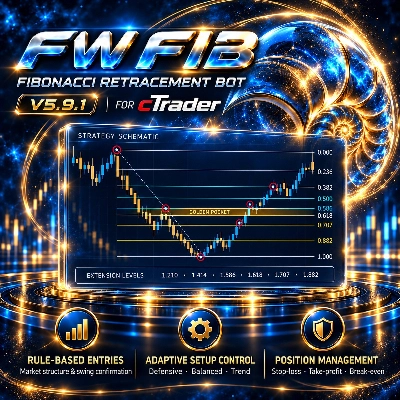
FW_FIB | — | — | — | A partire da $53 | Windows, Mac, Mobile, Web |
Axivor Risk Calculator | — | — | — | $39 | Windows, Mac |
Atlas Systematic Bot | — | — | — | $299 | Windows, Mac, Mobile, Web |
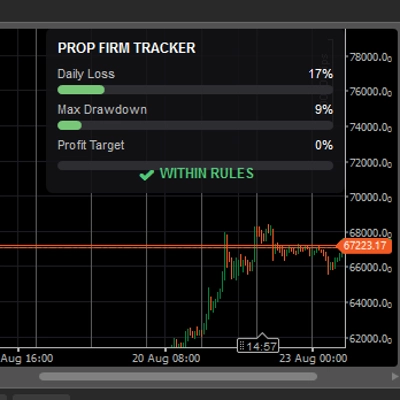
Prop Firm Rule Tracker | — | — | — | $37 | Windows, Mac |
EGOs HF Sticky Note | — | — | — | $29 | Windows, Mac |
AlgoCorner Trading Dashboard MP | 4.5 (2) | — | — | $39 | Windows, Mac, Mobile, Web |
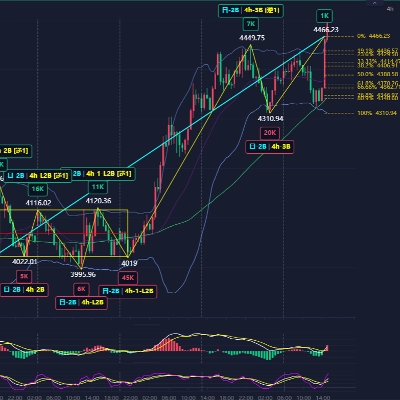
Dr. Chanlun Structure | — | — | — | $3999 | Windows, Mac |
BreakScout | — | — | — | $39 | Windows, Mac, Mobile, Web |
XAUUSD_MVP | 5.0 (1) | — | — | $100 | Windows, Mac, Mobile, Web |
Domande frequenti
OCO, or one-cancels-other, links two pending orders so that a fill on one cancels the other. OSO, or one-sends-other, releases a follow-up order only after the first has filled; the cBots and plugins here automate that linking, while indicators in the collection can only draw on the chart.
Yes, a cBot or plugin version submits and cancels pending orders on your account once running, following the prices and links you entered. Every resulting trade is yours to answer for, so rehearse a full bracket on a demo account and confirm the leftover order really disappears after a fill.
They can: hedging accounts keep each filled order as a separate position, while netting accounts fold every deal on a symbol into one net position. A follow-up that would open a fresh trade on hedging may reduce or reverse the position on netting, so check which account types a product supports.
Only as a cloud instance, because a local instance runs inside cTrader Windows or Mac and stops when the app closes. While it is stopped nothing cancels the partner order, so a fill in that gap can leave an unwanted order live; match the instance type to how long the bracket must be watched.
Several tools in this collection are free, and some paid ones offer a trial that may limit features or time. Start whichever you pick on a demo account, place one test bracket on a liquid symbol and confirm each follow-up order appears at the price you set before going live.