
Consistency Rule and Daily Target Tools for Prop Traders
Browse consistency rule and daily target tools for cTrader built for prop traders. Track daily profit caps, consistency ratios and target progress in real time so you stay compliant with funded-account rules. These on-chart panels and trackers help reduce rule breaches and emotional decisions. Ideal for traders managing FTMO, FundedNext and other prop programs.
Tools
Tool comparison
FAQ








Tool comparison
Product | Reviews | Downloads | Sales | Price | Compatible platforms |
|---|---|---|---|---|---|
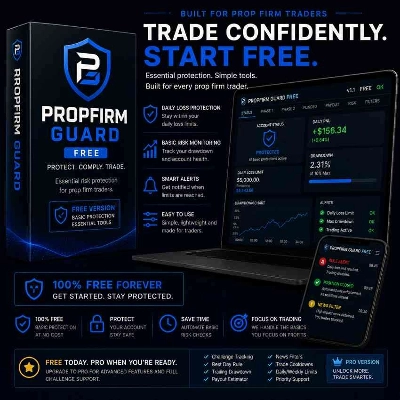
PROPFIRM GUARD FREE | 5.0 (1) | 256 | — | Free | Windows, Mac, Web |
Prop Scalper Gold | 5.0 (3) | — | 16 | $79 | Windows, Mac, Mobile, Web |
realbacktesting Edge FTMO Swing Free | 5.0 (1) | 235 | — | Free | Windows, Mac, Mobile, Web |
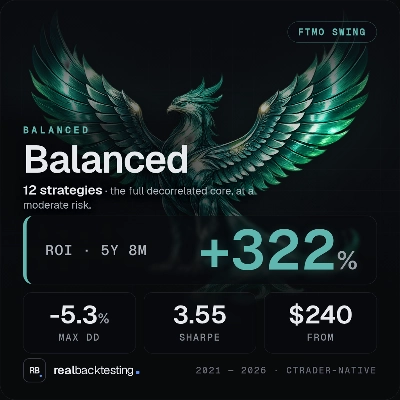
realbacktesting Balanced FTMO Swing | — | — | 5 | $300 | Windows, Mac, Mobile, Web |
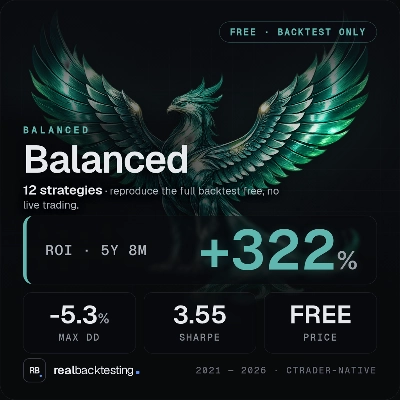
realbacktesting Balanced FTMO Swing Free | — | 187 | — | Free | Windows, Mac, Mobile, Web |
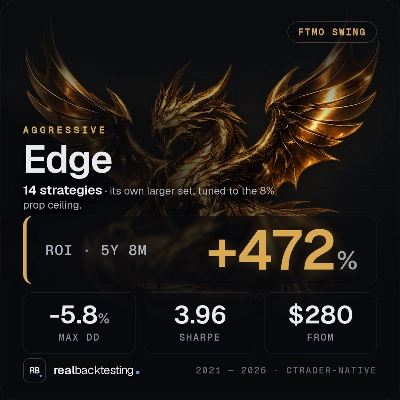
realbacktesting Edge FTMO Swing | — | — | 4 | $280 | Windows, Mac, Mobile, Web |
realbacktesting Guardian FTMO Swing Free | — | 136 | — | Free | Windows, Mac, Mobile, Web |
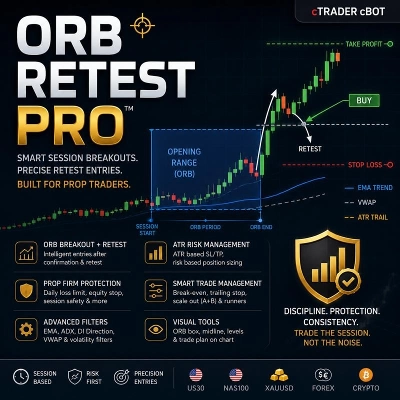
Session_Orb | — | — | 1 | $59 | Windows, Mac, Mobile, Web |
Prop Firm Control Free | 5.0 (1) | 107 | — | Free | Windows, Mac |
Prop Firm Control | 5.0 (1) | — | 1 | $19 | Windows, Mac |
FAST PROPFIRM ONE ORDER | 4.5 (2) | — | — | $100 | Windows, Mac, Mobile, Web |
FTMO_Sales_Dashboard | 4.5 (2) | — | — | $39 | Windows, Mac, Mobile, Web |
kickstar pro Max version | 4.0 (2) | — | — | $550 | Windows, Mac, Mobile, Web |
ALGODEERS MATRIX BRAIN V5_7 NASDAQ | — | — | — | from $999 | Windows, Mac, Mobile, Web |
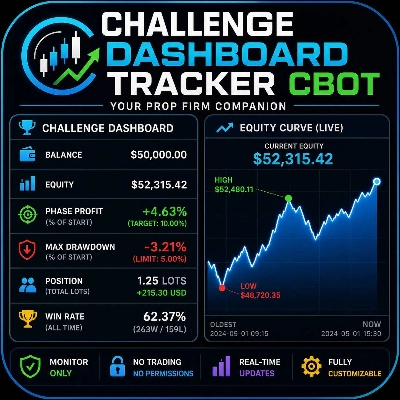
Challenge Dashboard Tracker | 5.0 (1) | — | — | $39 | Windows, Mac, Web |
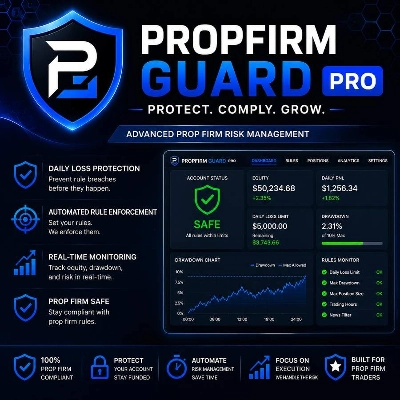
PropFirmGuard PRO | — | — | — | $99 | Windows, Mac, Web |
SMC_Confluence_Bot v4.3 | 3.0 (1) | — | — | $49 | Windows, Mac, Mobile, Web |
Ultimative WR ULV BOT | — | — | — | from $67 | Windows, Mac, Mobile, Web |
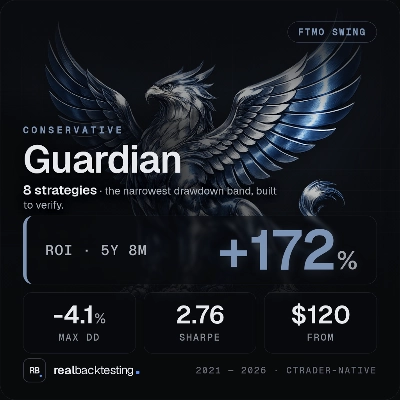
realbacktesting Guardian FTMO Swing | 5.0 (1) | — | — | $120 | Windows, Mac, Mobile, Web |
FAQ
Consistency rule trackers are cBots or plugins that measure how evenly results spread across trading days and compare that figure with a limit you enter. Firms that use such a condition define it differently, so the formula and threshold must come from your own programme's current terms.
It adds closed results, and often open ones, from a start-of-day time and compares the sum with the goal you set. Once reached, some tools only alert, while others close positions or block new entries until the next session, so read which behaviour each one has.
Look at whether floating results count, whether the tracker works from balance or equity, how it defines a trading day, and whether limits are typed in rather than preset. A tracker that measures differently from your firm can show compliance while the account has already crossed a line.
Stopping at a reached target can keep gains from being given back, yet the next session can still lose, and such tools reduce losses rather than remove them. No tracker can guarantee a pass, and since firms revise their terms, settings need checking against the latest version.
A cloud instance keeps working when your computer is off, which suits trackers that must act at any hour; a local one stops when the desktop app closes. Some tools need features the cloud skips, such as web requests or pop-ups, so check each description first.