Description
Overview
ExecutionProof Auditor is a passive audit cBot that records how your broker really executes. It watches live spreads on the symbols you choose, compares them with a rolling baseline and with the spreads your broker advertises, measures slippage on pending-order fills and Stop Loss / Take Profit closes, and saves every finding as a timestamped evidence row you can show to your broker. It never opens, modifies or closes a trade.
Key Features
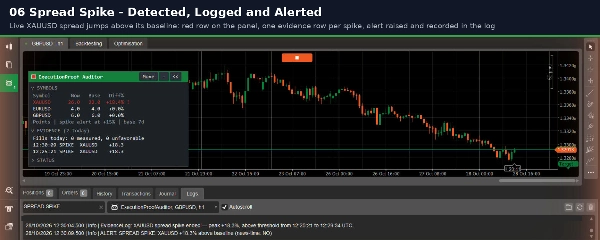
- Spread spike detection: each symbol is sampled once per second against its own rolling baseline (default 7 days). A spike above your threshold (default +50%) is logged once per episode.
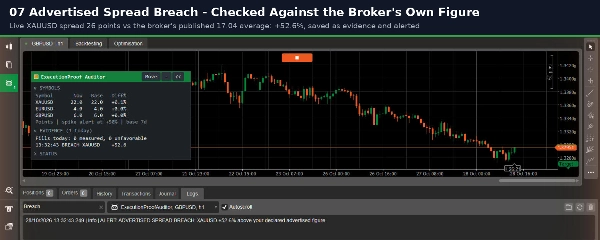
- Advertised-spread check: enter the spreads your broker publishes as SYMBOL:POINTS (for example XAUUSD:25) and readings above your margin are recorded as breaches. The field is blank by default because only you know your broker's figures; blank means this check is off.
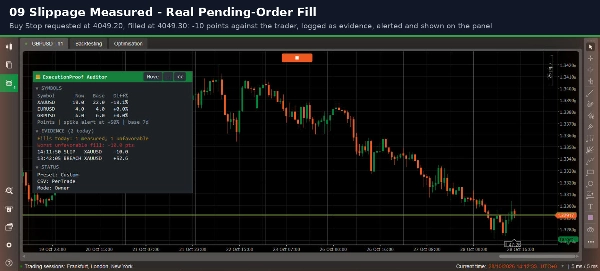
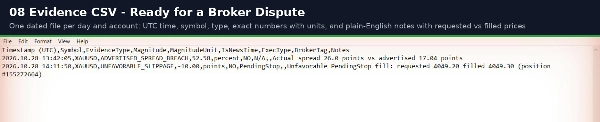
- Slippage measurement: requested versus fill price, in points, for pending orders and for Stop Loss and Take Profit closes. Fills against you become evidence. cTrader gives no requested price for plain market orders, so those are counted separately and never reported as measured.
- News-time tagging: list your high-impact events in UTC and spikes inside those windows are tagged. cTrader has no economic calendar for cBots, so the schedule is yours.
- Evidence files: one CSV per day and account with UTC time, symbol, event type and a plain-English note. Rows are written per trade, daily or weekly, with an optional summary and broker-name tag.
- Alerts: popup, sound or both, limited to one per symbol and event type every 120 seconds. Every event is still recorded.
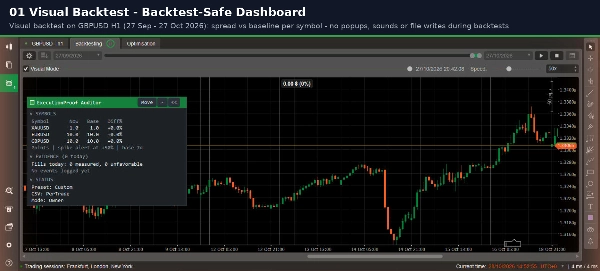
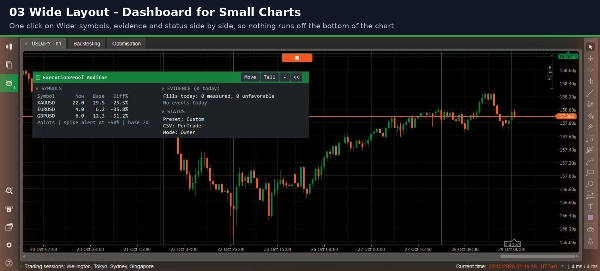
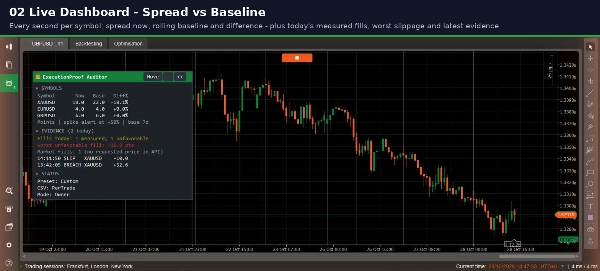
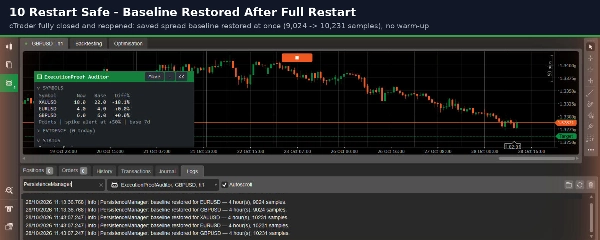
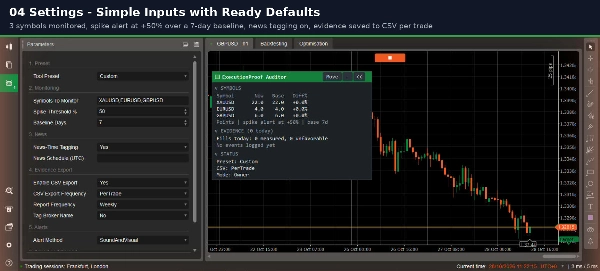
- Live dashboard: spread now, baseline and difference per symbol, today's fills and latest events, in Portrait or Landscape layout. Baseline and today's evidence survive a restart.
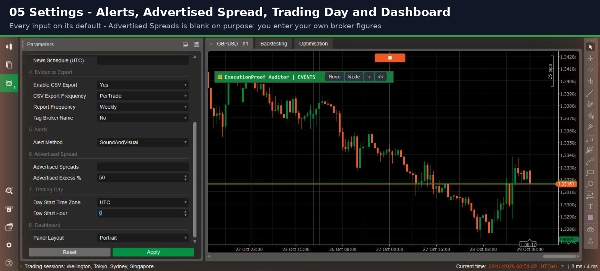
- Trading-day setting: pick a time zone and start hour so "today" follows your broker's day. Evidence times stay UTC.
- Presets and symbols: Scalper, Swing Trader and Prop Firm Strict presets; type any symbols or ALL_WATCHLIST; names like XAUUSD and GOLD are matched automatically.
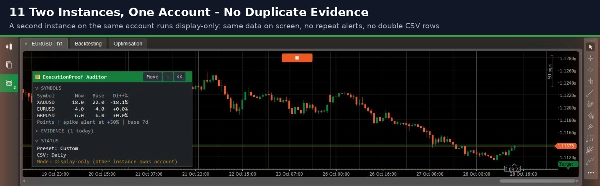
- Safe by design: no internet access, no special permissions. A visual backtest shows the dashboard but produces no popups, sounds or files. With two instances on one account, only one writes evidence.
How to Use
1. Attach the cBot to any chart. It follows the symbols you list, not the chart symbol.
2. In Parameters, enter your symbols in Symbols To Monitor, or enter ALL_WATCHLIST. The defaults work as they are.
3. Optional: add your broker's spreads in Advertised Spreads, event times in News Schedule (UTC), and set Day Start Time Zone and Day Start Hour.
4. Start the cBot and leave it running (a new symbol shows "warming up" while its baseline builds). A VPS or always-on PC gives a continuous record.
5. Evidence files are saved in the cBot's own data folder; the full path is printed in the log at start.
Important Notice
Trading involves risk. Past performance does not guarantee future results. ExecutionProof Auditor measures and records; it does not trade, give signals or guarantee any outcome. Spread and slippage figures depend on the quotes and fills your broker delivers to cTrader. Please test the cBot on a demo account before relying on it.