Description
Overview
A lot of funded accounts are lost in one bad hour: the daily limit gets hit while you are busy, tired, or sure the next trade will fix it. Multi-Account Risk Sync Panel keeps an eye on the numbers your firm judges you on, warns you before you get close, and closes everything the moment a limit is reached. It never opens a trade and never touches your stop-loss or take-profit. Built for prop-firm and funded traders, whether you run one account or several.
Key Features
- Daily loss limit: percent or dollar, measured from balance, equity or the higher of both. Floating losses count too.
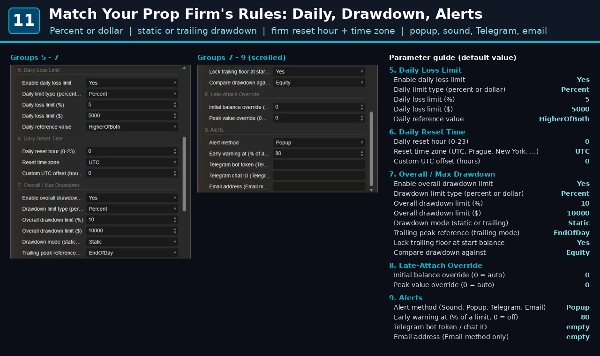
- Max drawdown, static or trailing: trailing peak intraday or end of day, optional lock at the starting balance, compare against balance or equity.
- Your firm's reset time: set the reset hour and time zone (UTC, Prague, New York, London, Dubai, Pakistan, India, Singapore or your own UTC offset). Summer time is handled, so the day resets on your firm's clock with any broker.
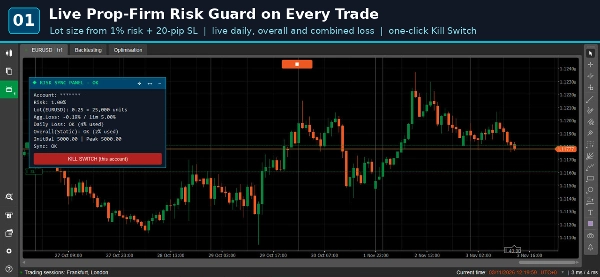
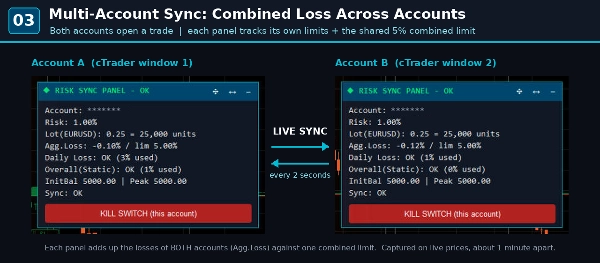
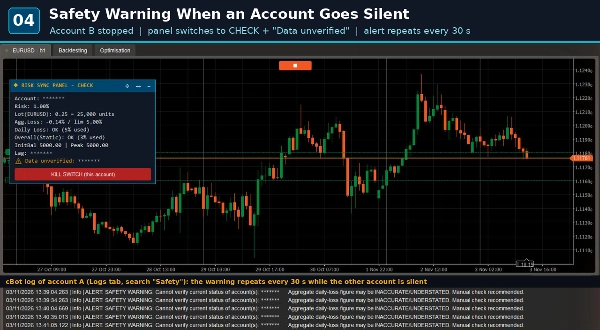
- Combined loss across accounts: each panel adds up the losses of all your linked accounts against one shared limit, refreshed every 2 seconds. If an account stops reporting, you get a clear "data unverified" warning instead of a number that only looks fine.
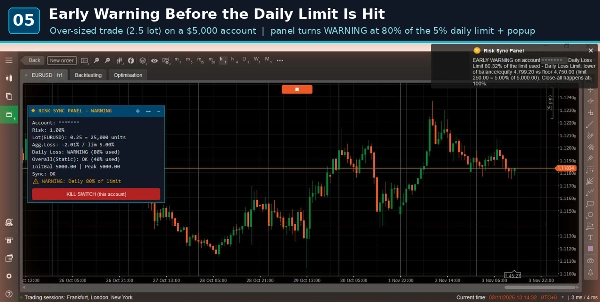
- Early warning: at 80% of any limit (adjustable) the panel turns WARNING and you get an alert while there is still time to step back.
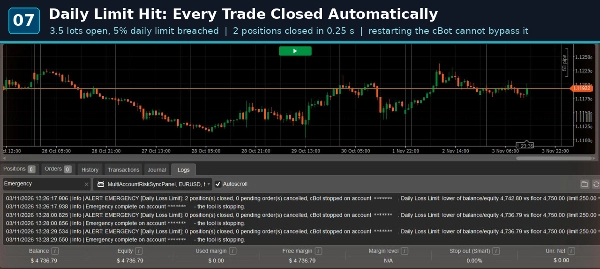
- Automatic close-all: when a limit is reached it closes every position on that account, cancels pending orders (optional), alerts you and stops. Restart it while the limit is still broken and it stops again.
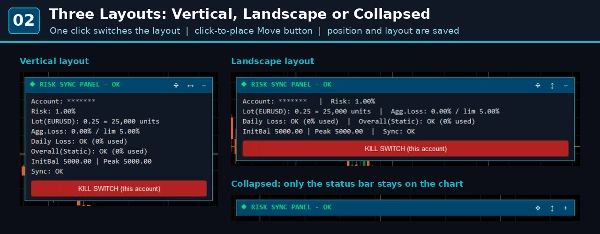
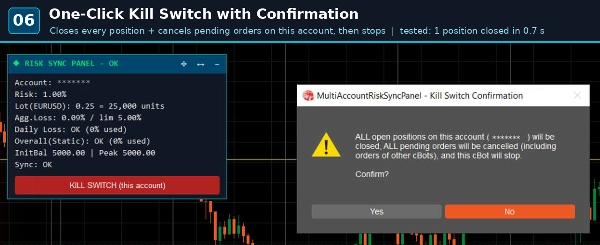
- One-click Kill Switch: closes everything on the account, with a confirmation box first.
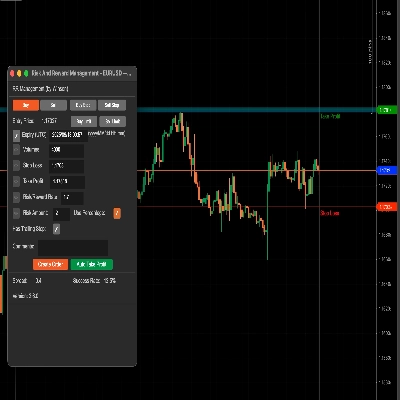
- Lot size calculator: enter your risk % and stop-loss in pips and the panel shows the right lot size. It only calculates; you place the order.
- Alerts: popup, sound, Telegram or email. Warnings and close-all alerts show the exact numbers (equity, floor and limit).
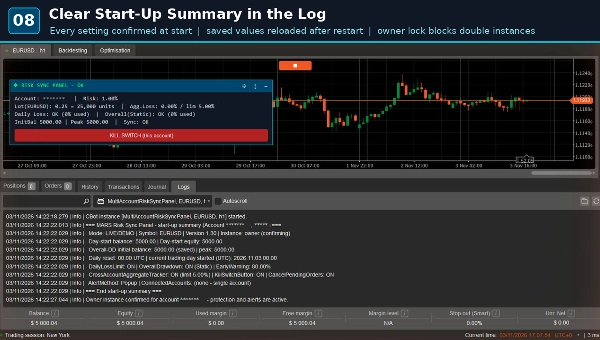
- Remembers day-start balance, initial balance and peak after a restart. Deposits and withdrawals are never counted as profit or loss.
- Two charts on the same account by mistake? Only one acts, the other switches to display-only.
- Panel: vertical, landscape or collapsed, placed anywhere on the chart.
How to Use
- Attach the cBot to any chart of the account you want to protect, one running copy per account.
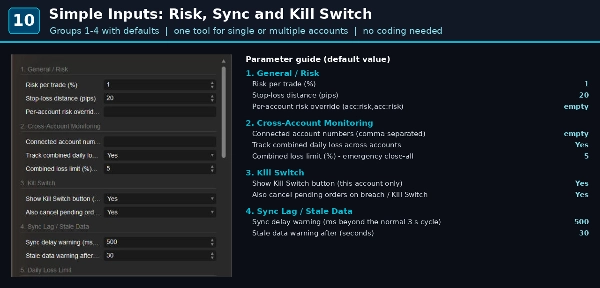
- Enter your firm's limits: daily loss, max drawdown, reset hour and time zone. Joined a challenge part-way? Type in the initial balance and peak.
- Running several accounts? Put the cBot on each one and list the other account numbers. Accounts on the same PC or VPS link up, in one cTrader or in separate broker terminals.
- Choose how you want to be alerted and let it run. After restarting cTrader, press Start and it carries on with its saved values.
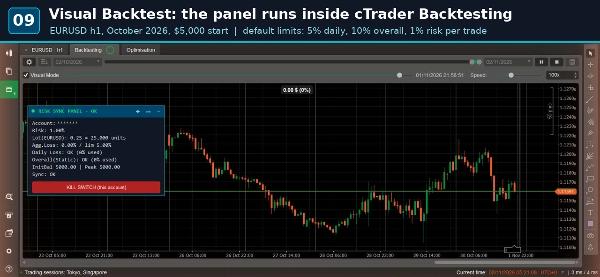
Works on any symbol and timeframe, and in visual backtesting.
Important Notice
Trading involves risk. Past performance does not guarantee future results. This is an independent tool, not affiliated with or endorsed by any prop firm; set the parameters to match your firm's rules. Test it on a demo account first.