


Deskripsi
QuickSmart One-Click Indicator — Klik. Klik. Risiko Pintar.
Alat GRATIS yang membuat manajemen risiko yang tepat menjadi mudah dan benar-benar menyenangkan di cTrader.
Cara kerjanya:
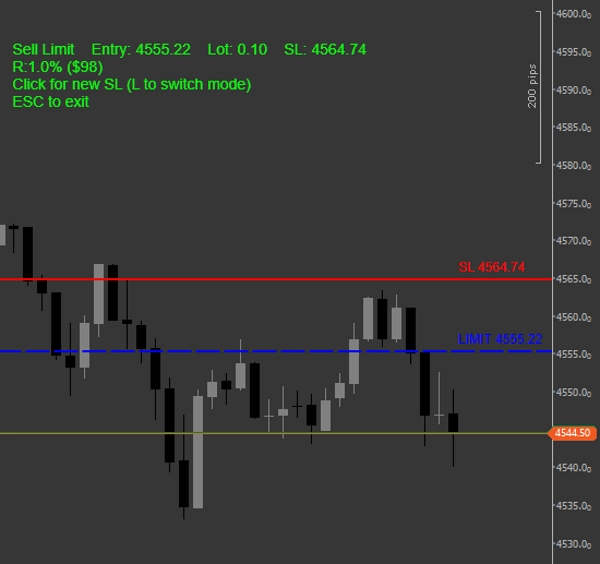
• Tekan ESC untuk mengaktifkan
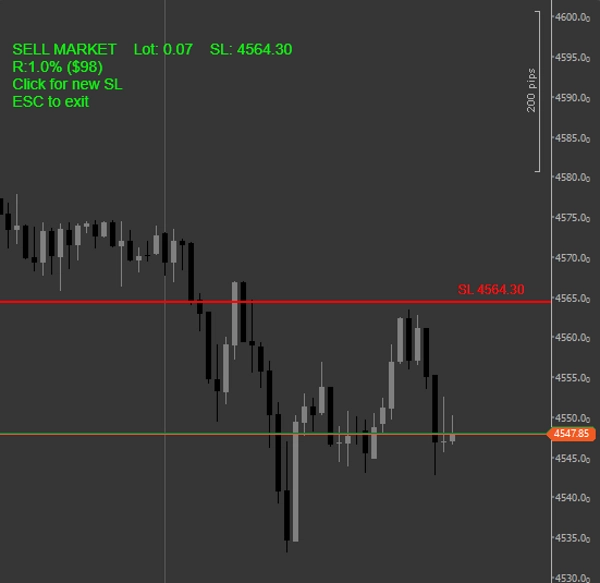
• Klik Stop Loss yang diinginkan pada grafik
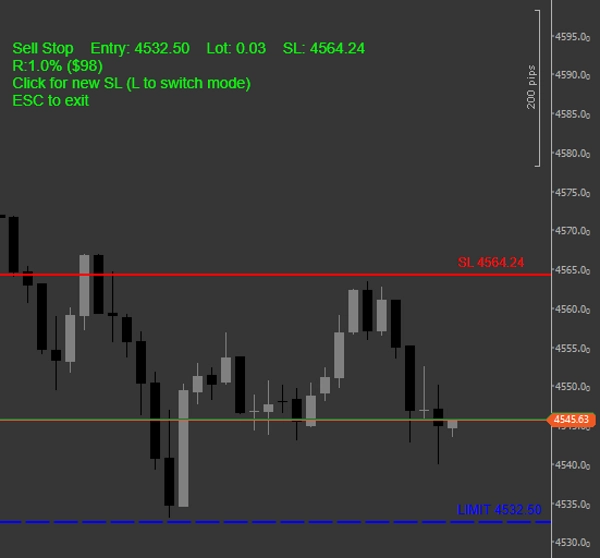
• Dalam mode Limit/Stop, klik harga Entry Anda berikutnya
Langsung lihat semua yang Anda butuhkan:
• Ukuran lot tepat untuk % Risiko yang Anda pilih
• Jumlah risiko dalam dolar
• Jenis order (Buy/Sell Market, Buy Stop, Buy Limit, Sell Stop, Sell Limit)
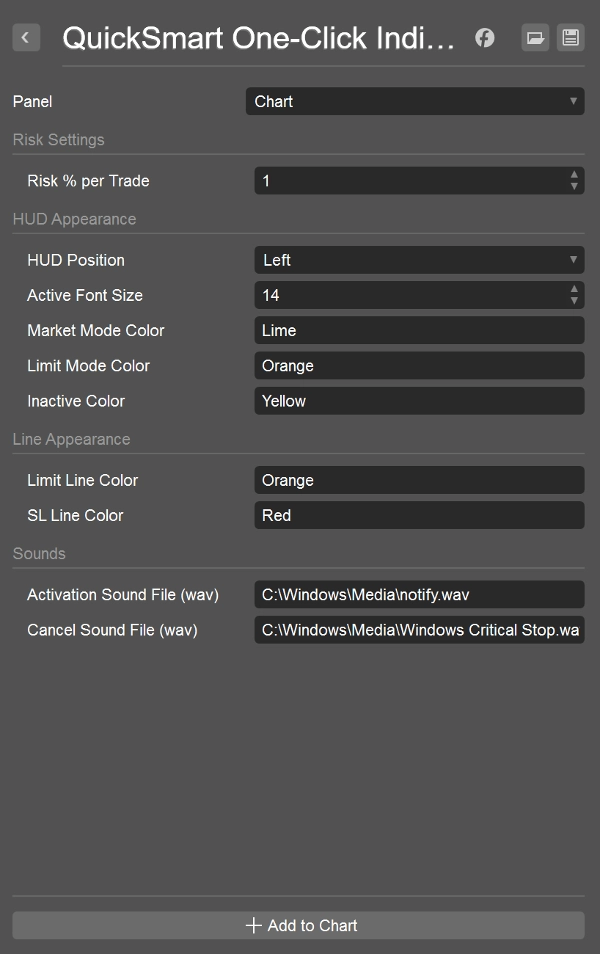
• HUD yang bersih dan indah dengan warna kustom
• Garis horizontal persisten + label untuk SL dan Entry
Beralih antara mode Market dan Limit/Stop secara instan dengan tombol L. ESC untuk keluar.
Fitur:
• Penentuan ukuran posisi satu klik dengan kontrol risiko sempurna
• Dukungan penuh untuk order Market, Limit, dan Stop
• HUD profesional + garis konfirmasi visual
• Suara aktivasi dan alur kerja yang lancar
• Warna dan ukuran font yang dapat disesuaikan
• Bekerja pada simbol dan timeframe apa pun
Sangat memuaskan untuk digunakan — tidak perlu kalkulator lagi, tidak perlu hitung mental lagi, tidak ada risiko yang tidak konsisten.
Alat Pendamping:
QuickSmart One-Click Entry cBot membawa langkah lebih jauh dengan benar-benar menempatkan order untuk Anda (tersedia dengan uji coba bebas risiko selama 7 hari).
Sempurna untuk trader yang menginginkan manajemen risiko yang konsisten, visual, dan mudah di cTrader.
Unduh sekarang — sepenuhnya gratis.
Ringkasan
Ulasan pelanggan
Diskusi
Pertanyaan umum
Produk lain dari penulis ini












Harga