Killzone-Indicator
Indicatore
Versione 1.0, Apr 2026
Windows, Mac
4.0
Recensioni: 1
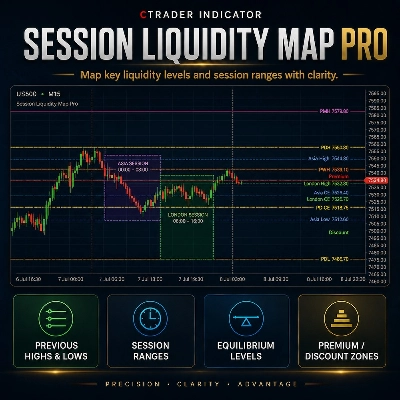
Trading product for Killzone-Indicator Indicatore Forex Breakout, image 2
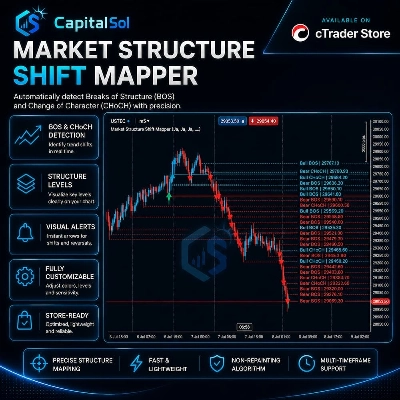
Trading product for Killzone-Indicator Indicatore Forex Breakout, image 3
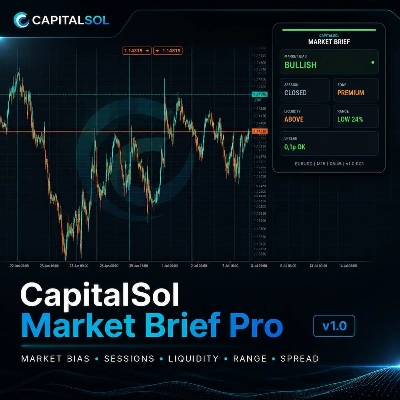
Trading product for Killzone-Indicator Indicatore Forex Breakout, image 4

Descrizione

Indicatore Sessione Killzone — Asia · Londra · New York · NY PM

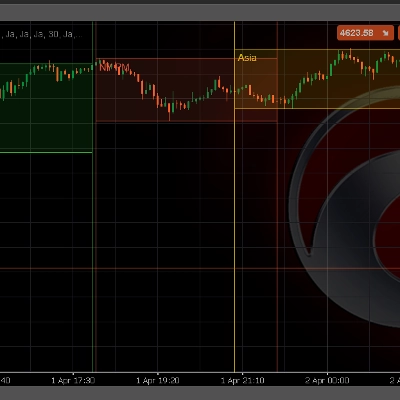
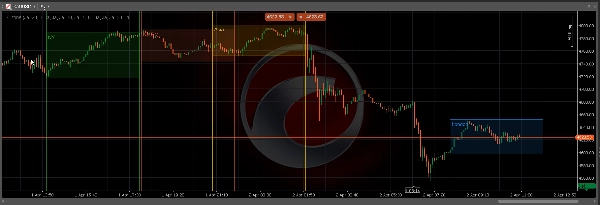
Evidenzia automaticamente tutte e quattro le principali sessioni ICT Killzone direttamente sul tuo grafico cTrader. Nessun disegno manuale, nessuna finestra persa — l'indicatore calcola e mostra ogni zona di sessione in tempo reale.

─────────────────────────────

CARATTERISTICHE PRINCIPALI

─────────────────────────────

► Quattro Sessioni

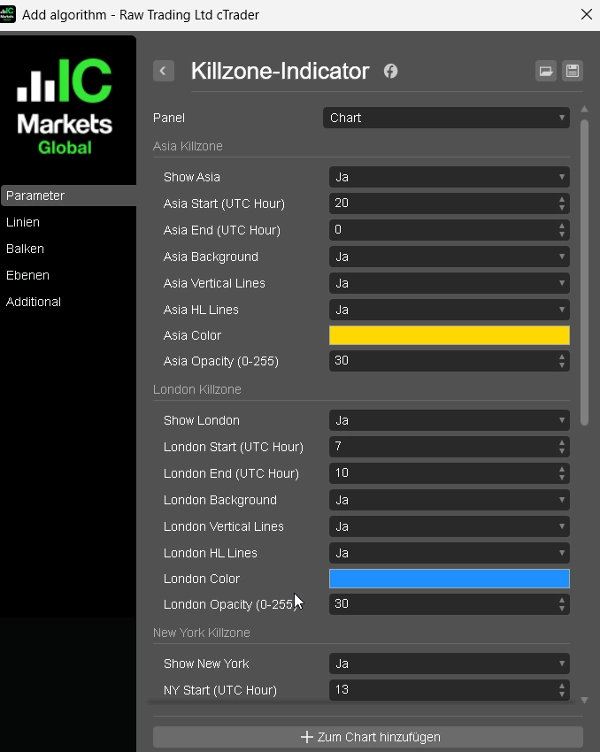
Asia, Londra, New York e New York PM — ogni sessione è completamente indipendente con il proprio orario di inizio, orario di fine, colore e interruttore.

► Evidenziazione di Sfondo

Rettangolo riempito opzionale per ogni zona di sessione — identifica istantaneamente la Killzone attiva su qualsiasi timeframe.

► Linee di Massimo / Minimo

Linee orizzontali chiare al Massimo e Minimo della sessione — i livelli chiave per manipolazione, inversione e conferma di ingresso.

► Linee Verticali di Confine

Linee verticali opzionali all'apertura e chiusura della sessione — per una separazione visiva pulita tra le sessioni.

► Scelta Libera del Colore

Ogni sessione ha il proprio selettore colore nativo di cTrader con opacità regolabile (0–255).

► Lookback Configurabile

Disegna fino a 60 giorni di zone di sessione storiche — ideale per backtesting e analisi delle sessioni.

─────────────────────────────

ORARI DI SESSIONE PREDEFINITI (UTC)

─────────────────────────────

Asia → 20:00 – 00:00

Londra → 07:00 – 10:00

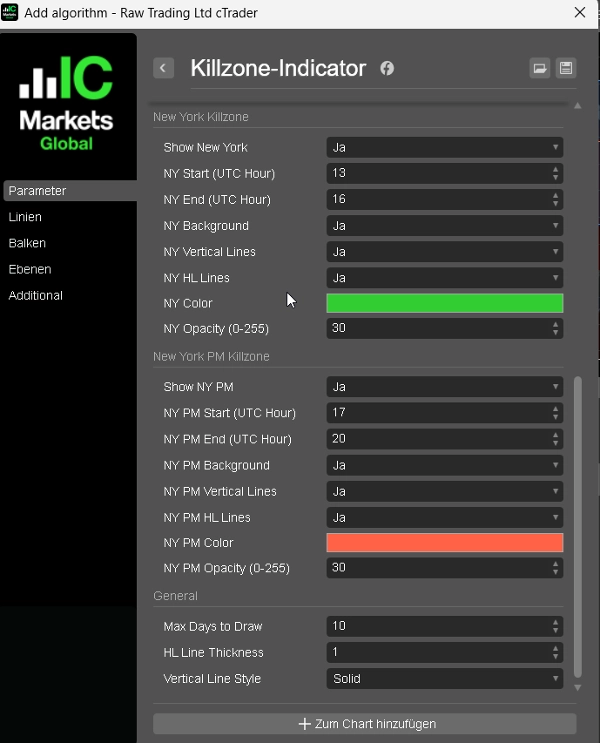
New York → 13:00 – 16:00

NY PM → 17:00 – 20:00

Tutti gli orari sono completamente regolabili per corrispondere all'orario del server del tuo broker.

─────────────────────────────

COME USARE

─────────────────────────────

1. Collega l'indicatore a qualsiasi grafico e timeframe.

2. Regola gli orari delle sessioni per corrispondere all'orario del server del tuo broker (UTC di default).

3. Abilita o disabilita Sfondo, Linee Verticali e Linee HL per ogni sessione.

4. Scegli il colore e l'opacità preferiti per ogni sessione.

5. Imposta Max Days per controllare quante sessioni storiche vengono disegnate.

I livelli di Massimo e Minimo della sessione sono i tuoi principali punti di riferimento — usali per ingressi Killzone, posizionamento stop e obiettivi di liquidità.

─────────────────────────────

IDEALE PER

─────────────────────────────

✔ Trader ICT / SMC che lavorano con i concetti Killzone

✔ Analisi di manipolazione e inversione basata sulla sessione

✔ Trading di confluenza con Order Block e Fair Value Gap

✔ Trader FTMO / prop firm che necessitano di una struttura di sessione chiara

─────────────────────────────

COMPATIBILITÀ

─────────────────────────────

Piattaforma : cTrader (Windows & Mac)

Linguaggio : C# / cAlgo

Timeframe : Tutti (M1 a W1)

Strumenti: Forex, Oro, Indici, Cripto

Riepilogo

Riepilogo AI
The Killzone Session Indicator for cTrader automatically highlights four major ICT Killzone trading sessions—Asia, London, New York, and New York PM—directly on your chart in real time. Each session is independently configurable with customizable start and end times, colors, and toggles. The indicator visually marks session zones with optional background highlights and vertical boundary lines for clear separation. It also plots horizontal lines at each session’s high and low levels, which serve as key reference points for manipulation, reversal, and entry confirmation. Users can adjust opacity and colors per session and set a configurable lookback period to display up to 60 days of historical session zones, aiding in backtesting and analysis. The default session times are set in UTC but can be adjusted to match any broker’s server time. Compatible with all timeframes (M1 to W1) and instruments including Forex, Gold, Indices, and Crypto, this indicator supports traders employing ICT, Smart Money Concepts, order flow, and session-based strategies. It is designed for use on the cTrader platform (Windows and Mac) and coded in C# (cAlgo).
Profilo indicatore
Categoria indicatore
Struttura del mercato (SMC)
Tipo di output
Visualizzazione
Requisiti per i dati
Solo barre
Segnali supportati
Superamento
Rottura
Inversione
Livello rotto
Intervallo di apertura della sessione

Recensioni dei clienti

4.0
Recensioni: 1
5
0 %
4
100 %
3
0 %
2
0 %
1
0 %
Recensioni dei clienti
April 5, 2026
The decision feels less rushed, but the stop still matters.

Discussioni

Domande frequenti

Forex
Breakout
Indices
EURUSD
Commodities
GBPUSD
NZDUSD
Prop
Fair Value Gap
SMC
Stocks
XAUUSD
NAS100
USDJPY
I prodotti disponibili tramite cTrader Store, inclusi bot di trading, indicatori e plugin, sono forniti da sviluppatori terzi e resi disponibili esclusivamente a scopo informativo e di accesso tecnico. cTrader Store non è un broker e non fornisce consulenze in materia di investimento, raccomandazioni individualizzate o garanzie di risultati futuri.

Altro da questo autore

Indicatore
SMC
Prop
+6
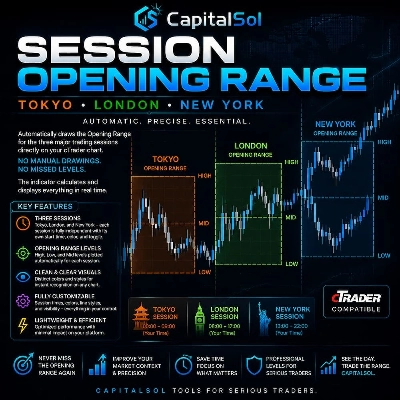
Automatically draws the Opening Range (High & Low) for Tokyo, London, and New York sessions. Configurable start times,
Indicatore
BOS
Key Levels
+2
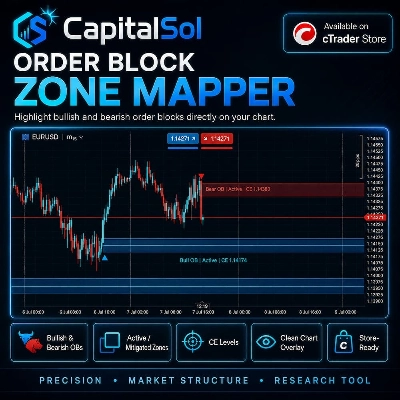
Maps bullish and bearish order block zones, CE levels and structure-based price action context.
Indicatore
Liquidity Grab
Liquidity Sweep
+2
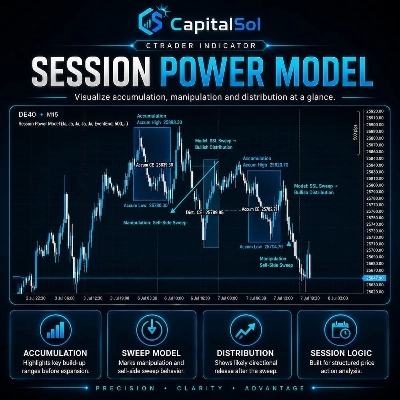
Visualizes accumulation ranges, manipulation sweeps and distribution phases on your cTrader chart.
Indicatore
EMA
RSI
+2
Compact premium cTrader dashboard for market bias, sessions, premium/discount context, liquidity direction, ADR range an
Indicatore
MSS
Key Levels
+2
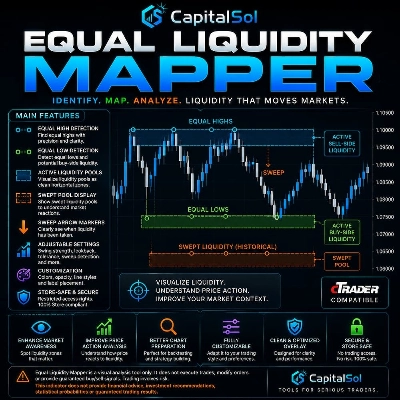
Maps equal highs, equal lows and active liquidity pools directly on your cTrader chart.
Indicatore
MSS
Key Levels
+4
Maps session ranges, previous highs/lows, equilibrium and premium/discount zones on your cTrader chart.
Indicatore
BOS
MSS
+3
Maps BOS, CHoCH, swing breaks and market structure shifts directly on your cTrader chart.

Potrebbe interessarti anche

Indicatore
Prop
Forex
+4
Fractals is a precision-engineered trading indicator for cTrader that reveals the hidden architecture of price action.
Indicatore
AI
SMC
+5
Complete ICT Killzones: 5 sessions, easy colors, transparency controls & session info. Professional timing for cTrader.
Indicatore
Prop
VWAP
+12
FBX VWAP Anchored — Professional VWAP
Indicatore
Forex
cTrader ZigZag Alerts: Precision Swing Detection, Alerts, and Fibonacci.
Indicatore
AI
ATR
+10
FX Sniper: Multi-pair Forex analysis tool. Features trend logic, adaptive pivots, and momentum filtering for major pairs
Indicatore
VWAP
Volume
+2
VWAP Stdev Heatmap: Advanced daily VWAP with 5-tier standard deviation bands and dynamic candlestick coloring.
Indicatore
VWAP
Volume
+3
Don't trust static support and resistance levels, this indicator combines Fibonacci and VWAP in one powerful tool.
Indicatore
AI
Grid
+10
Crossover Buy and Sell Alerts and signals
Indicatore
Key Levels
Liquidity Grab
+3
Visual market context dashboard showing bias states, CE positioning, session status and sweep context.
Indicatore
AI
SMC
+15
Multi-Timeframe Swing Points Indicator for cTrader that identifies swing highs and lows on both the current timeframe.
Indicatore
Supertrend
Adaptive MA anchored to structural trend changes — no fixed period. Dual Supertrend + swing detection.
Indicatore
SMC
Prop
+4
📈 Trading Sessions Indicator — London, New York & Tokyo Visualize Key Market Sessions + High/Low Levels with Precision
Indicatore
CandleCounterAlex – Candle Cycle Counter with Colors and Adjustable Position.
Indicatore
MSS
Key Levels
+2
Maps equal highs, equal lows and active liquidity pools directly on your cTrader chart.
Indicatore
MACD
Signal
Enhance your trading strategy with our customizable TradingViewMACD indicator. Optimize and elevate your market analysis
Indicatore
AI
ATR
+27
Trade the Trend Flip. Control the Risk. 🎯📈”
Indicatore
ATR
RSI
+17
Turn data into precision trades with AlphaTrend Pro Max — advanced trend, signal & structure analysis in one.
Indicatore
Forex
BTCUSD
+11
Visualize trends with Standard Deviation Channel! Display median, and add customizable upper/lower deviation channels.

Prezzo