설명
기능별 세부 분석
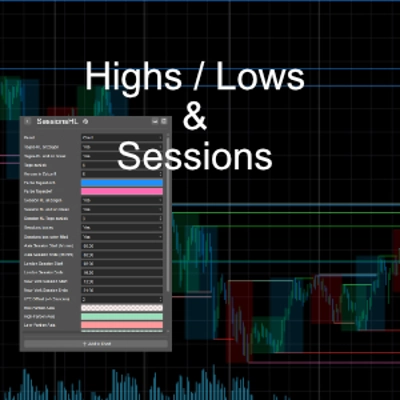
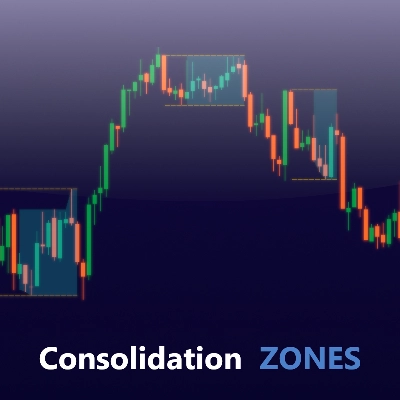
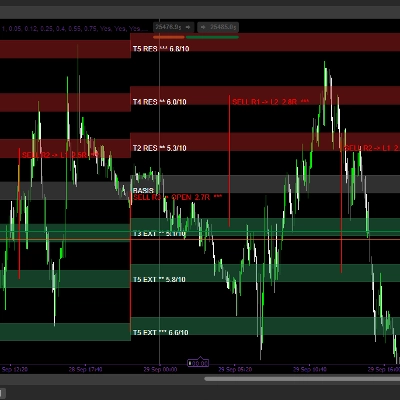
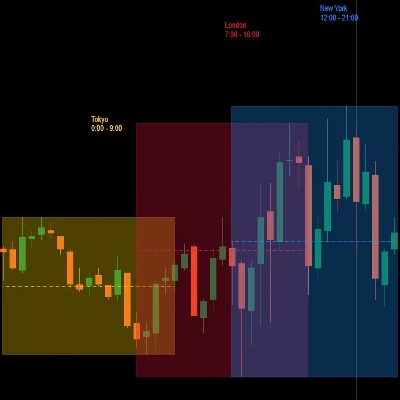
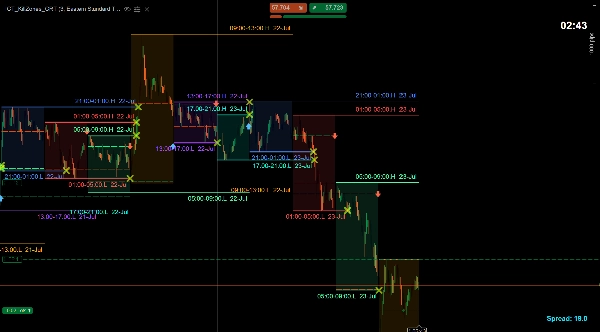
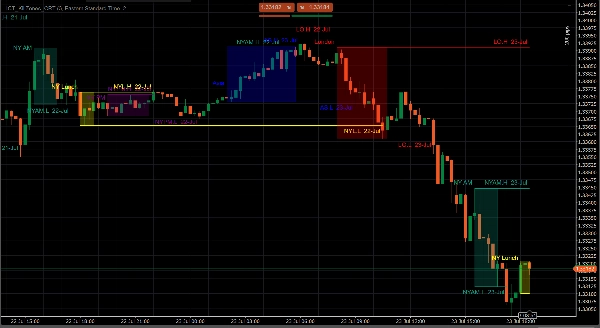
① ICT 킬존(세션 박스) 지표의 핵심 엔진입니다. ICT가 정의한 네 개의 고확률 거래 창 위에 투명한 색상 박스를 그립니다:
- 아시안 킬존 — 조용한 축적 구간으로 주간 범위를 설정합니다
- 런던 오픈 — 높은 변동성 확장 구간으로 대부분의 일일 움직임이 여기서 시작됩니다
- 뉴욕 오전 — 두 번째 주요 확장 구간으로 런던 마감과 겹칩니다
- 뉴욕 오후 — 낮은 확신도와 함정이 많은 세션 각 박스는 세션의 고가와 저가를 수평 피벗선으로 표시합니다. 이 피벗을 스윕하고 반전하는 가격은 핵심 ICT 진입 신호입니다.
② 킬존 분할 각 세션 박스는 최대 6개의 하위 구간으로 나눌 수 있으며, 세션 내에서 균형 수준(50%)과 사분면 수준(25/75%)을 생성합니다. 이들은 가격의 자석 목표 역할을 합니다.
③ 킬존 완화(크로스 + 글로우) 가격이 세션 피벗을 다시 스윕할 때 해당 수준에서 시각적 글로우 펄스가 발생하여 트레이더에게 완화가 진행 중임을 알립니다. 크로스 마커는 스윕 캔들에 영구적으로 그려집니다.
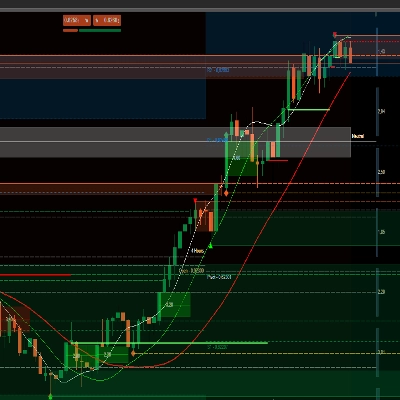
④ 공정 가치 갭(FVG / IFVG) 모든 타임프레임에서 자동으로 FVG 사각형을 감지하고 그립니다:
- 🟩 강세 FVG — 가격이 채우지 않은 매수 측 유동성이 남아 있는 3캔들 불균형
- 🟥 약세 FVG — 매도 측 불균형
- IFVG — 완화되고 반전된 FVG(현재는 반대 자석 역할) FVG는 가장 많이 사용되는 ICT 진입 모델로, 자동 그리기는 빠른 가격 움직임 중 중요한 시간을 절약합니다.
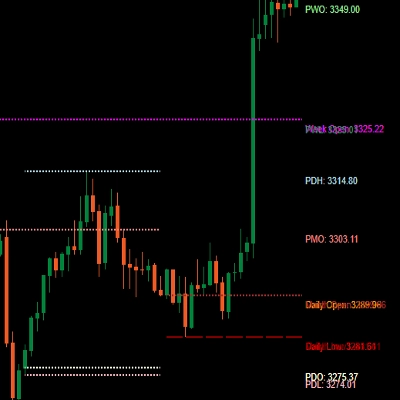
⑤ 고가/저가 범위(10개 구성 가능 수준) 최대 10개의 명명된 범위 수준을 동시에 그릴 수 있습니다:
- 전일 고가/저가
- 전주 고가/저가
- 전월 고가/저가
- 일간/주간/월간 시가
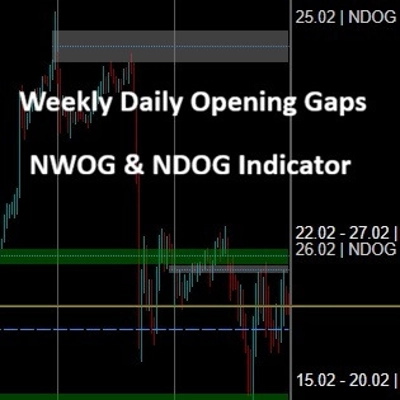
- NDOG(신규 일간 개장 갭) / NWOG(신규 주간 개장 갭) 각 수준은 독립적으로 색상과 스타일이 지정되어 차트에 완전한 프리미엄/유동성 지도를 제공합니다.
⑥ 1시간 및 4시간 세션 고가/저가 시간별 및 4시간 세션 고가와 저가를 깔끔한 수평선으로 표시하며, 이는 일중 스캘핑에 사용되는 가장 세밀한 구조적 참조 수준입니다.
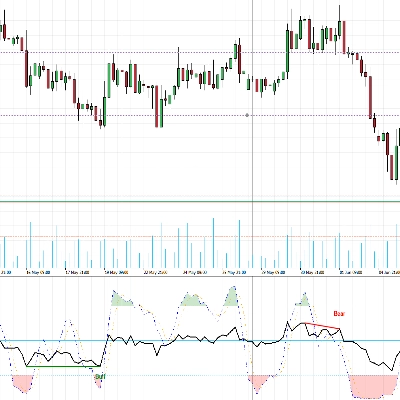
⑦ 캔들 타이머 현재 캔들이 닫힐 때까지 남은 초를 실시간으로 보여주는 카운트다운으로, 닫힘 직전에 진입하여 설정이 무효화되는 것을 방지하는 데 필수적입니다.
⑧ 실시간 스프레드 표시 사용자 지정 색상, 글꼴, 위치의 플로팅 스프레드 표시로, 트레이더가 진입 전에 비용을 알 수 있도록 실시간 매수/매도 스프레드를 보여줍니다.
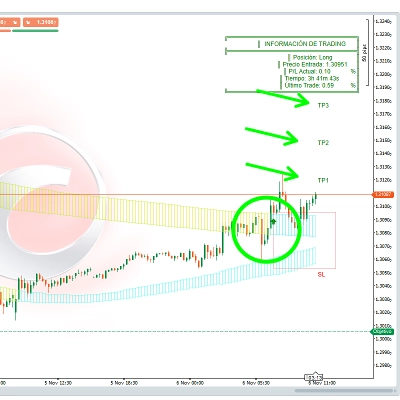
⑨ 알림 시스템 수준이 스윕될 때 발동하는 가격 알림으로, 트레이더가 차트를 계속 지켜볼 필요가 없습니다.
요약
It features a mitigation alert system that visually signals when price sweeps back through session pivots, aiding in trade timing. The tool automatically detects and displays Fair Value Gaps (FVGs) across all timeframes, distinguishing bullish, bearish, and mitigated/inverted FVGs, which are critical ICT entry signals.
Additional functionalities include plotting up to 10 configurable high/low range levels (daily, weekly, monthly highs/lows and opens, plus opening gaps), hourly and 4-hour session highs and lows for intraday reference, a live candle timer showing seconds until candle close, and a customizable live spread display. An alert system notifies traders when key levels are swept, reducing the need for constant chart monitoring.
This indicator supports market structure and smart money concepts by visually integrating key levels, liquidity sweeps, breaks of structure, and other ICT-related elements to assist in precise trade analysis and execution.
상담
고객 리뷰
5 | 0 % | |
4 | 100 % | |
3 | 0 % | |
2 | 0 % | |
1 | 0 % |