
EGOs HF Sticky Note
Indikator
Version 1.0, Aug 2026
Windows, Mac

14
Kostenlose Installationen
Beschreibung
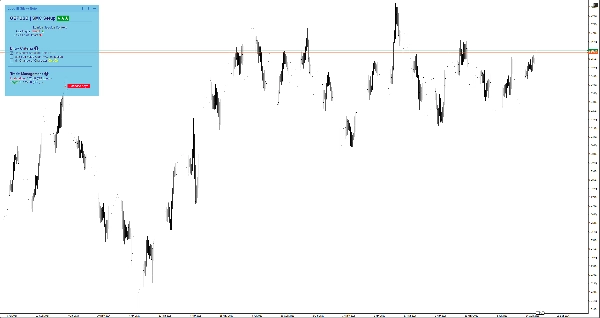
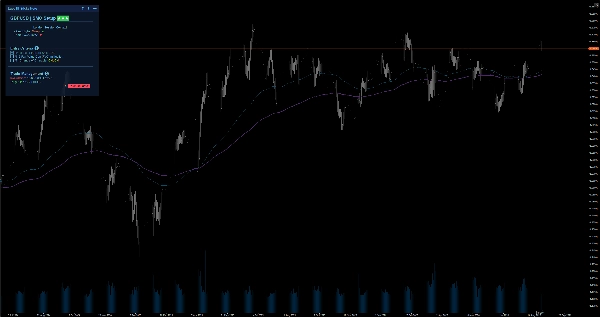
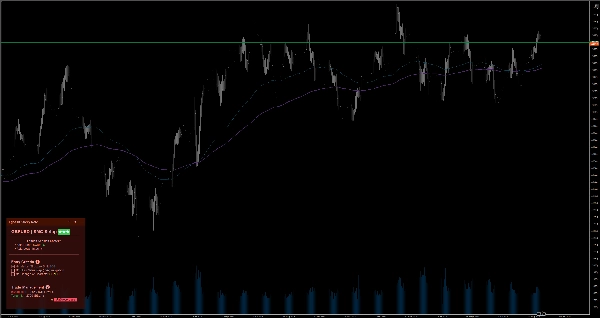
Behalten Sie Ihren Fokus mit intelligenten Notizen direkt im Chart. Enthält Markdown, 6 Designs und automatische Speicherung pro Symbol für manuelles Trading.
Beim Herunterskalieren von einem Monats- auf ein 1-Minuten-Chart verliert man leicht den Überblick und trifft emotionale Entscheidungen. EgosHf Sticky Note löst dieses Problem, indem es Ihre Regeln, Checklisten und HTF-Bias direkt auf Ihrem Arbeitsbildschirm anheftet.
🎯 Für wen ist das?
Perfekt für manuelle Trader, Price Action/SMC-Anwender und Swing-Trader, die auf strikte Disziplin, Top-Down-Analyse und schrittweise Ausführung setzen.
💡 Typische Anwendungsfälle
- Top-Down-Analyse: Notieren Sie Ihre Tages-/Wochen-Bias, bevor Sie in Ausführungszeitrahmen zoomen, um Gegen-Trend-Fallen zu vermeiden.
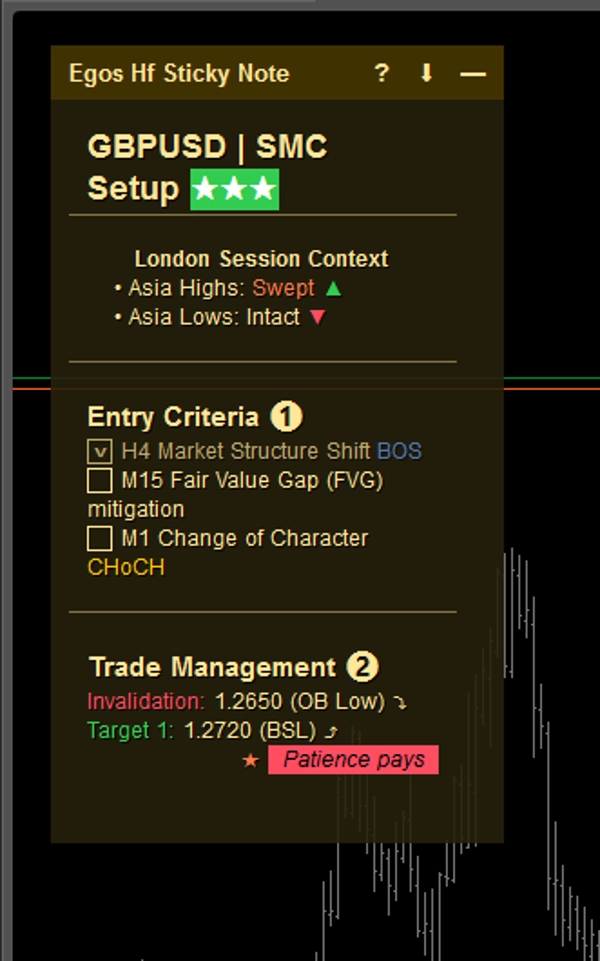
- Einstiegs-Checklisten: Kreuzen Sie spezifische Kriterien ab (z. B. EMA-Ausrichtung, Retest wichtiger Levels), bevor Sie eine Position eröffnen.
- Risikomanagement: Heften Sie Ihre maximalen Tagesverlustgrenzen oder bevorstehende Nachrichten mit hoher Auswirkung genau dort an, wo Sie sie immer sehen können.
⚡ Kernfunktionen & visuelle Interpretation
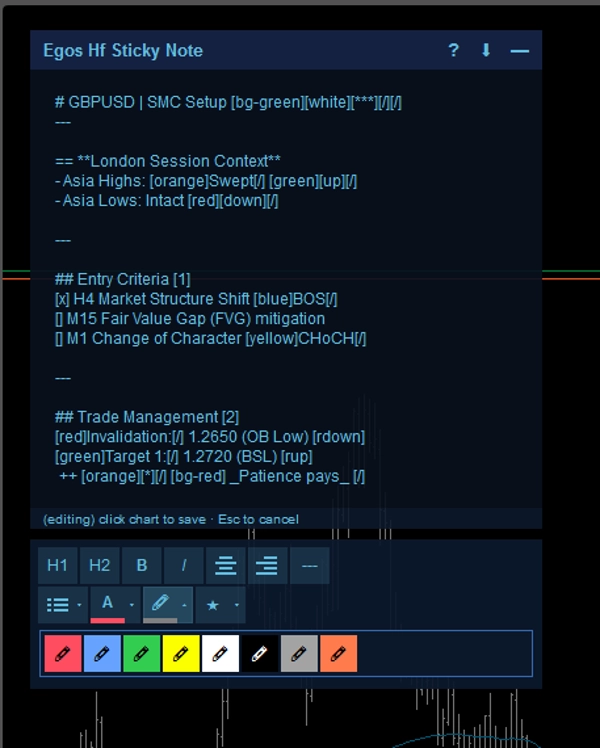
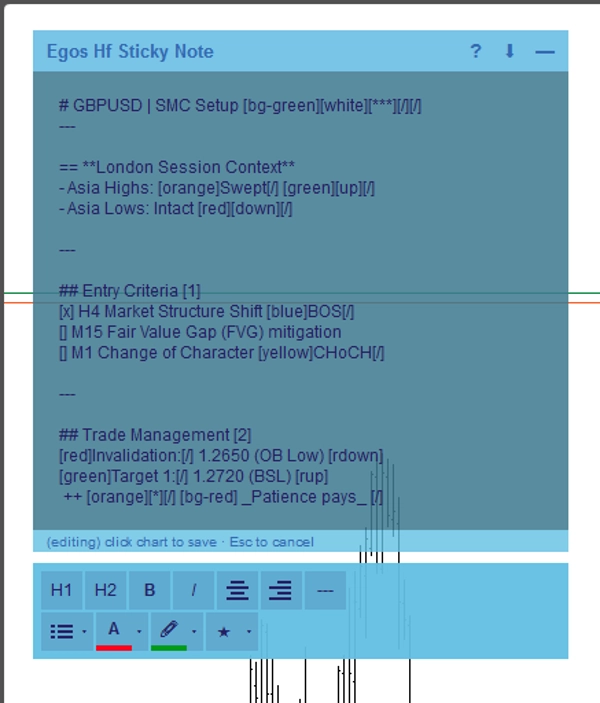
- Markdown-Formatierung: Erstellen Sie strukturierte Notizen mit einfachen Text-Tags. Verwenden Sie
#für Überschriften,[red]oder[bg-yellow]für Farbhighlights und[x]oder[]für interaktive Kontrollkästchen. - Symbol-spezifische Auto-Speicherung: Notizen werden automatisch im lokalen Speicher Ihres Geräts pro Asset gespeichert. Wechseln Sie von EURUSD zu XAUUSD, und Ihre spezifischen Notizen für dieses Symbol werden sofort geladen.
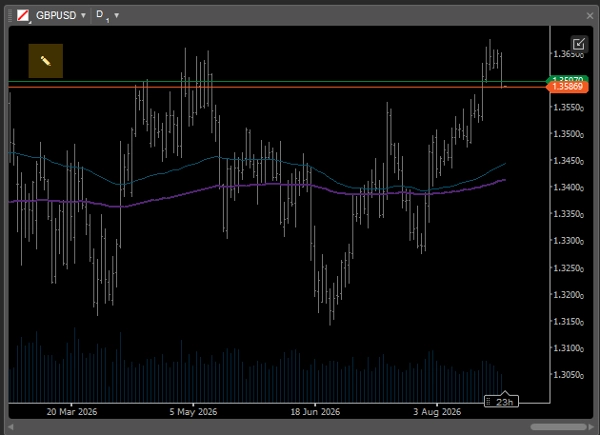
- Intelligente adaptive Benutzeroberfläche: Bei Verwendung von Multi-Chart-Layouts mit begrenztem Bildschirmplatz klappt die Notiz automatisch zu einem minimalistischen
✎Symbol zusammen, sodass sie nie die Kursbewegung blockiert. Sie können sie jederzeit einfach erweitern, um Ihre Aufzeichnungen zu überprüfen. - WYSIWYG-Editor: Doppelklicken Sie auf die Notiz, um die integrierte Symbolleiste für schnelle Textformatierung zu öffnen.
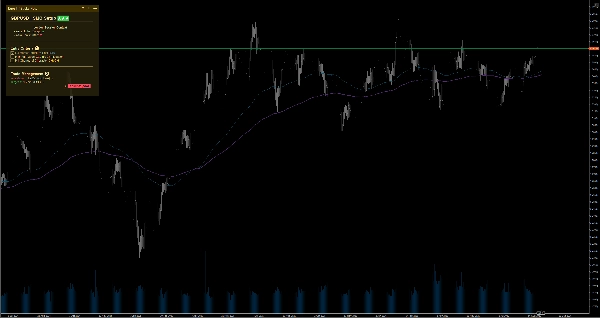
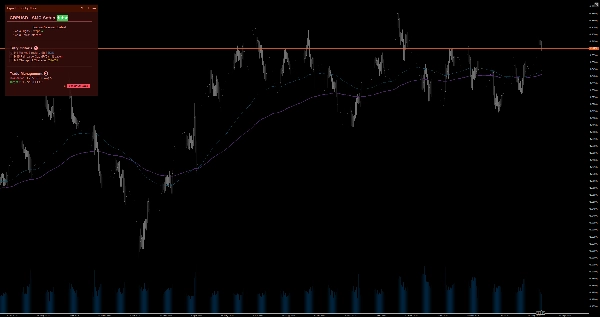
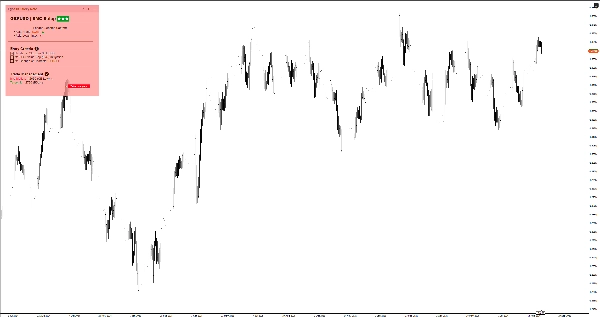
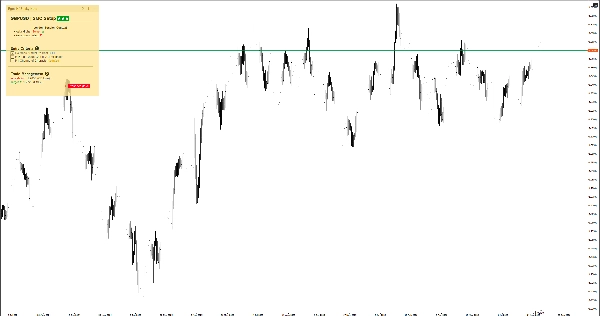
- 6 Farbthemen: Wählen Sie zwischen hellen und dunklen Themen (Gelb, Rot, Blau), die perfekt zu Ihrer Chartvorlage passen, ohne Ihre Augen zu belasten. Doppelklicken Sie einfach auf die Kopfzeile der Notiz, um sofort zwischen den Themen zu wechseln, ohne in die Einstellungen gehen zu müssen.
⚙️ Wichtige Einstellungen & Parameter
- Platzierung: Befestigen Sie die Notiz an einer der 4 Chart-Ecken (Oben links, Oben rechts, Unten links, Unten rechts).
- Automatische Kollaps-Breite (px): Definieren Sie die Chart-Breiten-Schwelle, bei der die Notiz automatisch minimiert wird.
- Standardgröße & Rand: Legen Sie Ihre bevorzugte Standardbreite, -höhe und Randabstände fest.
⚠️ Wichtige Einschränkungen & Hinweise
- Dies ist ein visuelles Hilfsmittel; es analysiert keine Marktdaten, generiert keine Handelssignale und führt keine Trades aus.
- Alle Daten werden lokal auf Ihrem Gerät gespeichert.
Zusammenfassung
AI summary
EGOs HF Sticky Note is a visual utility indicator designed for manual traders, Price Action/SMC practitioners, and swing traders who use disciplined, top-down analysis. It provides smart on-chart notes that help maintain focus by keeping trading rules, checklists, and higher timeframe bias visible directly on the chart. The tool supports Markdown formatting with headers, color highlights, and interactive checkboxes, enabling structured note-taking. Notes are saved automatically per trading symbol in local storage, allowing seamless switching between assets with symbol-specific notes loading instantly.
The interface adapts to multi-chart layouts by collapsing into a minimal icon to avoid obstructing price action, expandable on demand. A built-in WYSIWYG editor facilitates quick text formatting. Users can choose from six color themes (light and dark variants) to match chart templates. The note can be positioned in any of the four chart corners, with customizable default size, margins, and auto-collapse width threshold.
Typical use cases include documenting daily/weekly bias for top-down analysis, ticking off entry criteria checklists, and pinning risk management limits or news warnings. This tool does not analyze market data, generate signals, or execute trades; it functions solely as a customizable, on-chart note-taking utility.
The interface adapts to multi-chart layouts by collapsing into a minimal icon to avoid obstructing price action, expandable on demand. A built-in WYSIWYG editor facilitates quick text formatting. Users can choose from six color themes (light and dark variants) to match chart templates. The note can be positioned in any of the four chart corners, with customizable default size, margins, and auto-collapse width threshold.
Typical use cases include documenting daily/weekly bias for top-down analysis, ticking off entry criteria checklists, and pinning risk management limits or news warnings. This tool does not analyze market data, generate signals, or execute trades; it functions solely as a customizable, on-chart note-taking utility.
Indikatorprofil
Indikatorkategorie
Statistik
Ausgabetyp
Visualisierung
Datenanforderungen
Externe Daten
Kundenbewertungen
0.0
Bewertungen: 0
Kundenbewertungen
Bisher gibt es keine Bewertungen für dieses Produkt. Haben Sie es schon ausprobiert? Dann können Sie die erste Person sein, die andere darüber informiert!
Diskussion
Häufig gestellte Fragen (FAQ)
EMA
Key Levels
RSI
Order Block
Volume
Market Structure
Support & Resistance
Über den cTrader Store verfügbare Produkte, einschließlich Handelsbots, Indikatoren und Plugins, werden von externen Entwicklern bereitgestellt und nur zu Informations- und technischen Zugriffszwecken verfügbar gemacht. cTrader Store ist kein Broker und erbringt keine Anlageberatung, persönlichen Empfehlungen oder eine Garantie für zukünftige Performance.
Mehr von diesem Autor




Preis
14
Kostenlose Installationen