

Penerangan
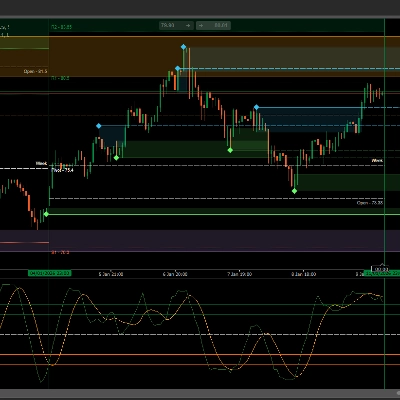
Smart Price Action Concepts brings market structure and price context together on your cTrader chart. Use one interactive dashboard to control internal and swing structure, order blocks, liquidity levels, fair value gaps and a broader market map.
STARTING CHARTS AND USE
Designed for discretionary traders who use market structure and price action to plan chart analysis. EURUSD on H1 is a practical starting point used in the native checks. The illustrated examples also show M15, H4 and H12. Review your chosen instrument, period and broker data on a demo chart.
READ MARKET STRUCTURE
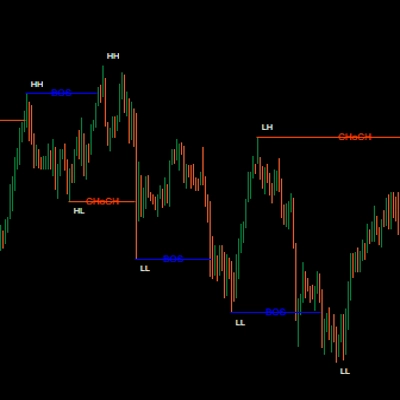
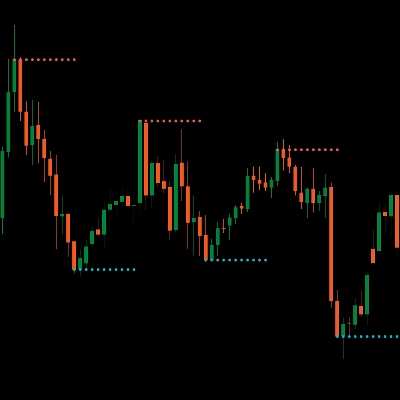
Follow bullish and bearish breaks of structure (BOS), changes of character (CHoCH), swing labels and equal highs/lows. Internal and swing structure can be displayed independently, so you can choose the detail appropriate for your analysis.
SEE THE AREAS THAT MATTER
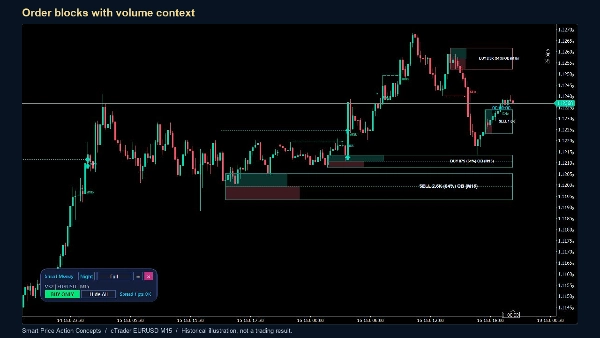
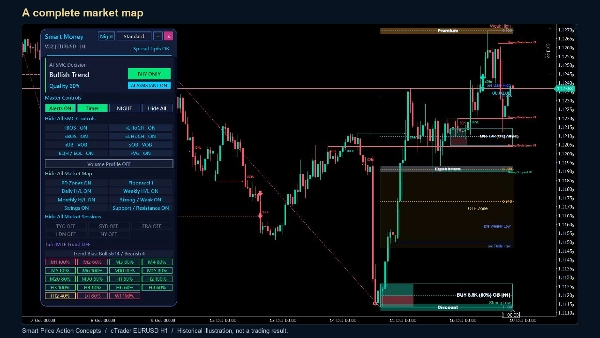
Display order blocks with several presentation modes, including volume information, together with fair value gaps. Premium, equilibrium and discount levels, Fibonacci/OTE areas, previous daily/weekly/monthly highs and lows, strong/weak levels and support/resistance provide additional context. Translucent fills keep the candles visible.
COMPARE TIMEFRAMES
The dashboard combines enabled moving-average, MACD, ADX, Ichimoku and SAR votes and shows multi-timeframe agreement. Its quality percentage measures agreement among those analytical inputs. It is not a probability of profit or a historical win rate. Select a supported timeframe from the panel to change the chart.
CONTROL YOUR WORKSPACE
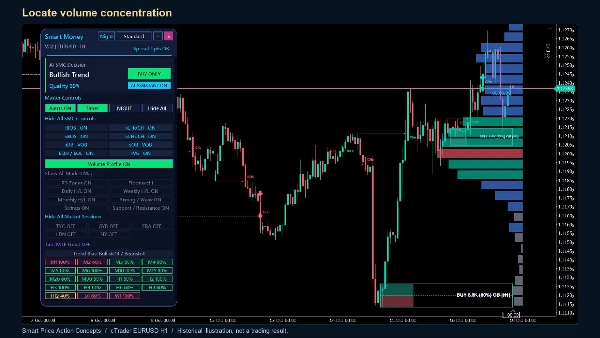
Move or collapse the panel, switch between compact, standard and full layouts, and choose panel and chart themes independently. Show or hide entire groups or individual features. The optional volume profile displays the distribution of chart volume, a point of control and a value area. Session controls display configured market-session ranges.
ALERTS AND SETUP
Attach the indicator to a supported time-based cTrader chart and allow its history to load. Choose the features you want to see and review the alert master switch and individual event settings. Desktop popups, sound and email are configurable; email requires the platform's email setup and valid sender/recipient addresses. Session times use the configured hours and offset. Volume calculations use the volume supplied by the cTrader chart, which is tick volume for this implementation.
IMPORTANT
This is an analytical indicator. It does not place or manage trades. Structure and zones develop as new bars arrive; pivot confirmation can appear on earlier candles, and invalidated zones can be removed. Historical screenshots illustrate the display, not an audited trading record or a promise of results. The panel describes its current calculation context, even when you scroll back through history.
Trading involves risk. Past performance does not guarantee future results.
Ringkasan
Perbincangan
Ulasan pelanggan
Soalan Lazim
Lebih banyak produk daripada penulis ini







Harga
